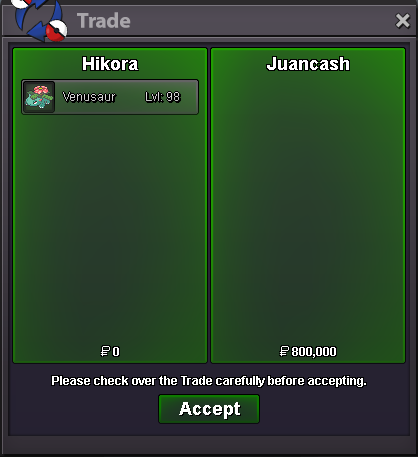
New Trade Zone
Trade Zone is now live
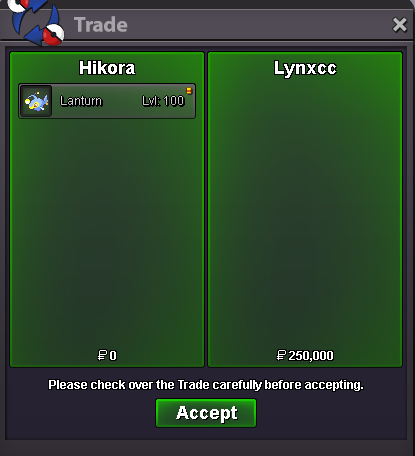
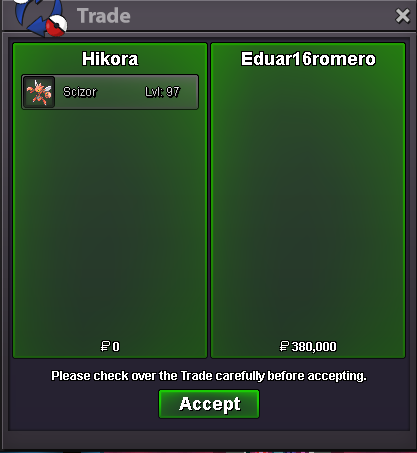
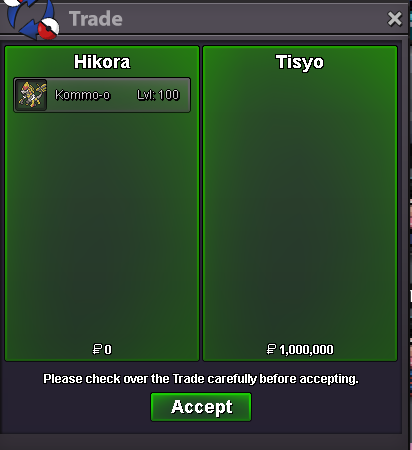
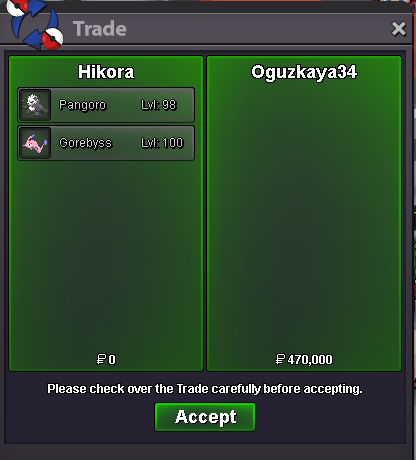
Use the new Trade Zone for auctions and instant-price trades so Pokemon and item offers are easy to find.

Hikora
Registered User
-
Joined
-
Last visited
Everything posted by Hikora
-
8.5m
-
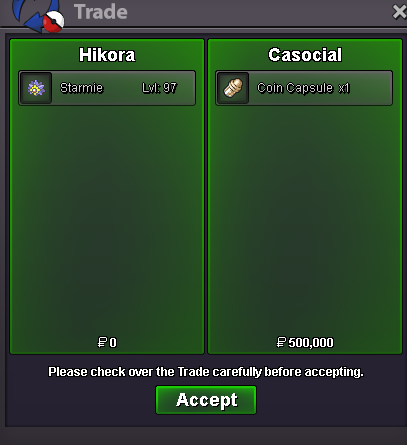
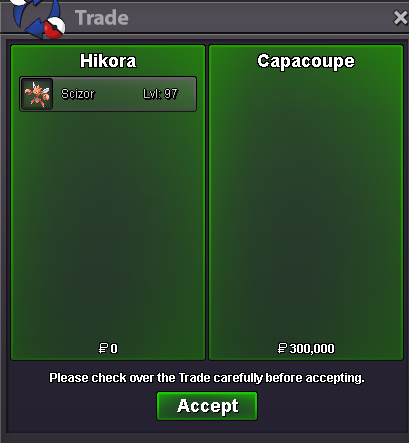
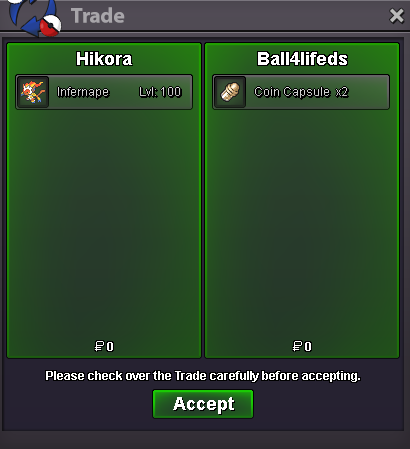
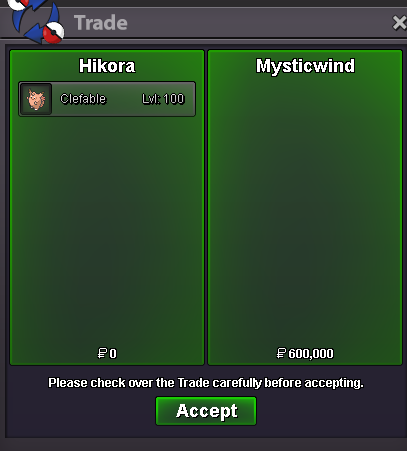
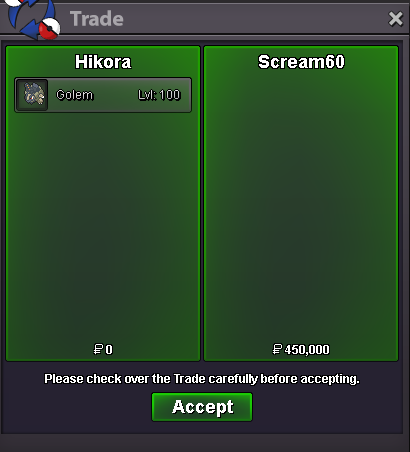
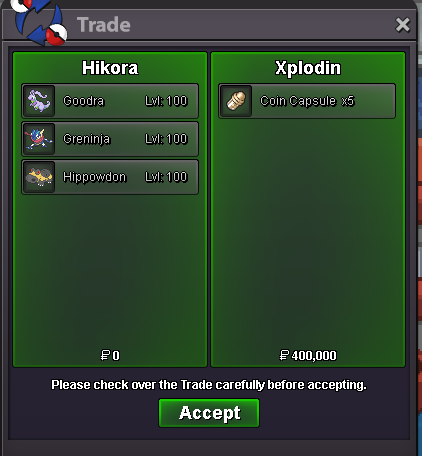
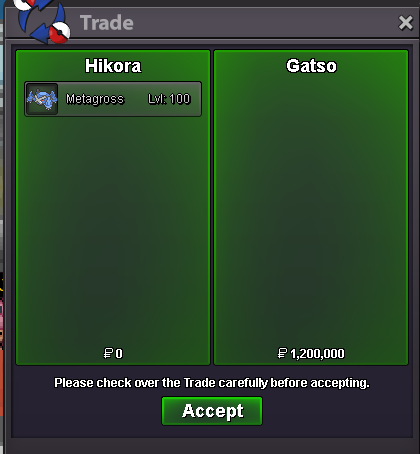
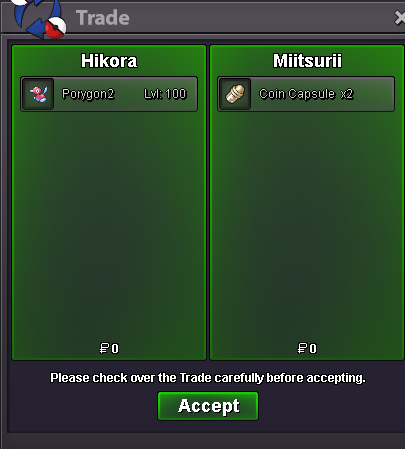
Hey, when can you be online? Ill be on now for a few hours, pm me if u want toIf its max happiness, let him feint once to drop his happiness and try the candy again, I have no clue if this candy will give 5 happiness tho since u already max leveled700k staryu+1Ah I see prices not there, boss pokemons are just 275k each, ill edit it now.3.3m2.75m2m1.7mShop refreshed with a makeover, feel free to check it out!1.5m for bun 1
Account
Navigation
Search
Configure browser push notifications
Chrome (Android)
- Tap the lock icon next to the address bar.
- Tap Permissions → Notifications.
- Adjust your preference.
Chrome (Desktop)
- Click the padlock icon in the address bar.
- Select Site settings.
- Find Notifications and adjust your preference.
Safari (iOS 16.4+)
- Ensure the site is installed via Add to Home Screen.
- Open Settings App → Notifications.
- Find your app name and adjust your preference.
Safari (macOS)
- Go to Safari → Preferences.
- Click the Websites tab.
- Select Notifications in the sidebar.
- Find this website and adjust your preference.
Edge (Android)
- Tap the lock icon next to the address bar.
- Tap Permissions.
- Find Notifications and adjust your preference.
Edge (Desktop)
- Click the padlock icon in the address bar.
- Click Permissions for this site.
- Find Notifications and adjust your preference.
Firefox (Android)
- Go to Settings → Site permissions.
- Tap Notifications.
- Find this site in the list and adjust your preference.
Firefox (Desktop)
- Open Firefox Settings.
- Search for Notifications.
- Find this site in the list and adjust your preference.