




New Trade Zone
Trade Zone is now live
Use the new Trade Zone for auctions and instant-price trades so Pokemon and item offers are easy to find.

Horuto
Registered User
-
Joined
-
Last visited
Everything posted by Horuto
-
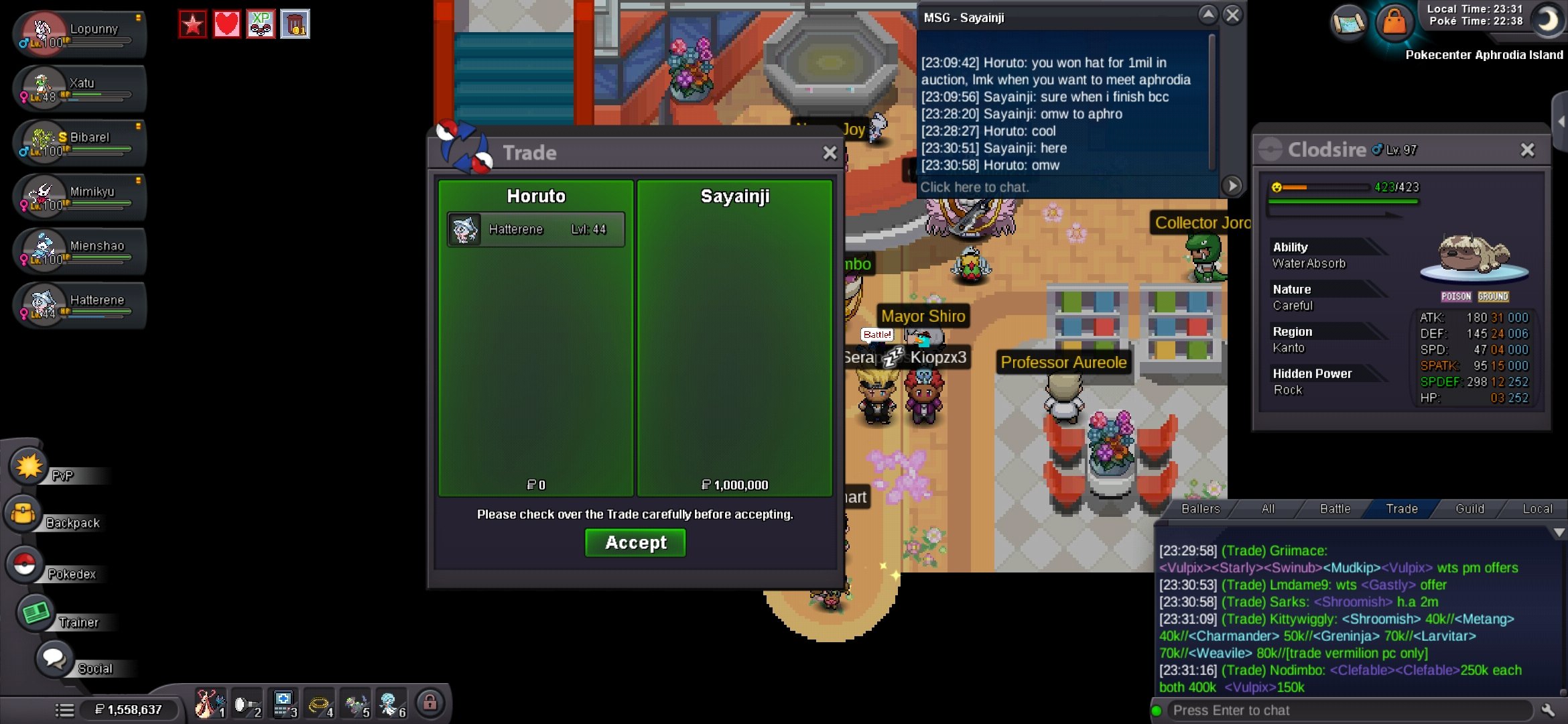
Sayainji has won with the only bid of 1mil. Congrats 👏
-
Sayainji with openeing offer of 1mil 21:31:07 03/12/26

-
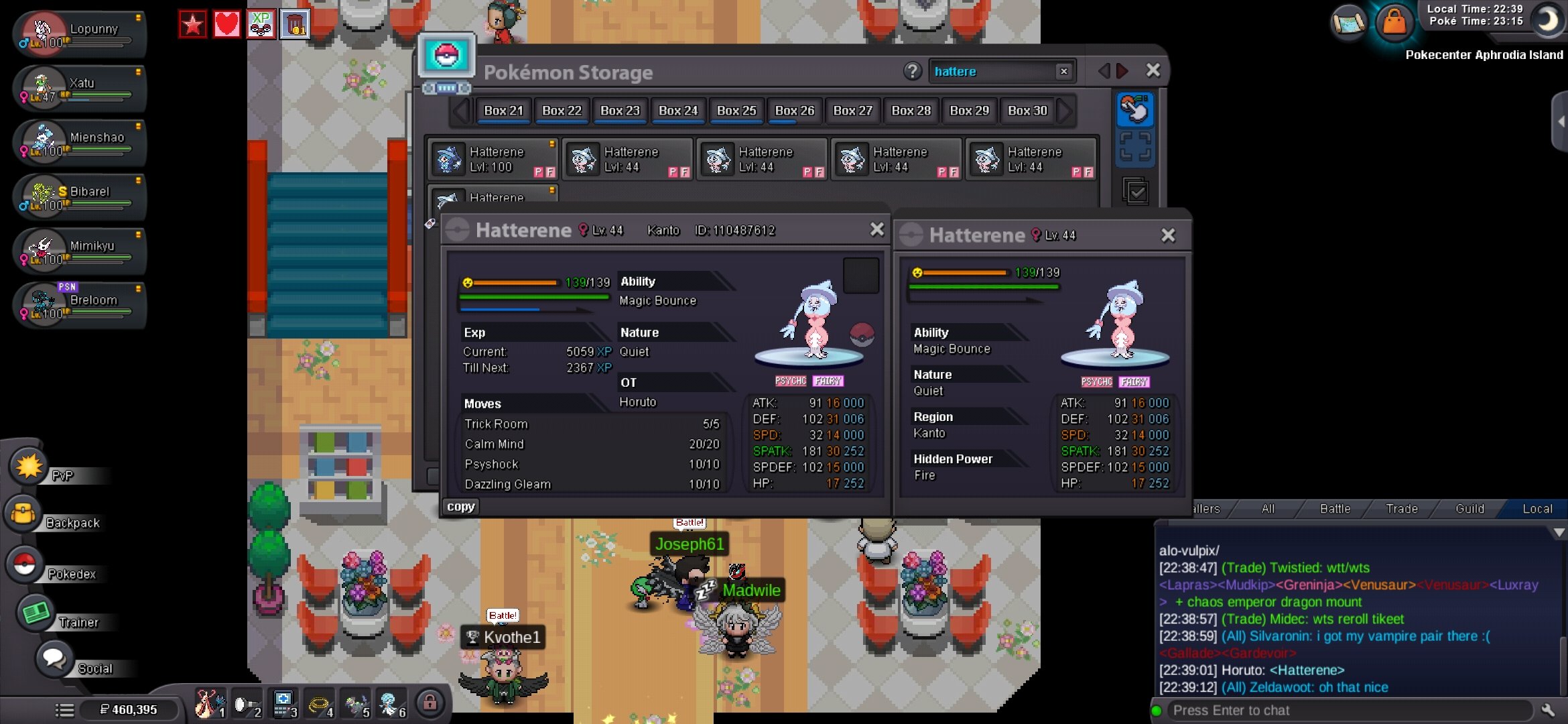
[Pokemon / Item] Hatterene Start Point/Price: 1mil End Point: 48 hours after s.o. is met Insta: 4.5mil Min. Raise: 100k Accepted Payment(s): Moon Ball = 5k, CC = 500k, Rr ticket = 700k, NRr ticket = 350k Edited: 03/12/26 9:05pm CT. Starting offer down from 2.5mil to 1mil End point changed from 2hours after first offer to 48hours after first offer. Insta added from none to 4.5mil. all edits added because no interest(zero offers) in a few days of posting.
-
900k
-
Truly ridiculous behavior on the staffs part. Embarrassing really. Hope you get your v-day smeargle back.
-
[Semi Epic, Quiet TR H.A. 30spatk, 31defense Hatterene/ Semi Epic, Timid, Trace, 29/31 Gardevoir/ High Epic, Timid, H.A. 29/29Alakazam] Starting Price: 20mil bundle End Point: 60 minutes after starting offer Insta: none Min. Raise: 500k Accepted Payment(s): "CC" accepted as 450k, "RR" accepted as 600k, "NRr" accepted as 300k, "moon balls" accepted as 5k each, and "rc" accepted as 6kea.
-
How do you even teach volbeat baton pass?
-
How can I teach baton pass to volbeat?
