New Trade Zone
Trade Zone is now live
Use the new Trade Zone for auctions and instant-price trades so Pokemon and item offers are easy to find.

Nag1
Suspended
-
Joined
-
Last visited
Everything posted by Nag1
-
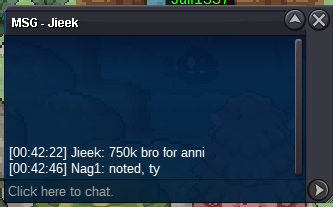
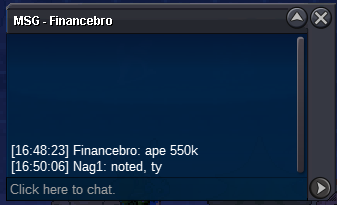
Starting Offer: 200k Minimum Bid Increment: 50k Duration: 24 hours from first valid bid END POINT: 04/29/25 7:10 PM (GMT+8 or PHT) - https://vclock.com/timer/#date=2025-04-29T19:10:00&title=Annihilape+22%2B&sound=xylophone&loop=1 15-minute anti-snipe rule applies (GMT+8 / PHT) Insta: 4m TIMER (GMT+8 or PHT) - CC or Coin Case is accepted at 450k, IV Reroll Ticket at 550k
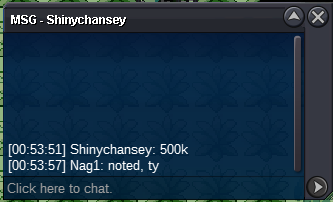
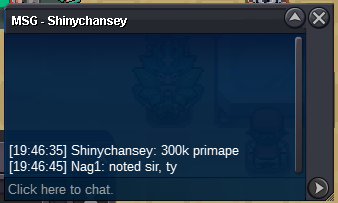
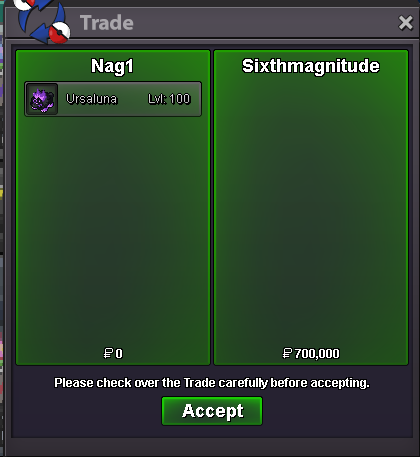
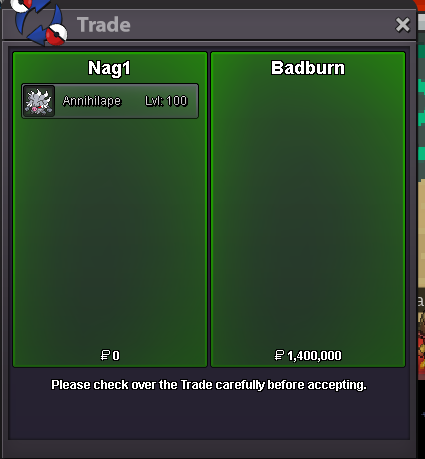
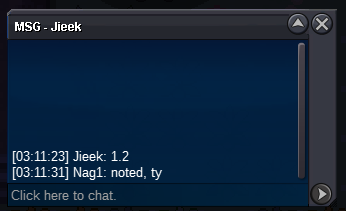
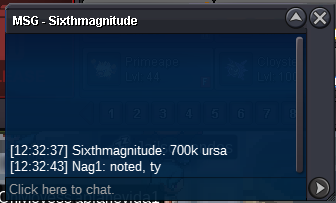
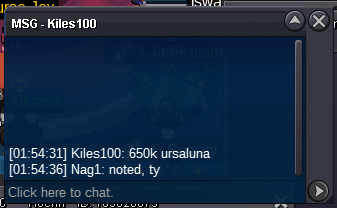
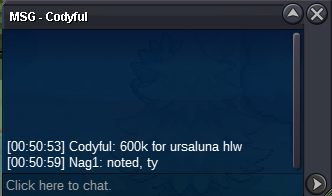
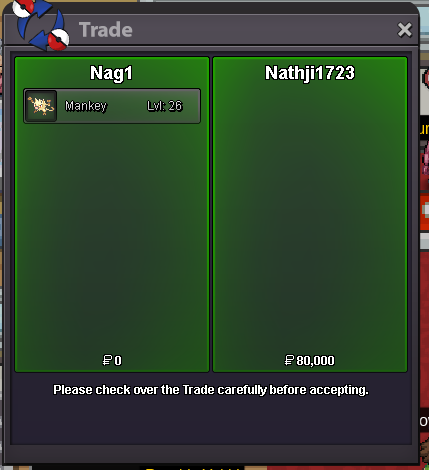
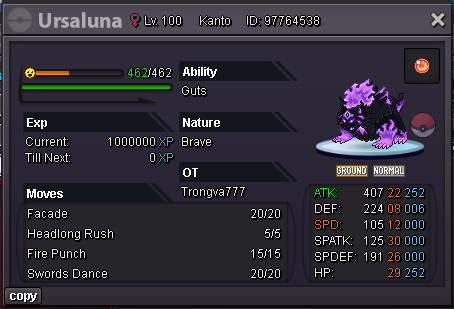
 Auction Done - Badburn won Annihilape for 1.4m & Sixthmagnitude won Ursaluna for 700kstart mimikyu & azu2.2mStarting Offer: 500k Minimum Bid Increment: 50k Duration: 48 hours from first valid bid END POINT: 04/28/2025 10:31 AM (GMT+8 or PHT) https://vclock.com/timer/#date=2025-04-28T10:31:00&title=Annihilape+21%2B&sound=xylophone&loop=1 15-minute anti-snipe rule applies (GMT+8 / PHT) Insta: 4m TIMER (GMT+8 or PHT) - CC or Coin Case is accepted at 450k, IV Reroll Ticket at 550k DONE Starting Offer: 500k Minimum Bid Increment: 50k Duration: 48 hours from first valid bid END POINT: 04/28/2025 10:11 AM (GMT+8 or PHT) https://vclock.com/timer/#date=2025-04-28T10:11:00&title=HW+Ursaluna&sound=xylophone&loop=1 15-minute anti-snipe rule applies (GMT+8 / PHT) Insta: 3m TIMER (GMT+8 or PHT) - CC or Coin Case is accepted at 450k, IV Reroll Ticket at 550k DONE - waiting for Sixthmagnitude for trade Feel free to place your bids here or in-game! IGN: Nag1 Good luck and happy bidding!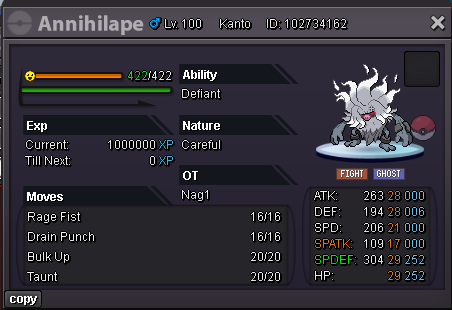
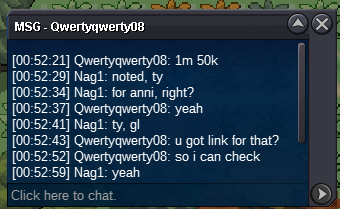
 190k umbreonAuction done Juanitop won it for 450k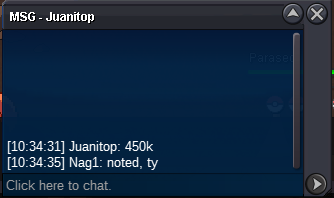
Account
Navigation
Search
Configure browser push notifications
Chrome (Android)
- Tap the lock icon next to the address bar.
- Tap Permissions → Notifications.
- Adjust your preference.
Chrome (Desktop)
- Click the padlock icon in the address bar.
- Select Site settings.
- Find Notifications and adjust your preference.
Safari (iOS 16.4+)
- Ensure the site is installed via Add to Home Screen.
- Open Settings App → Notifications.
- Find your app name and adjust your preference.
Safari (macOS)
- Go to Safari → Preferences.
- Click the Websites tab.
- Select Notifications in the sidebar.
- Find this website and adjust your preference.
Edge (Android)
- Tap the lock icon next to the address bar.
- Tap Permissions.
- Find Notifications and adjust your preference.
Edge (Desktop)
- Click the padlock icon in the address bar.
- Click Permissions for this site.
- Find Notifications and adjust your preference.
Firefox (Android)
- Go to Settings → Site permissions.
- Tap Notifications.
- Find this site in the list and adjust your preference.
Firefox (Desktop)
- Open Firefox Settings.
- Search for Notifications.
- Find this site in the list and adjust your preference.