




New Trade Zone
Trade Zone is now live
Use the new Trade Zone for auctions and instant-price trades so Pokemon and item offers are easy to find.

Nag1
Suspended
-
Joined
-
Last visited
Everything posted by Nag1
-
just to confirm, you mean Primeape # 4, right? Thanks
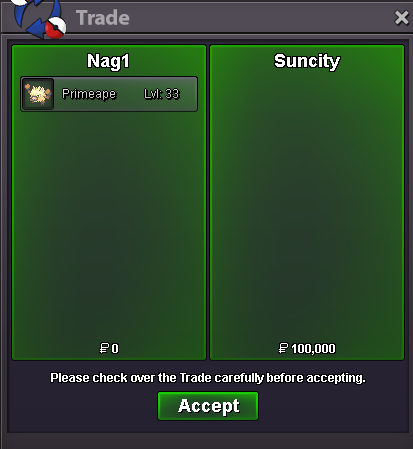
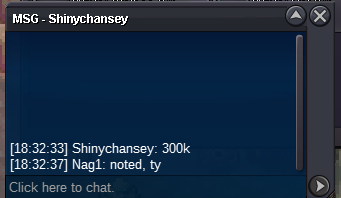
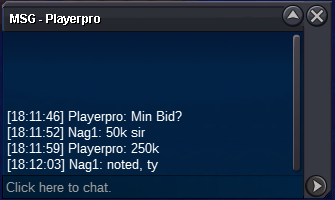
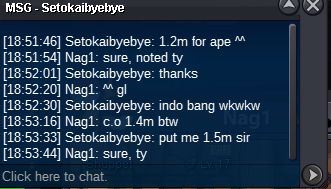
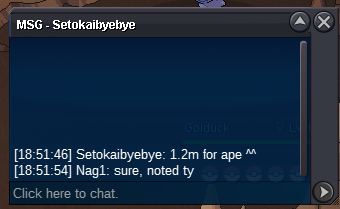
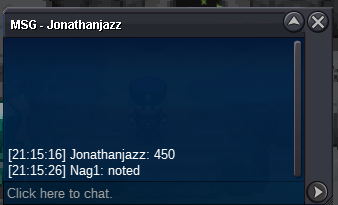
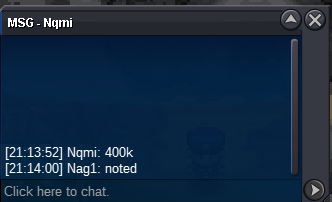
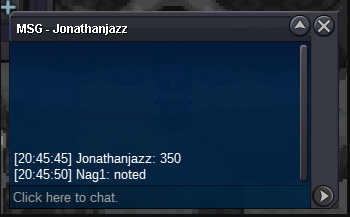
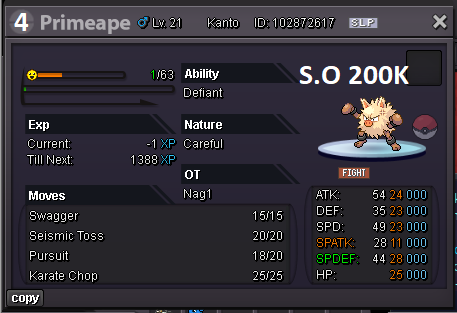 You won the auction. I'll be online for the next 8-12 hours, so feel free to pm me ingame. Thanks!Yes sir, it was an honest mistake that I posted it accidentally in gold. Thank you so much!Cool, no problem then. C.O 600K from Jukylove, thanks!Hi, i would love to accept this bid but I'm not sure if that can be considered valid. If you can have Jukylove msg me in game or have her/him comment on this thread regarding his bid, that would be better. Thanks!AUCTION TIME! 20+ Primeape H.A Careful Starting Offer: 300k Minimum Bid Increment: 50k Duration: 24 hours from first valid bid END POINT: This auction will end on April 20th at 1:46PM GMT+1. [by Kimew] 15-minute anti-snipe rule applies (GMT+8 / PHT) No Insta TIMER (GMT+8 or PHT) - https://vclock.com/timer/#date=2025-04-20T20:46:00&title=Primeape+20%2B&sound=xylophone&loop=1 CC or Coin Case is accepted at 450k, IV Reroll Ticket at 550k Feel free to place your bids here or in-game! IGN: Nag1 Good luck and happy bidding! !!AUCTION DONE!! 8:46PM (GMT+8 or PHT) Winner: Notyeah for 1.7m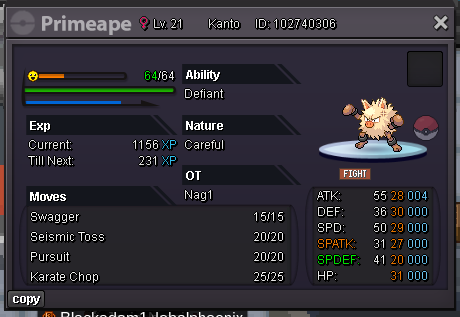
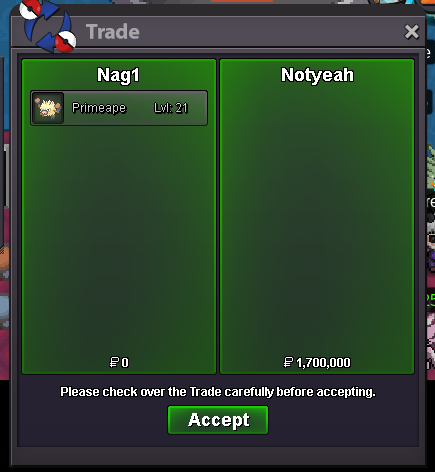 Hi, sorry this is supposedly in silver, I'm sorry. I'll be deleting this post and repost it on silver with CO of 350k.This bid came from silver in game, still valid at 8:46 PM GMT+8
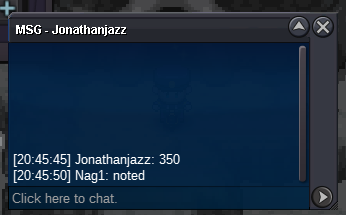 200k
200k
Account
Navigation
Search
Configure browser push notifications
Chrome (Android)
- Tap the lock icon next to the address bar.
- Tap Permissions → Notifications.
- Adjust your preference.
Chrome (Desktop)
- Click the padlock icon in the address bar.
- Select Site settings.
- Find Notifications and adjust your preference.
Safari (iOS 16.4+)
- Ensure the site is installed via Add to Home Screen.
- Open Settings App → Notifications.
- Find your app name and adjust your preference.
Safari (macOS)
- Go to Safari → Preferences.
- Click the Websites tab.
- Select Notifications in the sidebar.
- Find this website and adjust your preference.
Edge (Android)
- Tap the lock icon next to the address bar.
- Tap Permissions.
- Find Notifications and adjust your preference.
Edge (Desktop)
- Click the padlock icon in the address bar.
- Click Permissions for this site.
- Find Notifications and adjust your preference.
Firefox (Android)
- Go to Settings → Site permissions.
- Tap Notifications.
- Find this site in the list and adjust your preference.
Firefox (Desktop)
- Open Firefox Settings.
- Search for Notifications.
- Find this site in the list and adjust your preference.