




New Trade Zone
Trade Zone is now live
Use the new Trade Zone for auctions and instant-price trades so Pokemon and item offers are easy to find.


Suzu1
Registered User
-
Joined
-
Last visited
Everything posted by Suzu1
-
is this auction still going on?
-
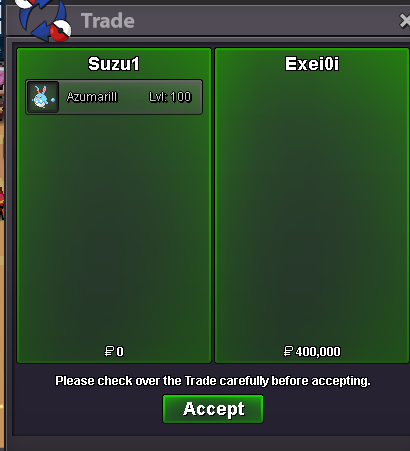
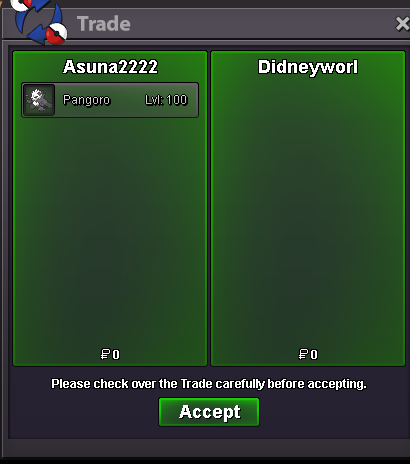
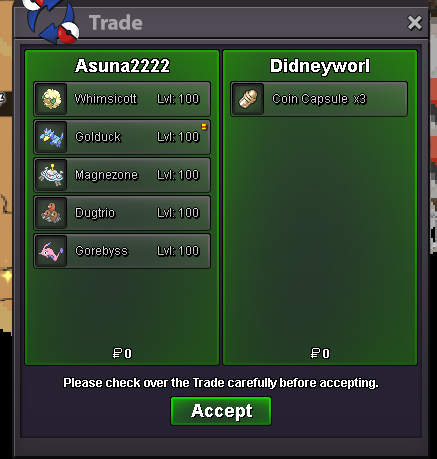
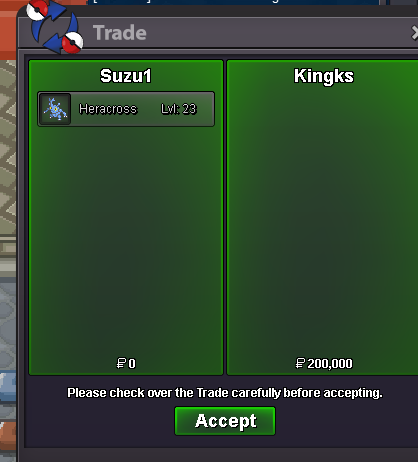
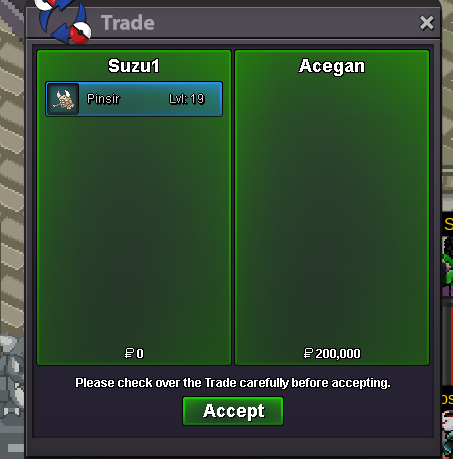
1.69mi will startStart2.2m8.2mStart if I win I will transferNight market sale 20% off azumaril to @Exei0i thanks for revisiting.
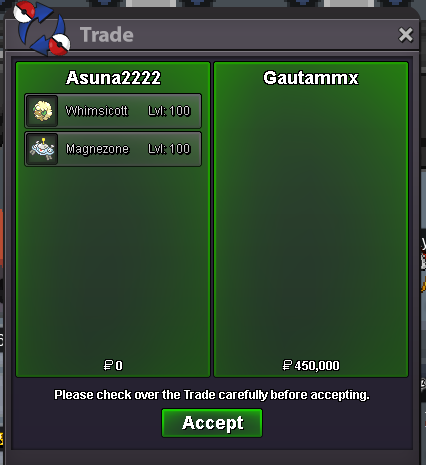
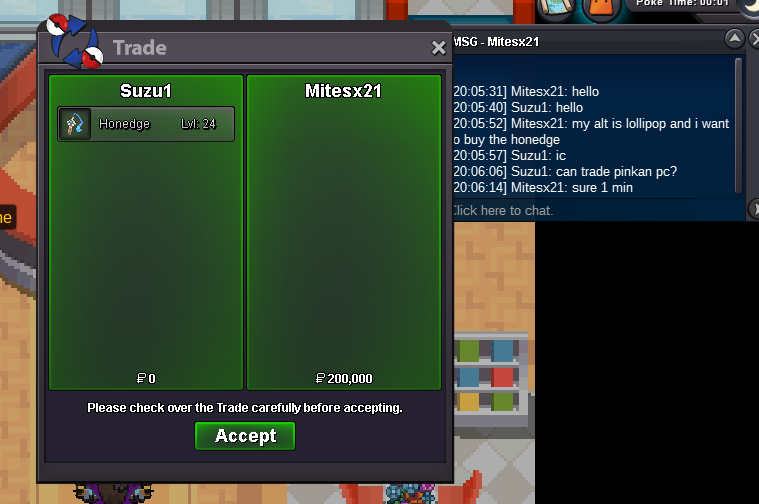
 hi i m online rn. leave me a messege in discord : verseey10/5 Updated with more sweet Untrained mons.Thanks for the revisit @Gautammx
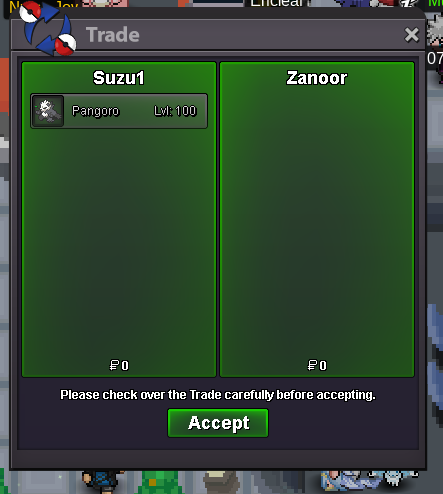
 Hello , I have been recently seeing people with pro member tag on forum and curiously asked some people about it they said need ingame membership for the role in forum. I do have active membership but not the tag in forum. Pls provide me some information over it thank you.Shop updated with some Untrained boss Pokemon in untrained section.Thank you @Zanoor for visiting PokéMart.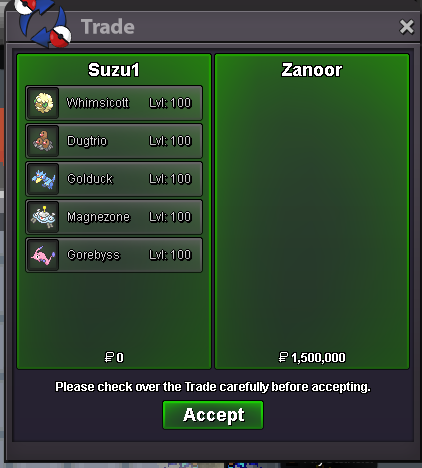


Account
Navigation
Search
Configure browser push notifications
Chrome (Android)
- Tap the lock icon next to the address bar.
- Tap Permissions → Notifications.
- Adjust your preference.
Chrome (Desktop)
- Click the padlock icon in the address bar.
- Select Site settings.
- Find Notifications and adjust your preference.
Safari (iOS 16.4+)
- Ensure the site is installed via Add to Home Screen.
- Open Settings App → Notifications.
- Find your app name and adjust your preference.
Safari (macOS)
- Go to Safari → Preferences.
- Click the Websites tab.
- Select Notifications in the sidebar.
- Find this website and adjust your preference.
Edge (Android)
- Tap the lock icon next to the address bar.
- Tap Permissions.
- Find Notifications and adjust your preference.
Edge (Desktop)
- Click the padlock icon in the address bar.
- Click Permissions for this site.
- Find Notifications and adjust your preference.
Firefox (Android)
- Go to Settings → Site permissions.
- Tap Notifications.
- Find this site in the list and adjust your preference.
Firefox (Desktop)
- Open Firefox Settings.
- Search for Notifications.
- Find this site in the list and adjust your preference.