New Trade Zone
Trade Zone is now live
Use the new Trade Zone for auctions and instant-price trades so Pokemon and item offers are easy to find.


Suzu1
Registered User
-
Joined
-
Last visited
Everything posted by Suzu1
-
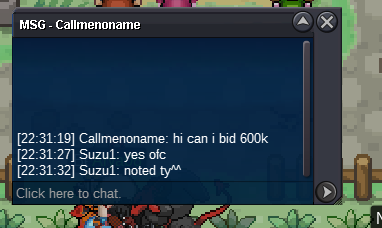
@Ayuku sry but somebody already bidded 2.1m would u like to increase the bid if yes pls reply to the thread
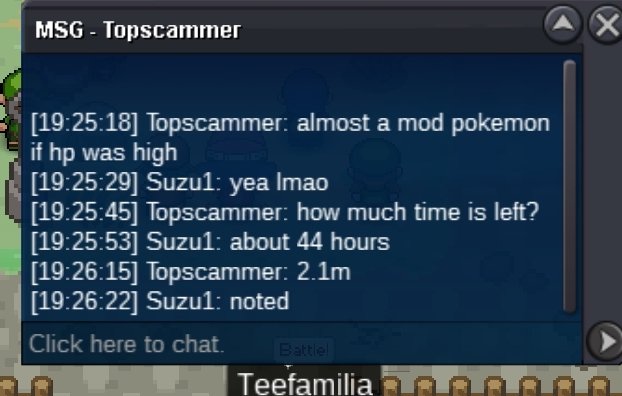 Auction Details: Start Price: 1m End Point: 48h Insta Price: N/A Minimum Raise: 100k Accepted Payments: Poke Dollars, Coin Capsules (x1 Coin Capsule = 450k) 15 minutes auction rule timer:[1:23:57:42] hp ice larvesta
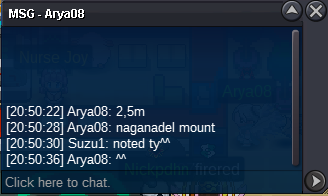
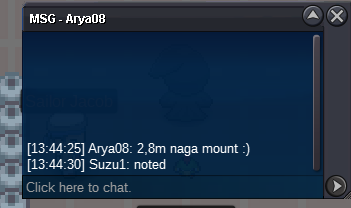
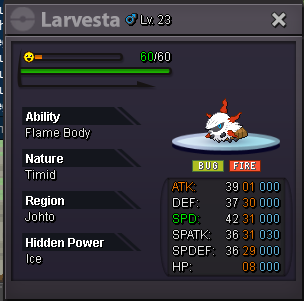 BumpAuction Details: Start Price: 500k End Point: 48h Insta Price: N/A Minimum Raise: 100k Accepted Payments: Poke Dollars, Coin Capsules (x1 Coin Capsule = 450k) 15 minutes auction rule. timer:[1:23:58:04] godly charcongratz @Arya08 on your mount
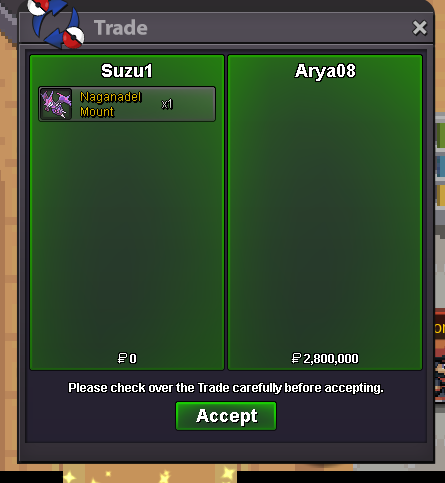 15 mins added
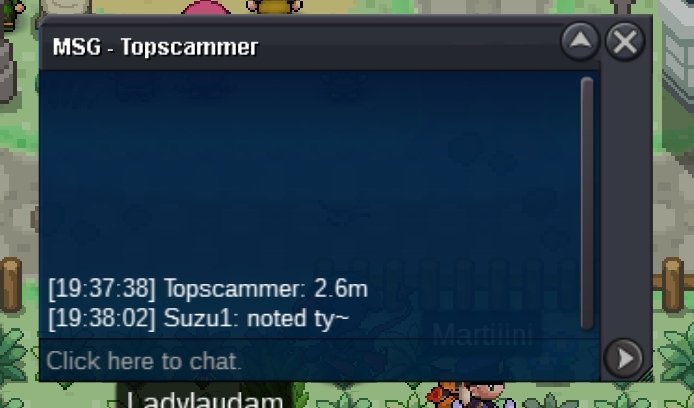
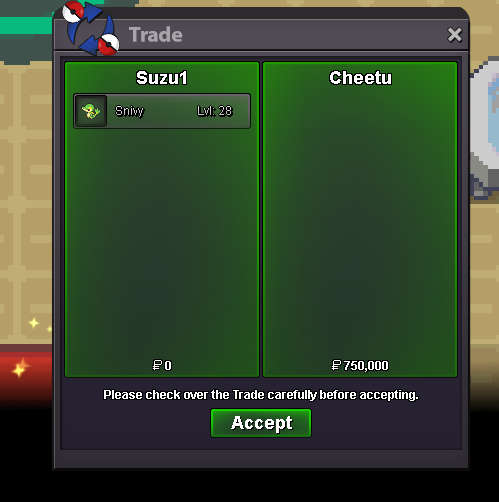
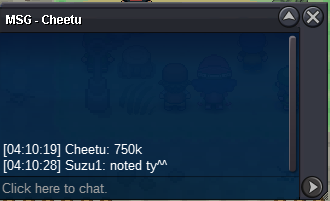
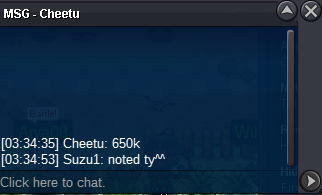
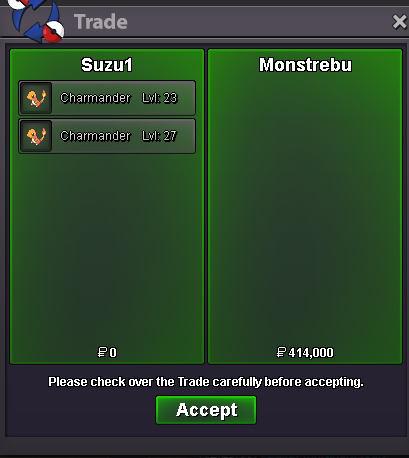
 last 40 mins left@Cheetu congratz on winning the auction@Monstrebu congratz on winning the auction!!! pls pm me ingame for the charmandershp ground 207k
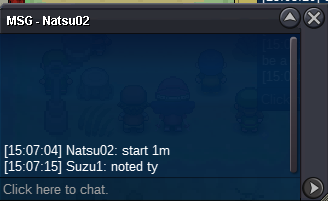
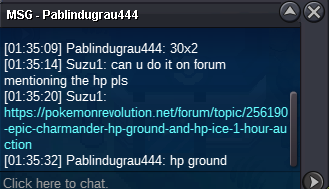 hp ground s.o 69k min raise 69k hp ice s.o 69k min raise 69k Auction Details: Start Price: 69k each( Pls make sure to bid by mentioning the hp of poke alongside the bid) End Point: 1 hour after start price is met Insta Price: N/A Minimum Raise: 69k Accepted Payments: Poke Dollars, Coin Capsules (x1 Coin Capsule = 450k) 15 minutes auction rule timer:[0:00:59:02] char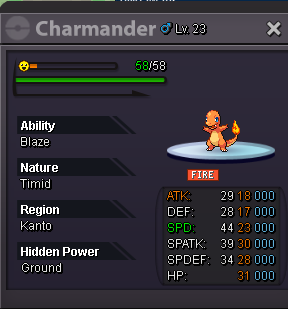
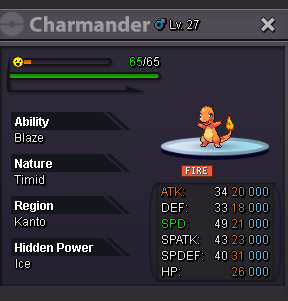 500kbump 16 hours leftStarting Bid: 2M Min Bid: 100k Insta: 5M Duration: 24h after first bid (Accepted payment methods: Coin capsule- 450k , pokedollars) timer:[0:23:37:30] pvp mount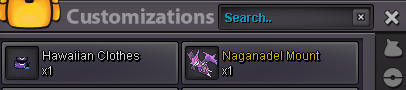
Account
Navigation
Search
Configure browser push notifications
Chrome (Android)
- Tap the lock icon next to the address bar.
- Tap Permissions → Notifications.
- Adjust your preference.
Chrome (Desktop)
- Click the padlock icon in the address bar.
- Select Site settings.
- Find Notifications and adjust your preference.
Safari (iOS 16.4+)
- Ensure the site is installed via Add to Home Screen.
- Open Settings App → Notifications.
- Find your app name and adjust your preference.
Safari (macOS)
- Go to Safari → Preferences.
- Click the Websites tab.
- Select Notifications in the sidebar.
- Find this website and adjust your preference.
Edge (Android)
- Tap the lock icon next to the address bar.
- Tap Permissions.
- Find Notifications and adjust your preference.
Edge (Desktop)
- Click the padlock icon in the address bar.
- Click Permissions for this site.
- Find Notifications and adjust your preference.
Firefox (Android)
- Go to Settings → Site permissions.
- Tap Notifications.
- Find this site in the list and adjust your preference.
Firefox (Desktop)
- Open Firefox Settings.
- Search for Notifications.
- Find this site in the list and adjust your preference.