New Trade Zone
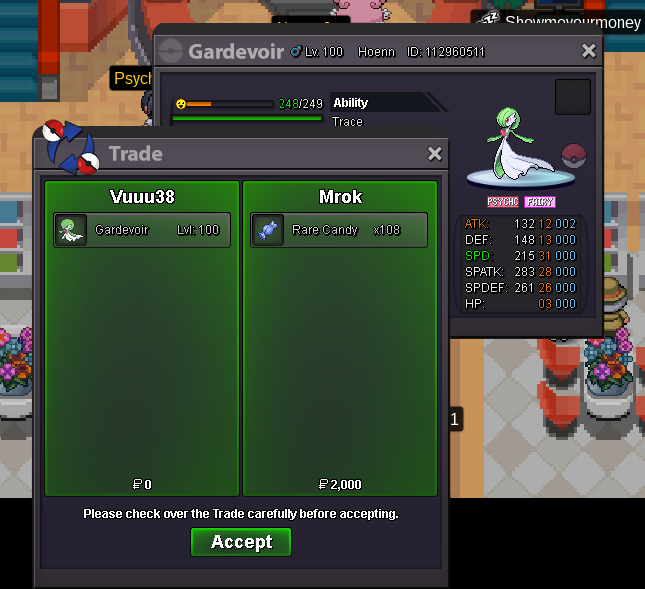
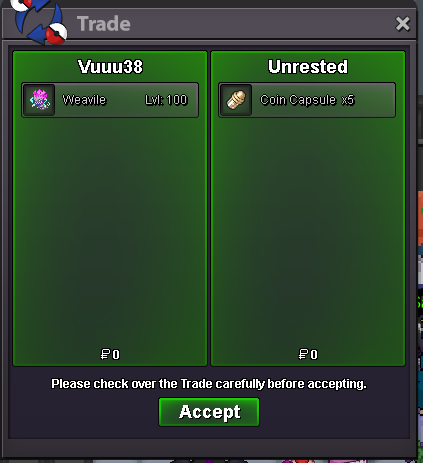
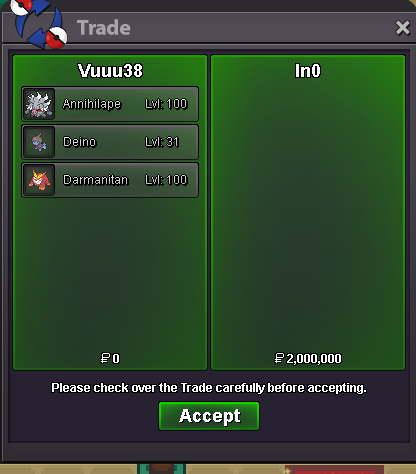
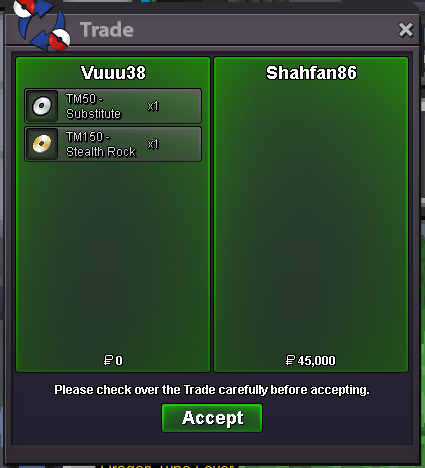
Trade Zone is now live
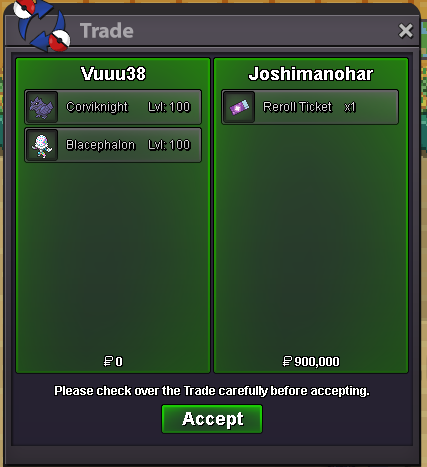
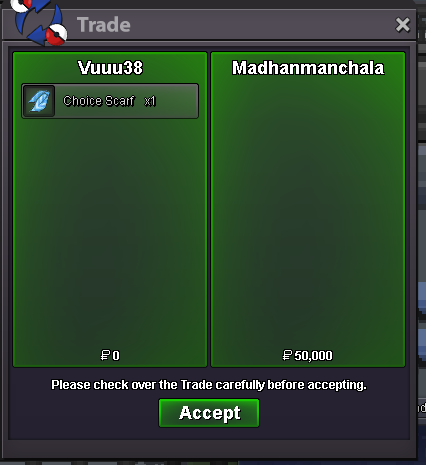
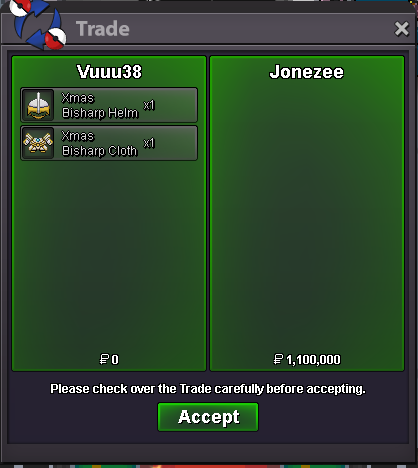
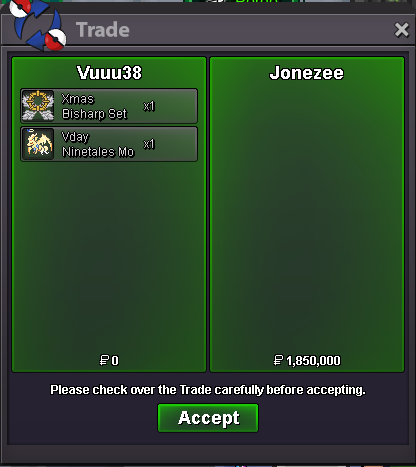
Use the new Trade Zone for auctions and instant-price trades so Pokemon and item offers are easy to find.


Vuuu38
Registered User
-
Joined
-
Last visited
Everything posted by Vuuu38
-
I get where you're coming from, but I think this idea is fundamentally flawed. You're absolutely right that the gap between older players and newer players has grown, and that accessibility to meta Pokemon is a real issue. But adding heavy inflation to NPC systems is not just a questionable fix - it’s very likely to make things worse. Inflation doesn’t magically help newer players. It disproportionately benefits players who are already efficient at generating money. If bosses give more rewards, experienced players will simply scale their income even faster, while newer players - who can’t farm as efficiently - fall further behind. At the same time, increasing NPC costs (transport, services, etc.) directly punishes those same newer players you're trying to help. So instead of closing the gap, this system would stretch it even more. Also, suggesting a 2.5% weekly inflation rate is extremely unrealistic. Compounded over time, that’s massive and would very quickly destabilize the entire economy. Prices wouldn’t just “adjust” - they would spiral. The core issue here isn’t that the currency needs to lose value. The real problem is that access to good Pokemon is too limited relative to demand. You're trying to fix a supply problem with a monetary solution, and that mismatch is where this idea breaks down. If the goal is to help newer players catch up, then the solution should focus on: Increasing the availability of usable/meta Pokemon (events, rerolls, better drops) Adding proper catch-up mechanics for newer players Creating stronger money sinks that primarily target wealthy players, instead of inflating the entire system Right now, this proposal feels like treating the symptoms while amplifying the disease. I agree with the problem you’re pointing out — but this solution is going in the wrong direction.ty mate, cya
 ty mate, cya
 hi, im online rngl mate
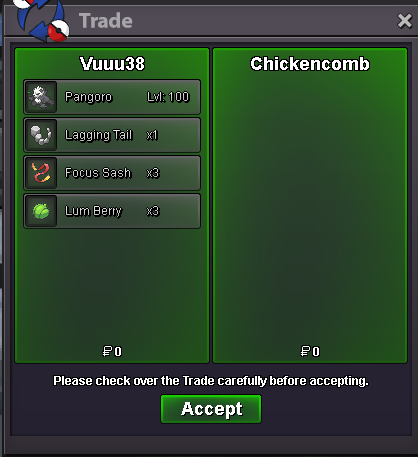 ty mate, cya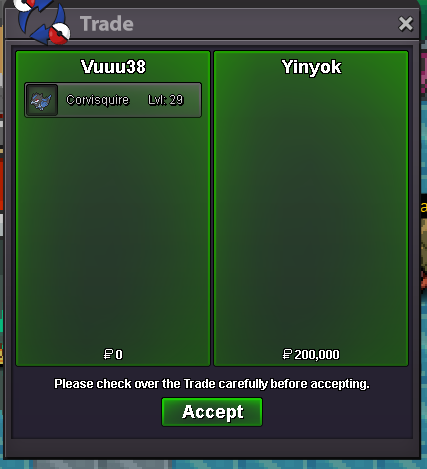
 ty mate, cya
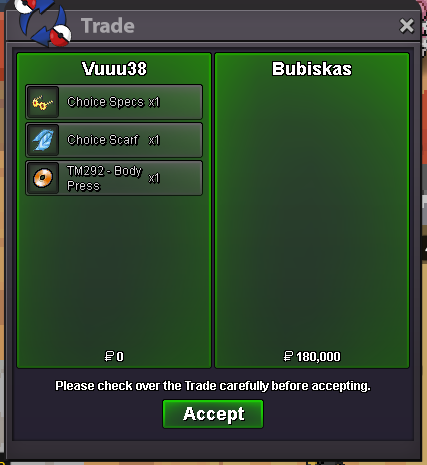 ty, cya
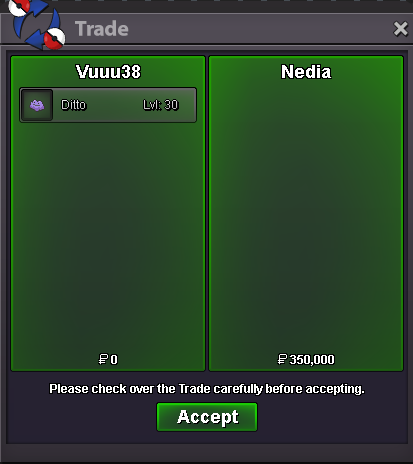 ty mate, cya
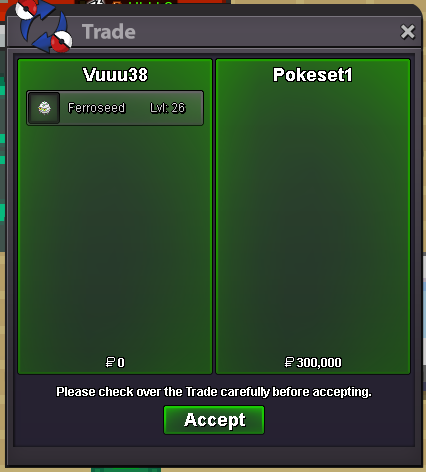 im online rn1m1950k
Account
Navigation
Search
Configure browser push notifications
Chrome (Android)
- Tap the lock icon next to the address bar.
- Tap Permissions → Notifications.
- Adjust your preference.
Chrome (Desktop)
- Click the padlock icon in the address bar.
- Select Site settings.
- Find Notifications and adjust your preference.
Safari (iOS 16.4+)
- Ensure the site is installed via Add to Home Screen.
- Open Settings App → Notifications.
- Find your app name and adjust your preference.
Safari (macOS)
- Go to Safari → Preferences.
- Click the Websites tab.
- Select Notifications in the sidebar.
- Find this website and adjust your preference.
Edge (Android)
- Tap the lock icon next to the address bar.
- Tap Permissions.
- Find Notifications and adjust your preference.
Edge (Desktop)
- Click the padlock icon in the address bar.
- Click Permissions for this site.
- Find Notifications and adjust your preference.
Firefox (Android)
- Go to Settings → Site permissions.
- Tap Notifications.
- Find this site in the list and adjust your preference.
Firefox (Desktop)
- Open Firefox Settings.
- Search for Notifications.
- Find this site in the list and adjust your preference.