




New Trade Zone
Trade Zone is now live
Use the new Trade Zone for auctions and instant-price trades so Pokemon and item offers are easy to find.

Azure138
Suspended
-
Joined
-
Last visited
Everything posted by Azure138
-
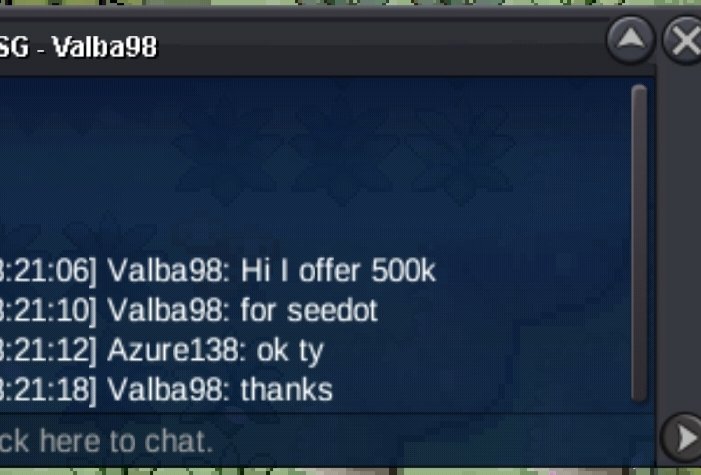
500k by @Valba98
-
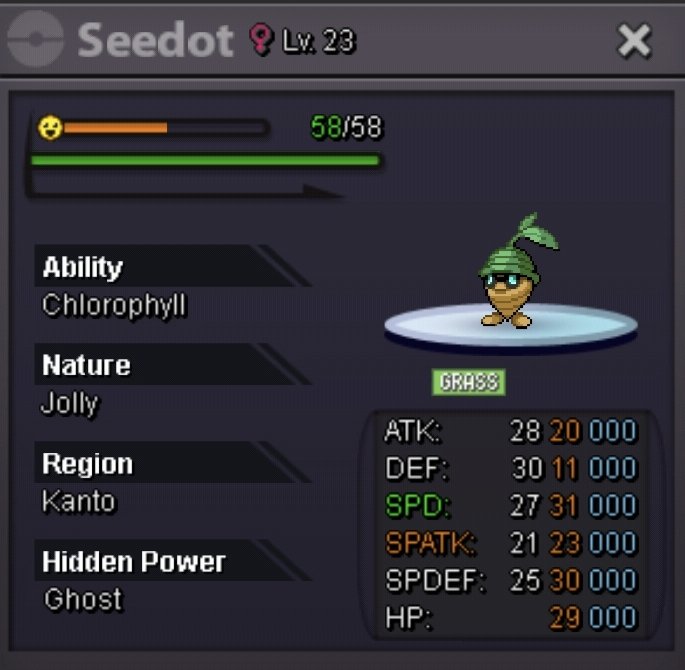
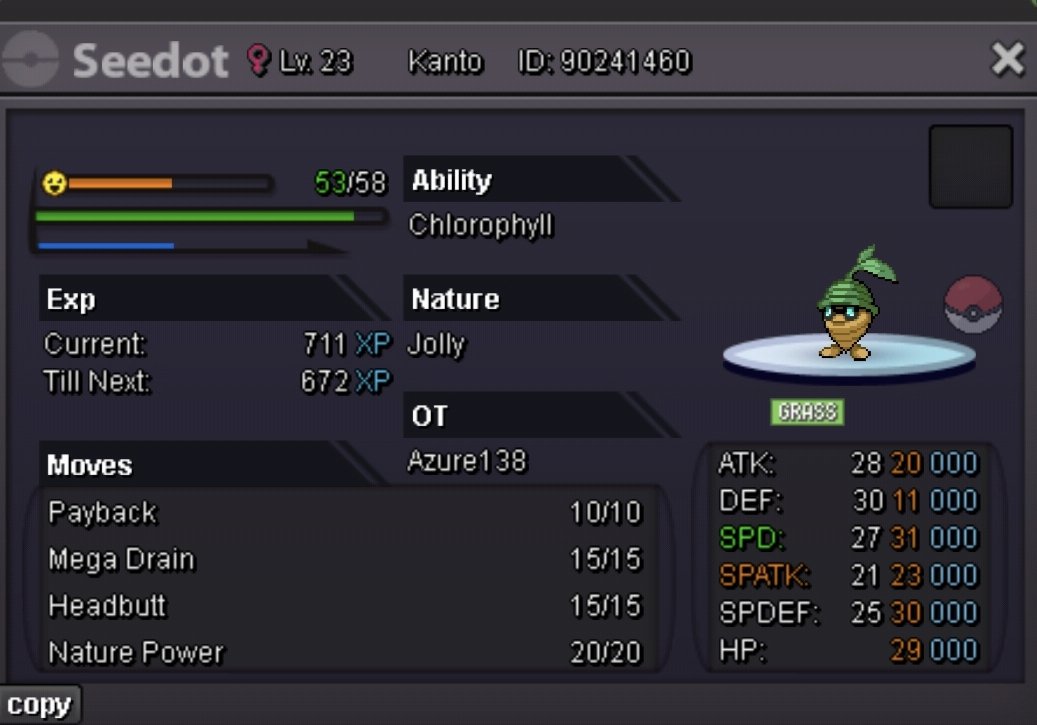
Starting offer : 400k Min bid : 100k Ends after 24hrs from start No insta Accepted payment pokedollars Cc=500k Iv rr=700k
-
3.211m
-
Pretty fast and polite definitely worth checking out
-
3m
-
2.8m
-
2.2m
-
2m
-
-
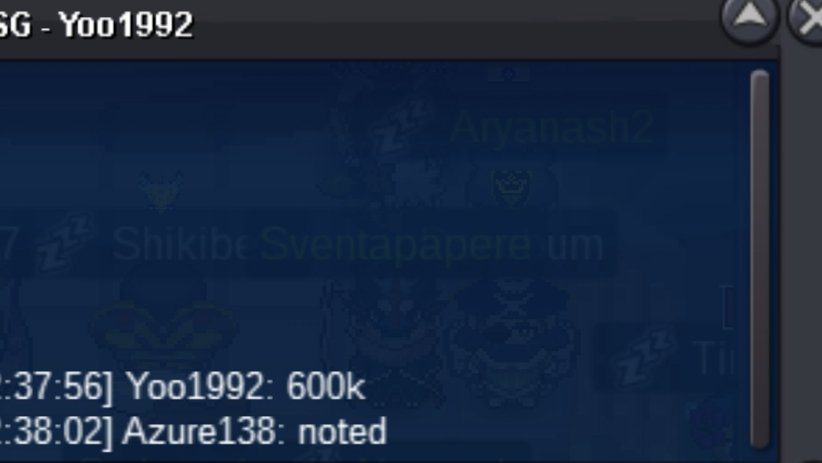
600k will transfer if I win
-
🌒 This is incredible — exactly the kind of guild the community needs! Eclypse stands out not just for its strength, but for the meaning behind it — the lore, the camaraderie, the drive to grow stronger together. I love the focus on smart play, personal growth, and a themed identity. It’s rare to see such a well-crafted blend of creativity and competitive spirit. The quests, shiny hunts, and Hall of Fame idea? 🔥 Count me in. This feels less like a guild and more like a legacy in the making. Wishing all current and future members many shiny encounters and legendary wins! Rise with the shadows — rise with Eclypse. 🌌🖤
-
8m 200k
-
Start ferro
-
Dude is pretty fast and polite 69/10 for the service
-
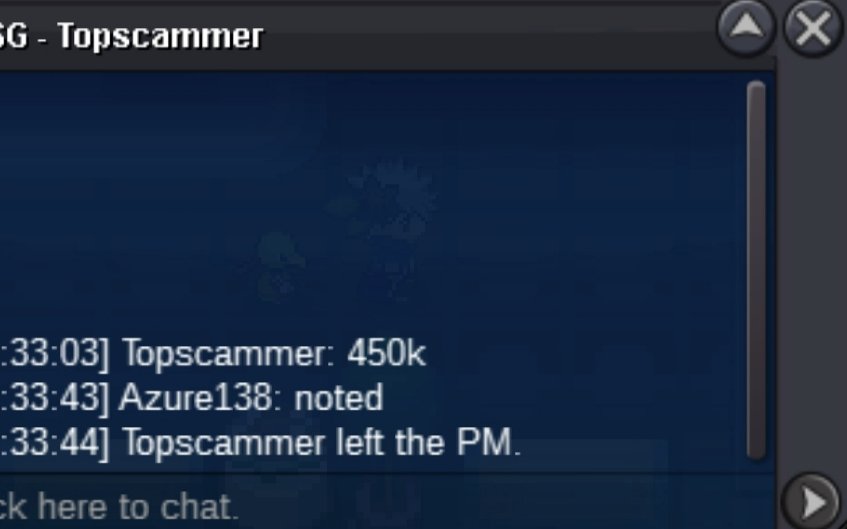
325k
-
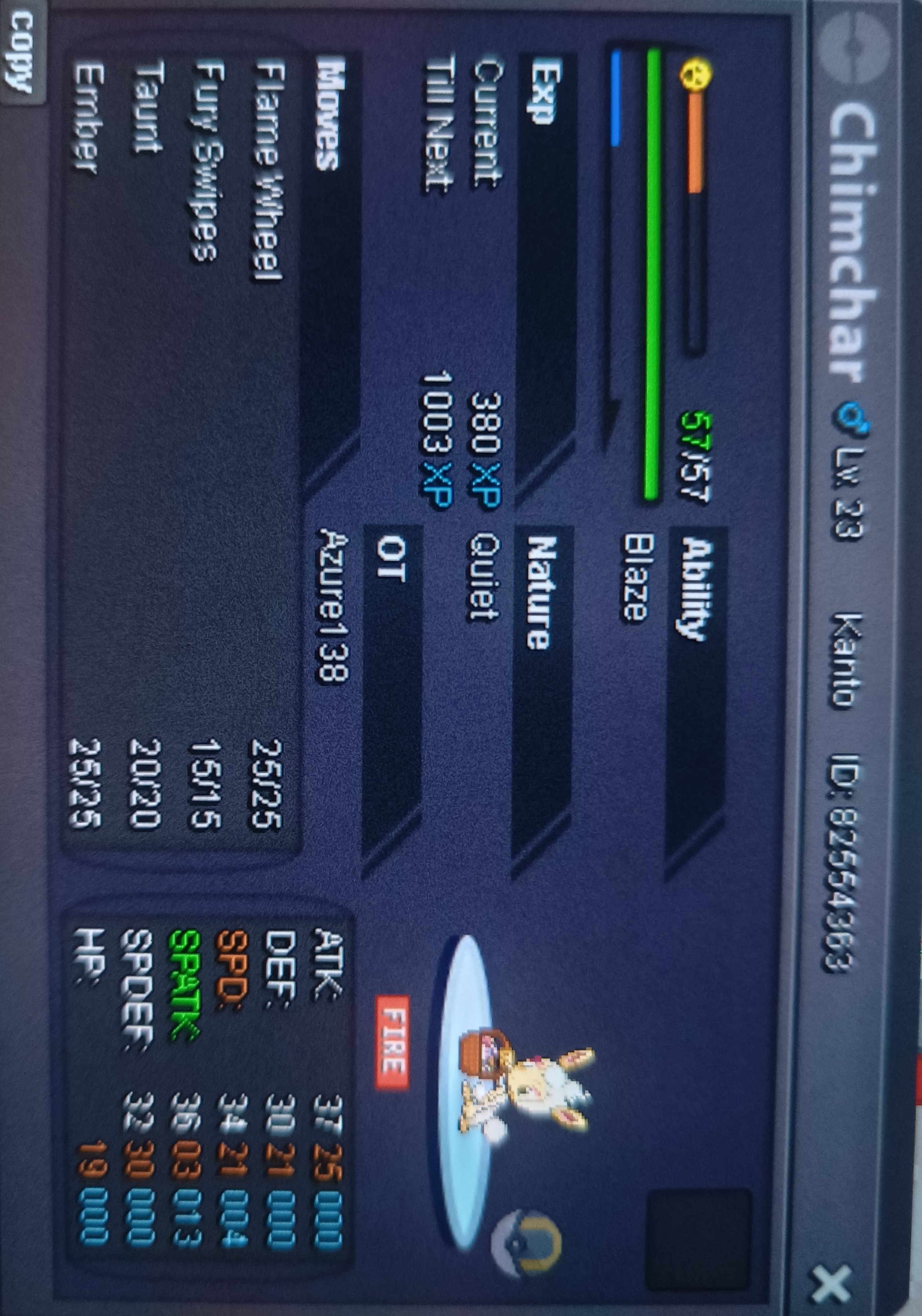
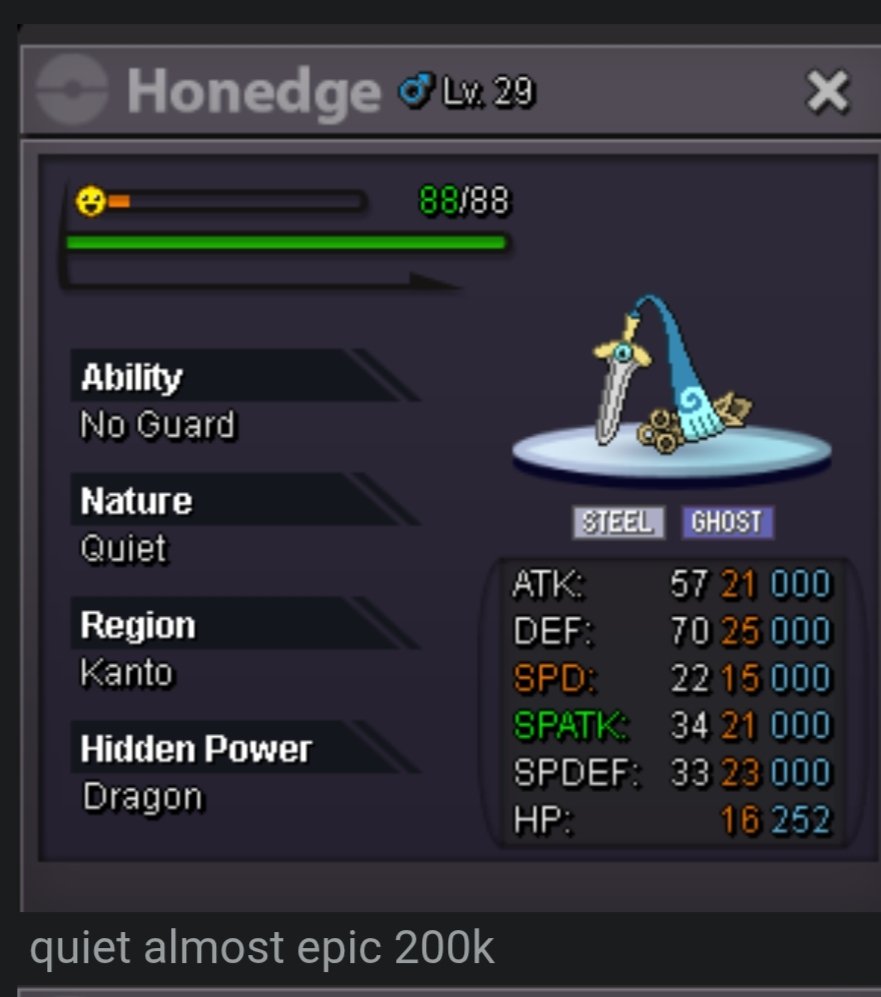
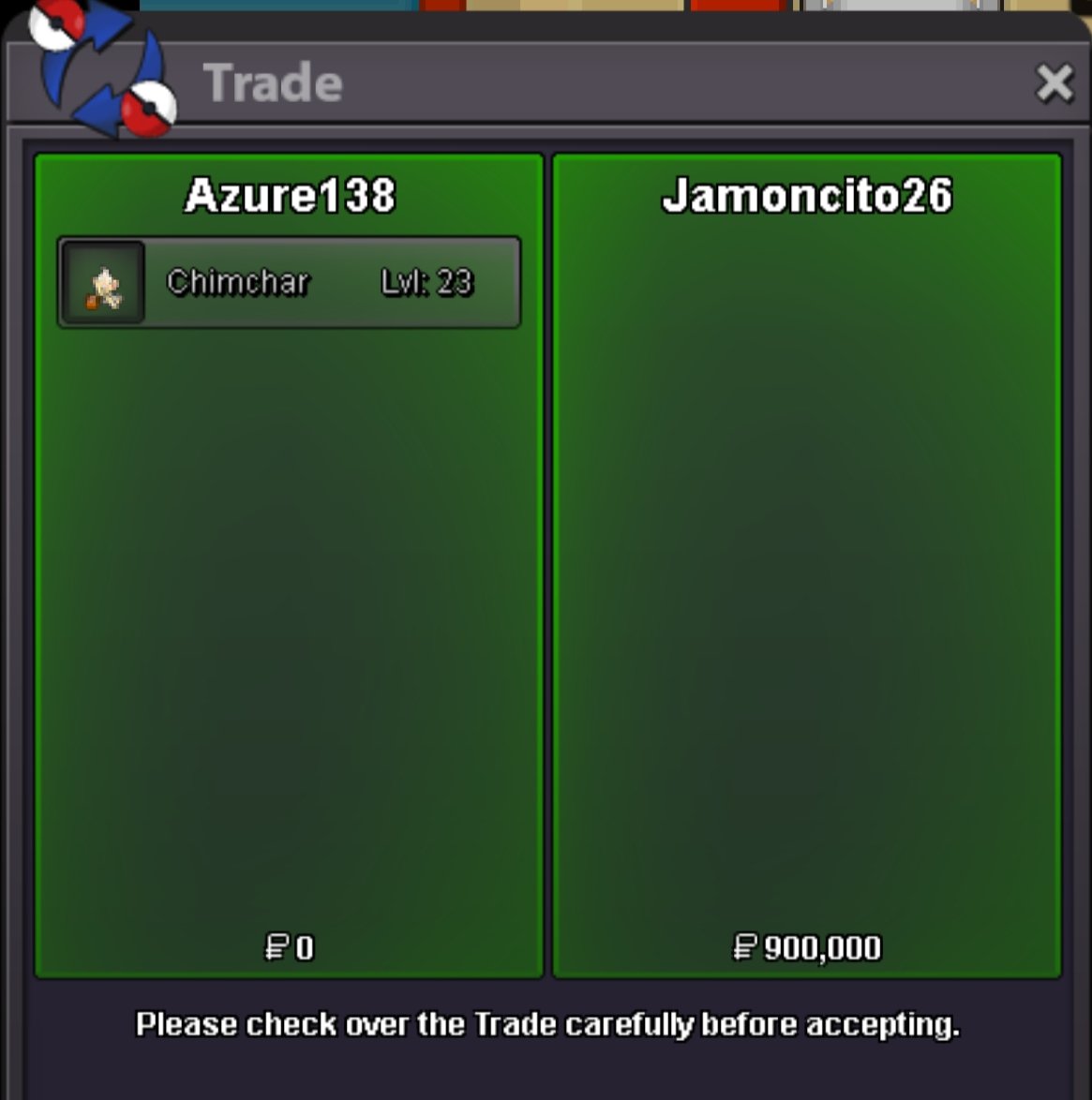
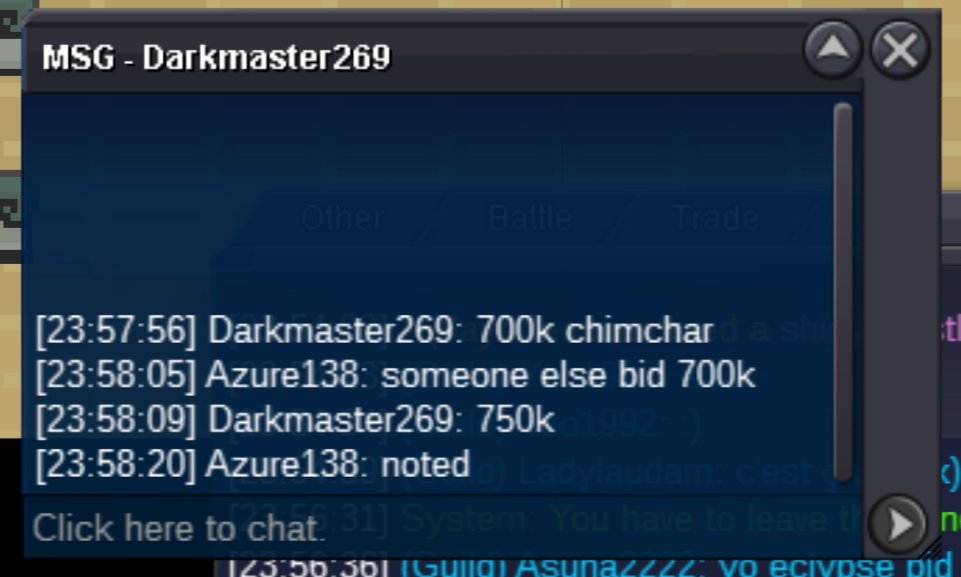
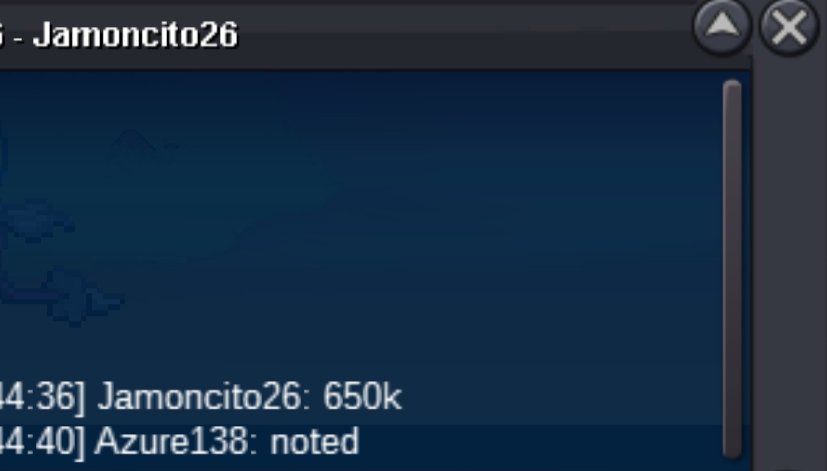
Auction over winner - jamoncito26S.o - 200k Min. Raise - 50k Auction ends after 48 hours of start


Account
Navigation
Search
Configure browser push notifications
Chrome (Android)
- Tap the lock icon next to the address bar.
- Tap Permissions → Notifications.
- Adjust your preference.
Chrome (Desktop)
- Click the padlock icon in the address bar.
- Select Site settings.
- Find Notifications and adjust your preference.
Safari (iOS 16.4+)
- Ensure the site is installed via Add to Home Screen.
- Open Settings App → Notifications.
- Find your app name and adjust your preference.
Safari (macOS)
- Go to Safari → Preferences.
- Click the Websites tab.
- Select Notifications in the sidebar.
- Find this website and adjust your preference.
Edge (Android)
- Tap the lock icon next to the address bar.
- Tap Permissions.
- Find Notifications and adjust your preference.
Edge (Desktop)
- Click the padlock icon in the address bar.
- Click Permissions for this site.
- Find Notifications and adjust your preference.
Firefox (Android)
- Go to Settings → Site permissions.
- Tap Notifications.
- Find this site in the list and adjust your preference.
Firefox (Desktop)
- Open Firefox Settings.
- Search for Notifications.
- Find this site in the list and adjust your preference.