




New Trade Zone
Trade Zone is now live
Use the new Trade Zone for auctions and instant-price trades so Pokemon and item offers are easy to find.


Goobasaur
Registered User
-
Joined
-
Last visited
Everything posted by Goobasaur
-
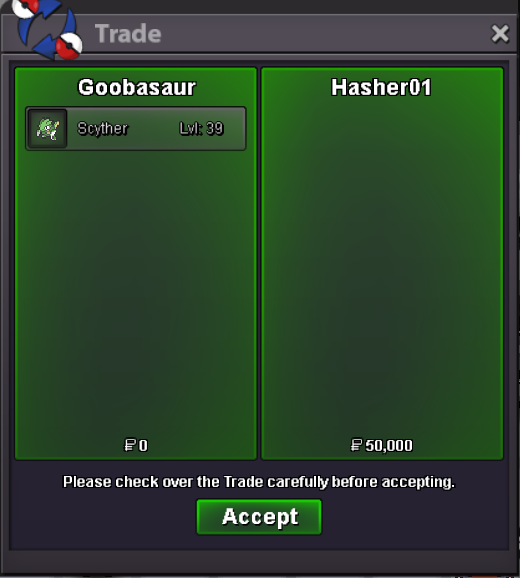
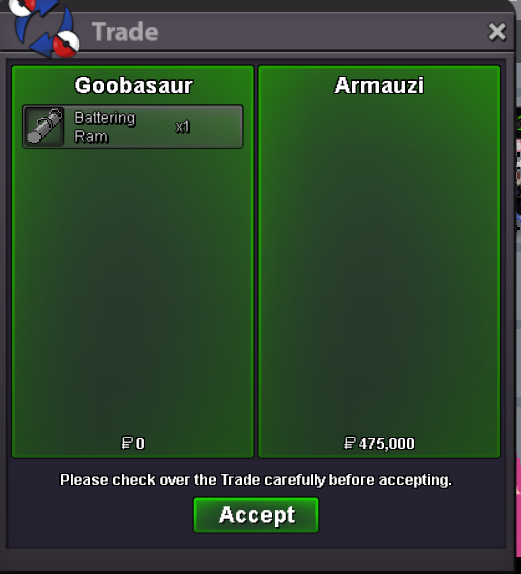
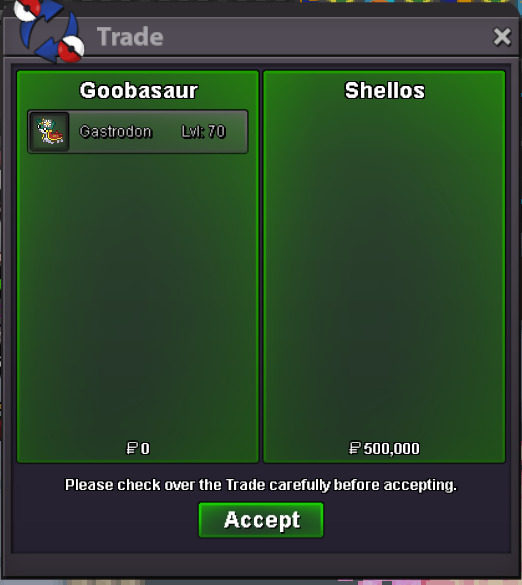
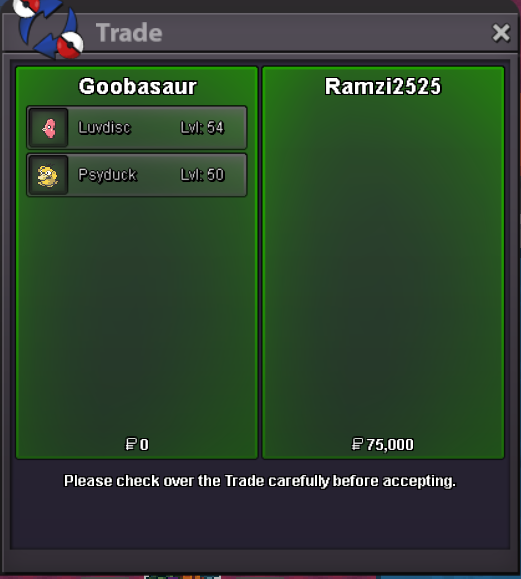
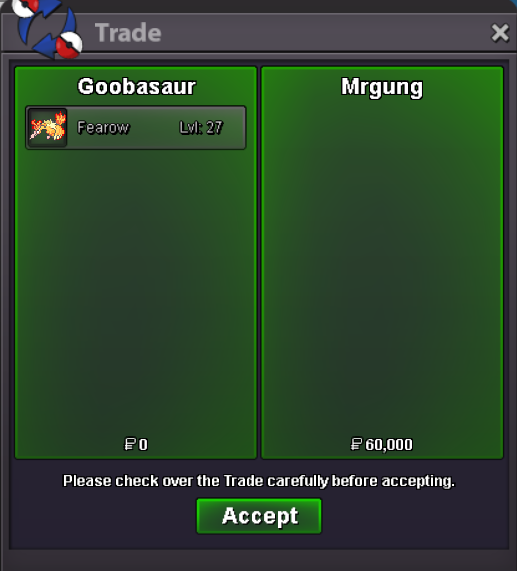
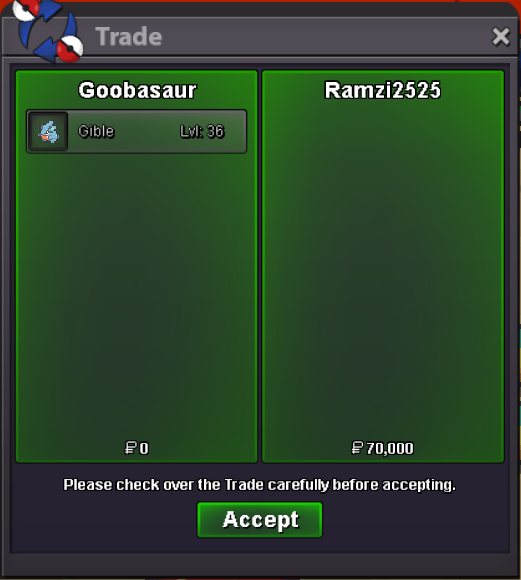
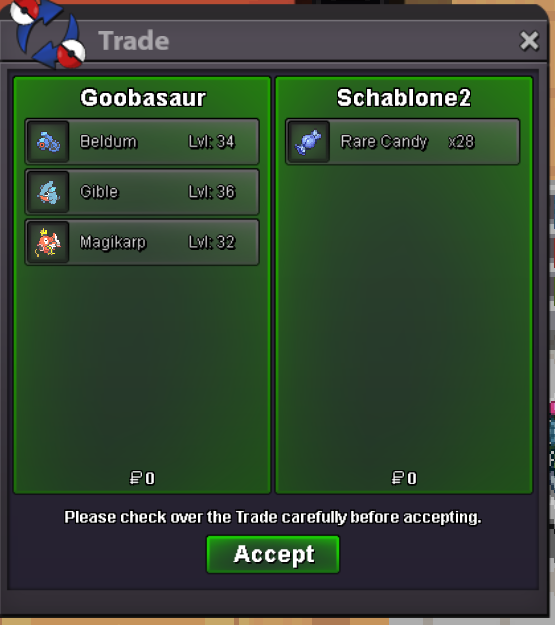
bumpbumpStock updated: Axew Emolga Inkay Kangaskhan Larvesta Mawile Mimikyu Togepi Torchic TreeckobumpI'll give 10mil for the ulquiorra set@Mukulagg2003 It is available. I'm on for the next 6 hours or so. Message me in game. IGN GoobasaurbumpRemoved sold items from inventorySale 5/10/26
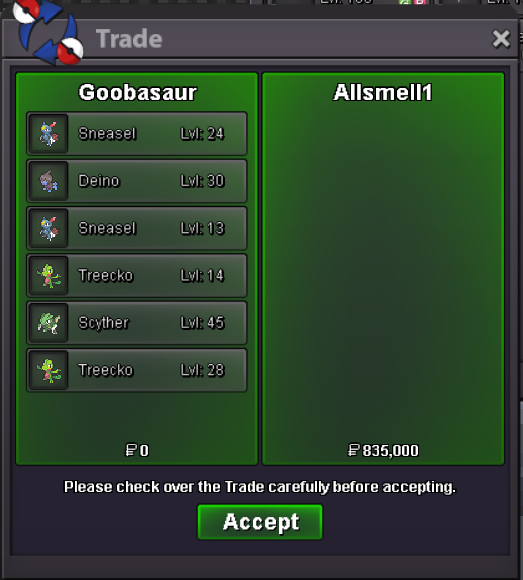 Sale 5/10/26
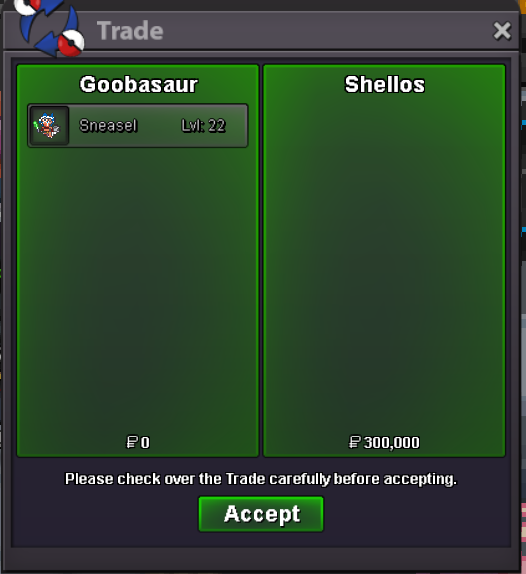
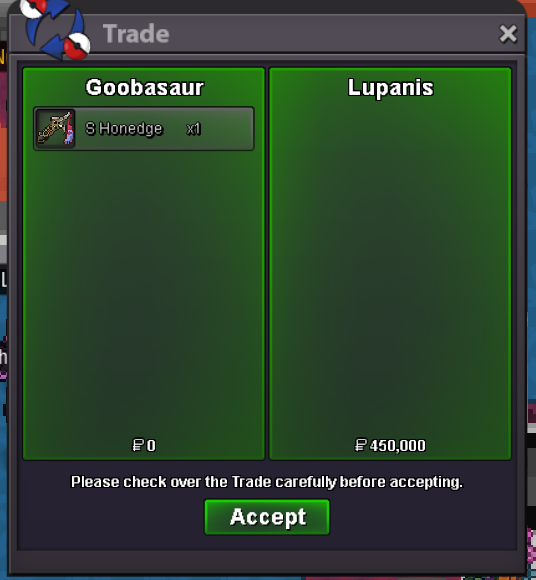
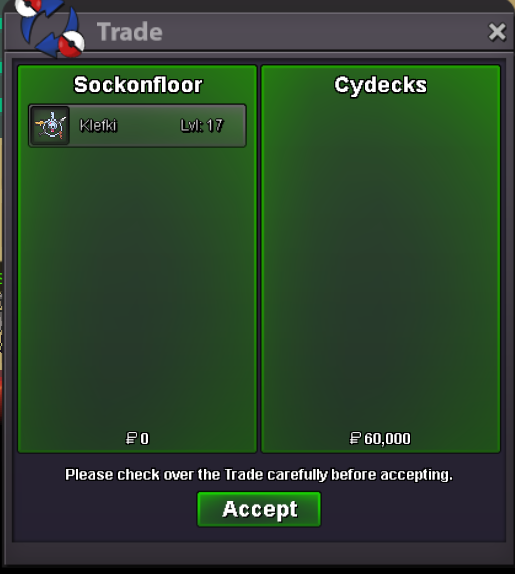
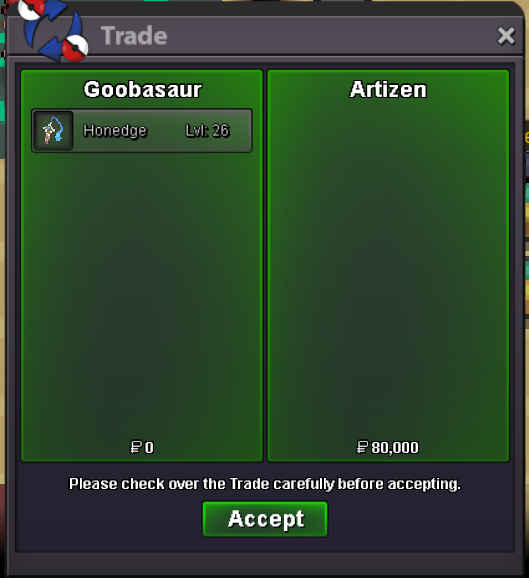 Shop Update 5/9/26 Removed sold pokemon Lowered prices for some inventory Cleaned up shop Added lots of new pokemon Absol Blacephalon Deino Emolga Fennekin Honedge Klefki Larvesta Larvitar Magikarp (H.A) Meditite Mimikyu Noibat Petilil Scyther Shroomish Sneasel Swablu Torchic Totodile Treecko@Allsmell when are you available? I'm online for the next few hours if you want to message me in game, otherwise we can set up a time. IGN - GoobasaurSale 5/3/26
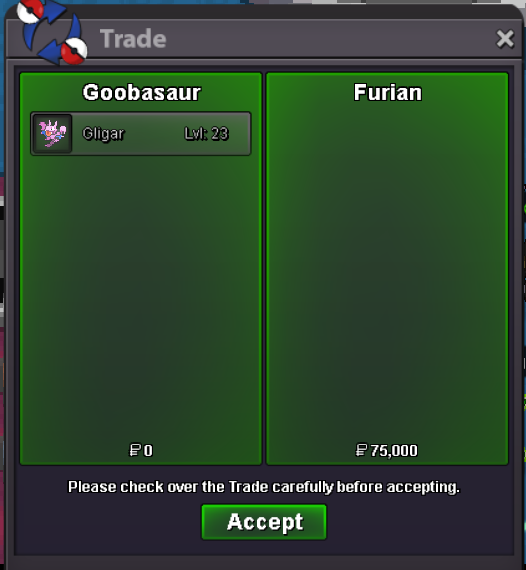 Sale completed
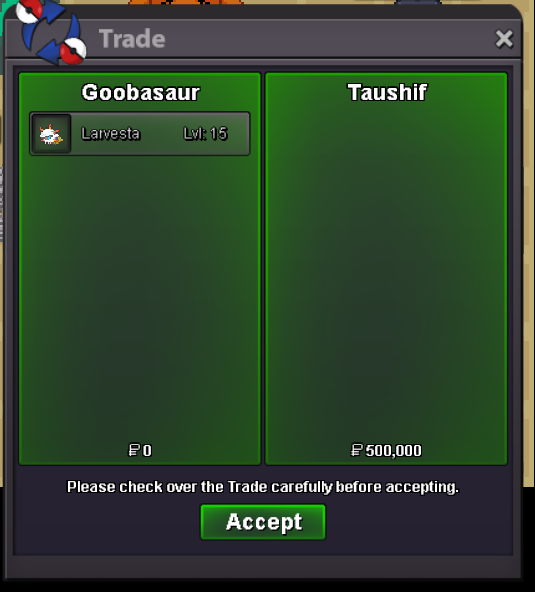 4/28/26 - Shop is back open! Updates to come weekly. Updated shop to remove sold items.I'm so sorry for the delay in response! My computer GPU fan is busted so I've been waiting for a replacement and forgot to check forums. @Summer4you if you're still interested, the pokemon is still available. @Namanh That feels a tad too low. I can do 300k.

Account
Navigation
Search
Configure browser push notifications
Chrome (Android)
- Tap the lock icon next to the address bar.
- Tap Permissions → Notifications.
- Adjust your preference.
Chrome (Desktop)
- Click the padlock icon in the address bar.
- Select Site settings.
- Find Notifications and adjust your preference.
Safari (iOS 16.4+)
- Ensure the site is installed via Add to Home Screen.
- Open Settings App → Notifications.
- Find your app name and adjust your preference.
Safari (macOS)
- Go to Safari → Preferences.
- Click the Websites tab.
- Select Notifications in the sidebar.
- Find this website and adjust your preference.
Edge (Android)
- Tap the lock icon next to the address bar.
- Tap Permissions.
- Find Notifications and adjust your preference.
Edge (Desktop)
- Click the padlock icon in the address bar.
- Click Permissions for this site.
- Find Notifications and adjust your preference.
Firefox (Android)
- Go to Settings → Site permissions.
- Tap Notifications.
- Find this site in the list and adjust your preference.
Firefox (Desktop)
- Open Firefox Settings.
- Search for Notifications.
- Find this site in the list and adjust your preference.