




New Trade Zone
Trade Zone is now live
Use the new Trade Zone for auctions and instant-price trades so Pokemon and item offers are easy to find.

Aerionx10
Registered User
-
Joined
-
Last visited
Everything posted by Aerionx10
-
Bump.. looking for active and eager to learn players :))
-
Bulba 150k
-
-
Hey, wtb blace
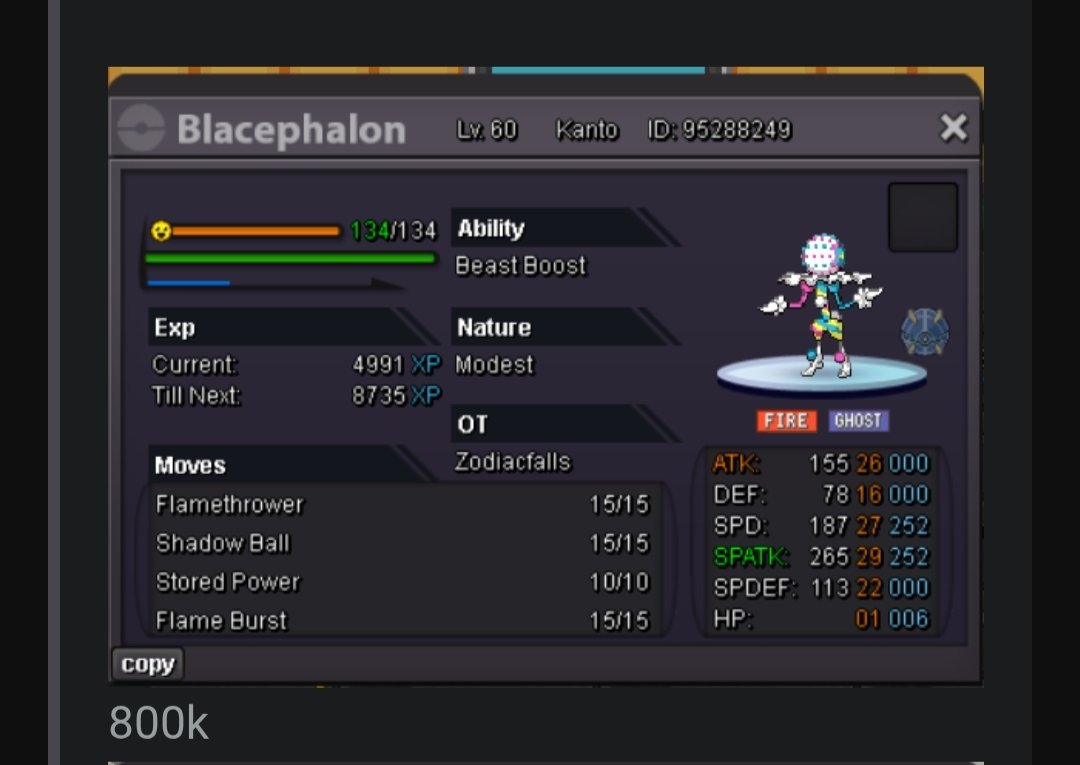
-
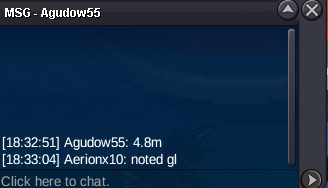
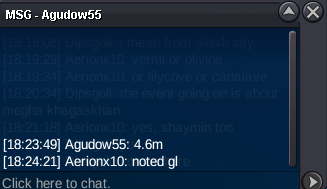
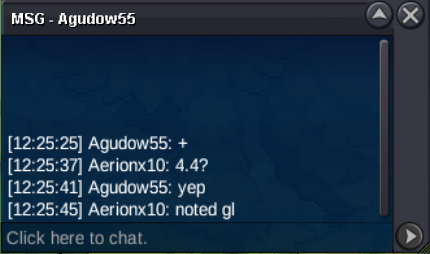
Auction won by @Agudow55 Final bid- 4.8m Thank you! :))
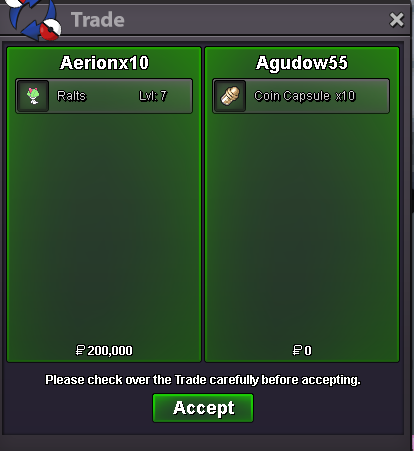
-
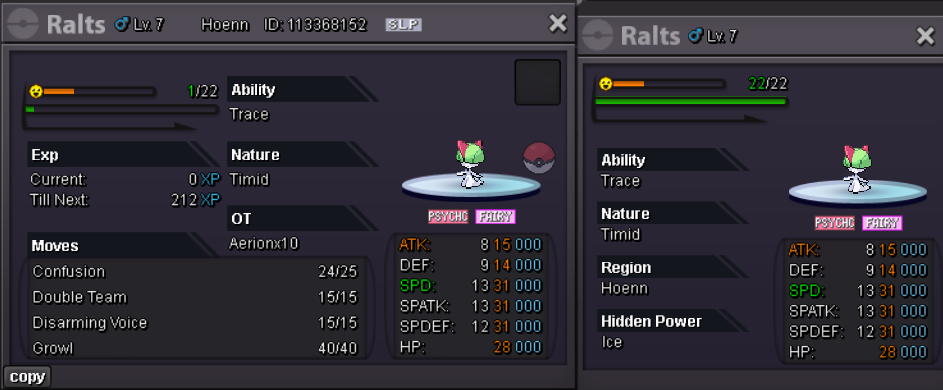
bumpDo we have a winner yet? 👀@500miles current offer is already 3m by Wegan... Please bid higherS.O = 500k Min bid = 100k // insta = N/A Auctions ends 48 hours after the starting offer is met The 15 minute rule is active Accepted payments = pokedollars OR cc (500k each) OR IV Reroll Tickets (750k each) This is a SILVER server auction. If you are from GOLD server, you need to transfer upon winning. IGN - Aerionx10 Discord - aerionx3
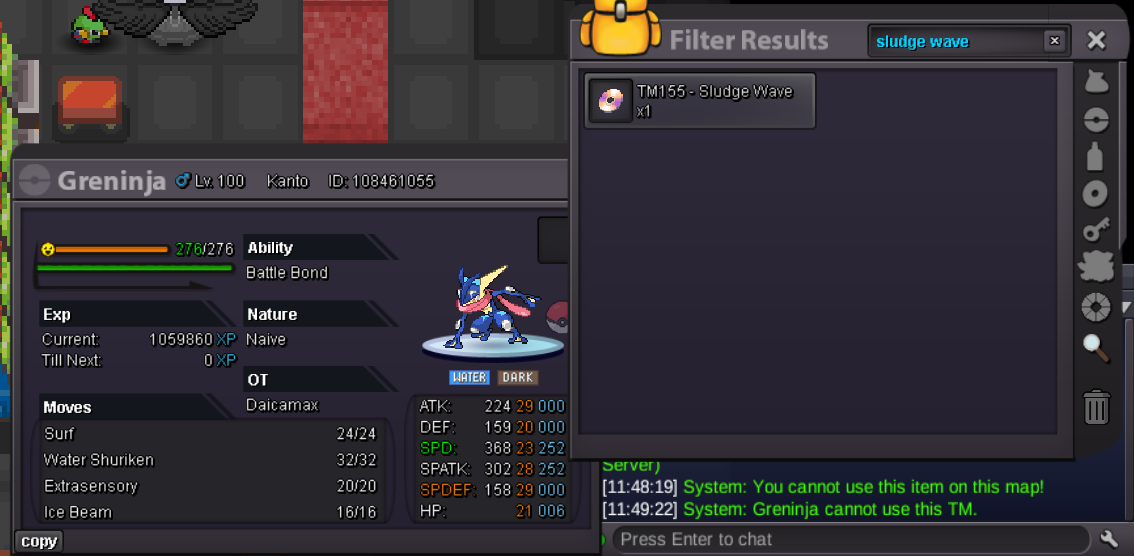
 Hi Satellar, Thanks for the response! I appreciate you looking into this. Please let me know if you need any additional details from my side. Thanks again! AerionHey PRO Team, I wanted to ask if Greninja can learn Sludge Wave. It is in its movepool and I have seen some of them actually having the move on them, but the TM or move tutor doesn’t seem to work for teaching it the move. Could you please clarify if this is intentional, or if there’s an alternative method to obtain Sludge Wave on Greninja? I have attached some screenshots if they help. Thanks in advance for your help.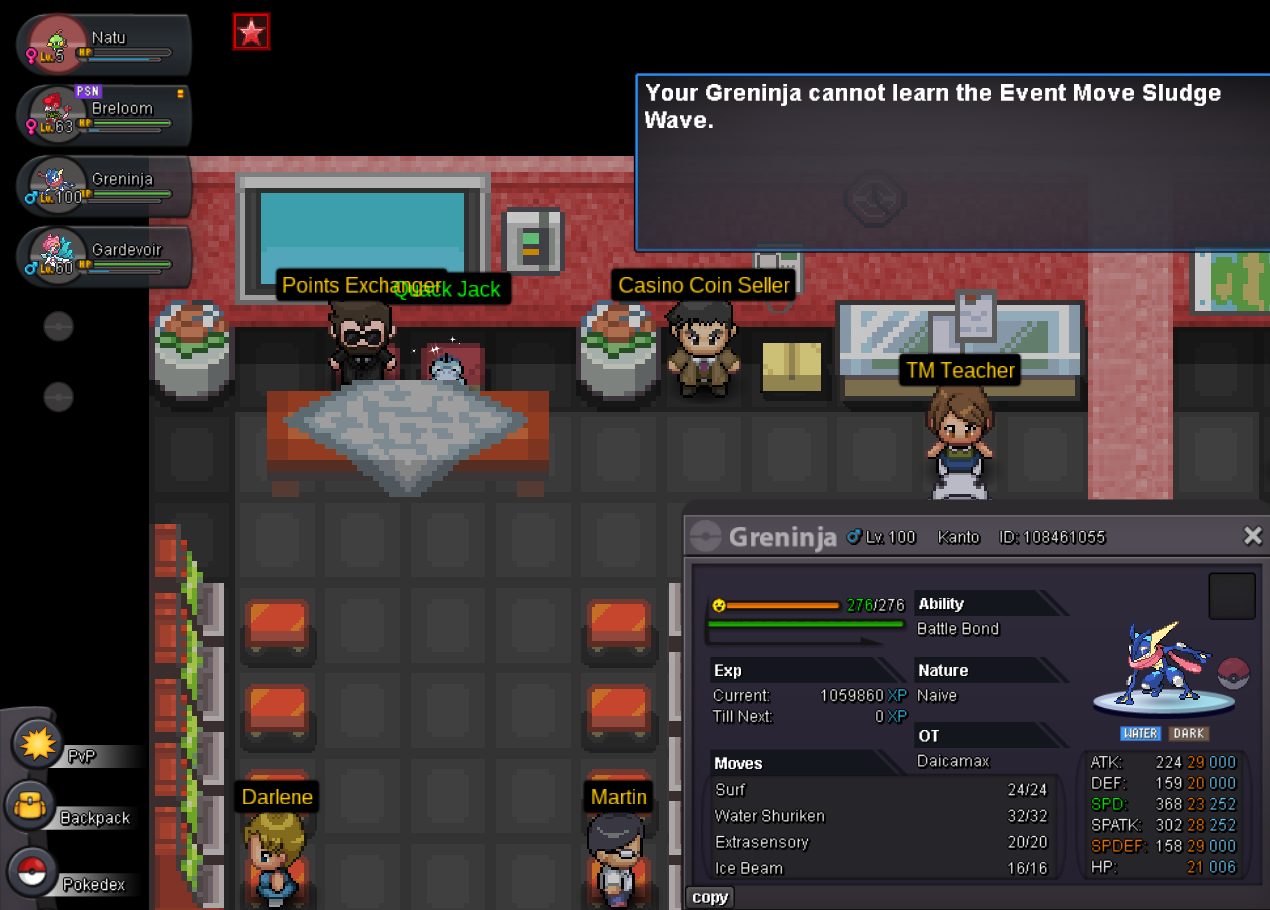
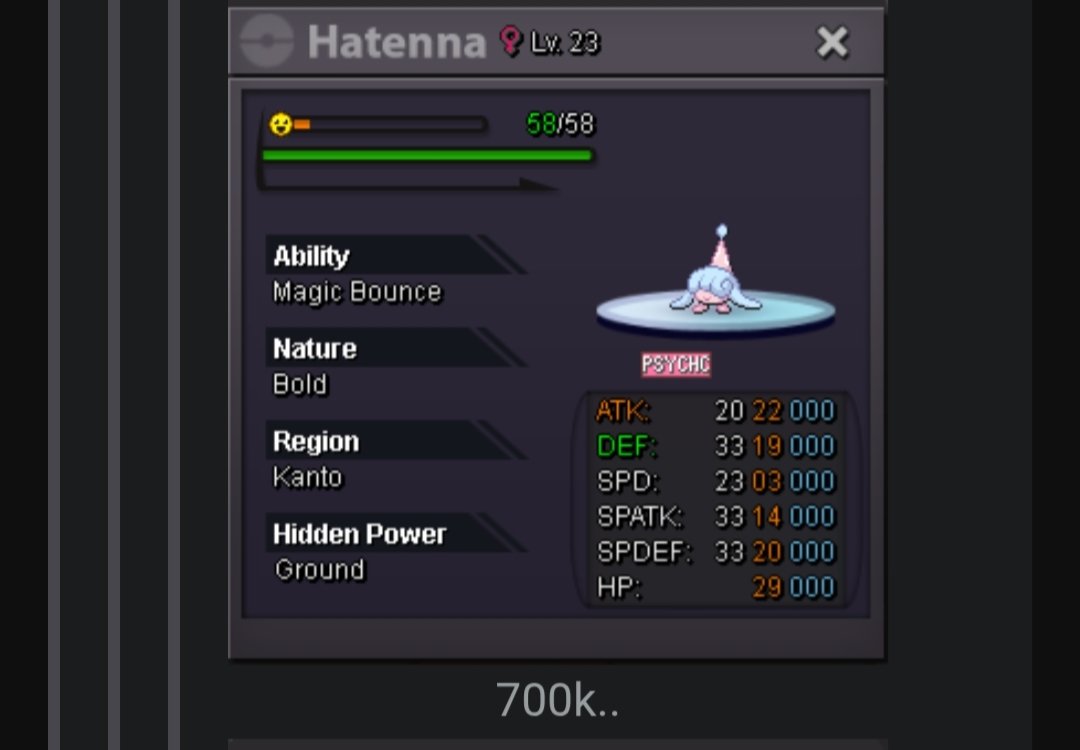
 600k hatHey, wtb this hatenna
 400k vulpixAuction won by @Masterzoe. Thread can be closed now
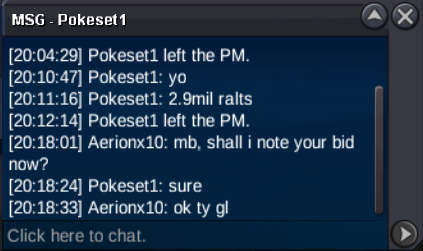
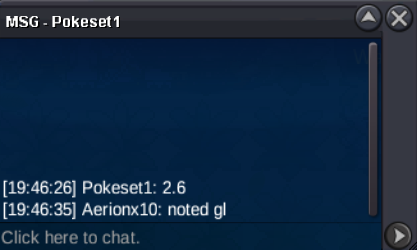
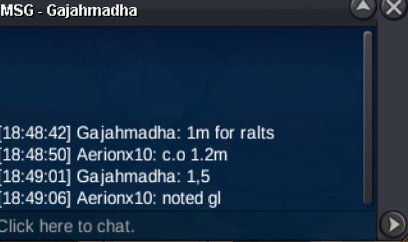
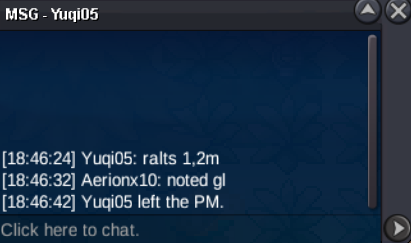
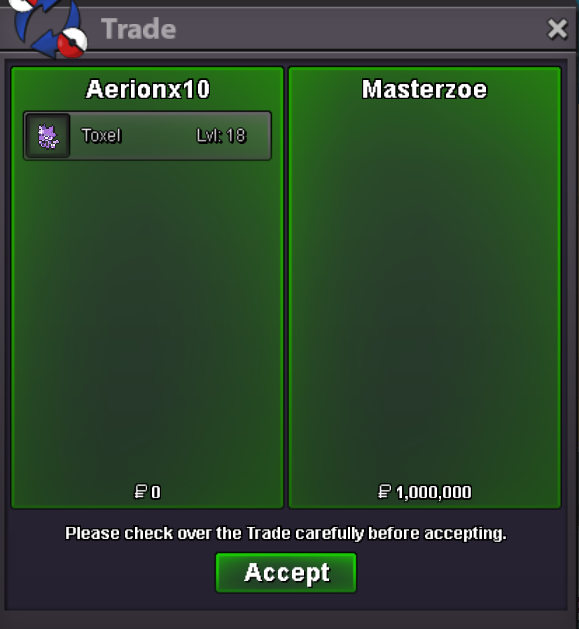 Auction started, gl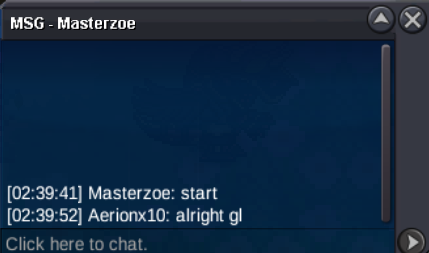


Account
Navigation
Search
Configure browser push notifications
Chrome (Android)
- Tap the lock icon next to the address bar.
- Tap Permissions → Notifications.
- Adjust your preference.
Chrome (Desktop)
- Click the padlock icon in the address bar.
- Select Site settings.
- Find Notifications and adjust your preference.
Safari (iOS 16.4+)
- Ensure the site is installed via Add to Home Screen.
- Open Settings App → Notifications.
- Find your app name and adjust your preference.
Safari (macOS)
- Go to Safari → Preferences.
- Click the Websites tab.
- Select Notifications in the sidebar.
- Find this website and adjust your preference.
Edge (Android)
- Tap the lock icon next to the address bar.
- Tap Permissions.
- Find Notifications and adjust your preference.
Edge (Desktop)
- Click the padlock icon in the address bar.
- Click Permissions for this site.
- Find Notifications and adjust your preference.
Firefox (Android)
- Go to Settings → Site permissions.
- Tap Notifications.
- Find this site in the list and adjust your preference.
Firefox (Desktop)
- Open Firefox Settings.
- Search for Notifications.
- Find this site in the list and adjust your preference.