




New Trade Zone
Trade Zone is now live
Use the new Trade Zone for auctions and instant-price trades so Pokemon and item offers are easy to find.

Grandkane
Registered User
-
Joined
-
Last visited
-
1. What's your Player name (IGN)? Grandkane 2. Number of hours played? 35h 36m 3. What's your favorite Pokemon? Kangaskhan? Tauros? gen 1 definitely. 4. What do you enjoy doing the most in PRO? (Hunting, Dungeons, PvP, trading, etc) Im still discovering the game, i would like to learn some PvP. i enjoy hunting as well. 5. Screenshot of your Trainer Card 6. How long have you been playing Pokemon? (Optional) Well, i played 20 years ago quite a lot. Before i installed this i played emerald so idk... 7. Favorite ice cream flavor. (Optional) I dont really like ice cream 🙂
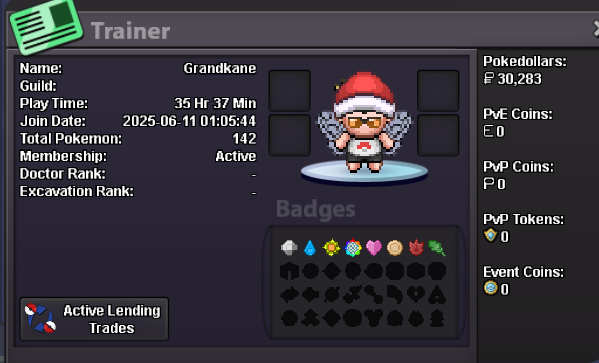
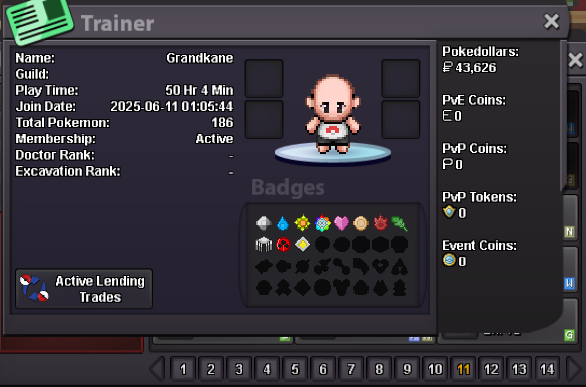
-
Hi, i am a new player (barely 35h into the game). I am looking for a guild to do any sort of content and learn a bit more about the game. I can use discord and can speak / understand both English and Spanish. Regards
