New Trade Zone
Trade Zone is now live
Use the new Trade Zone for auctions and instant-price trades so Pokemon and item offers are easy to find.

Blastone
Registered User
-
Joined
-
Last visited
Everything posted by Blastone
-
This same issue happened to me (account name: Blastone). CS Team and Developers, please help check or reset the quest for us if possible. Thank you so much for your support!
-
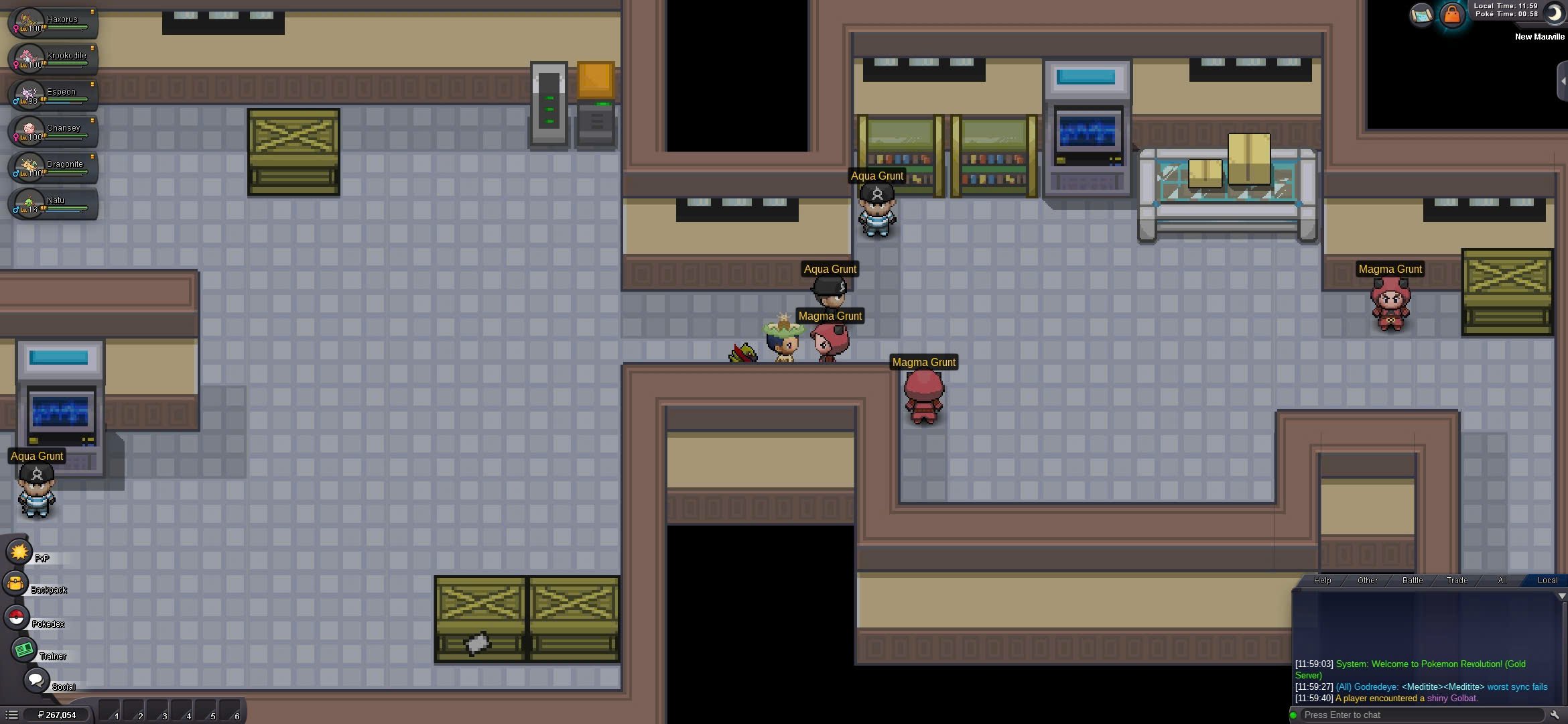
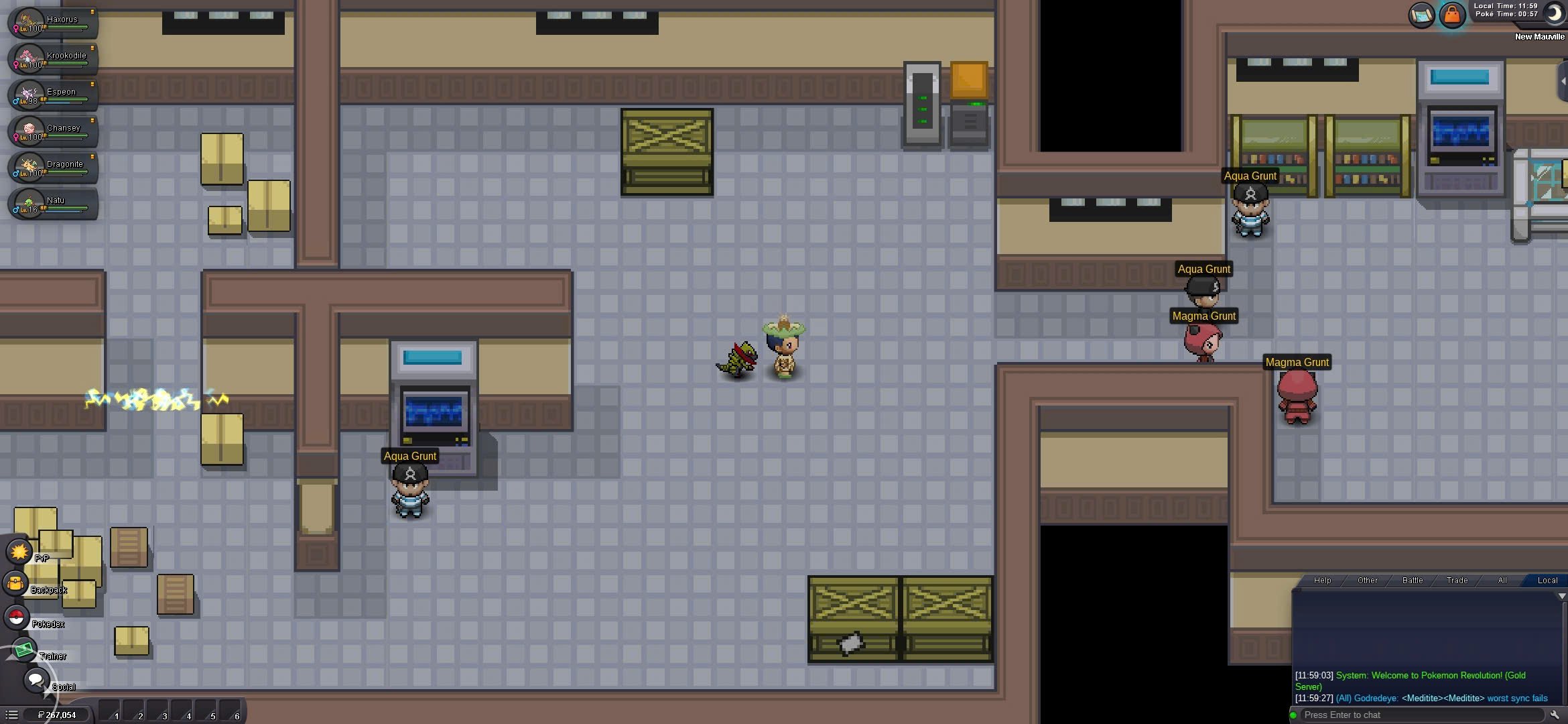
Dear Support Team, I hope you're doing well. I'm currently playing the Teleport Quest in the Hoenn region and have encountered a problem in New Mauville. After defeating two Aqua Staff members, they did not disappear, and the electric barrier to the North path remains active. I found and clicked the hidden remote, which instead disabled the barrier to the East. I was able to proceed East, where I saw a group of Aqua and Magma Staffs. Since I was playing late at night, I’m not certain whether I fought them or not, but now when I interact with them, they do not speak or trigger any events, and nothing changes in the quest. As a result, I am stuck and unable to proceed with the quest. I would greatly appreciate it if you could check my quest state or help me reset this step. Account name: Blastone Thank you very much for your support! Best regards, Blastone I'am stuck here when I interact with them, they do not speak or trigger any events 60