




New Trade Zone
Trade Zone is now live
Use the new Trade Zone for auctions and instant-price trades so Pokemon and item offers are easy to find.

Aggamo
Registered User
-
Joined
-
Last visited
-
Ok I am not sure how, but everything is fine. I was using bitwarden to copy and paste the password, but that is probably causing the problems. Thanks a lot Thaloras!
-
Hey! Thanks for the reply. Before I try, any size limitation ?
-
I created the account under Vambassador username. I clicked on the verify email, I went back to login but I get the same error.
-
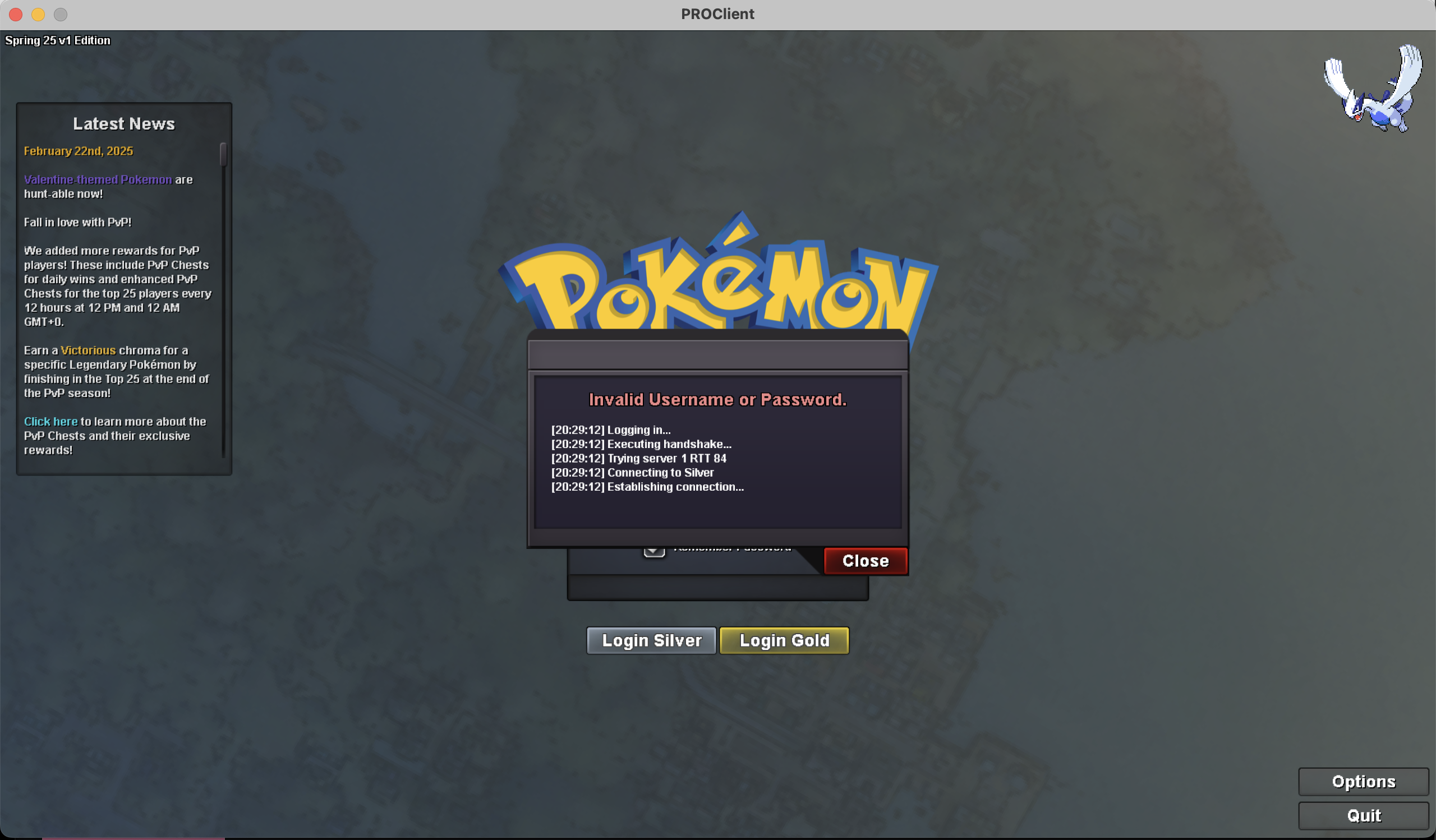
Hi! thanks for the reply, this is what I see.
-
I am not sure how, but this ended up in Discipline Appeals
-
Dear administrators, I have created my account about 30 minutes ago. I receive an error showing "Invalid Username or Password" while trying to log in the PRO Client App. I have tried reinstalling many times, I have changed my password several times and, I have requested a free server transfer. None of these worked. For the password I have changed it to alphanumerical, I have reduced the number of characters as well. Nothing seems to work. Thanks in advance!