New Trade Zone
Trade Zone is now live
Use the new Trade Zone for auctions and instant-price trades so Pokemon and item offers are easy to find.


Mavywavy
Registered User
-
Joined
-
Last visited
Everything posted by Mavywavy
-
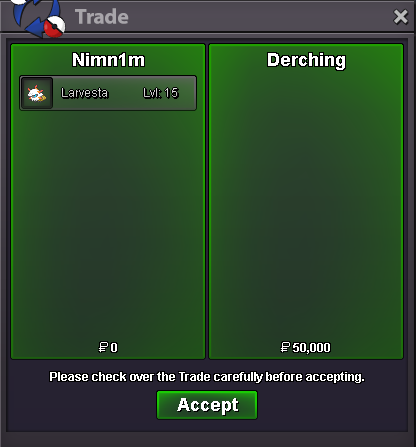
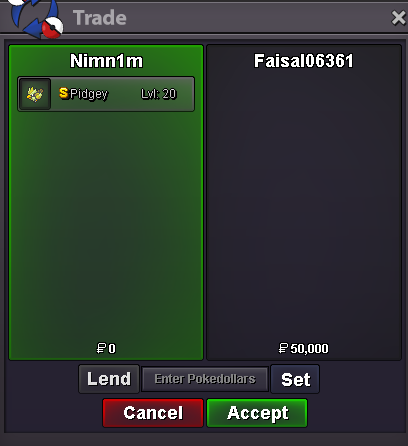
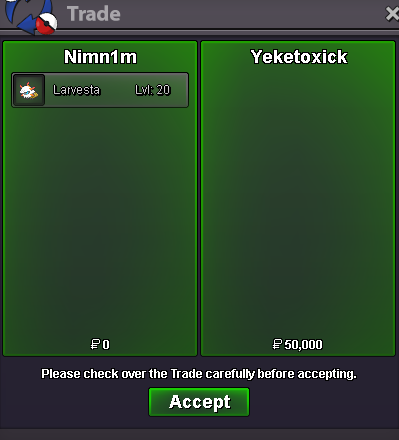
Nimtopia got a huge wave of customers!!!
-
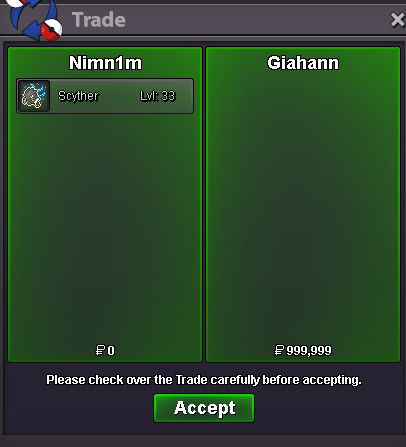
Giahann opened the night market and got a scyther!
-
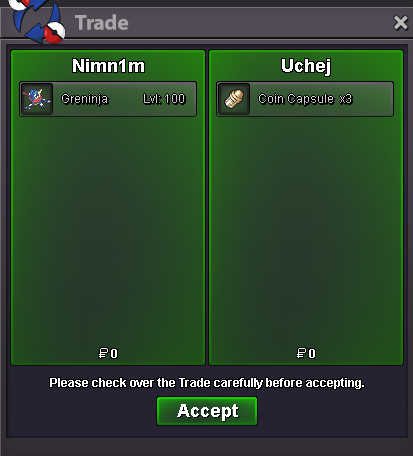
Sold out 1 Greninja, just 1 left. Careful with Uchej's gren, ferros.
-
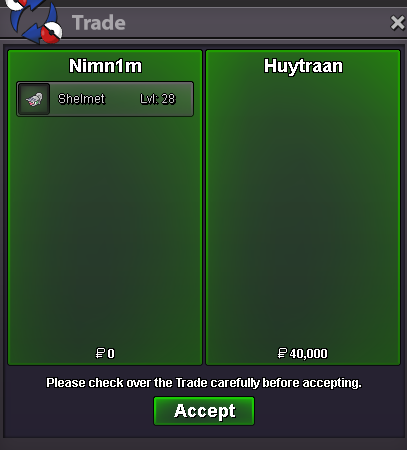
Another Shelmet came out of the window. Huytran surely enjoyed it!
-
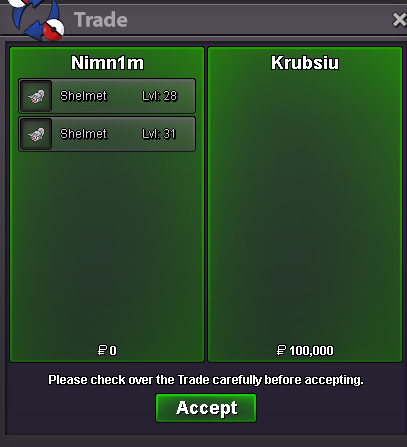
Krub came back for the 2nd, 3rd, 4th,... This guy is a legend!
-
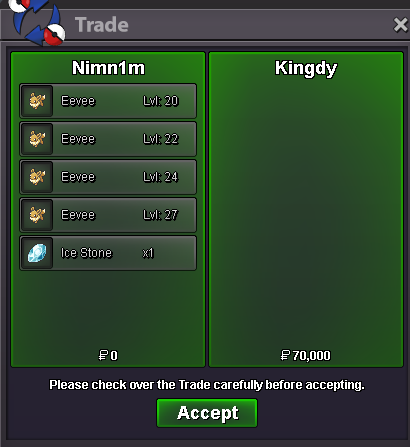
Shop opened!
-
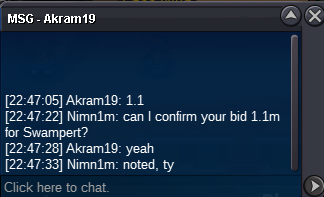
c.o 1.1m by Akram19
-
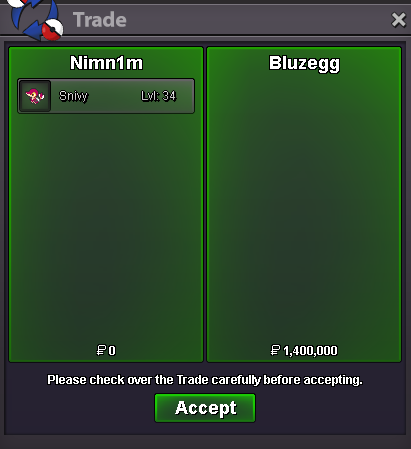
Guess today is special themed day. Enjoy shopping Bluezegg!
-
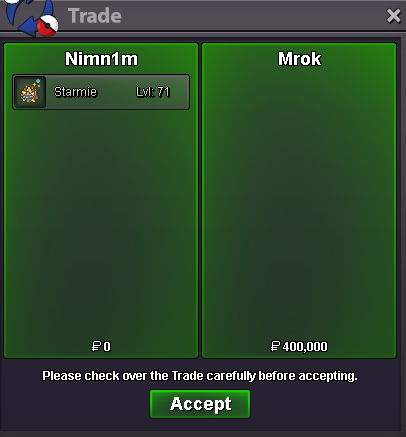
We sold a star, Mrok will shine on stage!!!
-
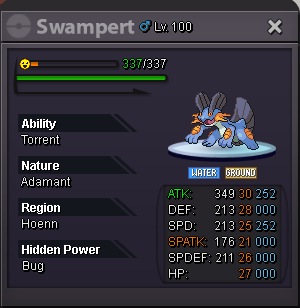
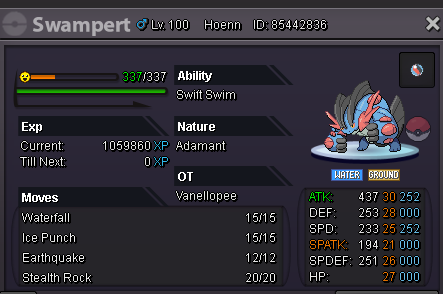
It's October, it's Battle bond Greninja season and also... Rainy month!!! Start: 1m Min raise: 100k Insta: 5m Duration: 48h from starting bid Accept payments: coin capsule = 500k, reroll ticket = 750k, cash. Good luck trainers!
-
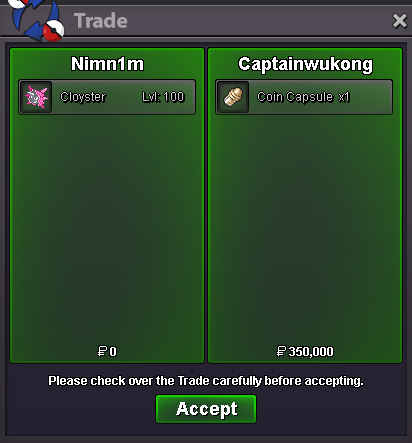
Wukong made his 2nd debut, shop opened!
-
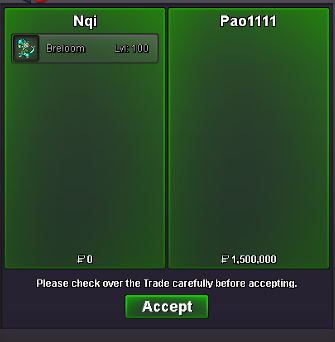
Pao pao pao !!!
-
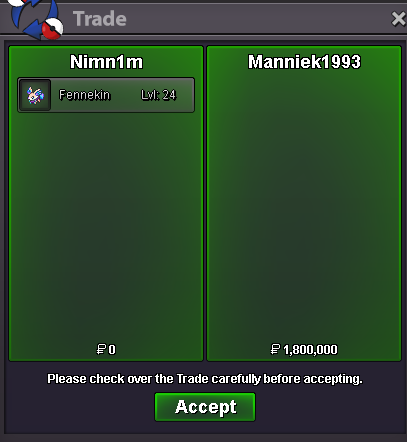
We got our first fennekin leaving the shop. Manniek1993 please take care of her.
-
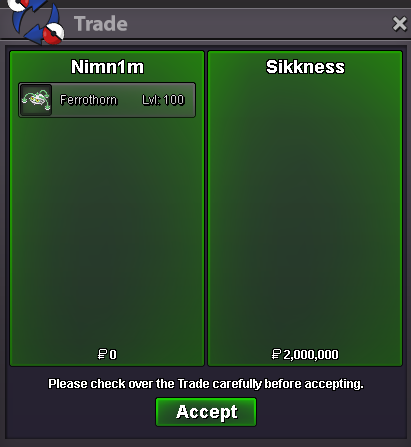
Sikkness made a new adventure with Nimtopia!!!
-
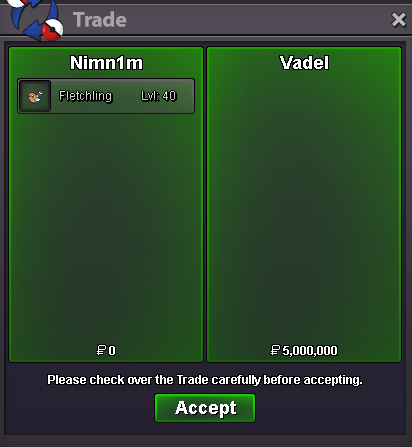
Concluded, enjoy!
-
Congrats, you won the auction. Which server are you in and can you trade now?
-
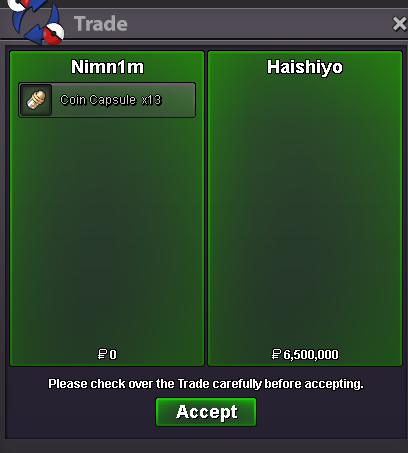
Got another huge coin capsule deal. Haishiyo just opened our shop today!
-
It is advised not to open replay while queuing as this will lead to the bug you've stated. As far as I know there's nothing you can do rather than letting your opponent win, unless you don't want to wait 10 mins from disconnect you can type: /surrender
-
up. 22h to go
-
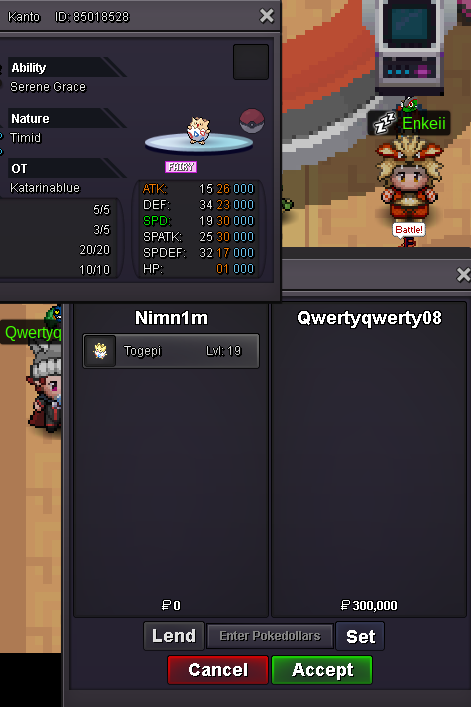
Qwertyqwerty08 made his first, second, oh wait... Third? Uncountable 😱
-
Sold Scizor Technician (untrained) + Ribombee 31 speed to Acegan. Image unfortunately didn't make it, but Acegan surely has something for ladder next season!!!
-
Added 30+ pokemons, removed sold pokemons. I will try to add more daily but that's a good news for now. Enjoy shopping!
-
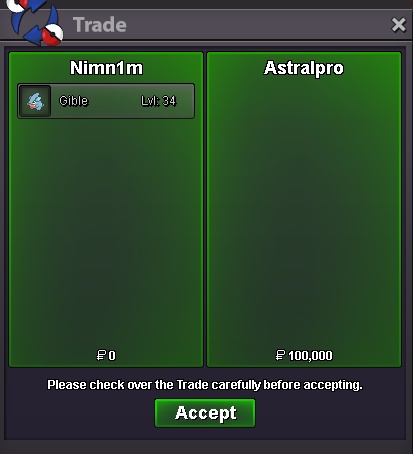
Astralpro surely ready for kanto E4 with this recruitment!!! (need to lv up first tho)
-
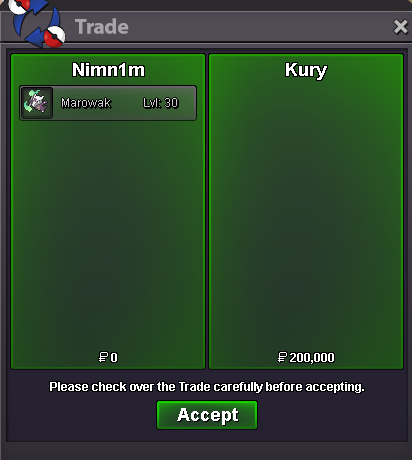
Kury made his appearance, once again. Are we getting a reputation?
-
Gaos set his first step on our shop, what a legend!