




New Trade Zone
Trade Zone is now live
Use the new Trade Zone for auctions and instant-price trades so Pokemon and item offers are easy to find.


Mavywavy
Registered User
-
Joined
-
Last visited
Everything posted by Mavywavy
-
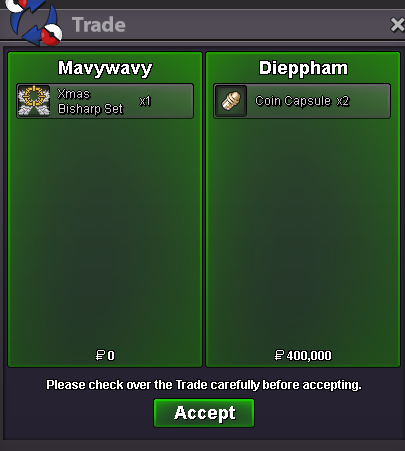
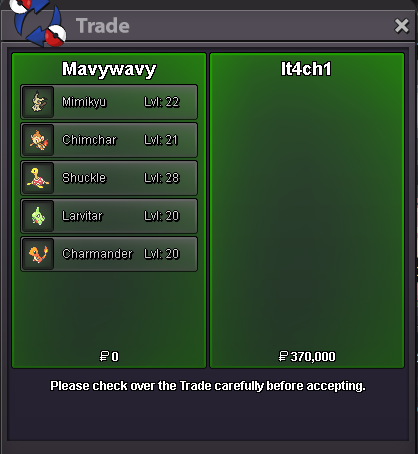
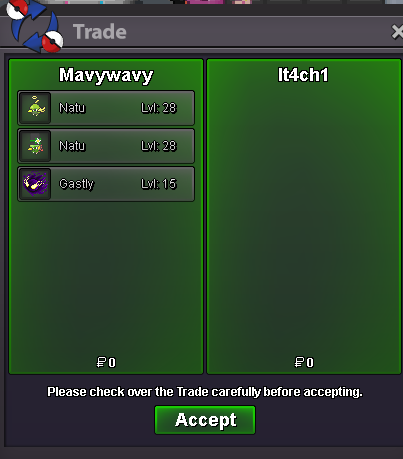
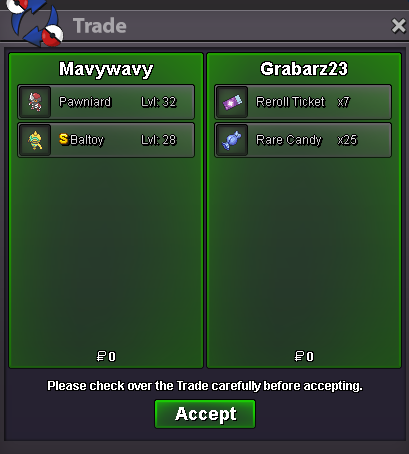
Sold 1 choice band 50k - Sunx7twsHello you online?I take money on Silver - Give the pokemon on Gold
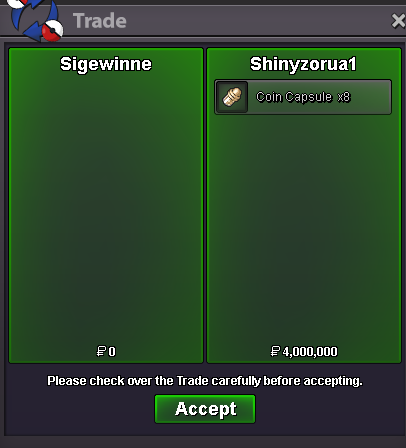
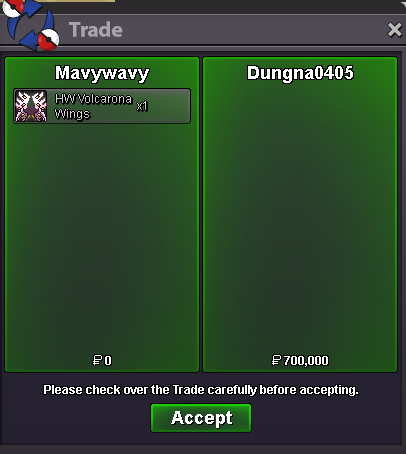
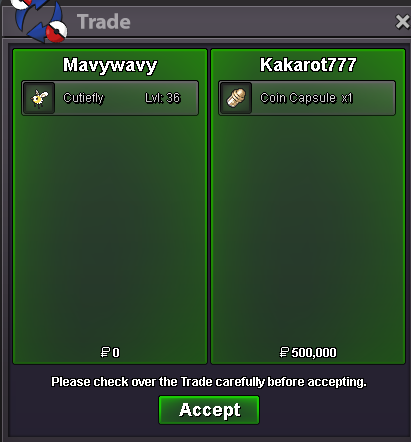
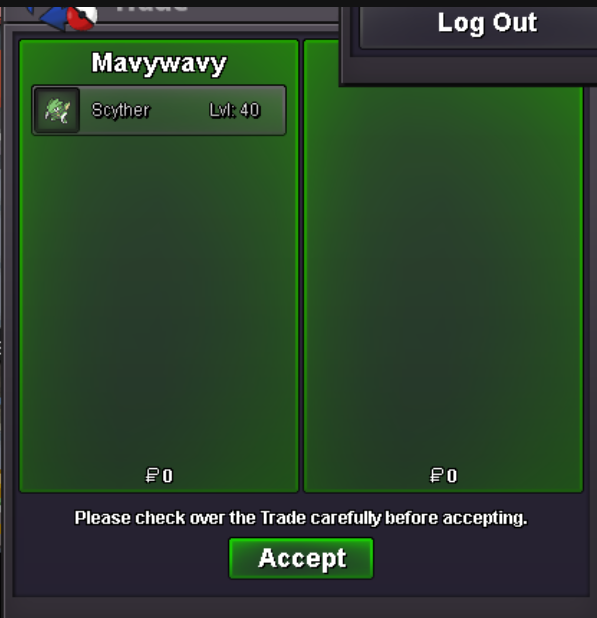
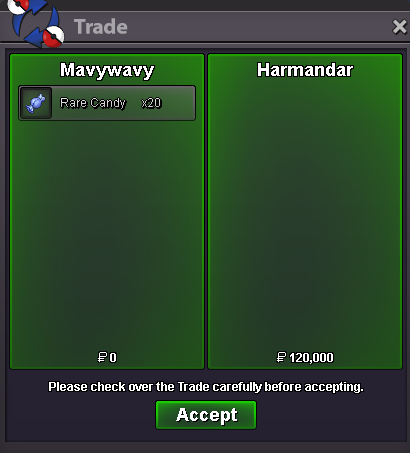
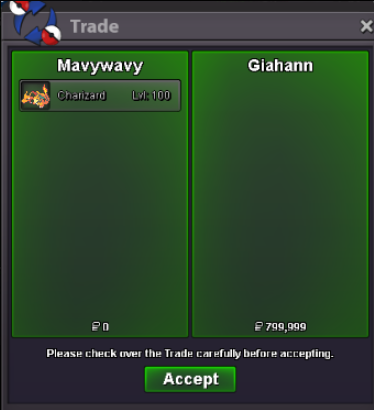
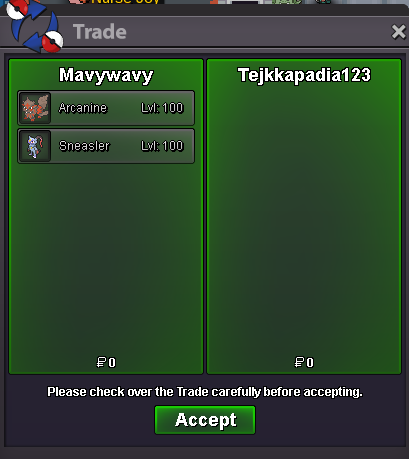 The set is 1400k only while 2 rr is already 1500k 😄 I'm online now if you're available ingameHi both are available. Obelisk 7m and Xmas bisharp set at 1.4m.Hello sincerely apologize, that image was not updated. Thank you for bring that up!Hello I'm online - Yes I will do 50k for mimikyu.Hello I'm online, you got the Pawniard since you're the one posted firstUPDATED !!!!! Still need a few small fix but looking good, have fun shopping everyone!StartHey this time I will transfer with my main. Meet you vermi in a min19.1m Weavile18.1m WeavileIGN = Mavywavy Server = gold Time zone = GMT +6 Discord = pd_rbChoconana - pickedI will come Silver with my friend's account. Will meet you Vermi in 2 minutes @Blueciferrr9.6m Larvesta


Account
Navigation
Search
Configure browser push notifications
Chrome (Android)
- Tap the lock icon next to the address bar.
- Tap Permissions → Notifications.
- Adjust your preference.
Chrome (Desktop)
- Click the padlock icon in the address bar.
- Select Site settings.
- Find Notifications and adjust your preference.
Safari (iOS 16.4+)
- Ensure the site is installed via Add to Home Screen.
- Open Settings App → Notifications.
- Find your app name and adjust your preference.
Safari (macOS)
- Go to Safari → Preferences.
- Click the Websites tab.
- Select Notifications in the sidebar.
- Find this website and adjust your preference.
Edge (Android)
- Tap the lock icon next to the address bar.
- Tap Permissions.
- Find Notifications and adjust your preference.
Edge (Desktop)
- Click the padlock icon in the address bar.
- Click Permissions for this site.
- Find Notifications and adjust your preference.
Firefox (Android)
- Go to Settings → Site permissions.
- Tap Notifications.
- Find this site in the list and adjust your preference.
Firefox (Desktop)
- Open Firefox Settings.
- Search for Notifications.
- Find this site in the list and adjust your preference.