




New Trade Zone
Trade Zone is now live
Use the new Trade Zone for auctions and instant-price trades so Pokemon and item offers are easy to find.

7thcomeback
Registered User
-
Joined
-
Last visited
Everything posted by 7thcomeback
-
Sure , i will be at vermillion
-
-
-
WTB Kingdra Swift Swim modest 31 Speed / Rest 20+ , tell your price
-
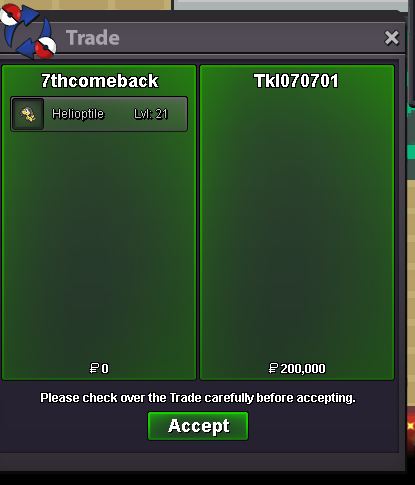
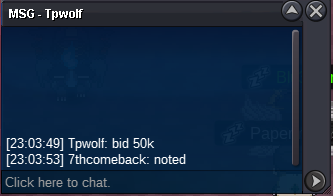
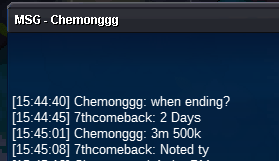
Guys auction already ended @Tkl070701 won with 200K Auction started Monday at 11 PM (2 Days auction)180k by Poppachav
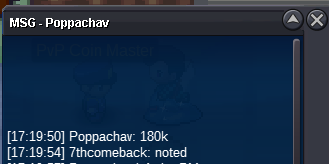 Bump Few hours leftStarted
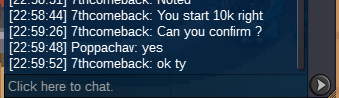 Start offer 10k Min raise 10k No insta payment : Pokedollars Auction 2 days (Start after first bid)
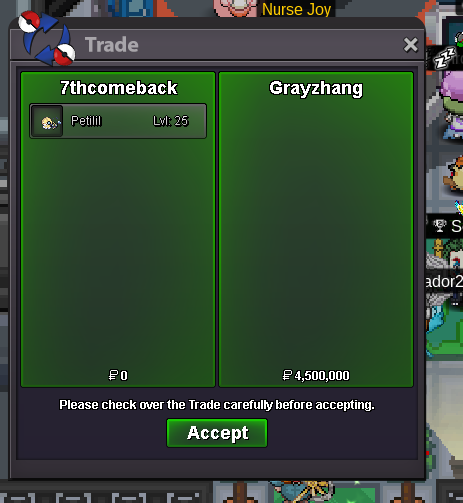
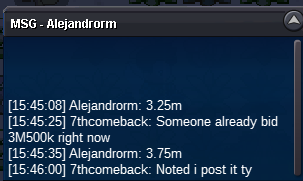
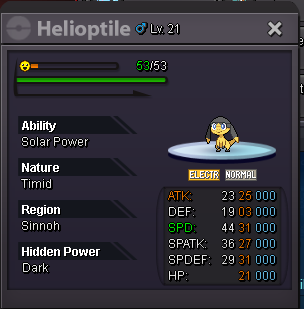 I'm online for the trade (Tyranitar ada)Ok I can log in 2-3hours and buy it if you are onlineTyranitar Id 80543471 Ada nature for 600k still available?Auction won by Grayzhang , I'm online for the trade if you want right now4M250 by Titaniaplayz
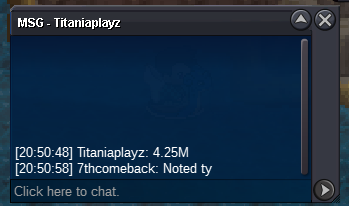 bumpStart Offer 3M Insta 10M Min bid 250k Payment : Pokedollars & CC (450K) Auction : 2 Days , Start after first bid
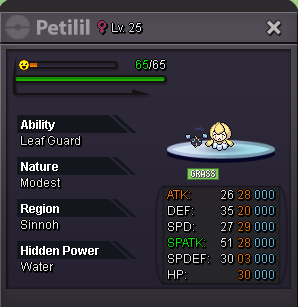 Trade done , can close
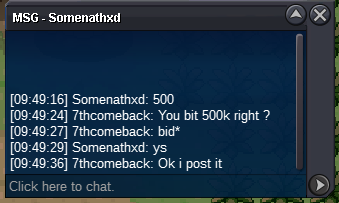
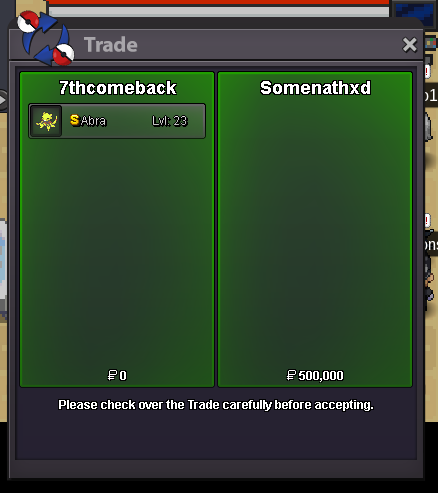 500k from Somenathxd
 Start offer 400K Minimum raise 50k Insta price 2M Auction 24 hours (Start after first bid) Payment method : Pokedollars / CC (500K)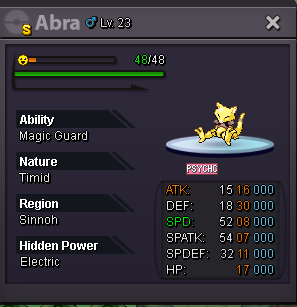

Account
Navigation
Search
Configure browser push notifications
Chrome (Android)
- Tap the lock icon next to the address bar.
- Tap Permissions → Notifications.
- Adjust your preference.
Chrome (Desktop)
- Click the padlock icon in the address bar.
- Select Site settings.
- Find Notifications and adjust your preference.
Safari (iOS 16.4+)
- Ensure the site is installed via Add to Home Screen.
- Open Settings App → Notifications.
- Find your app name and adjust your preference.
Safari (macOS)
- Go to Safari → Preferences.
- Click the Websites tab.
- Select Notifications in the sidebar.
- Find this website and adjust your preference.
Edge (Android)
- Tap the lock icon next to the address bar.
- Tap Permissions.
- Find Notifications and adjust your preference.
Edge (Desktop)
- Click the padlock icon in the address bar.
- Click Permissions for this site.
- Find Notifications and adjust your preference.
Firefox (Android)
- Go to Settings → Site permissions.
- Tap Notifications.
- Find this site in the list and adjust your preference.
Firefox (Desktop)
- Open Firefox Settings.
- Search for Notifications.
- Find this site in the list and adjust your preference.