-
can close AUCTION] 3 Max speed pvp poks -->>Swampert 30-31 ---- Azumaril 31 speed ---- Garchomp epic 31 speed
600k swamp 350k azum
-
Godly Bulk Corviknight 31 27 30 Pressure Impish
1.1m
-
PVP & PVE POKS ( NOT A BUNDLE)
@Glitterwingwhat should i do now?
-
JOLLY METAGROSS 31SPD PVPABLE
Wtb pvpable jolly metagross 31spd must big budget
-
PVP & PVE POKS ( NOT A BUNDLE)
@Dangerboy001 reply? When u available for trade
-
PVP & PVE POKS ( NOT A BUNDLE)
- PVP & PVE POKS ( NOT A BUNDLE)
@Dangerboy001congratz u won gligar Let me know when u ready for trade- PVP & PVE POKS ( NOT A BUNDLE)
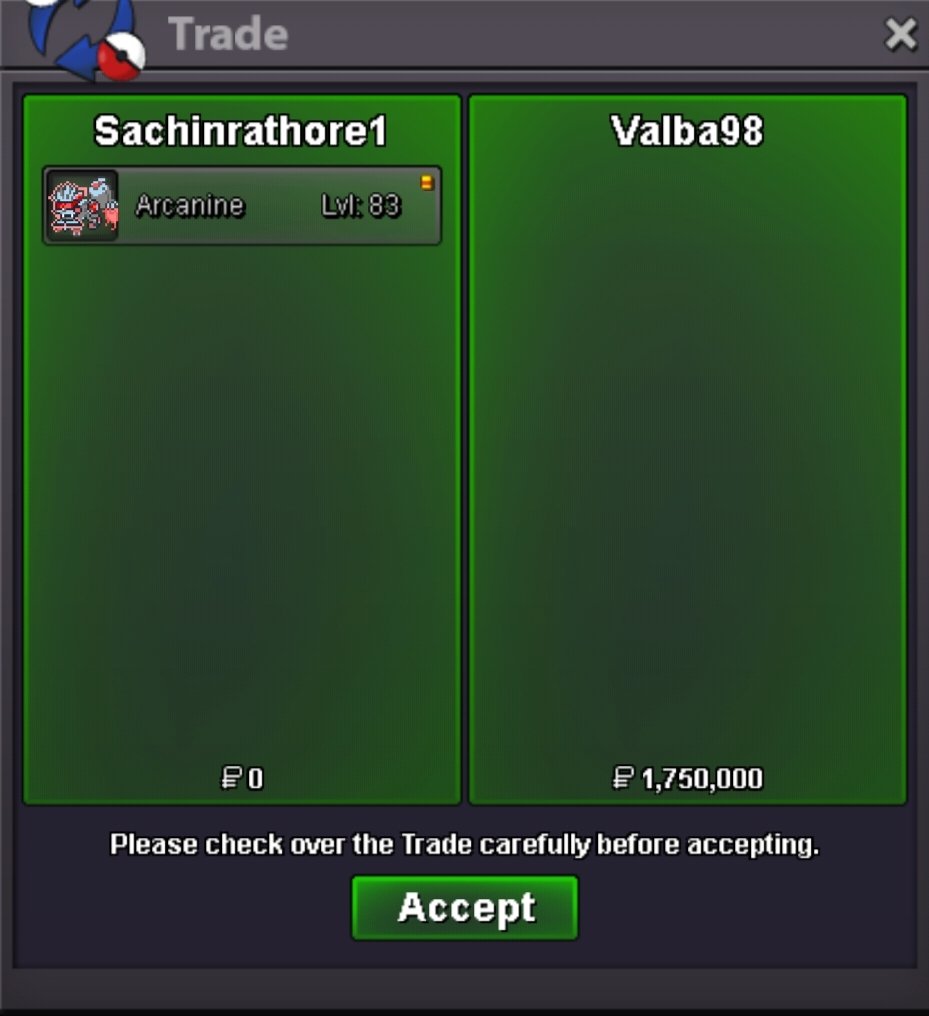
@Valba98congratz you won hlw arcanine Let me know when u ready for trade- PVP & PVE POKS ( NOT A BUNDLE)
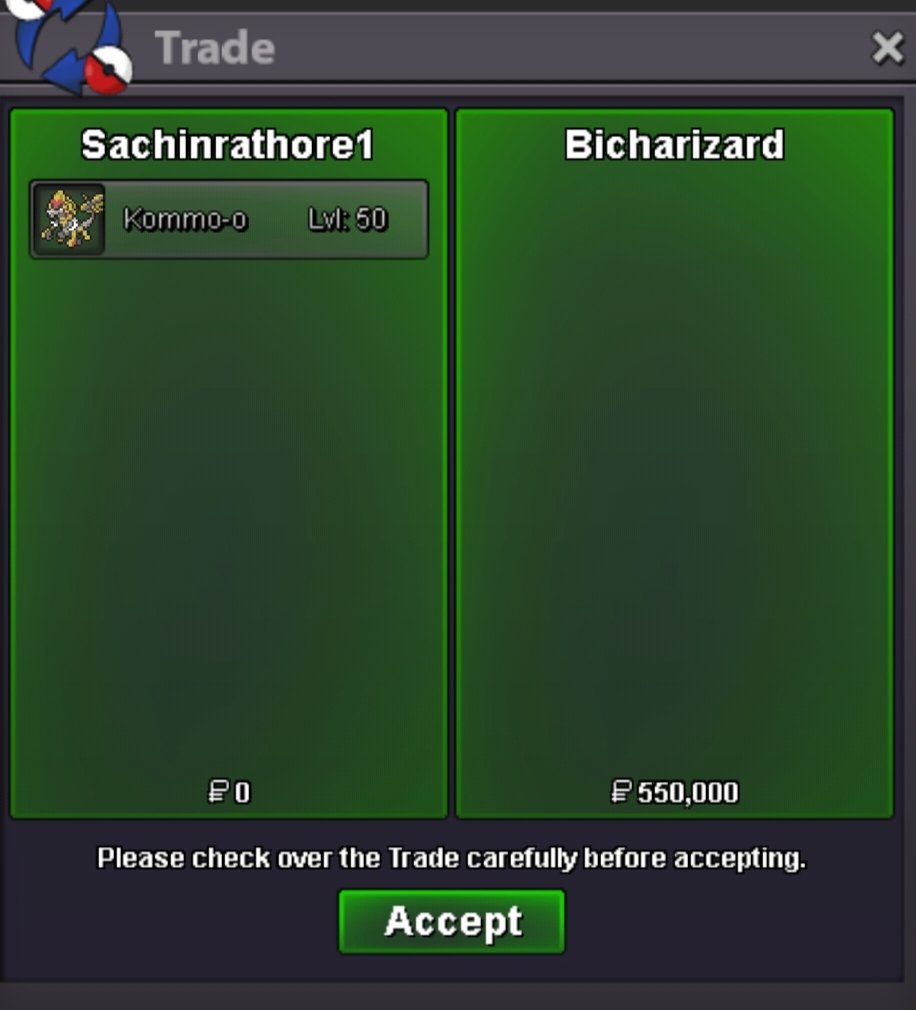
@Bicharizard you won kommo Let me know when u ready for trade- HONORABLE WINNERS are Tito017 (lvl25) & Lordofthetrades (lvl24)!!! can be closed
560k 1st- Can close
900k torchic- HONORABLE WINNERS are Tito017 (lvl25) & Lordofthetrades (lvl24)!!! can be closed
510k 1st- Can be closed
1.5m exca- HONORABLE WINNERS are Tito017 (lvl25) & Lordofthetrades (lvl24)!!! can be closed
450k 1st - PVP & PVE POKS ( NOT A BUNDLE)
Sachinrathore1
Registered User
-
Joined
-
Last visited
Account
Navigation
Search
Configure browser push notifications
Chrome (Android)
- Tap the lock icon next to the address bar.
- Tap Permissions → Notifications.
- Adjust your preference.
Chrome (Desktop)
- Click the padlock icon in the address bar.
- Select Site settings.
- Find Notifications and adjust your preference.
Safari (iOS 16.4+)
- Ensure the site is installed via Add to Home Screen.
- Open Settings App → Notifications.
- Find your app name and adjust your preference.
Safari (macOS)
- Go to Safari → Preferences.
- Click the Websites tab.
- Select Notifications in the sidebar.
- Find this website and adjust your preference.
Edge (Android)
- Tap the lock icon next to the address bar.
- Tap Permissions.
- Find Notifications and adjust your preference.
Edge (Desktop)
- Click the padlock icon in the address bar.
- Click Permissions for this site.
- Find Notifications and adjust your preference.
Firefox (Android)
- Go to Settings → Site permissions.
- Tap Notifications.
- Find this site in the list and adjust your preference.
Firefox (Desktop)
- Open Firefox Settings.
- Search for Notifications.
- Find this site in the list and adjust your preference.