New Trade Zone
Trade Zone is now live
Use the new Trade Zone for auctions and instant-price trades so Pokemon and item offers are easy to find.

Azendak123
Registered User
-
Joined
-
Last visited
-
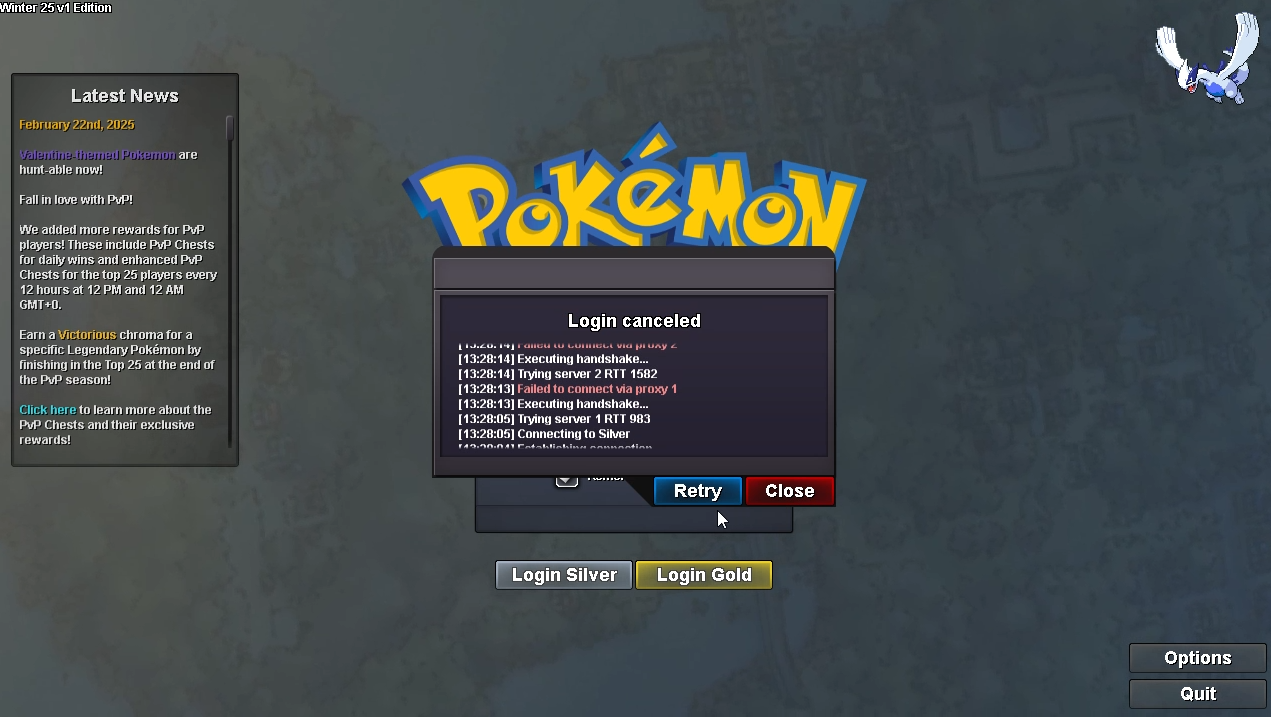
I still can't connect to Silver, My connection its very good, I don't have problems with my net, the problem its with Silver Server, I had to change my account to Gold Silver untill this problem get fix 😞 When I play in Gold, All go ok, when I tried to connect to silver is where got the issues.
-
PROClient 2026-01-21 13-27-58.mp4 Hello PRO team, I hope you guys are good! I want to communicate I'm having problems with Silver Server to logging, when I tried to log in, I got that "failed to connect via proxy 1", and can't enter in my accounts, but when I do the same in Gold, I can enter without problems, that's happends to me using my house ethernet, I can't enter with my cellphone too using the Wi-Fi, but if I used my cellphone ethernet, I can log in Silver. I tried already disabling the ethernet, reseting all, uninstalling and re installing the game, the firewall it's ok with PRO permision, I dunno what to do 😢 Hope you guys can help me with that!