




New Trade Zone
Trade Zone is now live
Use the new Trade Zone for auctions and instant-price trades so Pokemon and item offers are easy to find.
.jpeg.be845f7196fd3a0df3b5fb479236a5f0.jpeg)

Gracee
Registered User
-
Joined
-
Last visited
Everything posted by Gracee
-
-
@Metalhead2309 will be online in a hr
-
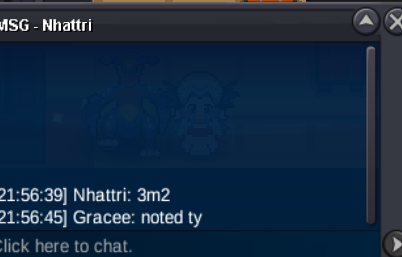
@Nhattri here my dc- yoursgracee , send me a msg when u up for trade@Nhattrii will be online after 9hr from this post, hope we can meet then ,500.002250k and ya only 1hr left, not 2hr300kstart@Swarnim u win the auction with the bid of 900k, and @Kejnedar the auction is already ended a while ago. Lemme know when u can online400k200kWtb more customersS.O-500K MIN RAISE-100K INSTA-N/A ACCEPTED CURRENCY - CC-450K,RR-700K,RC-5K TIME LIMIT-36HR AFTER S.O
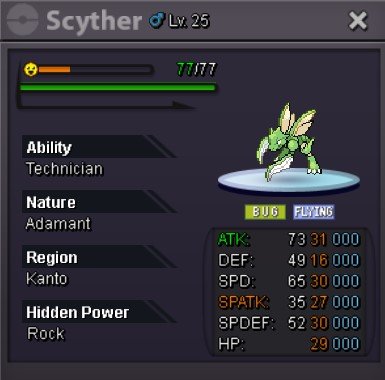 @Nhattriu won the auction lemme know when u can be online850kS.O-500K MIN RAISE-100K INSTA-8m ACCEPTED CURRENCY - CC-450K,RR-700K,RC-5K TIME LIMIT-28HR AFTER S.O
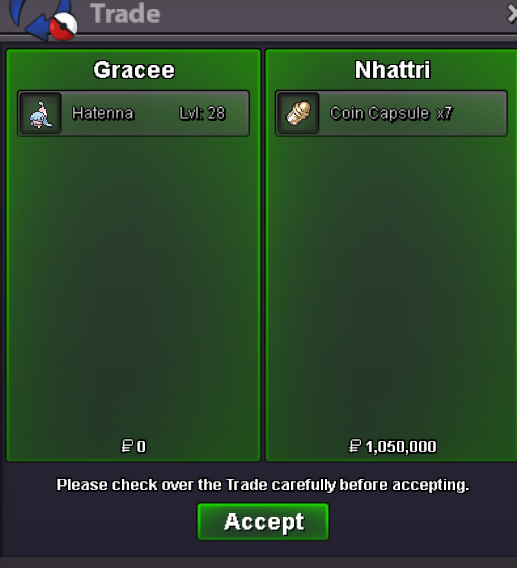
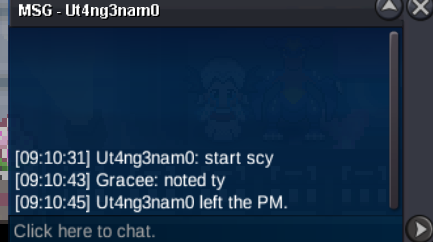
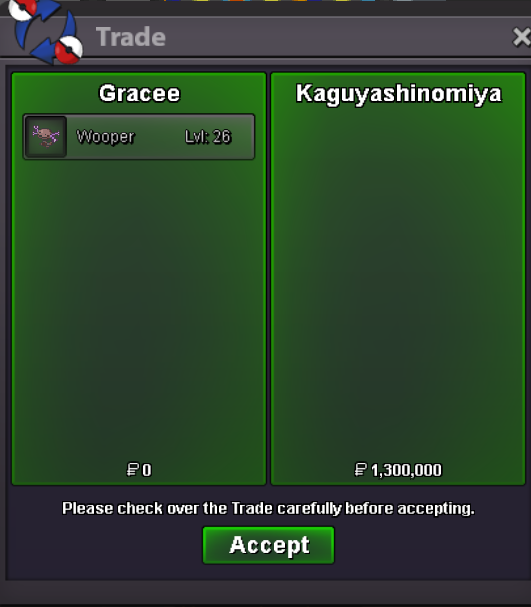
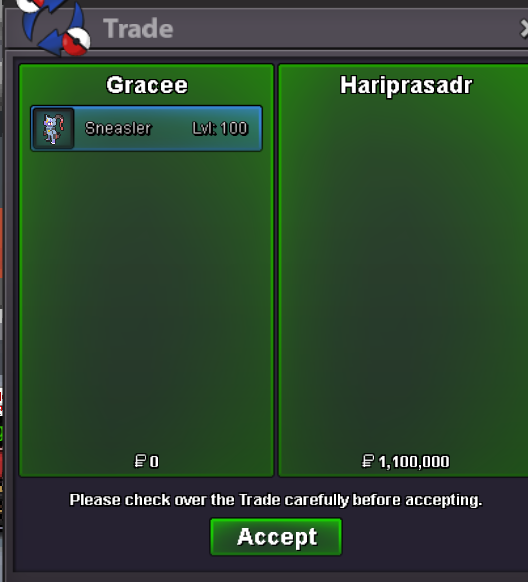
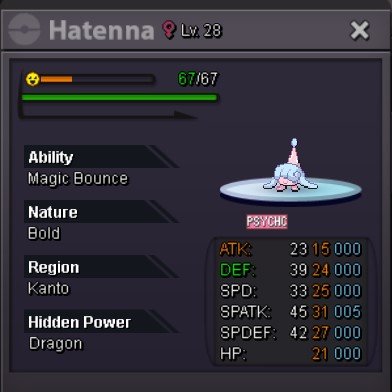 yes the auction is over, but the outcome is not whats ur looking for the winner of wooper is @Kaguyashinomiya with 1.3m bid Mr @Rajkkapadia ur bid of 1.5m is invalid as u didn't specify which mon ur bidding on hence ur bid is voided, and i reported it to appropriated staff members to look at the auction and explain everything to u , While the winner of Sneasler is @Hariprasadr congrats on winning the auction1m5


Account
Navigation
Search
Configure browser push notifications
Chrome (Android)
- Tap the lock icon next to the address bar.
- Tap Permissions → Notifications.
- Adjust your preference.
Chrome (Desktop)
- Click the padlock icon in the address bar.
- Select Site settings.
- Find Notifications and adjust your preference.
Safari (iOS 16.4+)
- Ensure the site is installed via Add to Home Screen.
- Open Settings App → Notifications.
- Find your app name and adjust your preference.
Safari (macOS)
- Go to Safari → Preferences.
- Click the Websites tab.
- Select Notifications in the sidebar.
- Find this website and adjust your preference.
Edge (Android)
- Tap the lock icon next to the address bar.
- Tap Permissions.
- Find Notifications and adjust your preference.
Edge (Desktop)
- Click the padlock icon in the address bar.
- Click Permissions for this site.
- Find Notifications and adjust your preference.
Firefox (Android)
- Go to Settings → Site permissions.
- Tap Notifications.
- Find this site in the list and adjust your preference.
Firefox (Desktop)
- Open Firefox Settings.
- Search for Notifications.
- Find this site in the list and adjust your preference.