




New Trade Zone
Trade Zone is now live
Use the new Trade Zone for auctions and instant-price trades so Pokemon and item offers are easy to find.
.jpeg.be845f7196fd3a0df3b5fb479236a5f0.jpeg)

Gracee
Registered User
-
Joined
-
Last visited
Everything posted by Gracee
-
bump
-
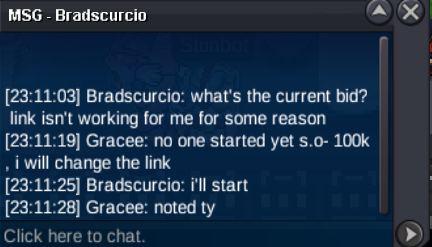
(note i dont usually send people message on personal but player looking for maneky so just send to see if he want to bid or not)
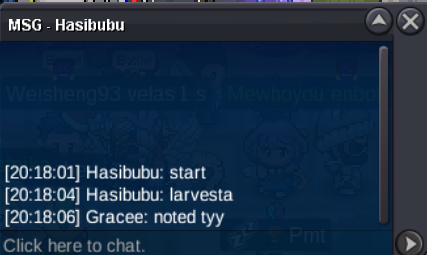
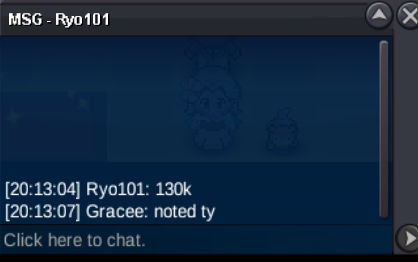
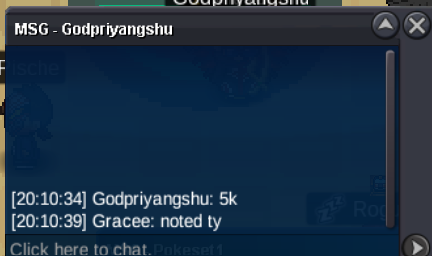
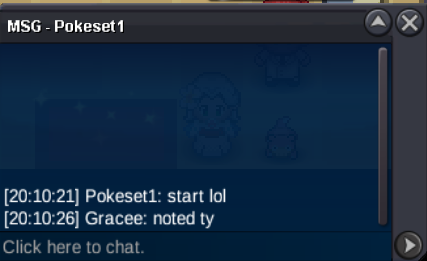
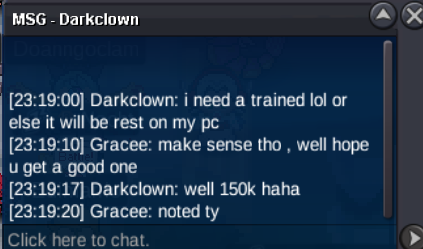 S.O-100K MIN RAISE- 50K TIME LIMIT- 12HR AFTER S.O ACCEPTED CURRENCY- CC(480K), RR(720K)
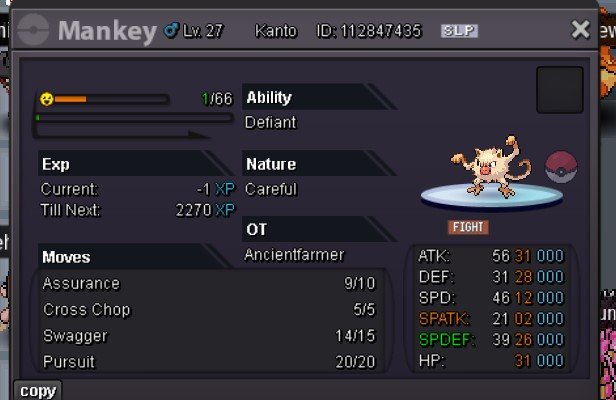 can be closed
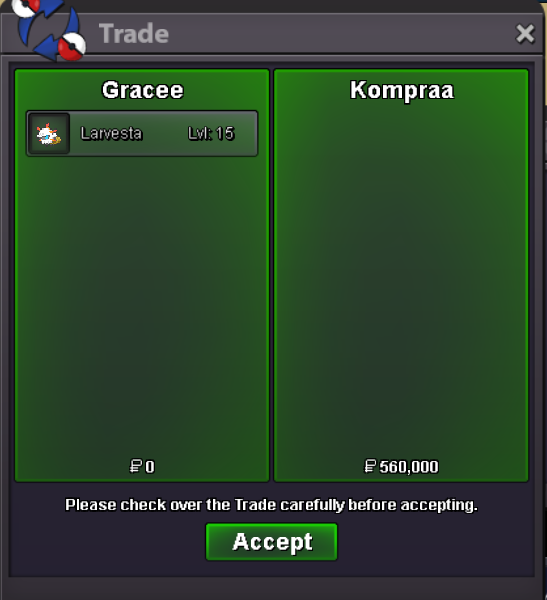 another 15min extended
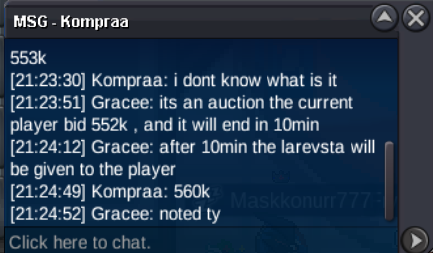 trade is done forgot to take the ss sorry for the inconvenience u can close the topic15 min extended
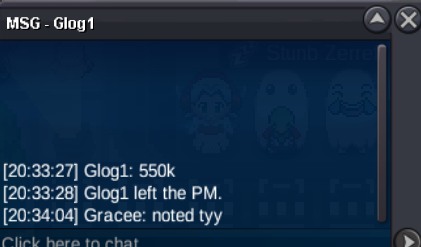
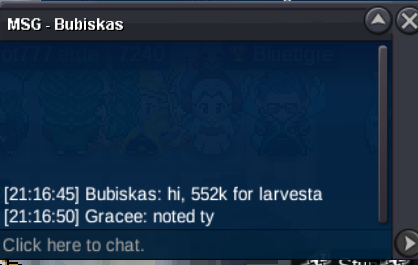 C.O IS 100K BY GLOG1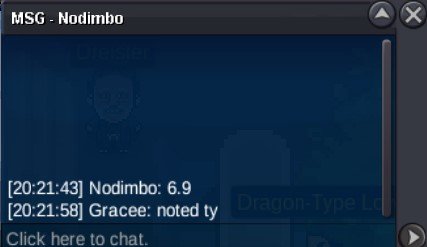
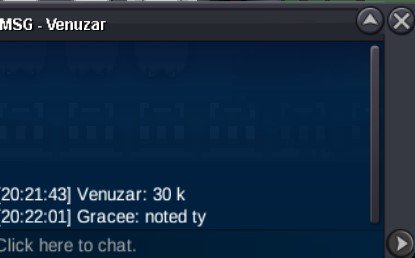
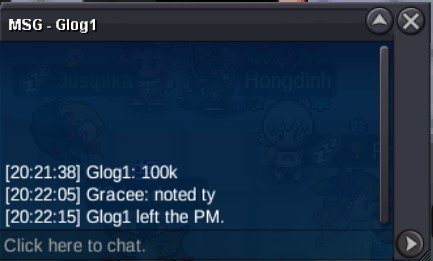 BACK TO BACK 1HR AUCTION WILL BE ON PLAY THE WHOLE WEEK, HOPE U GUYS ENJOY S.O- 1K MIN RAISE- 1K TIME LIMIT- 1HR AFTER S.O
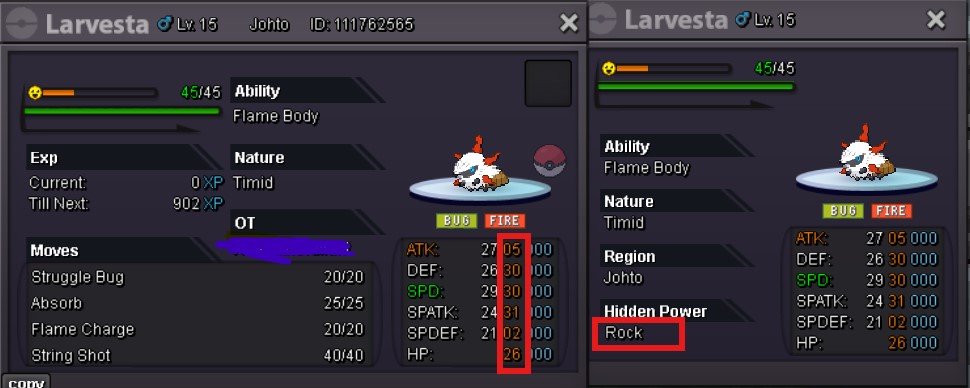 i am at vermi rn @Richieamggood for my collection tho 2m15min rule appliedITS A FUN AUCTION GUYS, HOPE U ALL ENJOY S.O-1K MIN RAISE- 1K TIME LIMIT- 1HR AFTER S.O
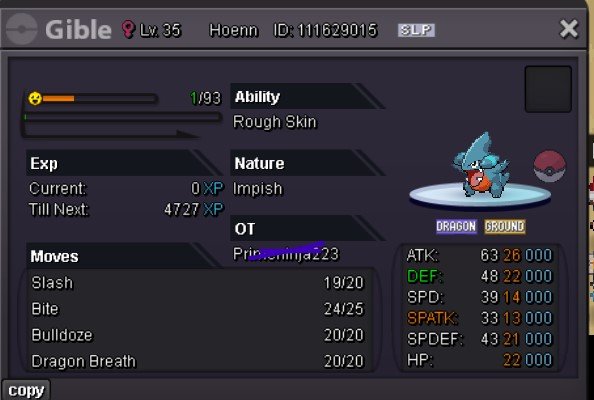 auction ended trade if done,TY for participating can be closed now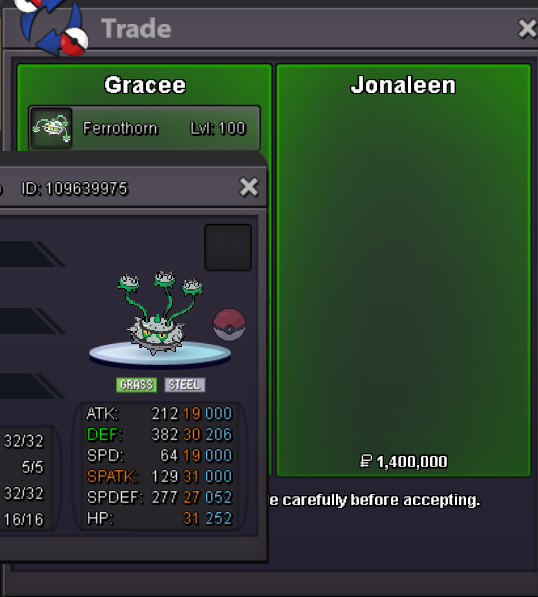

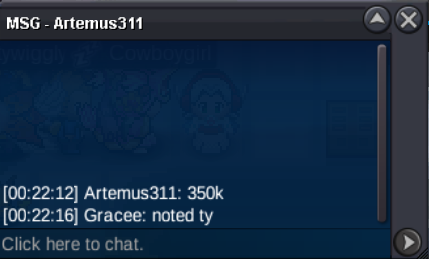
Account
Navigation
Search
Configure browser push notifications
Chrome (Android)
- Tap the lock icon next to the address bar.
- Tap Permissions → Notifications.
- Adjust your preference.
Chrome (Desktop)
- Click the padlock icon in the address bar.
- Select Site settings.
- Find Notifications and adjust your preference.
Safari (iOS 16.4+)
- Ensure the site is installed via Add to Home Screen.
- Open Settings App → Notifications.
- Find your app name and adjust your preference.
Safari (macOS)
- Go to Safari → Preferences.
- Click the Websites tab.
- Select Notifications in the sidebar.
- Find this website and adjust your preference.
Edge (Android)
- Tap the lock icon next to the address bar.
- Tap Permissions.
- Find Notifications and adjust your preference.
Edge (Desktop)
- Click the padlock icon in the address bar.
- Click Permissions for this site.
- Find Notifications and adjust your preference.
Firefox (Android)
- Go to Settings → Site permissions.
- Tap Notifications.
- Find this site in the list and adjust your preference.
Firefox (Desktop)
- Open Firefox Settings.
- Search for Notifications.
- Find this site in the list and adjust your preference.