New Trade Zone
Trade Zone is now live
Use the new Trade Zone for auctions and instant-price trades so Pokemon and item offers are easy to find.

Cupcake73
Registered User
-
Joined
-
Last visited
-
Good luck
-
bump
-
@Daddyy420 actually I know , i bid for someother poke and realised I am short of money so I can't delete post has to something so just bid again
-
Gal 170k
-
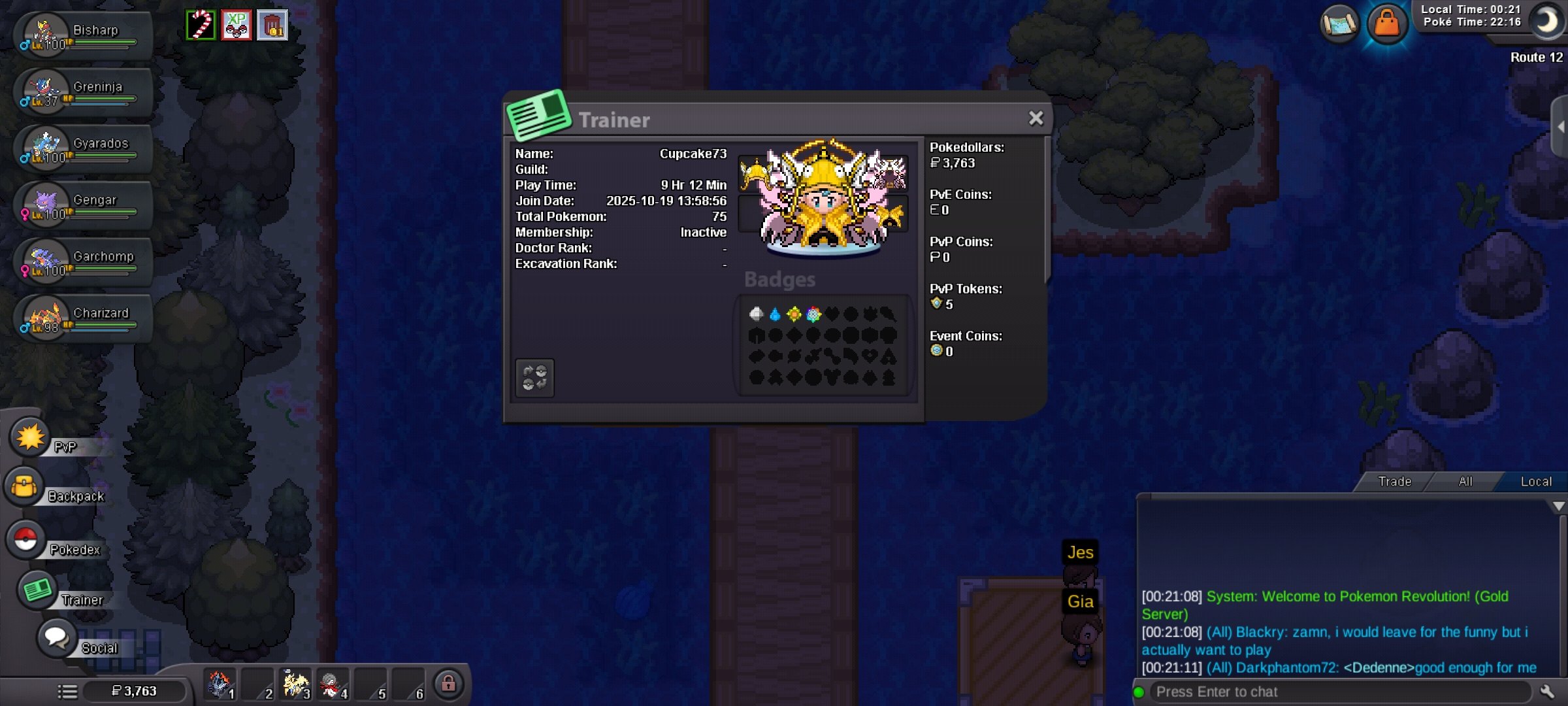
IGN: Cupcake73 Playtime: 10 hrs Fav Gen: Gen 3 Interest in PRO: PVE and pvp Event: Halloween Discord: Cupcake73
-
Gallade 170k
-
Gallade 110k
-
220k medi
-
Medi 200K
-
Medicam 180k
-
Medicham 160k
-
Medicam 140k
-
Medicham 120k
-
Start Medicam ribombee 160k
-
Trainer Card screenshot Age: 29 Country: India Discord Tag: Cupcake_.73 I lost my main account and this is my other account, after years returning to pro again and i play daily like 4-5 hours and i wanted to join a growing pvp guild and i been observing this guild and the growth in this season and that's why I want to join this guild