




New Trade Zone
Trade Zone is now live
Use the new Trade Zone for auctions and instant-price trades so Pokemon and item offers are easy to find.

Ventus888
Registered User
-
Joined
-
Last visited
-
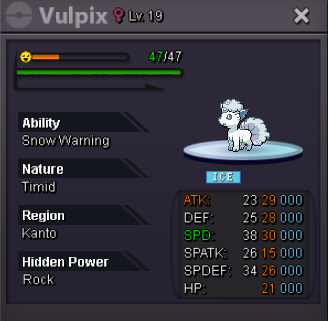
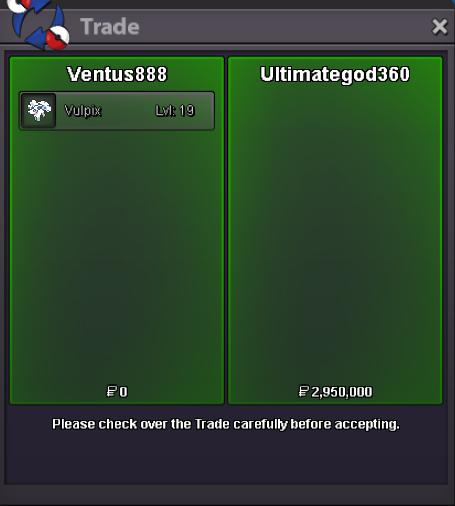
Auction ended! winner @Ultimategod360. I send u a pm, thank you all!15 min rule on by nowAuction Details: Starting Bid: 250K Min Bid: 50K Insta: N/A Duration: 48h after first bid
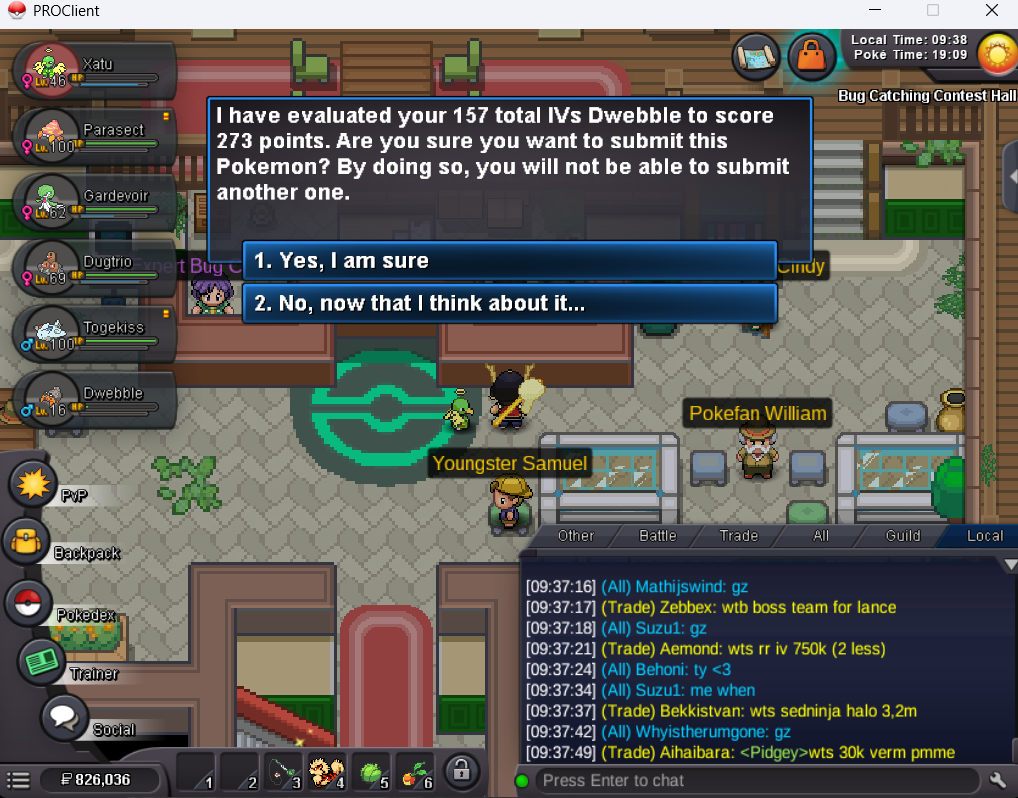
 Hello @Bitterblade, checked and done! Was available this time. Thank you very very much! 🙂Auction ends winner @Alcantara010 dm me with your player name. Thank you!I submit this one today. And still have no acces to Genesect.... I'm doing something wrong or i have a bug in account?
 I tried talk to him now and there isnt any different dialogue to start any quest or something like that. Talked to all npcs on bcc but nothing. Thank you for the try! @RichieamgThat's it. And the submited poke. Thank you!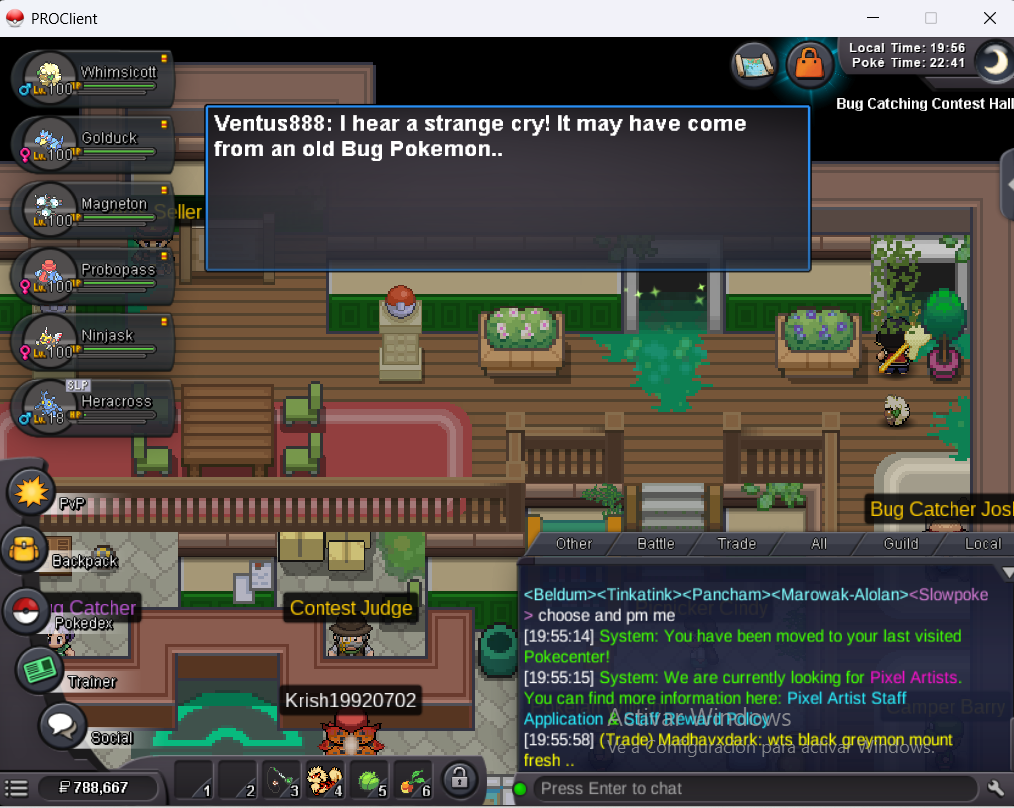
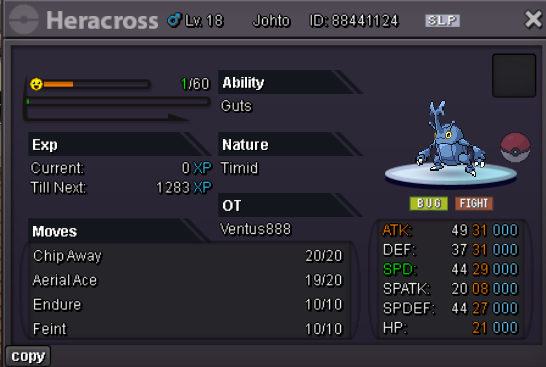 Auction Details: Starting Bid: 50K Min Bid: 10K Insta: N/A Duration: 24h after first bid
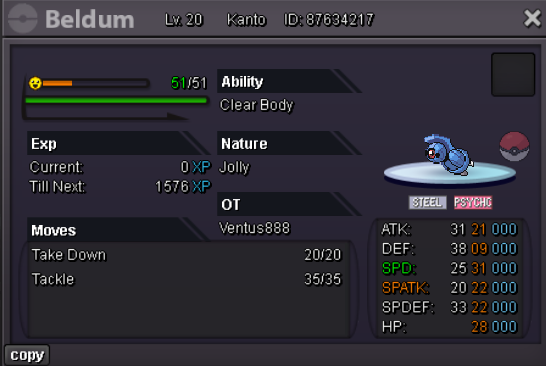 Hello! I have submited a 140+ ivs poke today and contest judge have not unlocked genesect. Anyone knows why can it happen? I meet time req too if it still on. Thank you in advance!Hello! Could anyone say me how much can this go for? Thanks in advance!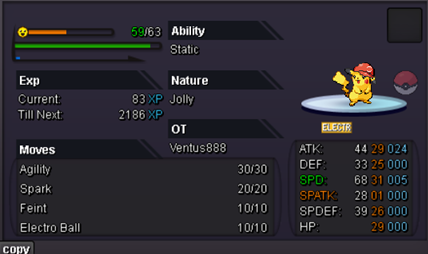
Account
Navigation
Search
Configure browser push notifications
Chrome (Android)
- Tap the lock icon next to the address bar.
- Tap Permissions → Notifications.
- Adjust your preference.
Chrome (Desktop)
- Click the padlock icon in the address bar.
- Select Site settings.
- Find Notifications and adjust your preference.
Safari (iOS 16.4+)
- Ensure the site is installed via Add to Home Screen.
- Open Settings App → Notifications.
- Find your app name and adjust your preference.
Safari (macOS)
- Go to Safari → Preferences.
- Click the Websites tab.
- Select Notifications in the sidebar.
- Find this website and adjust your preference.
Edge (Android)
- Tap the lock icon next to the address bar.
- Tap Permissions.
- Find Notifications and adjust your preference.
Edge (Desktop)
- Click the padlock icon in the address bar.
- Click Permissions for this site.
- Find Notifications and adjust your preference.
Firefox (Android)
- Go to Settings → Site permissions.
- Tap Notifications.
- Find this site in the list and adjust your preference.
Firefox (Desktop)
- Open Firefox Settings.
- Search for Notifications.
- Find this site in the list and adjust your preference.