




New Trade Zone
Trade Zone is now live
Use the new Trade Zone for auctions and instant-price trades so Pokemon and item offers are easy to find.


Jaqenhgar
Registered User
-
Joined
-
Last visited
Everything posted by Jaqenhgar
-
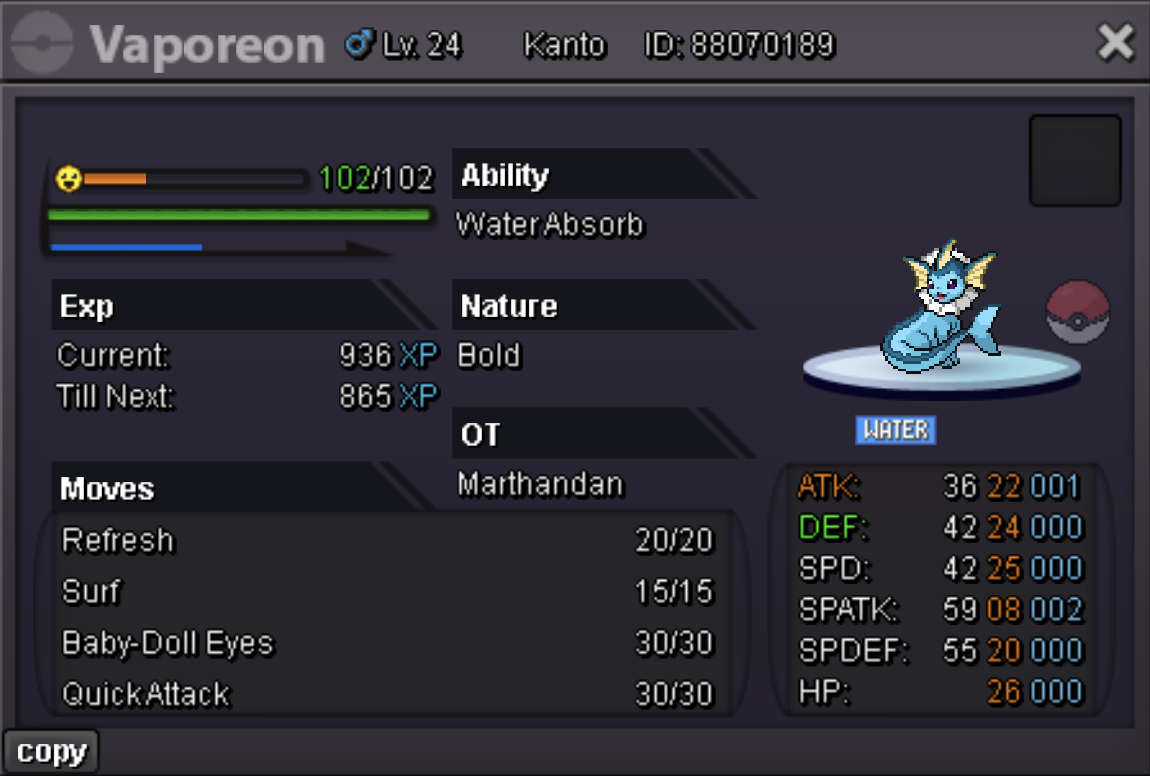
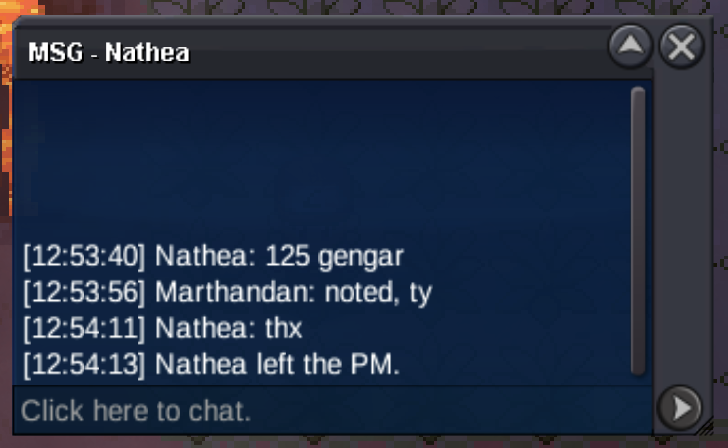
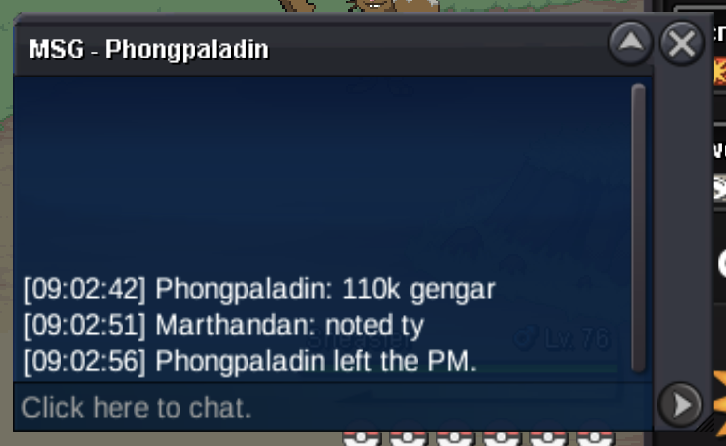
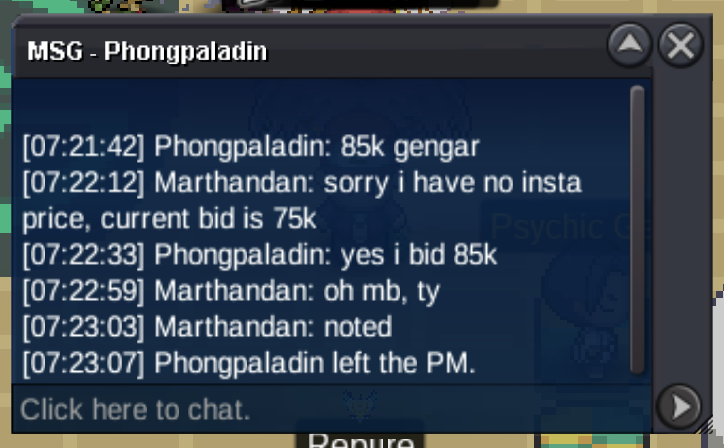
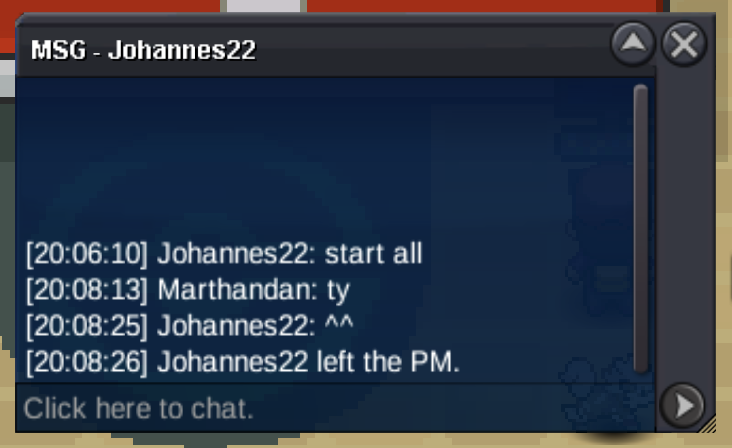
Auction Details: Not a Bundle, the auction will end independently for each poke. No insta prices This is a Gold server auction, you will have to transfer if you are a silver server player winning. 15 minute rule is enabled. The auction will end for all four pokes at the same time at 20:06 UTC-6 on Feb 8th (Chicago Standard Time). Accepted Payments: Pokedollars is preferred. [#1] S.O: 30k min raises: 5k C.O: 100k [#2] S.O: 30k min raises: 5k C.O: 55k [#3] S.O: 30k min raises: 5k C.O: 70k [#4] S.O: 30k min raises: 5k C.O: 150k IGN: Marthandan Discord: matj07
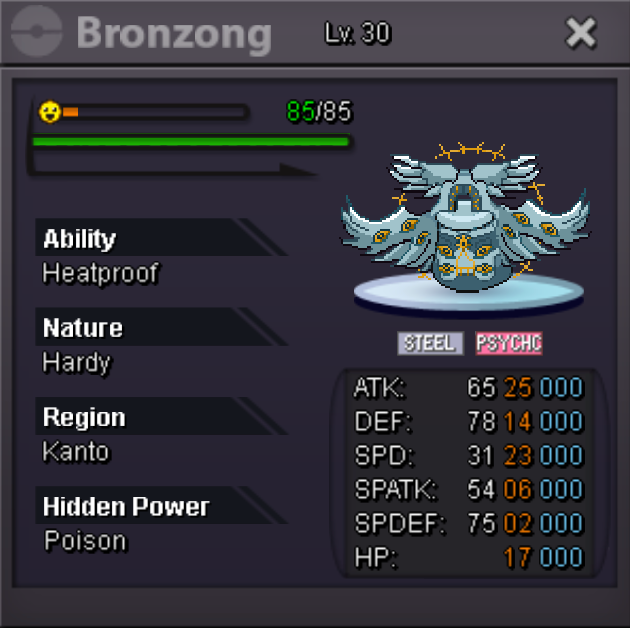
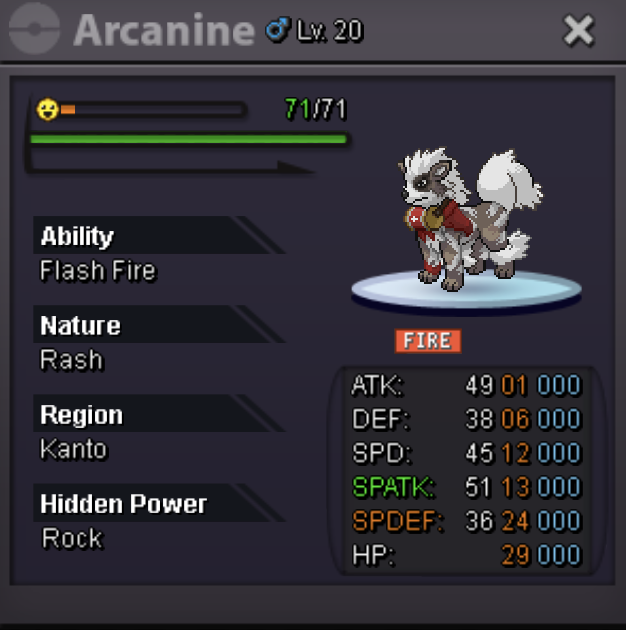
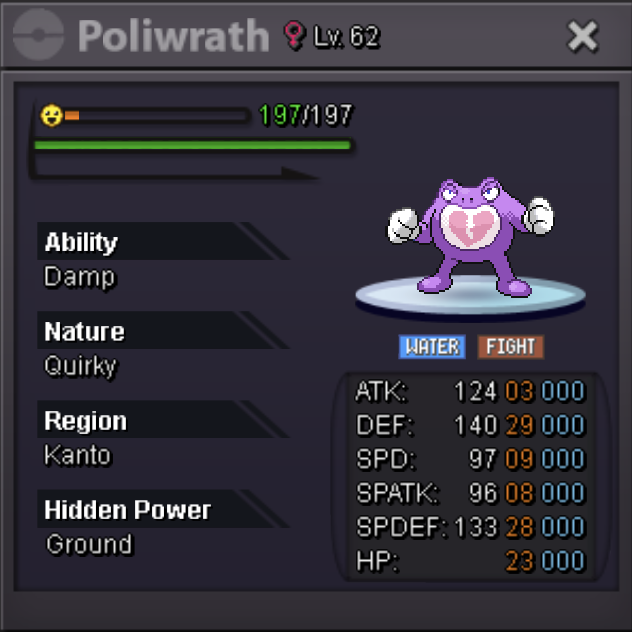
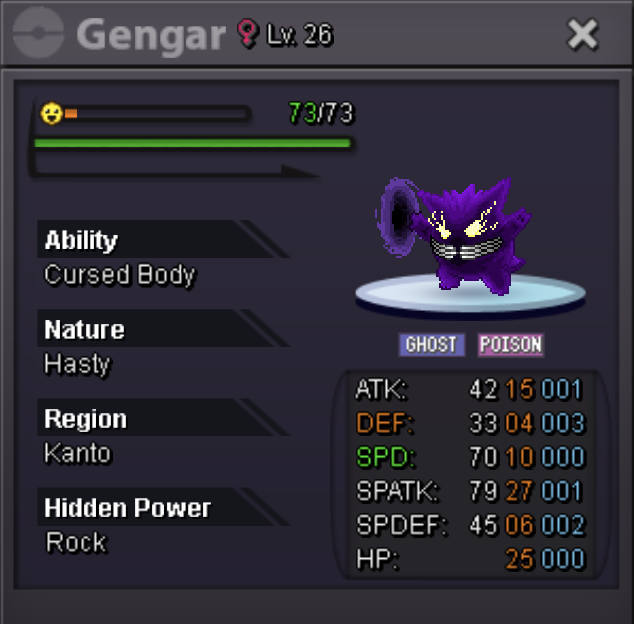 Sold for Insta
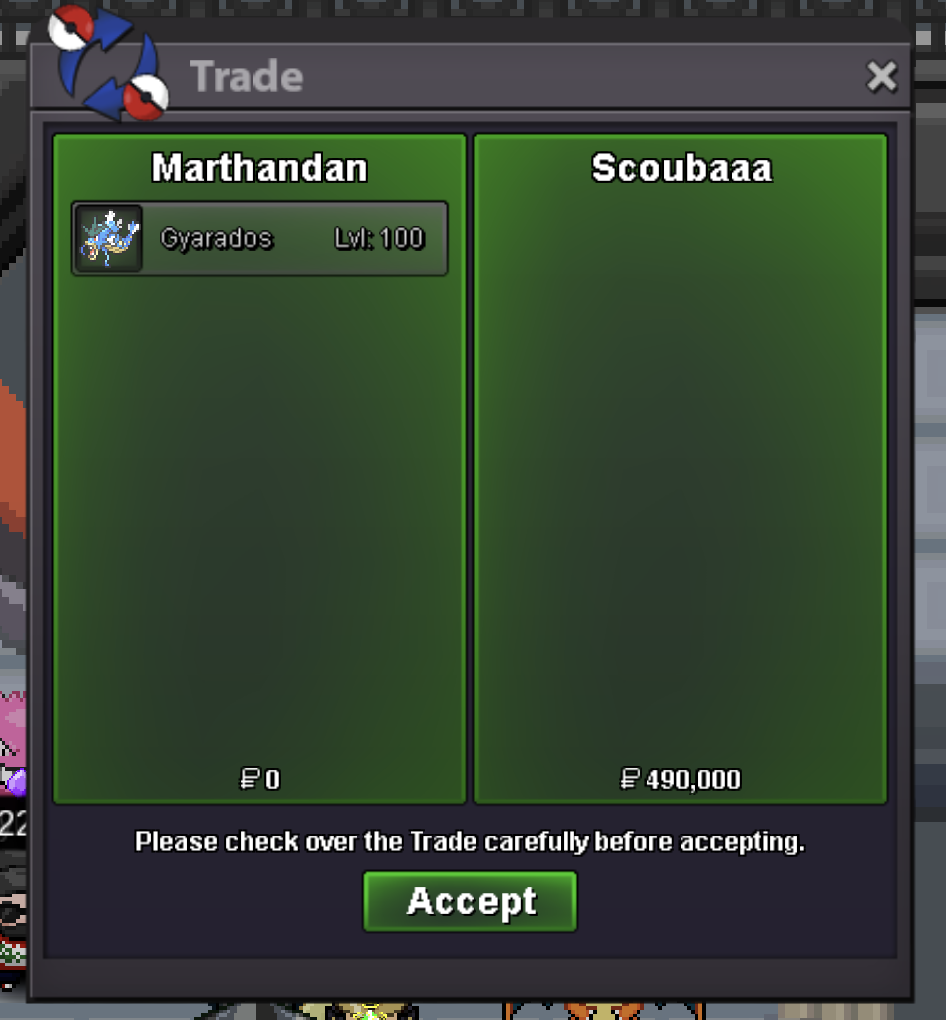 Auction Details: Start bid: 250k Min raise: 50k Insta price: 490k This auction will end 24 hrs after the s.o is met. This is a Gold server auction, you will have to transfer if you are a silver server player winning. 15 minute rule is enabled. Accepted Payments: Pokedollars is preferred. IGN: Marthandan Discord: matj07
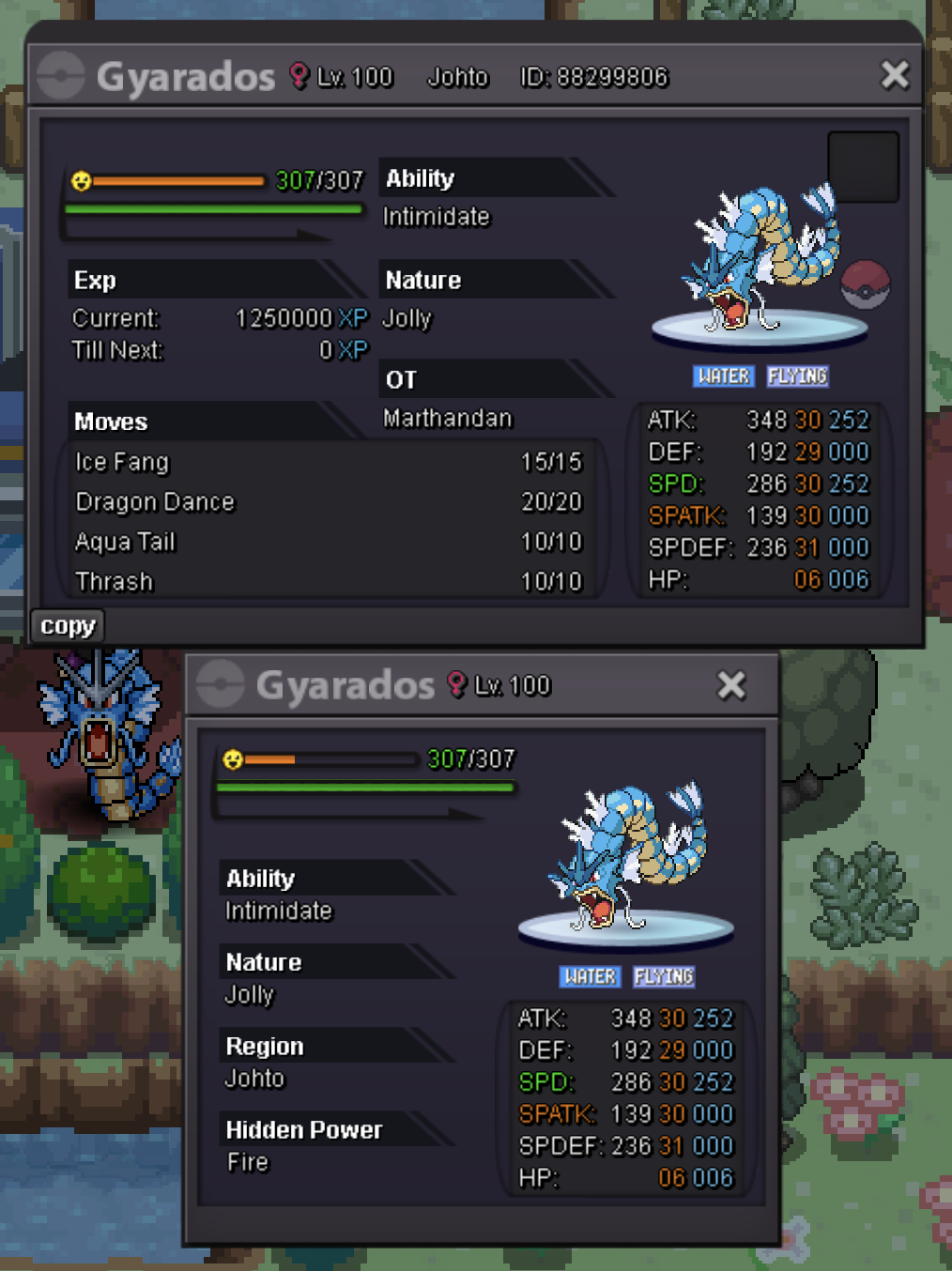 The Winner is Pumpkin11!Bump (auction ends in 1hr)Auction Details: This auction will end 48 hours after the starting bid is met This is a Gold server auction, you will have to transfer if you are a silver server player. 15 minute rule is enabled. Accepted Payments: Pokedollars is preferred, BMS: 230k/per (max 1).Auction Details: Start bid: 350k Min raise: 25k No Insta price This auction will end at 1:00 AM CST (GMT-6) on Jan 30th This is a Gold server auction, you will have to transfer if you are a silver server player. 15 minute rule is enabled. Accepted Payments: Pokedollars is preferred, BMS: 200k/per (max 2). IGN: Marthandan Discord: matj07
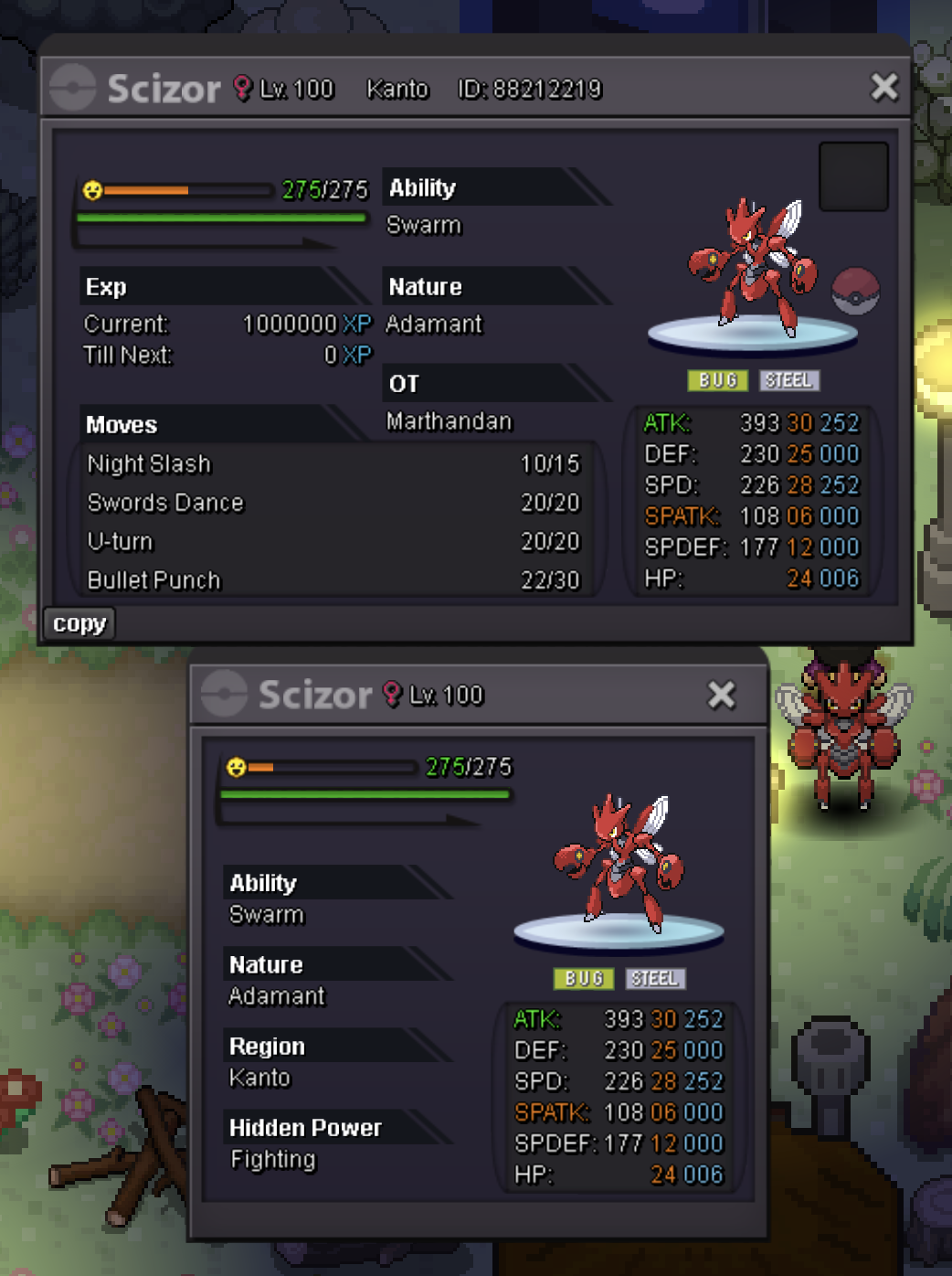 3k@Nottanyaa won this auction!
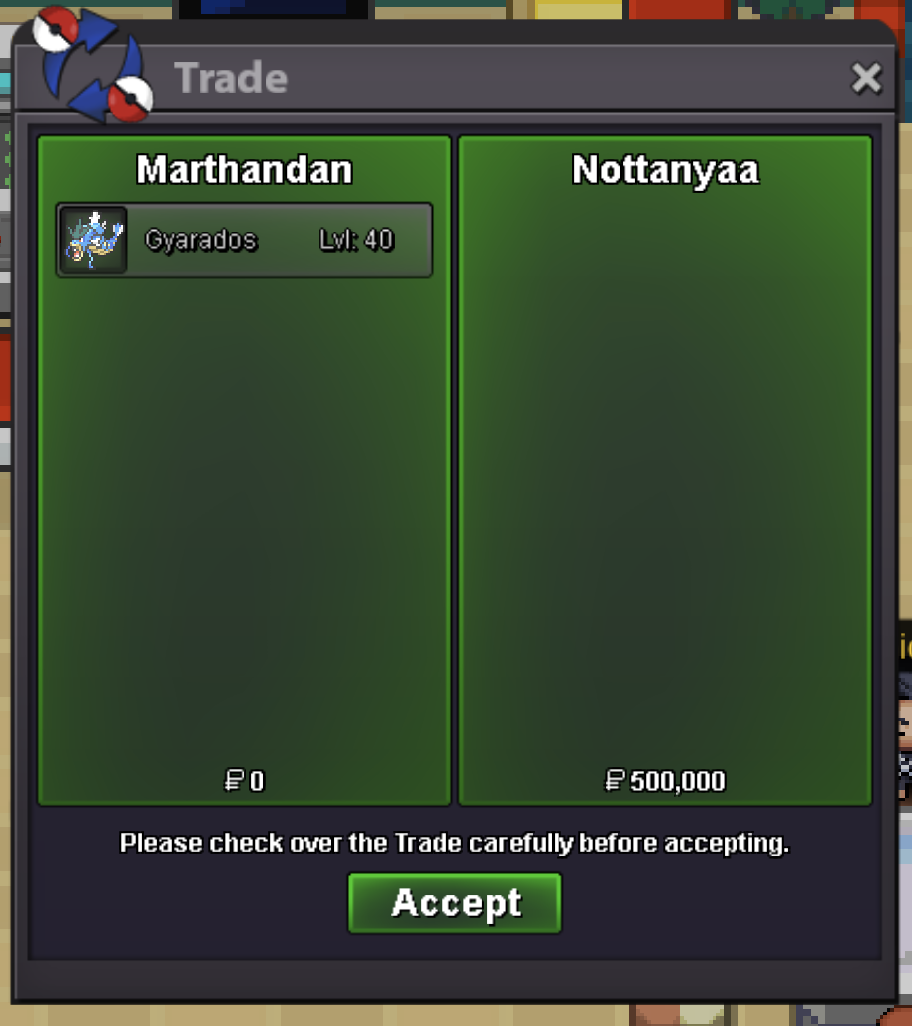 Bump (ends in less than 24 hrs)Sold to Leo2k007!
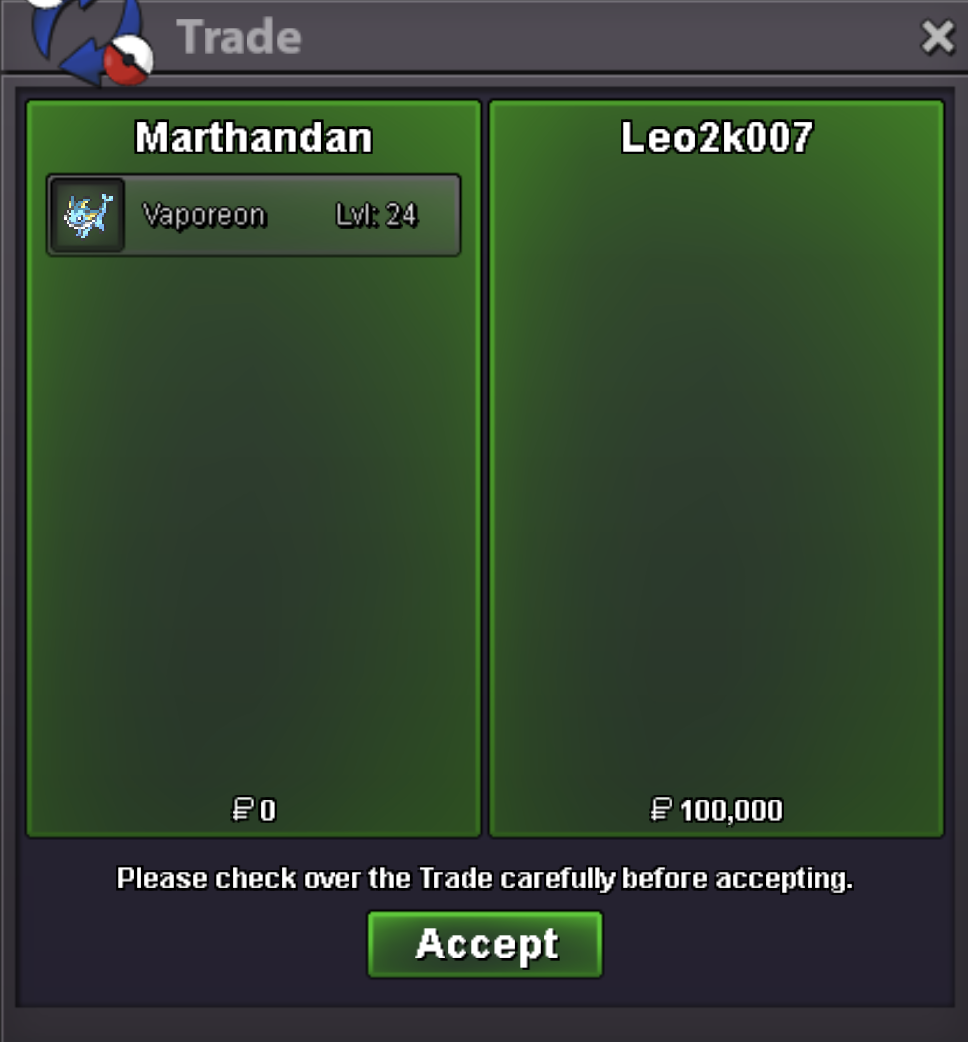 Congrats! Marley47 has won
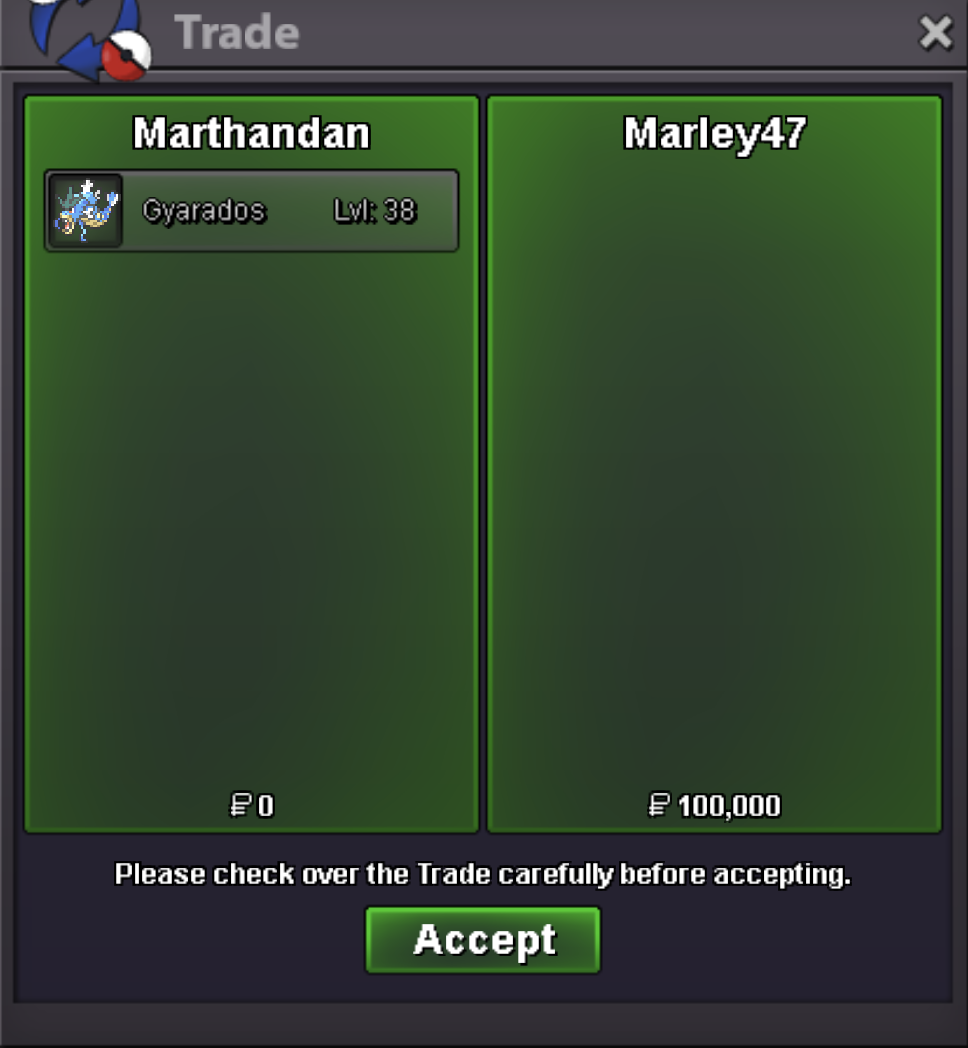 Auction Details: Start bid: 150k Min raise: 50k No Insta Price This is a Gold server auction, you will have to transfer if you are a silver server player. This auction will close at 9:58 PM CST (GMT-6) 15 min rule is enabled. Accepted Payments: Pokedollars is preferred, cc: 500k/per (max 1) BMS: 220k/per (max 2) IGN: Marthandan Discord: matj07
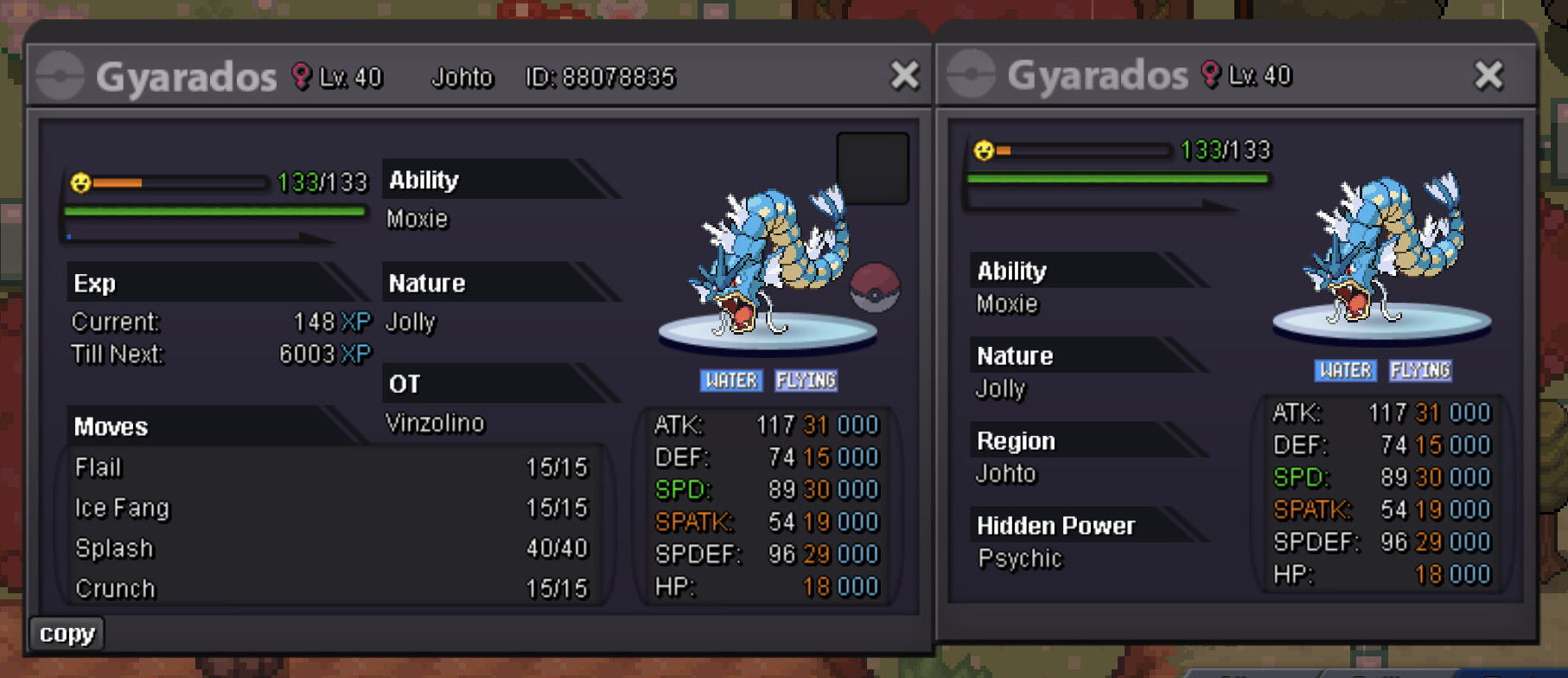 Bump (12hrs left)Bump (16 hrs left)Auction Details: Start bid: 50k Min raise: 10k No Insta Price This is a Gold server auction and the auction will close 24 hours after the starting bid is placed. 15 min rule applies Accepted Payments: Pokedollars is preferred, cc = 500k IGN: Marthandan Discord: matj07 h.p: Ground
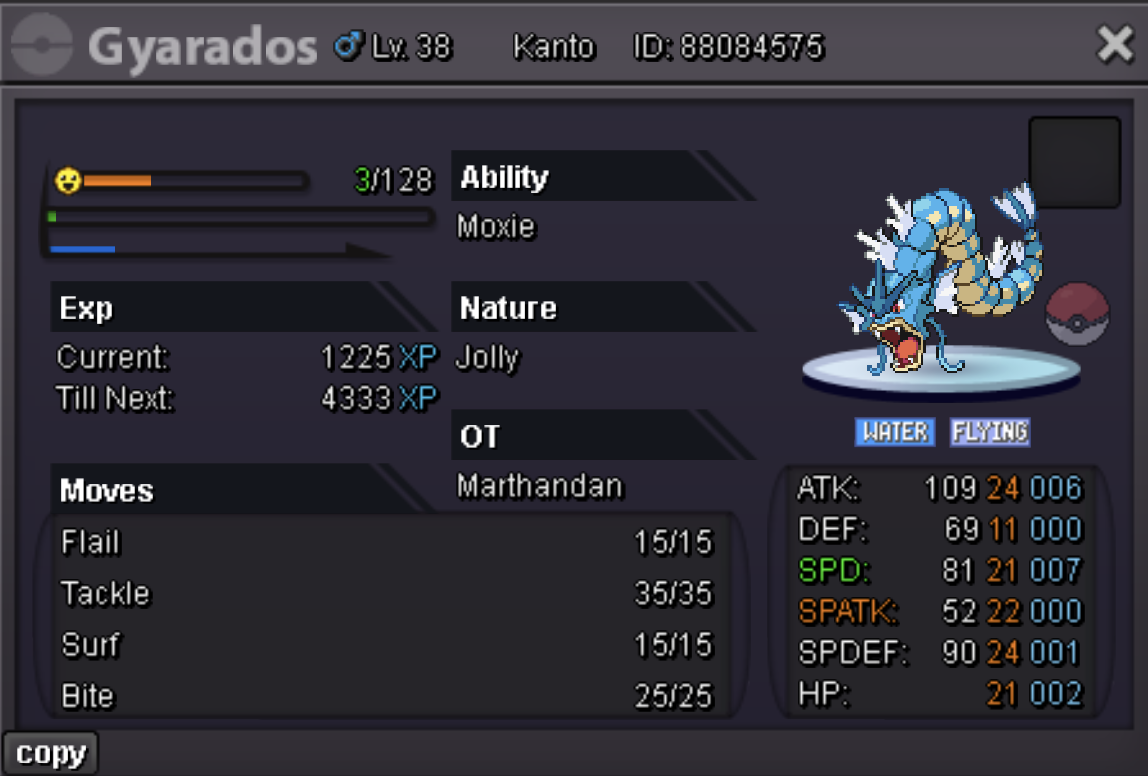 Bump (40hrs left)Auction Details: Start bid: 100k Min raise: 25k No Insta Price This is a Gold server auction and the auction will close 48 hours after the starting bid is placed. 15 min rule applies Accepted Payments: Pokedollars is preferred, cc = 500k IGN: Marthandan Discord: matj07 h.p = Flying


Account
Navigation
Search
Configure browser push notifications
Chrome (Android)
- Tap the lock icon next to the address bar.
- Tap Permissions → Notifications.
- Adjust your preference.
Chrome (Desktop)
- Click the padlock icon in the address bar.
- Select Site settings.
- Find Notifications and adjust your preference.
Safari (iOS 16.4+)
- Ensure the site is installed via Add to Home Screen.
- Open Settings App → Notifications.
- Find your app name and adjust your preference.
Safari (macOS)
- Go to Safari → Preferences.
- Click the Websites tab.
- Select Notifications in the sidebar.
- Find this website and adjust your preference.
Edge (Android)
- Tap the lock icon next to the address bar.
- Tap Permissions.
- Find Notifications and adjust your preference.
Edge (Desktop)
- Click the padlock icon in the address bar.
- Click Permissions for this site.
- Find Notifications and adjust your preference.
Firefox (Android)
- Go to Settings → Site permissions.
- Tap Notifications.
- Find this site in the list and adjust your preference.
Firefox (Desktop)
- Open Firefox Settings.
- Search for Notifications.
- Find this site in the list and adjust your preference.