New Trade Zone
Trade Zone is now live
Use the new Trade Zone for auctions and instant-price trades so Pokemon and item offers are easy to find.

Raumanian
Registered User
-
Joined
-
Last visited
Everything posted by Raumanian
-
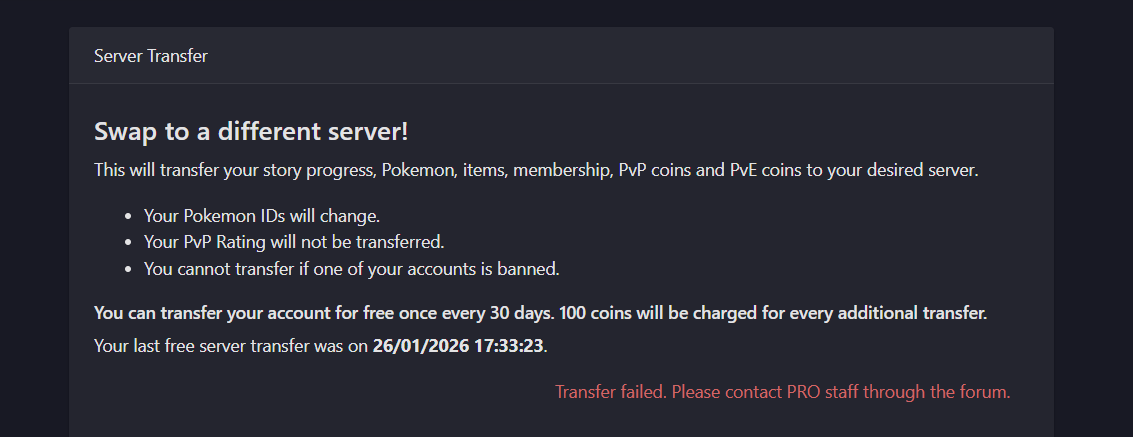
Hi Zarachi, I just wanted to follow up regarding my issue. At the moment, I am still unable to log in and the error is still the same. Could you please check if the fix has been fully applied to my account, or if there is anything else I should do on my side? Thank you for your time and support.
-
Hi Zarachi, Thank you for your support. At the moment, the issue is still not resolved on my side and I am still encountering the same error. Could you please let me know how long I should wait for the fix to be fully applied? If there are any additional steps I need to follow, please inform me.
-
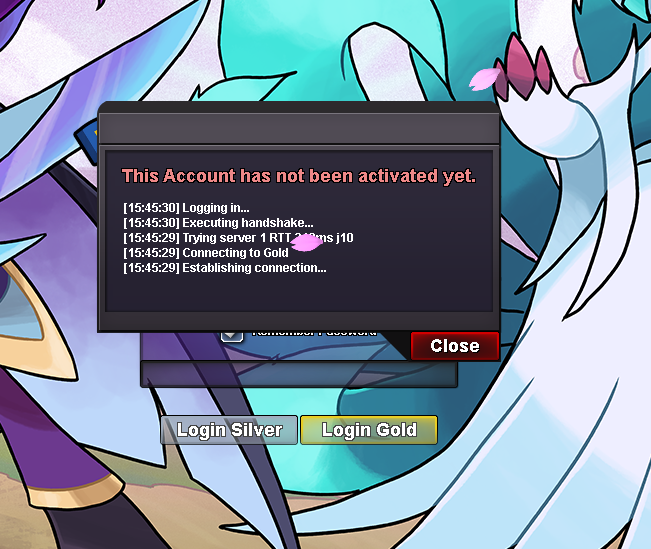
Hi there, i cant logging to my account for now , is
-
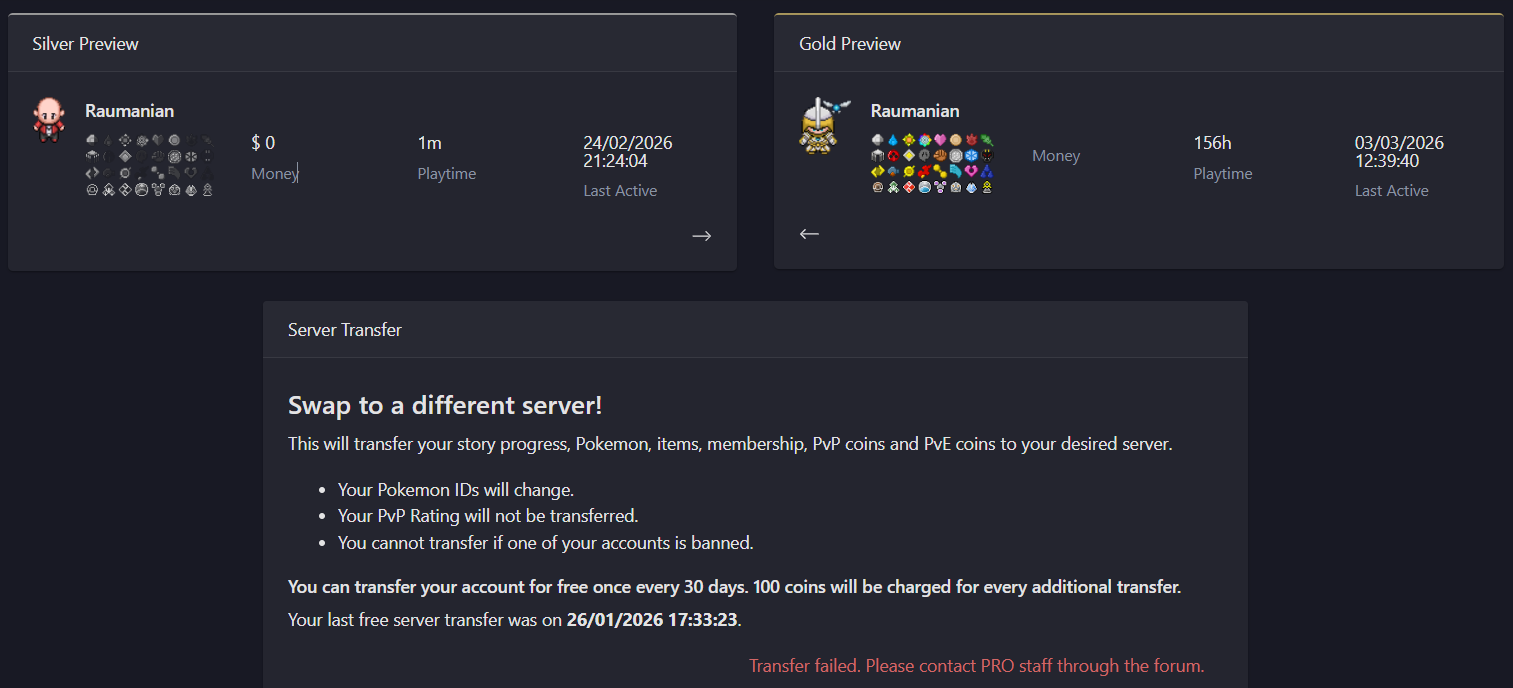
Hi, it not switch to Silver yet
-
My account name: Raumanian