




New Trade Zone
Trade Zone is now live
Use the new Trade Zone for auctions and instant-price trades so Pokemon and item offers are easy to find.

Clumsygirll
Suspended
-
Joined
-
Last visited
Everything posted by Clumsygirll
-
can i see xmas bisharp mount in game? Pm me clumsygirllForgot send but crawdaunt and Charizard sold tooSorry for wasting time i guess my name should be stupid girl. ^^ I beat the kanto elite again because i thought it was johto elite. Again sorry. I figured it out now.Hey! So i just did the quest for HM fly to be able to use the train from saffron to goldenrod but also from pc to pc. In kanto it works fine But in Johto it doesnt. I also cant seem to fight Chuck for example, also not the gamers pewdie and dewpie in goldenrod or any other boss in Johto. So im kinda confused i did this: - Kanto elite 4 and Johto elite 4. - HM fly ticket (also went from saffron to goldenrod already with train) Please help me find the issue with what i did wrong. Thanks in advanceThanks again.
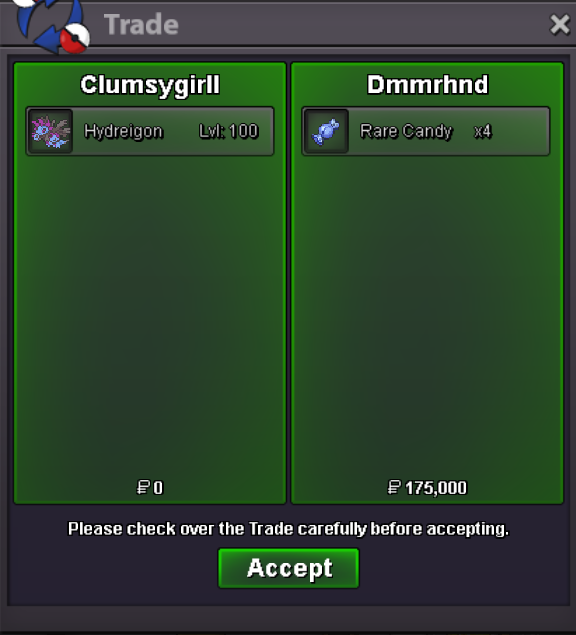 Gl on your journey and be good for rotom, he was a good washing machine. ❤️
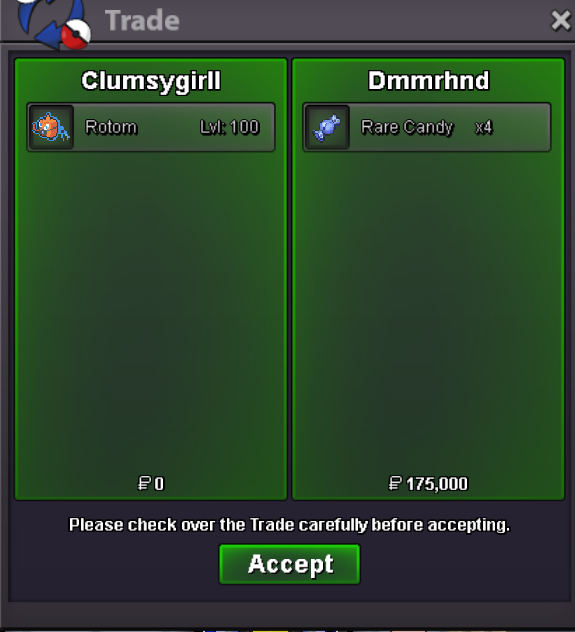 Thanks for your support in my shop ❤️
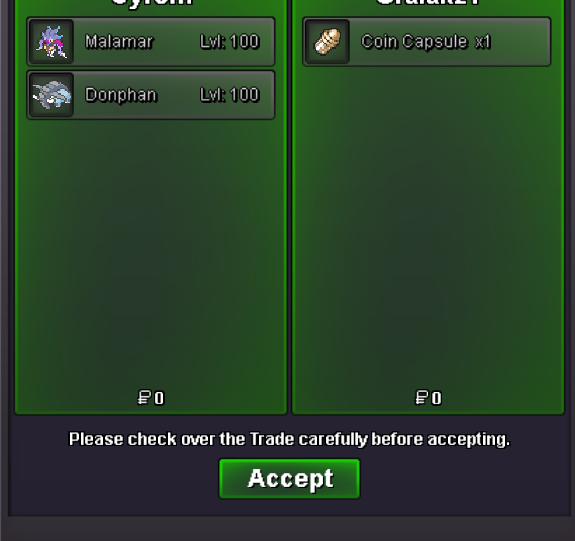 First sale, yay! 😃 Thank you ❤️
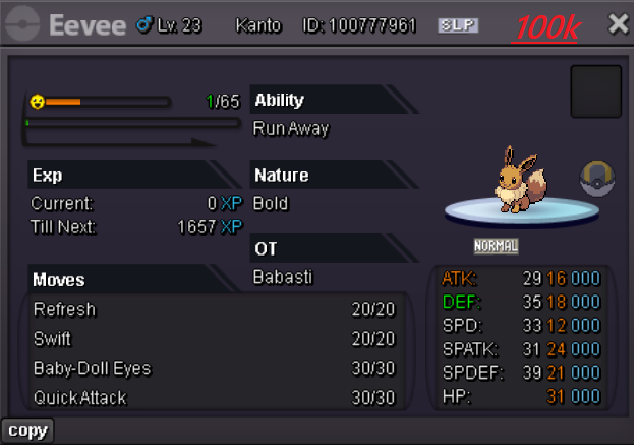
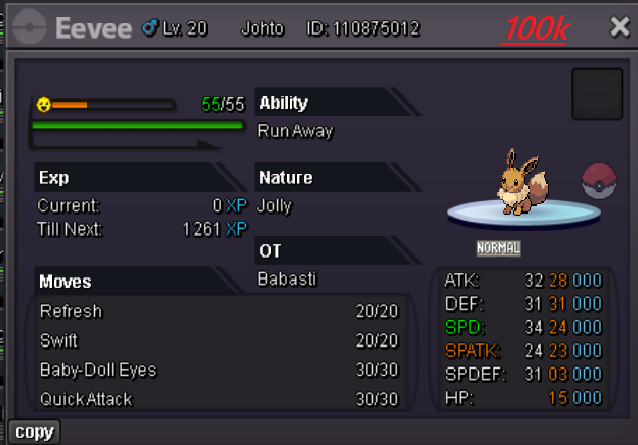
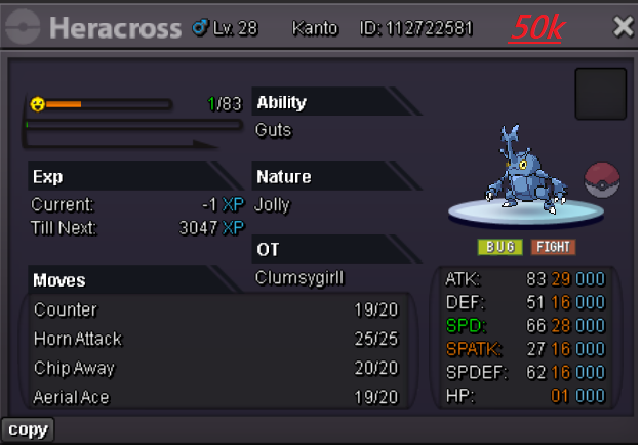
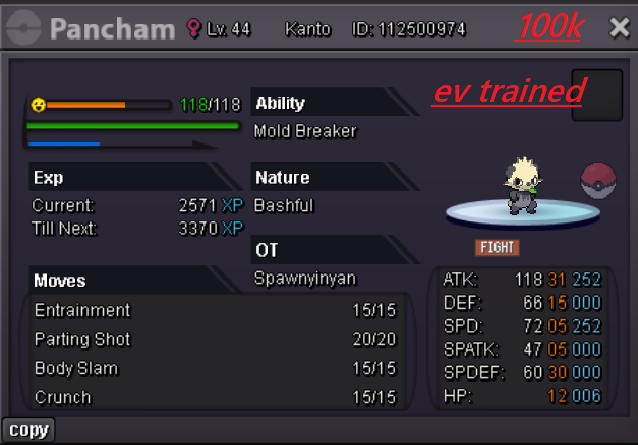
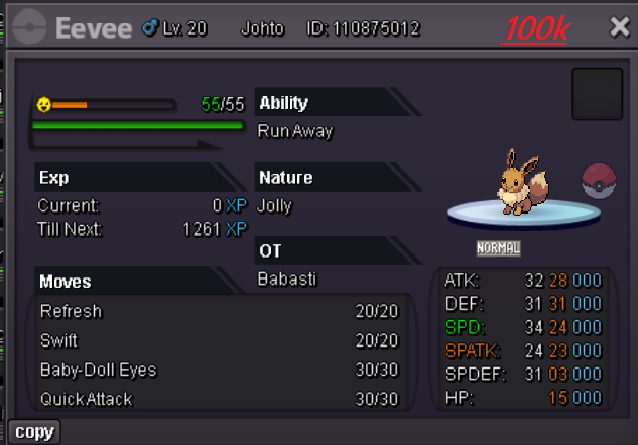
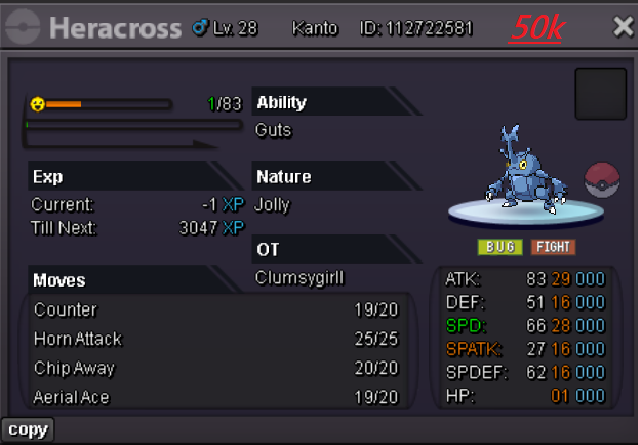
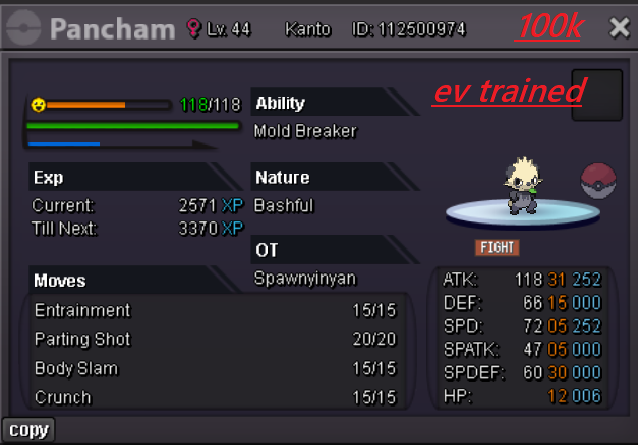
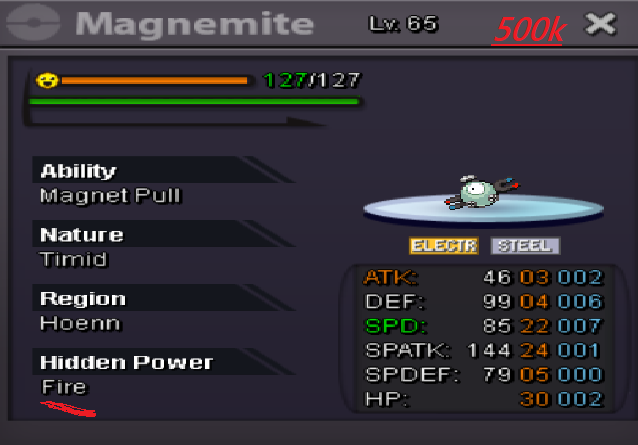
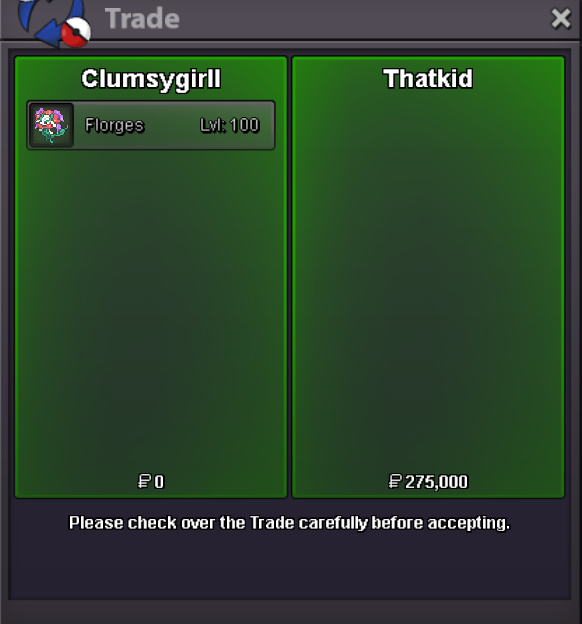 Welcome to Clumsygirll's pvp/pve shop 1. Prices are negotiable unless there already is a sale (but offer fair) 2. The prizes for items and cosmetic are NOT negotiable. 3. Fake offers will be reported 4. I Have every right to decline your offer (some prizes arent negotiable) 5. No discussions, or any type of non business related comments are allowed wanna give advice that's welcome (keep that in-game) 6. Once you offer, it's final (you can't go back, so be sure to check if you have the amount of money required before the purchase. Payment Options: Coin Capsule / CC (490k) Pokedollars Rare candy (5k each) Contact options: Contact me on forum in game Clumsygirll, or via Discord Vanity1996_ Trained Pokemons: Untrained Pokemons: Boss Pokemon's Cosmetic's
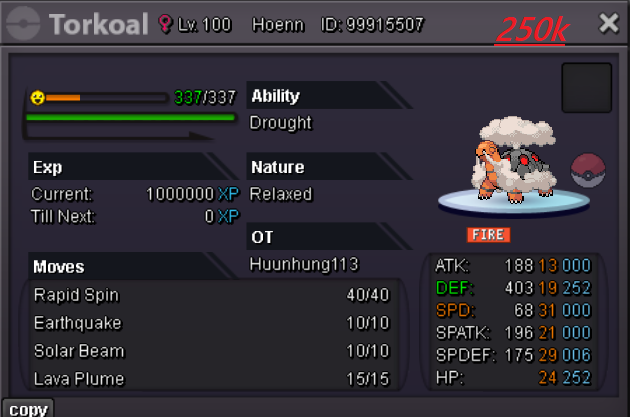
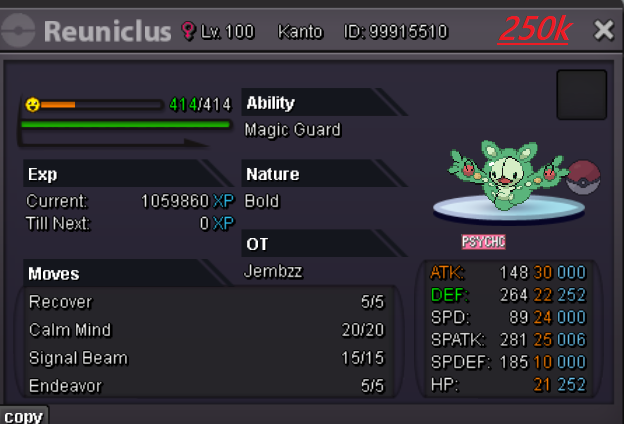
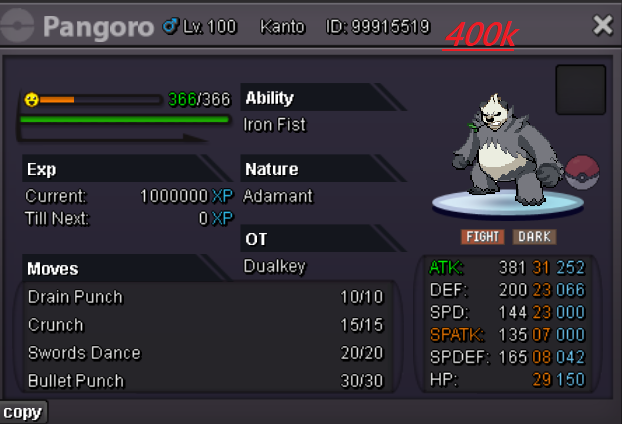
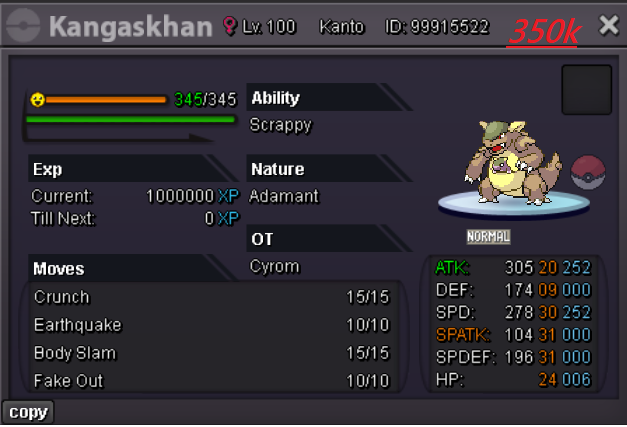
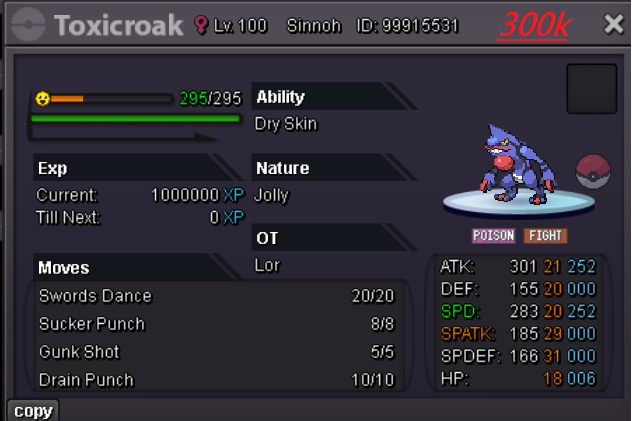
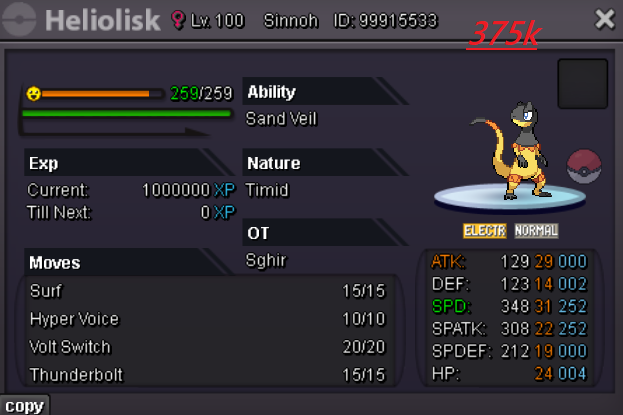
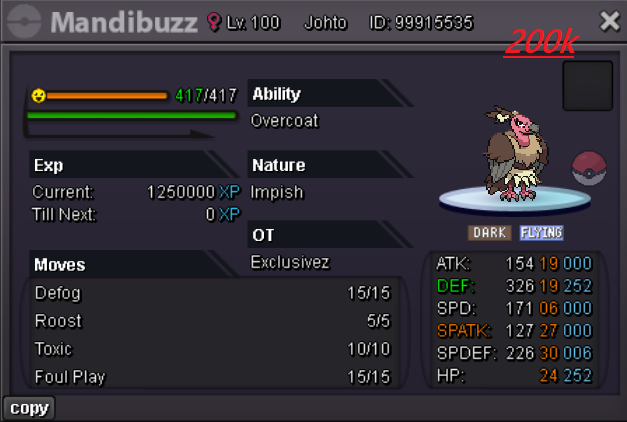
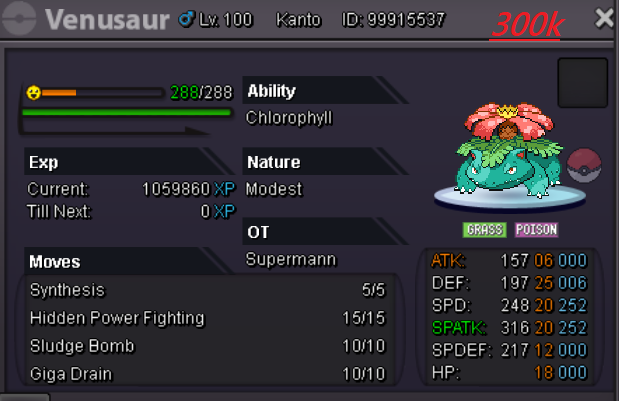
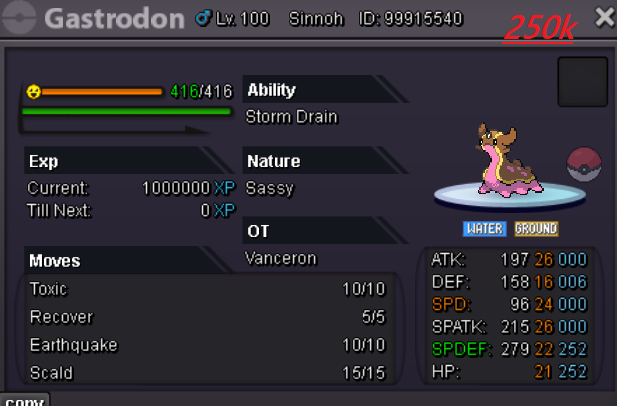
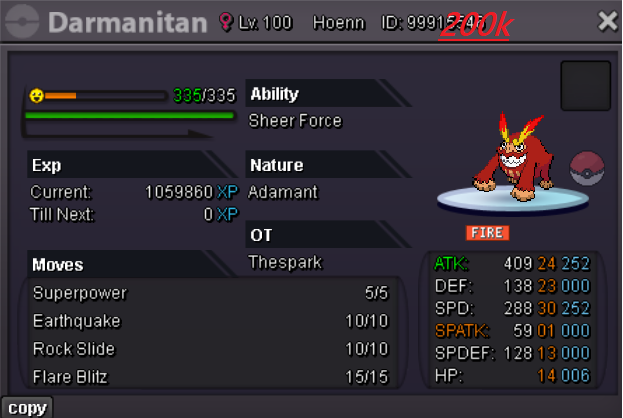
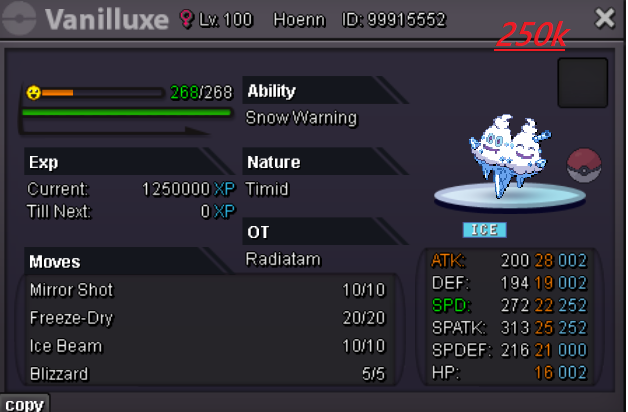
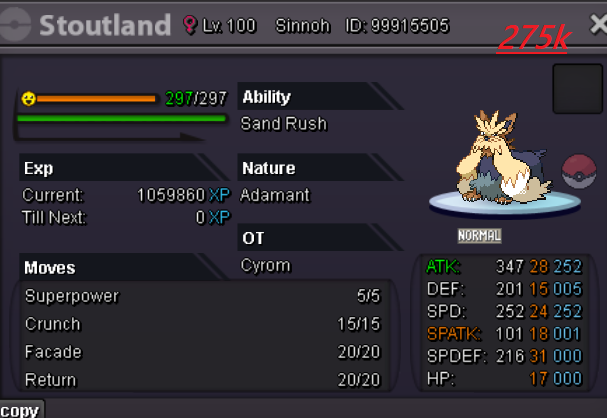
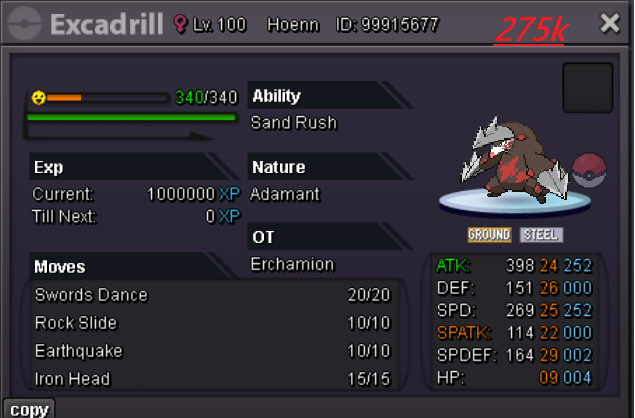
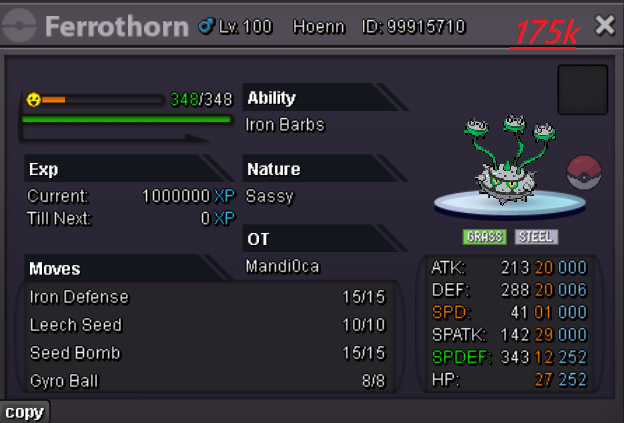
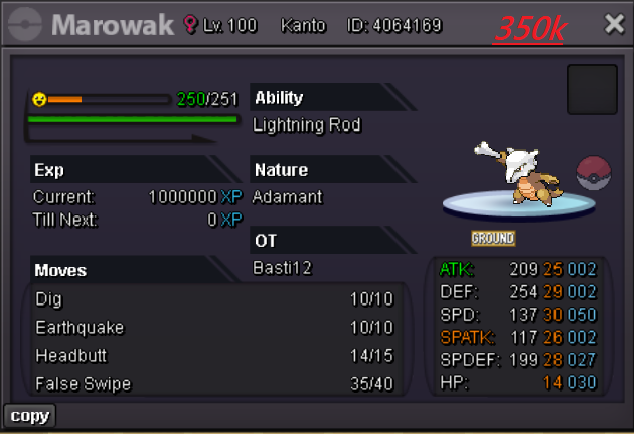
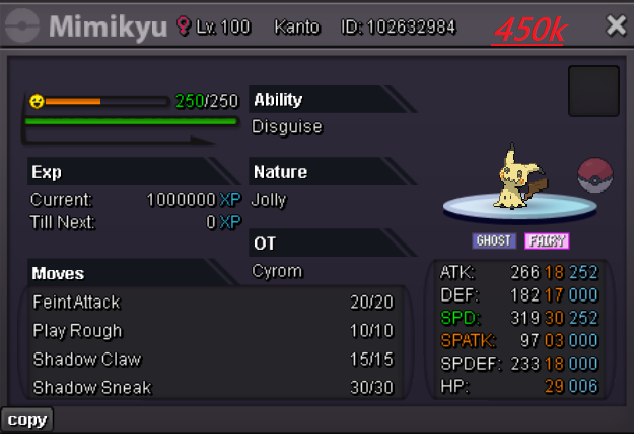
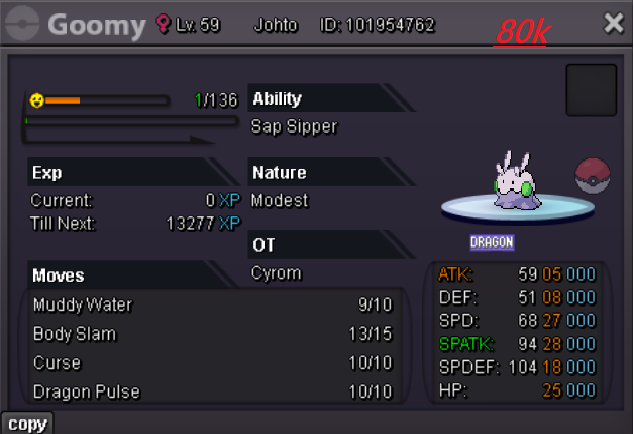
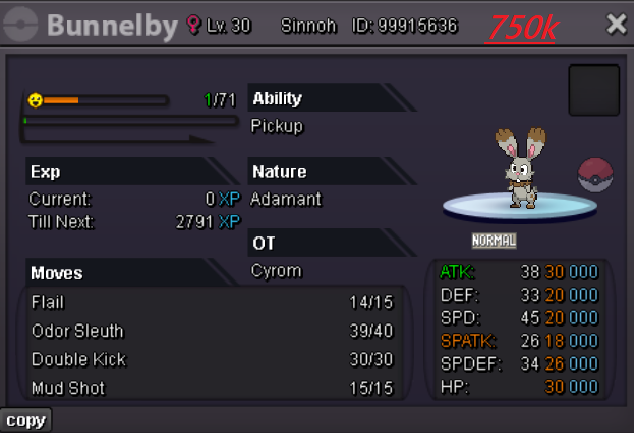
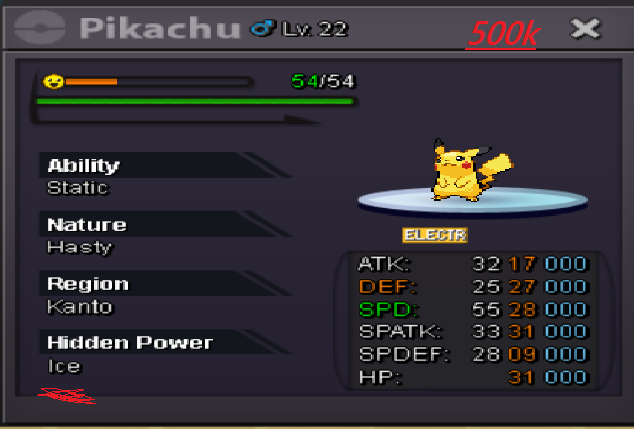
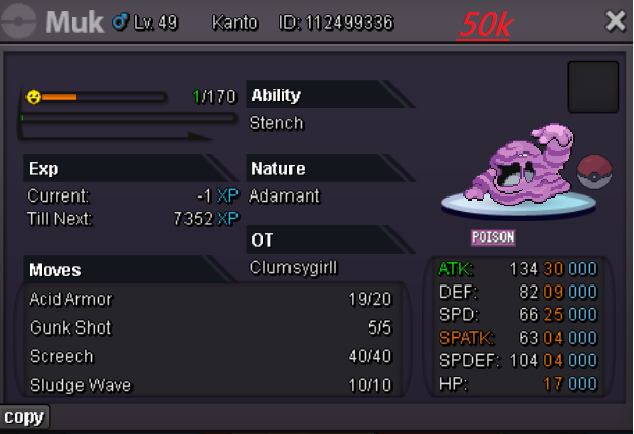
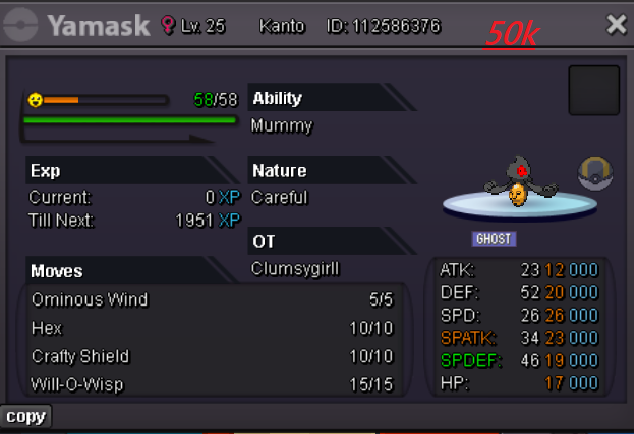
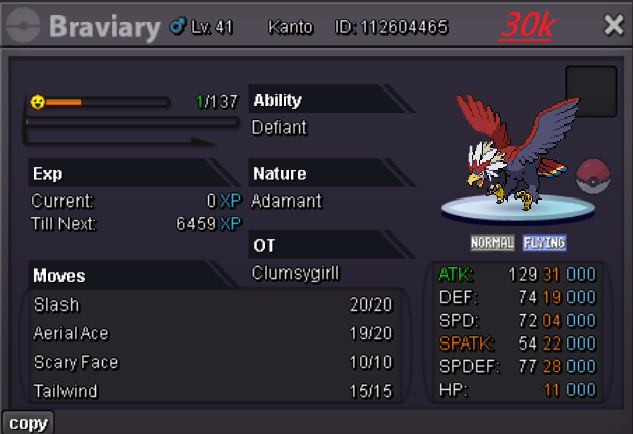
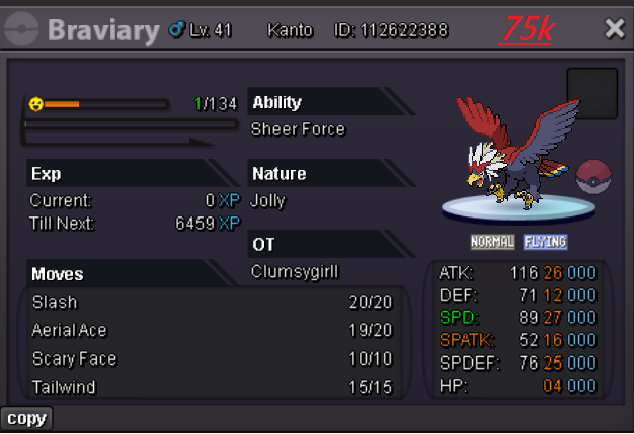
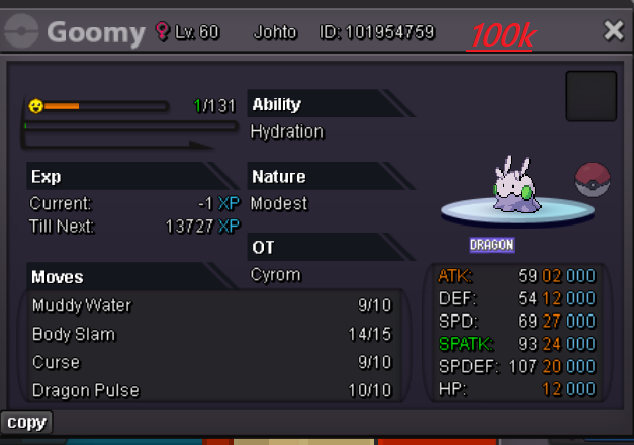
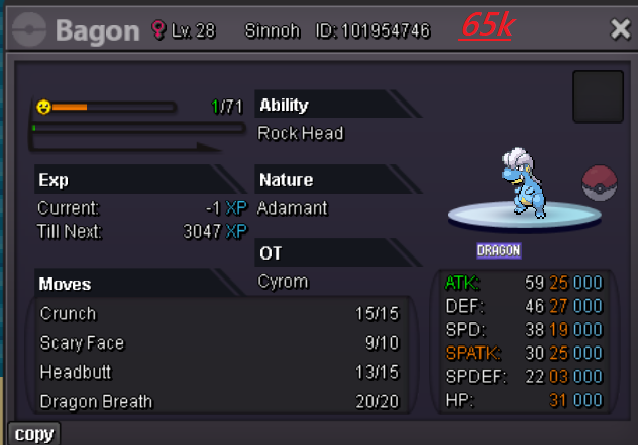
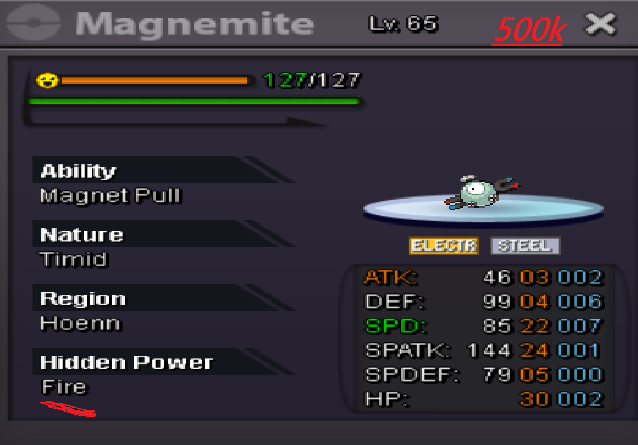
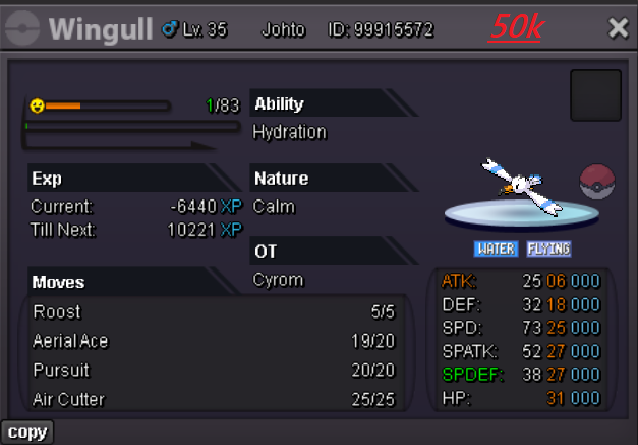
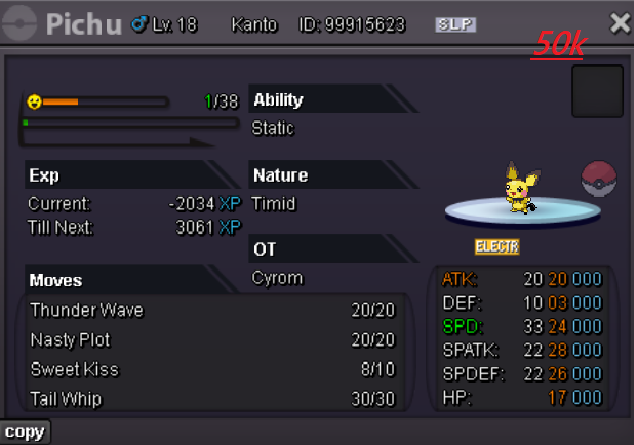
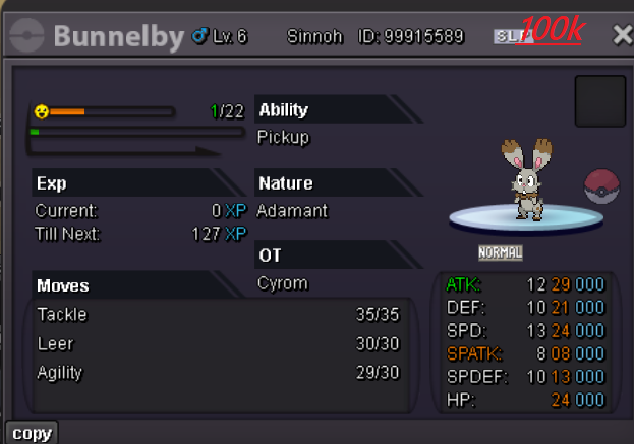
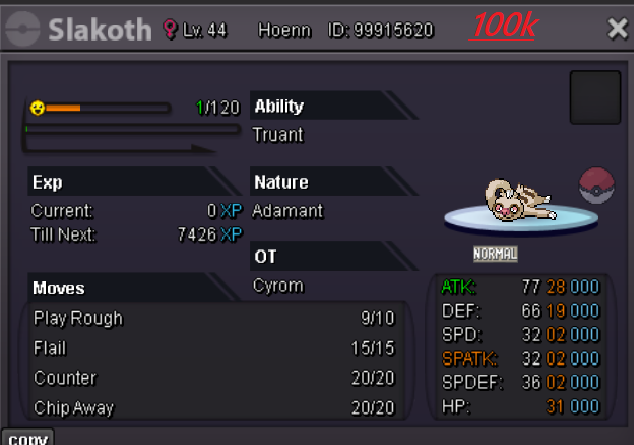
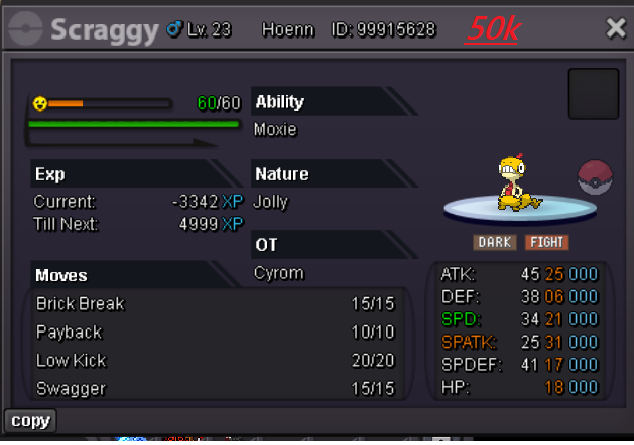
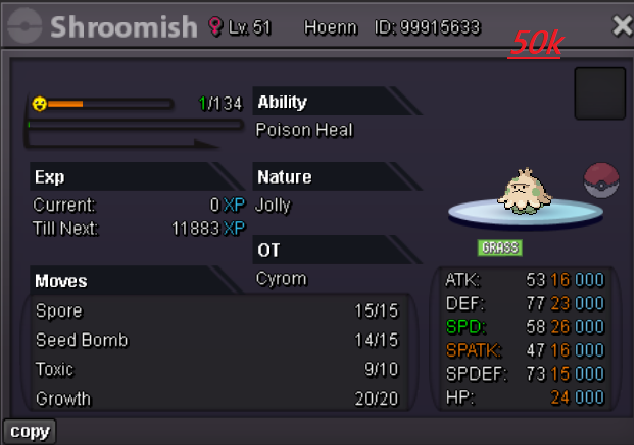
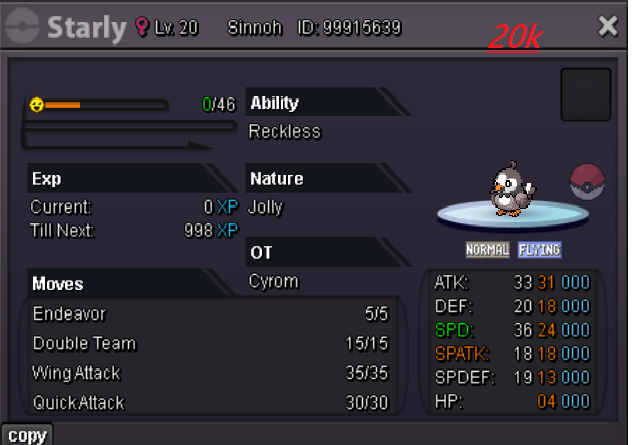
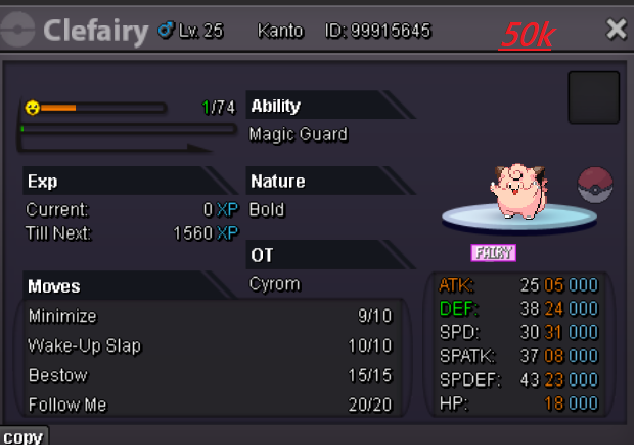
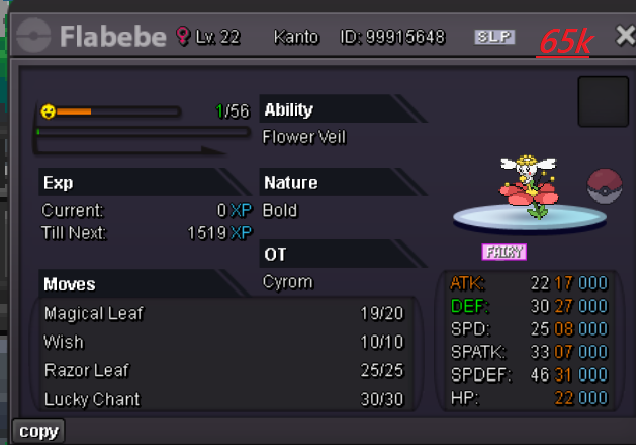
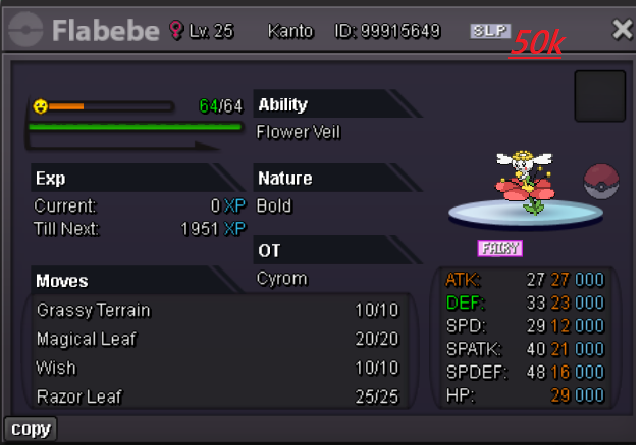
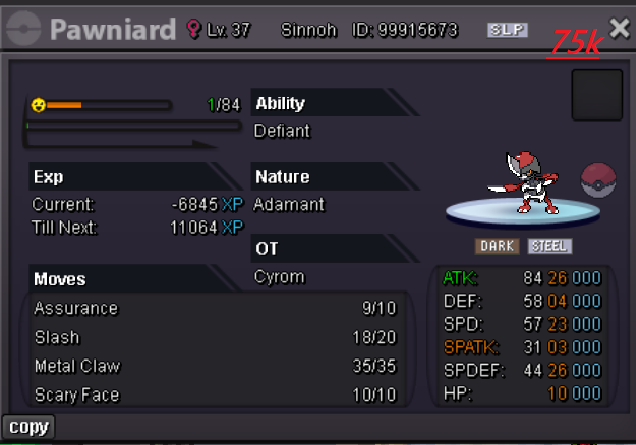
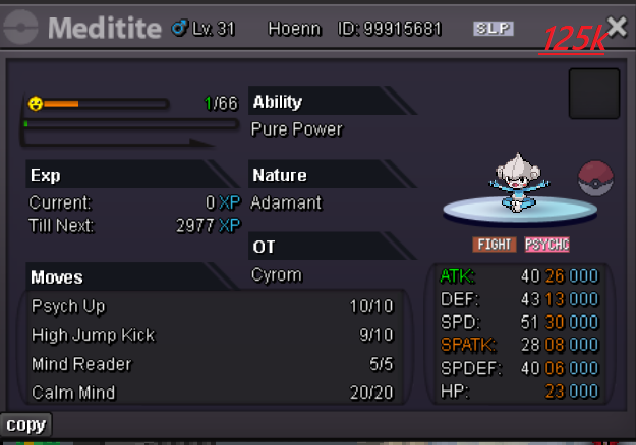
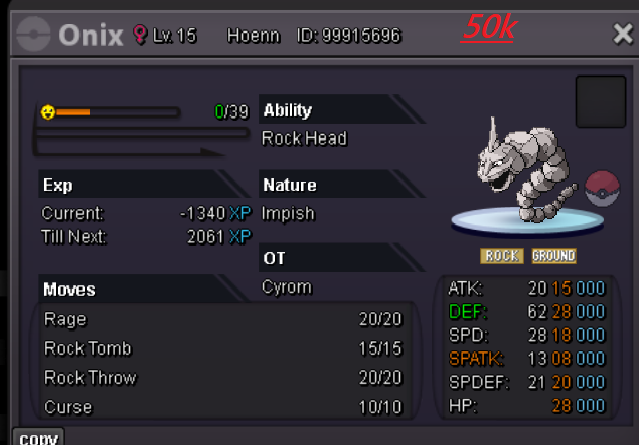
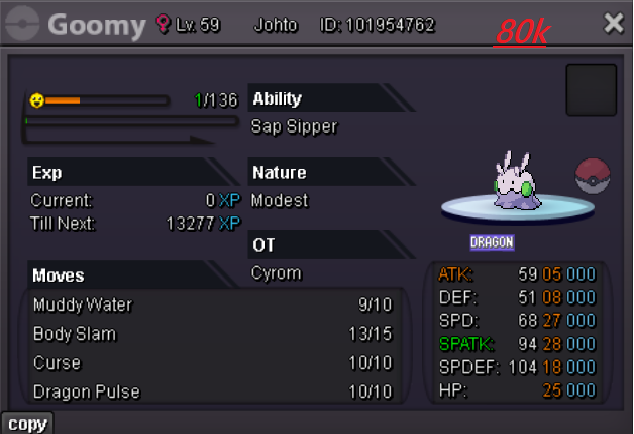
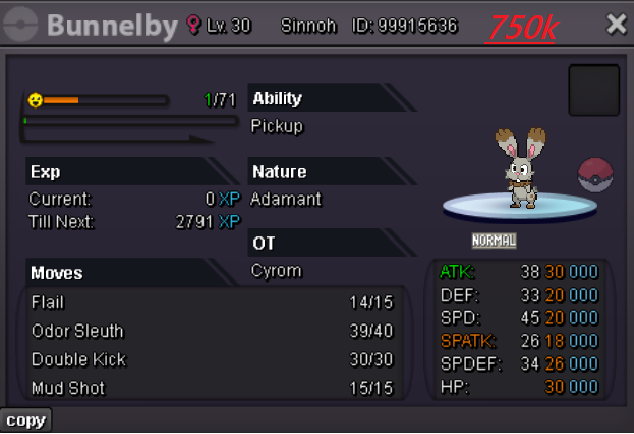
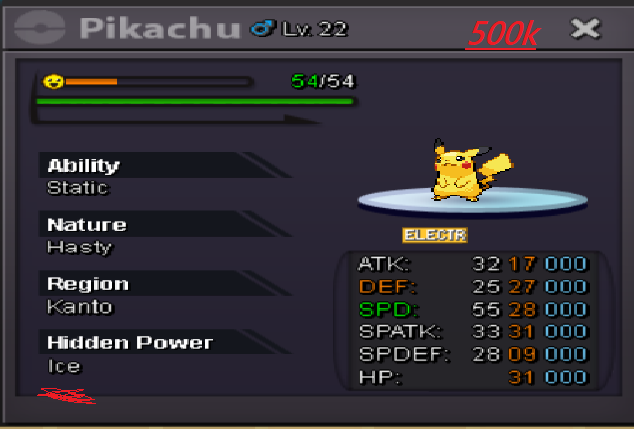
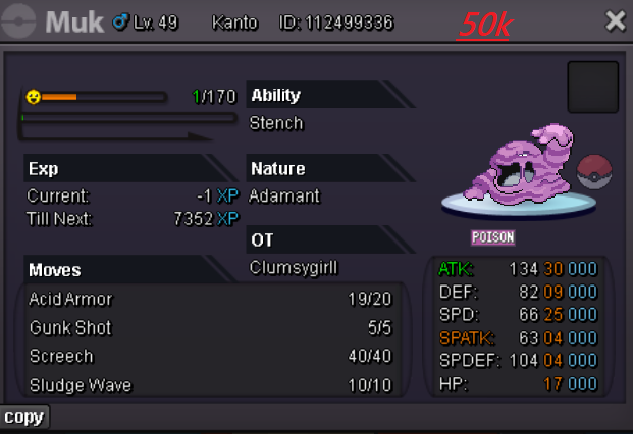
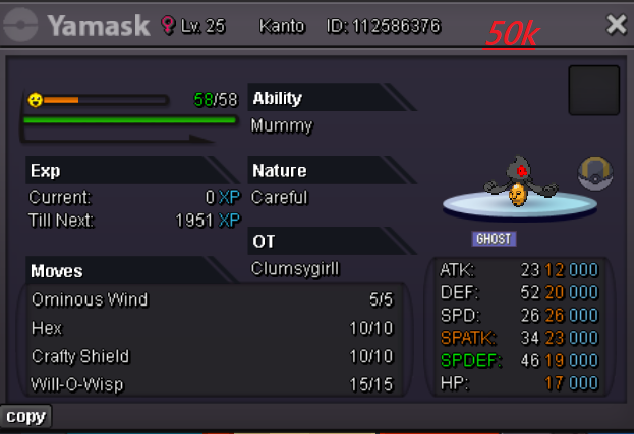
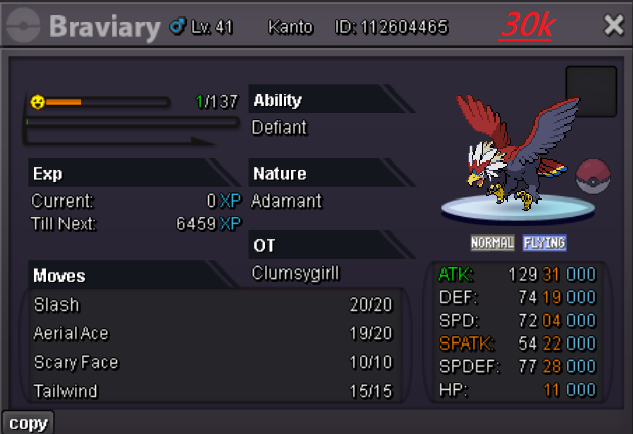
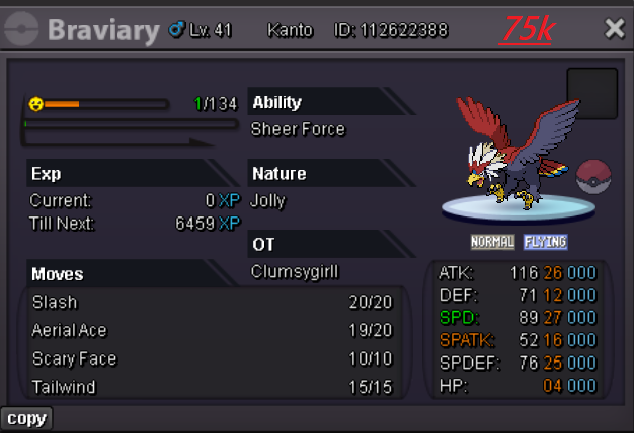
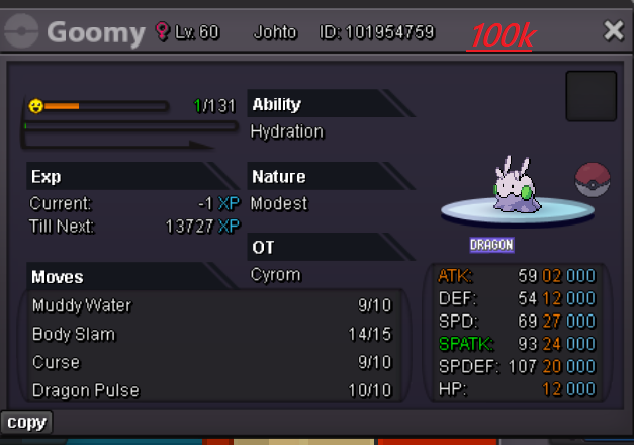
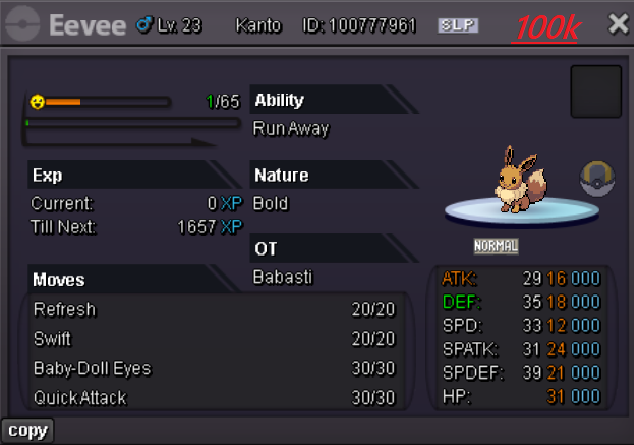
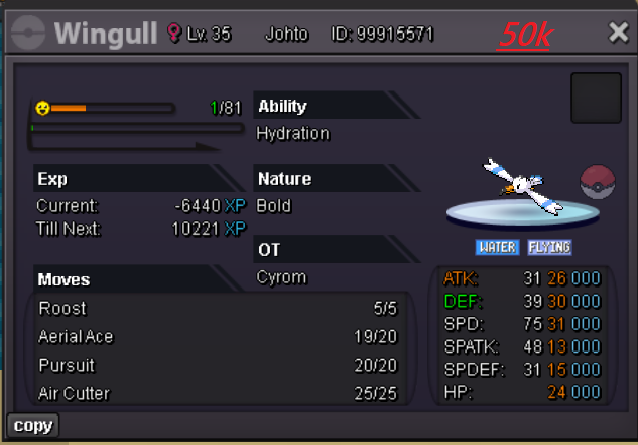
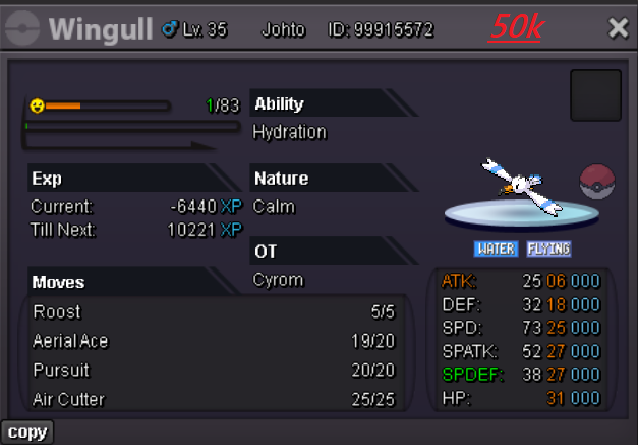
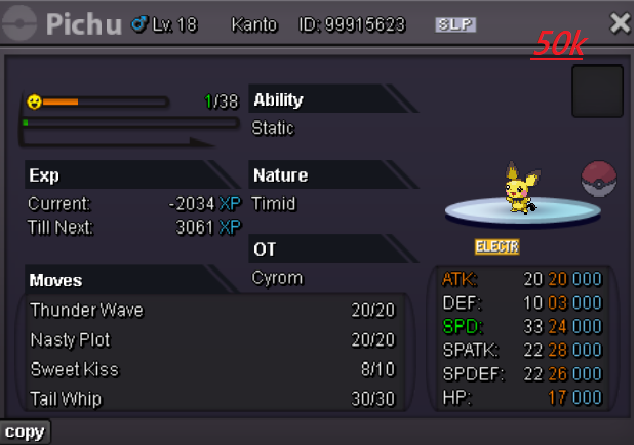
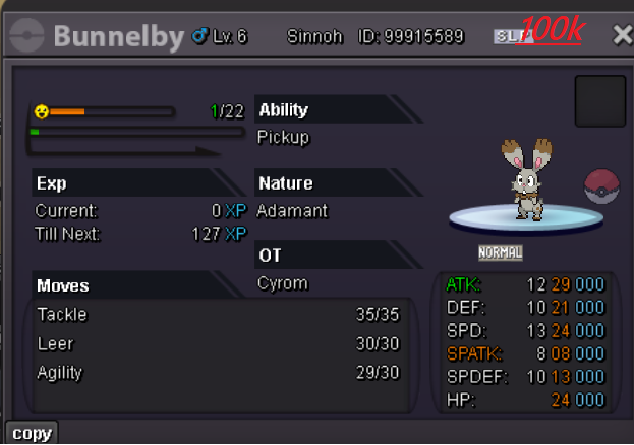
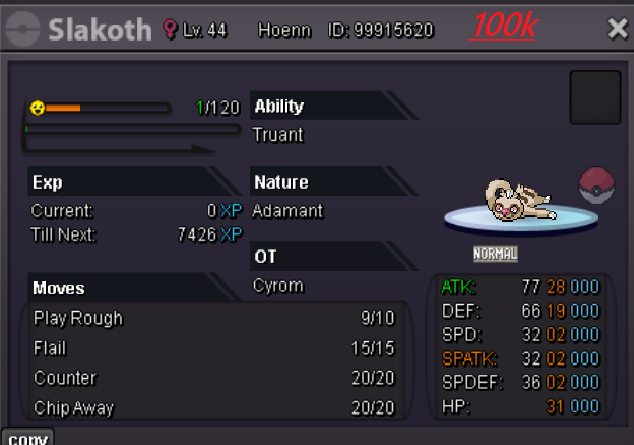
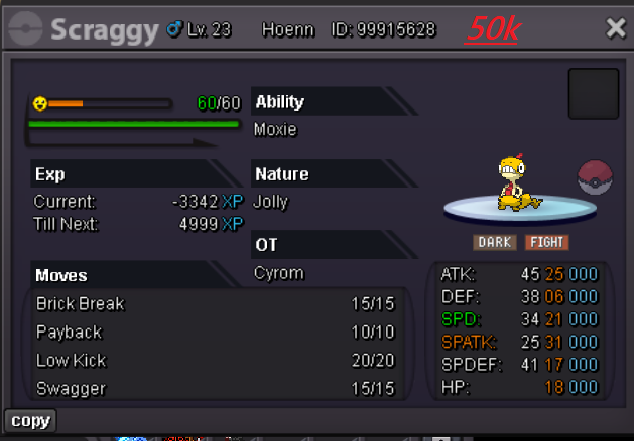
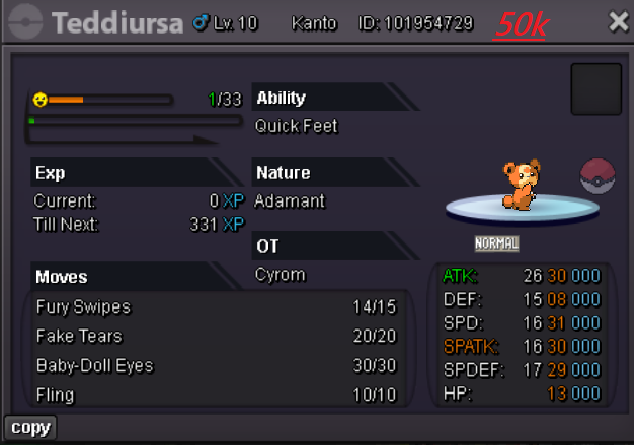
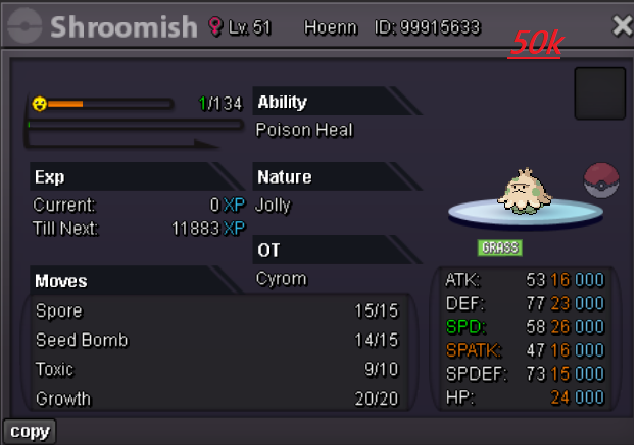
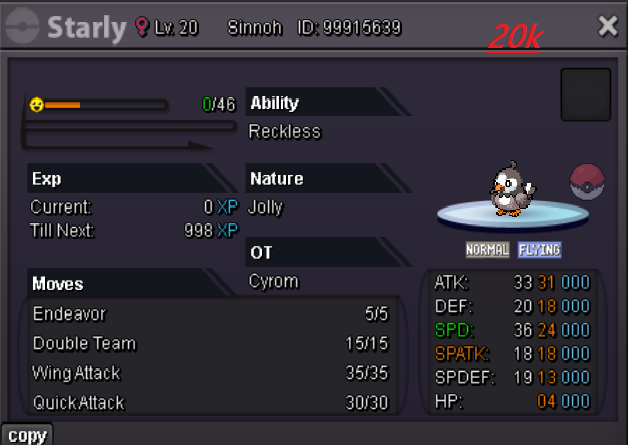
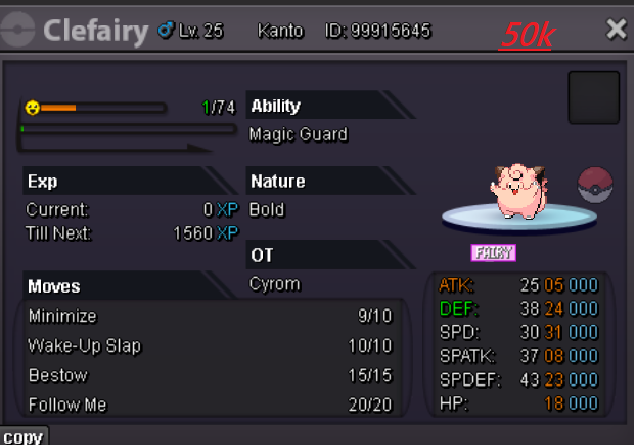
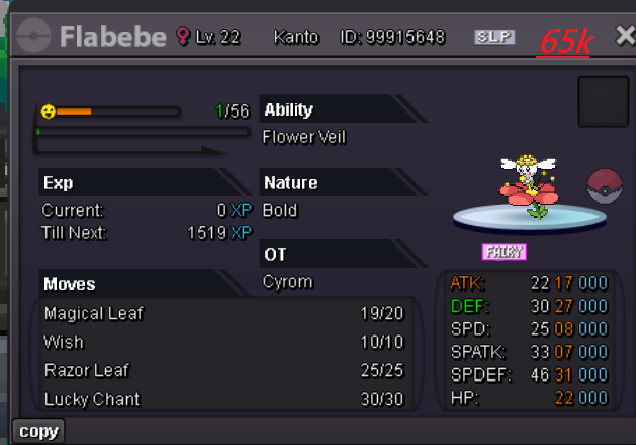
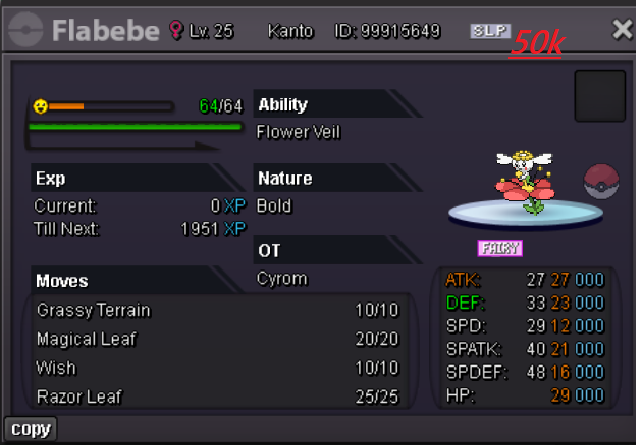
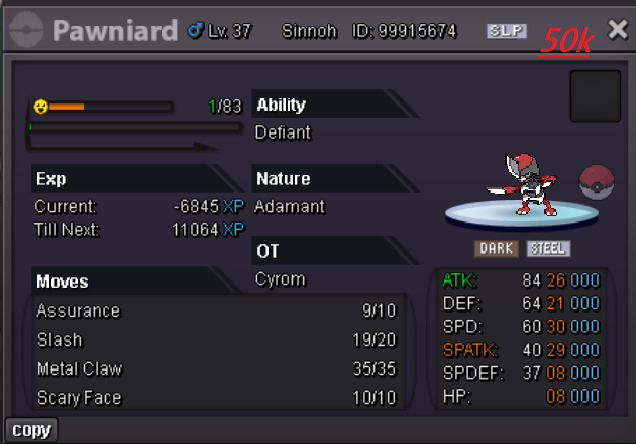
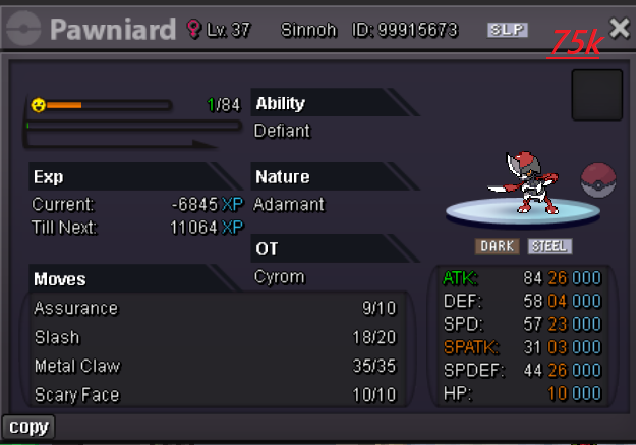
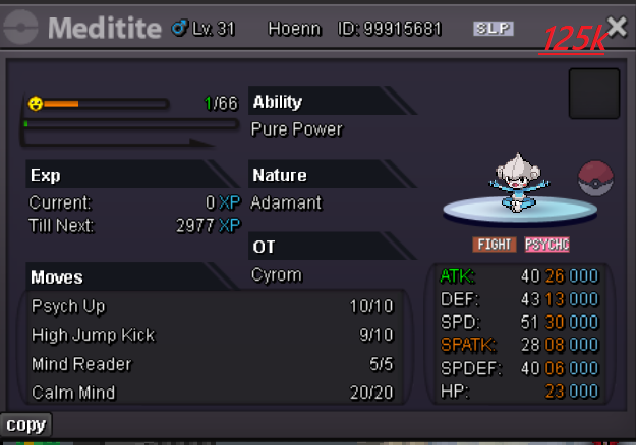
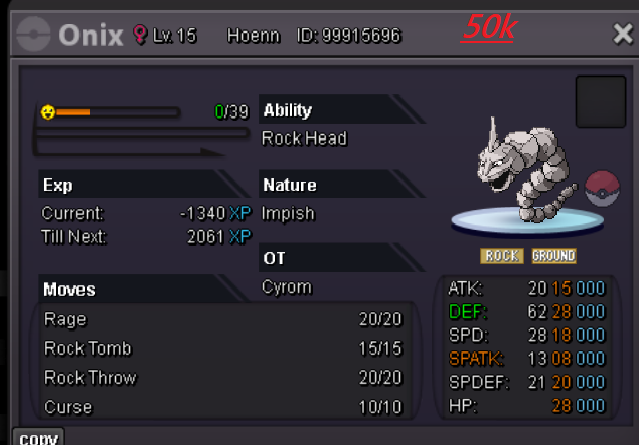
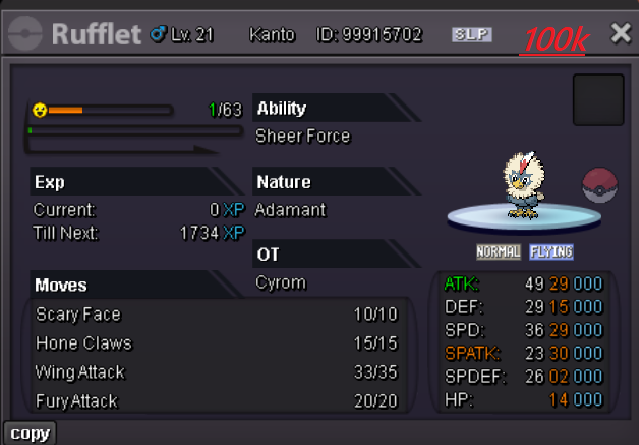
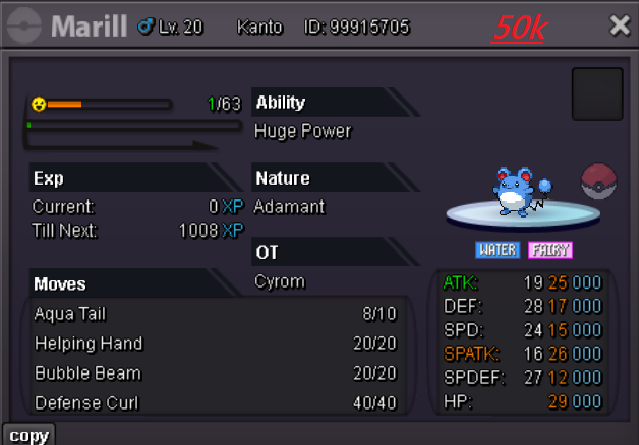
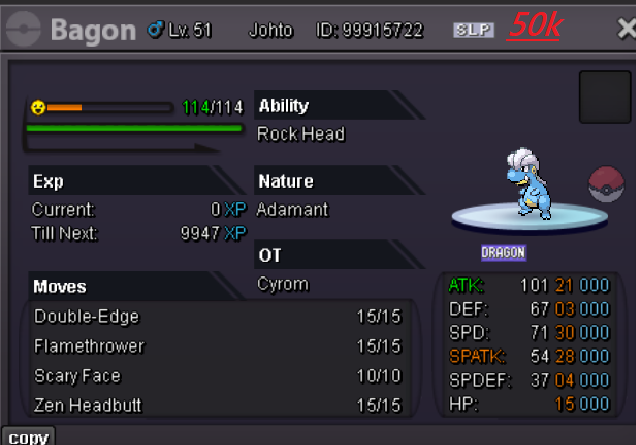
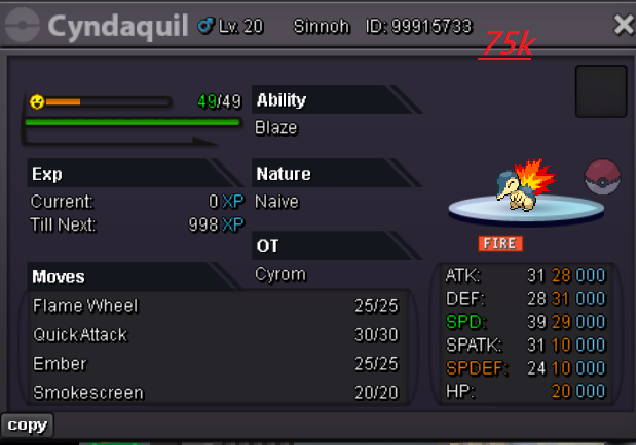
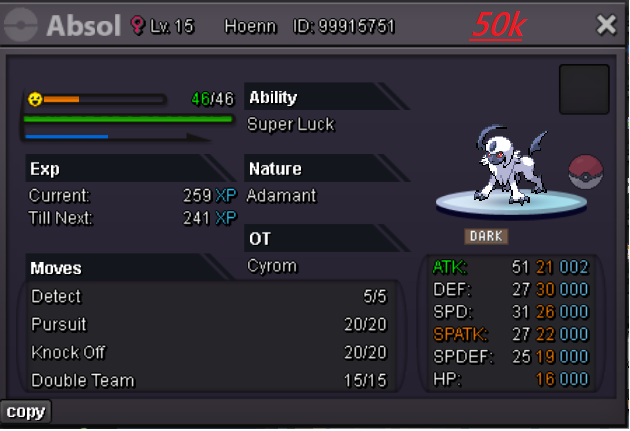
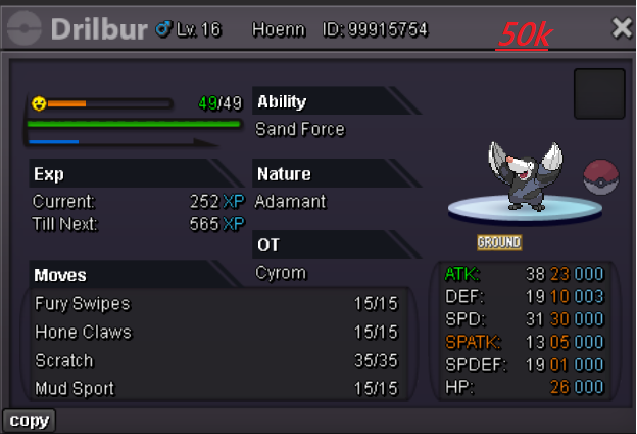
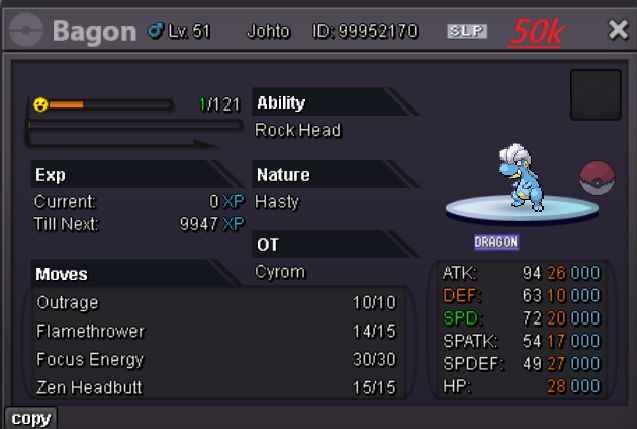
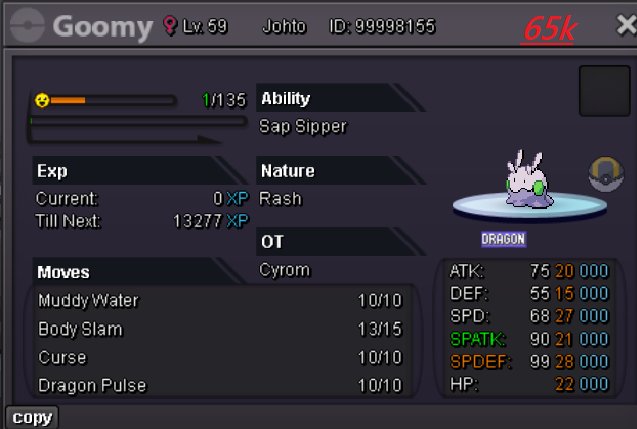
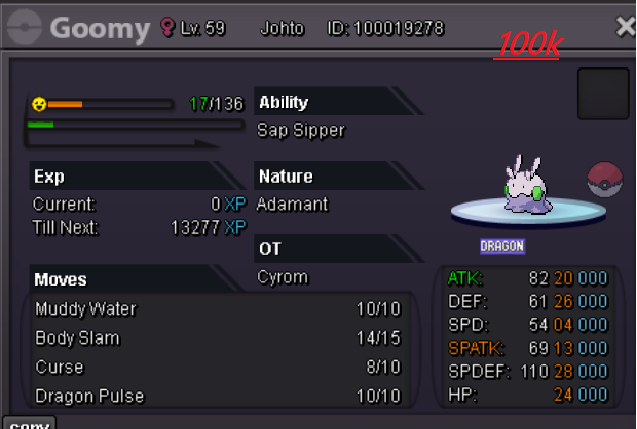
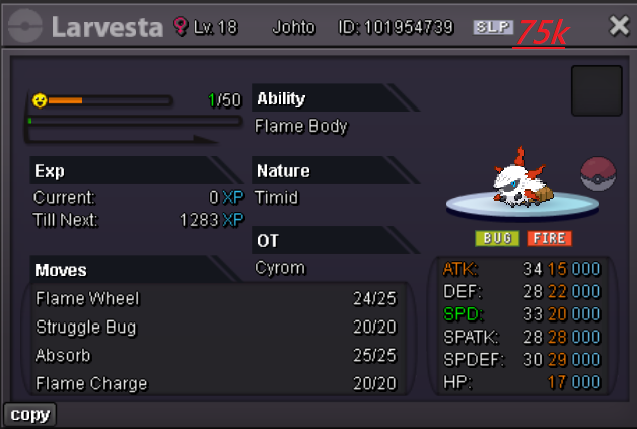
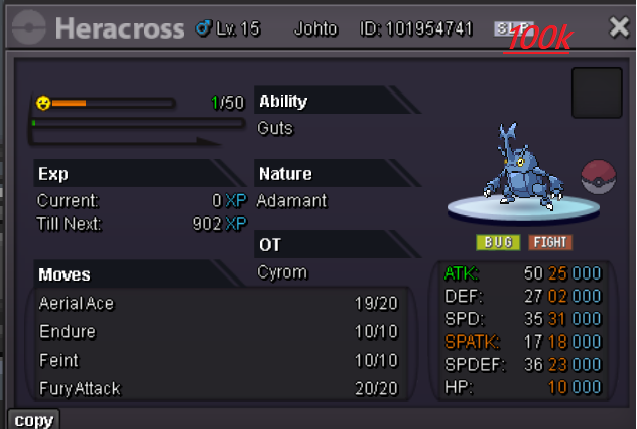
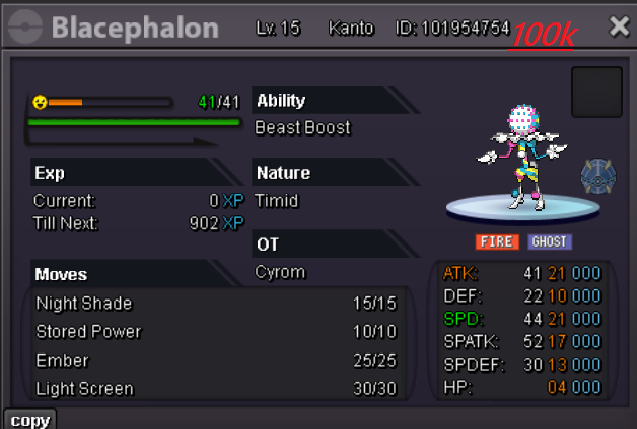
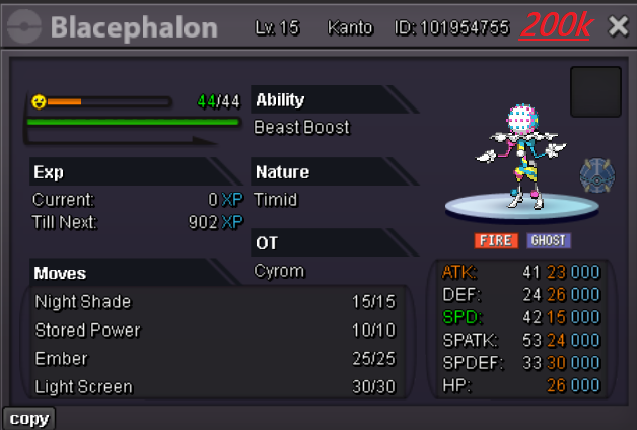
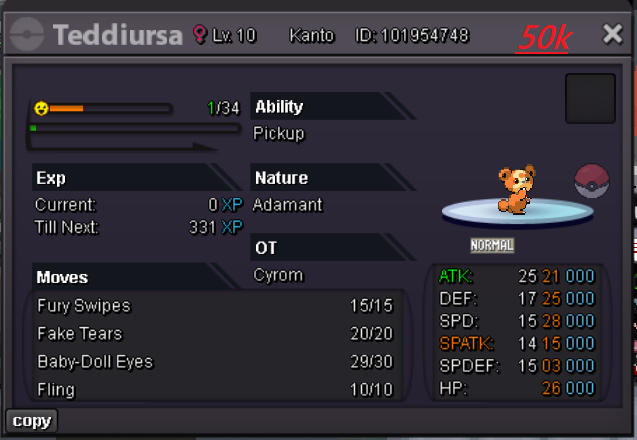
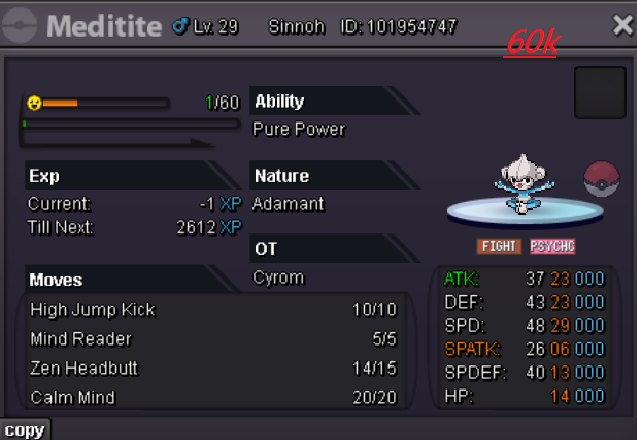
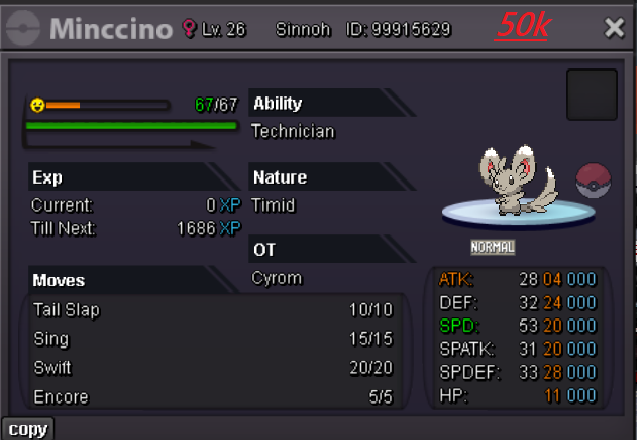
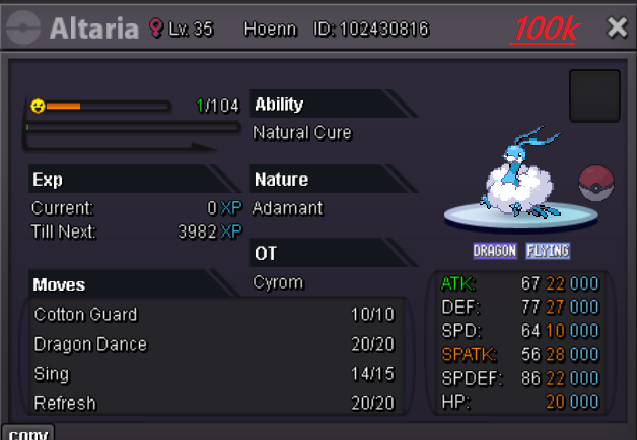
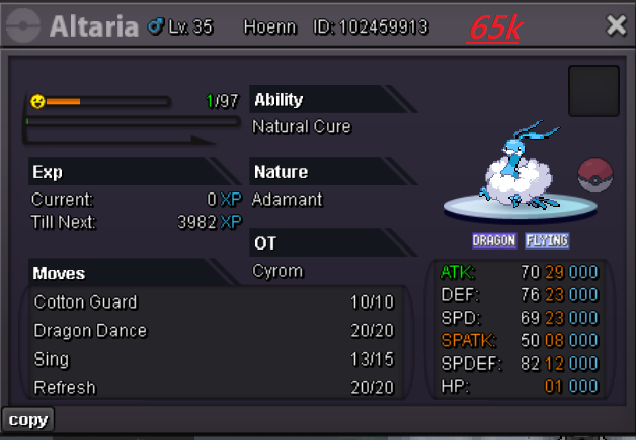
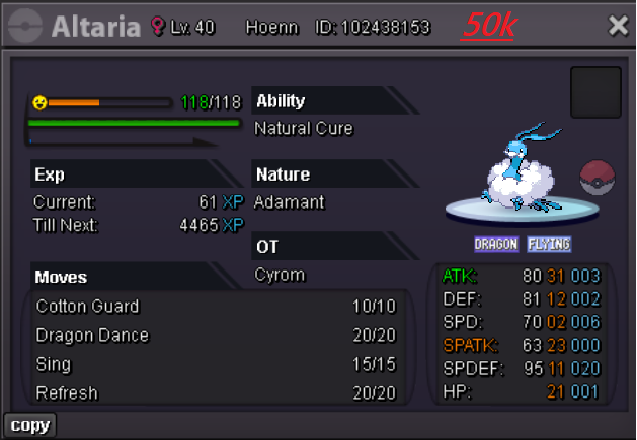
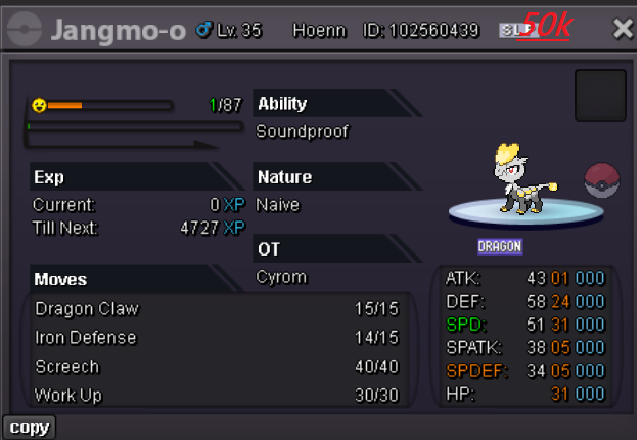
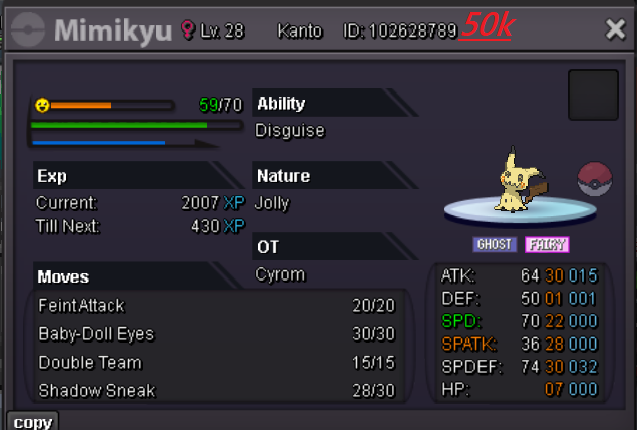
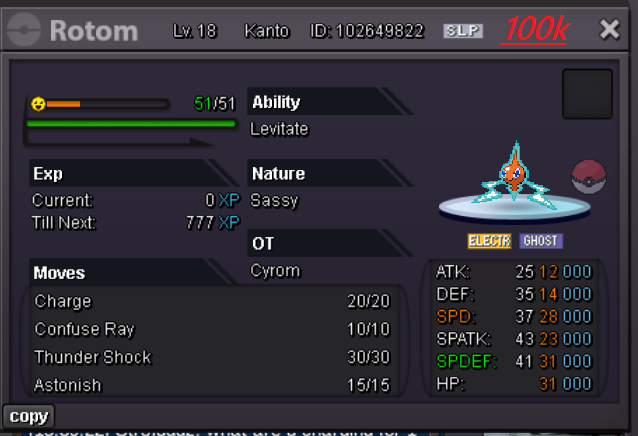
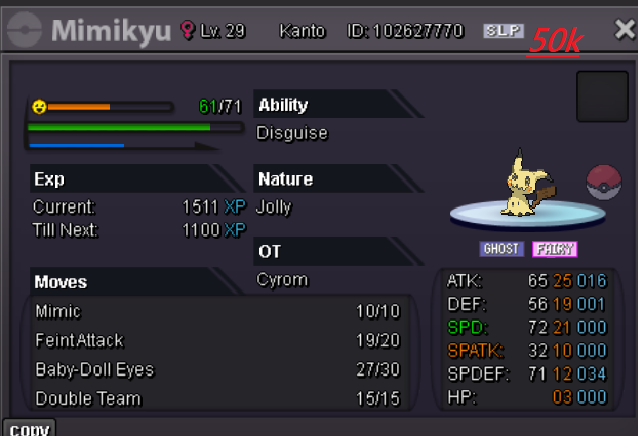
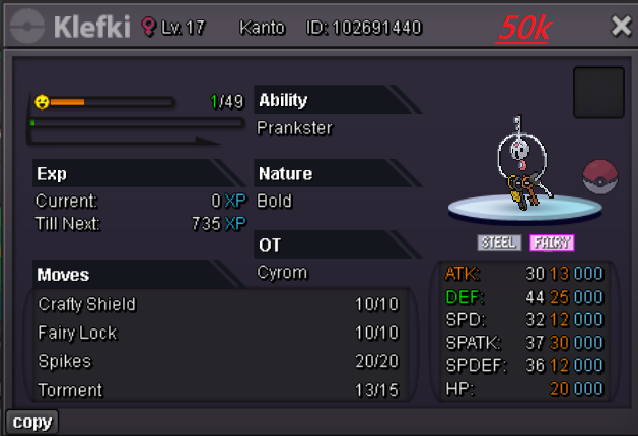
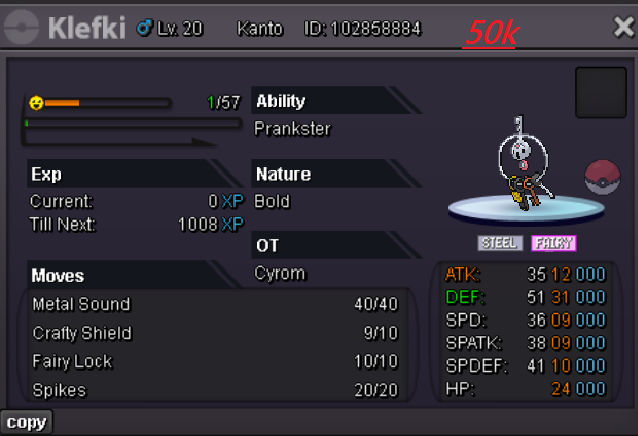
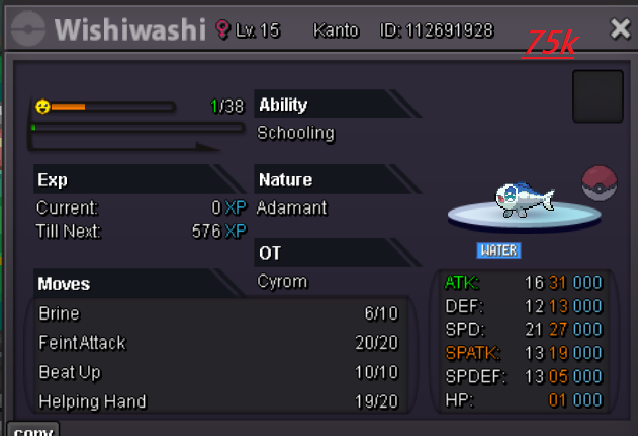
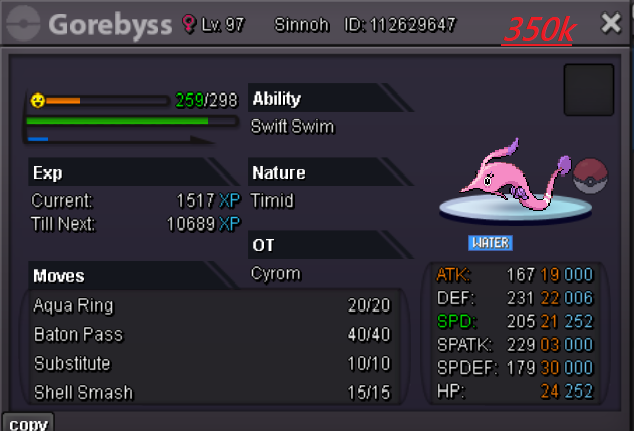
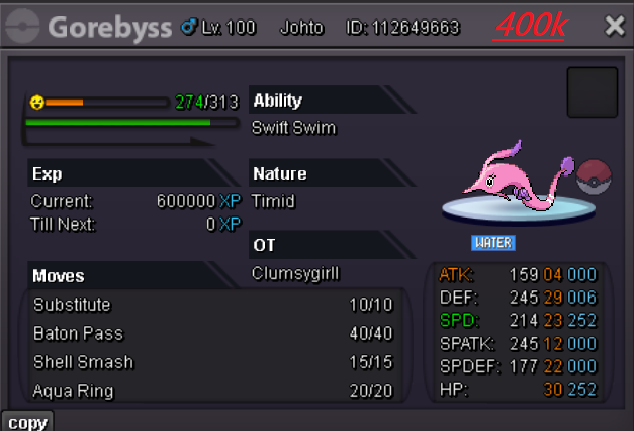
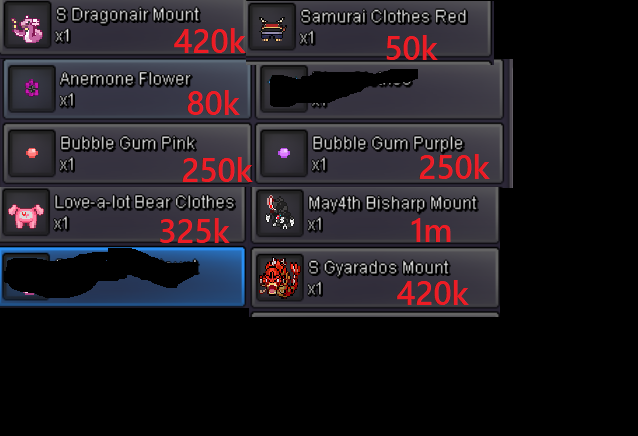 you also do story services? need 2 badges kanto. did first 2.Price for 2 badges ?
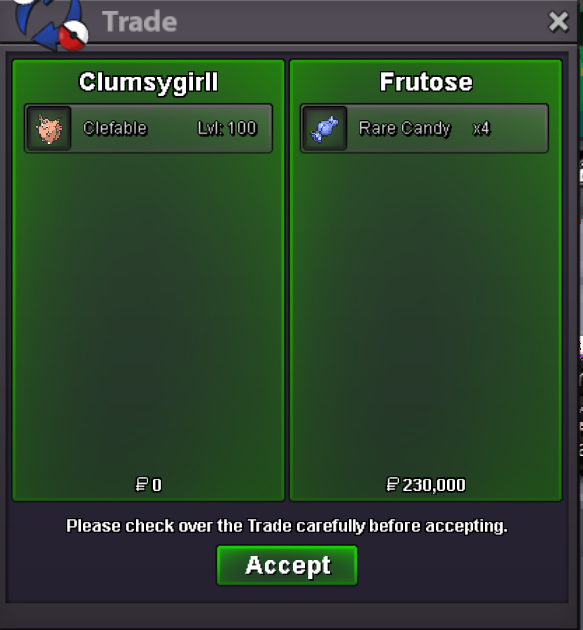
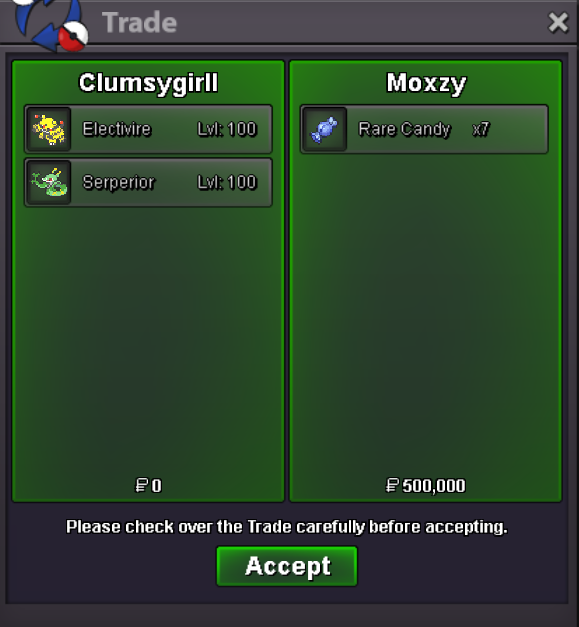
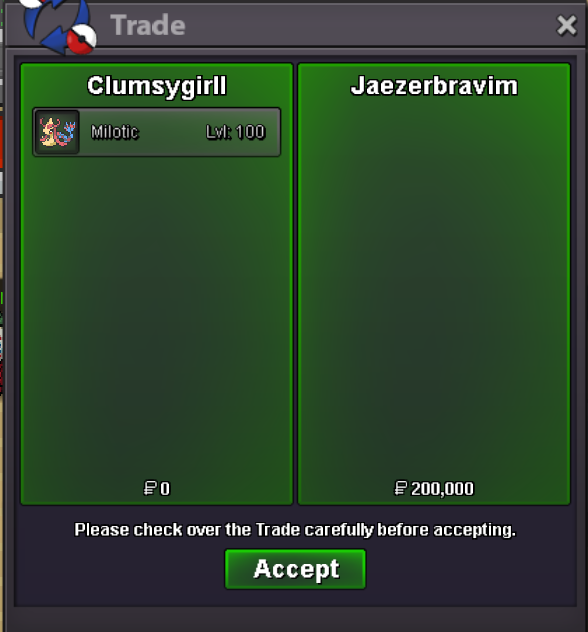

Account
Navigation
Search
Configure browser push notifications
Chrome (Android)
- Tap the lock icon next to the address bar.
- Tap Permissions → Notifications.
- Adjust your preference.
Chrome (Desktop)
- Click the padlock icon in the address bar.
- Select Site settings.
- Find Notifications and adjust your preference.
Safari (iOS 16.4+)
- Ensure the site is installed via Add to Home Screen.
- Open Settings App → Notifications.
- Find your app name and adjust your preference.
Safari (macOS)
- Go to Safari → Preferences.
- Click the Websites tab.
- Select Notifications in the sidebar.
- Find this website and adjust your preference.
Edge (Android)
- Tap the lock icon next to the address bar.
- Tap Permissions.
- Find Notifications and adjust your preference.
Edge (Desktop)
- Click the padlock icon in the address bar.
- Click Permissions for this site.
- Find Notifications and adjust your preference.
Firefox (Android)
- Go to Settings → Site permissions.
- Tap Notifications.
- Find this site in the list and adjust your preference.
Firefox (Desktop)
- Open Firefox Settings.
- Search for Notifications.
- Find this site in the list and adjust your preference.