New Trade Zone
Trade Zone is now live
Use the new Trade Zone for auctions and instant-price trades so Pokemon and item offers are easy to find.

Bajnax
Registered User
-
Joined
-
Last visited
Everything posted by Bajnax
-
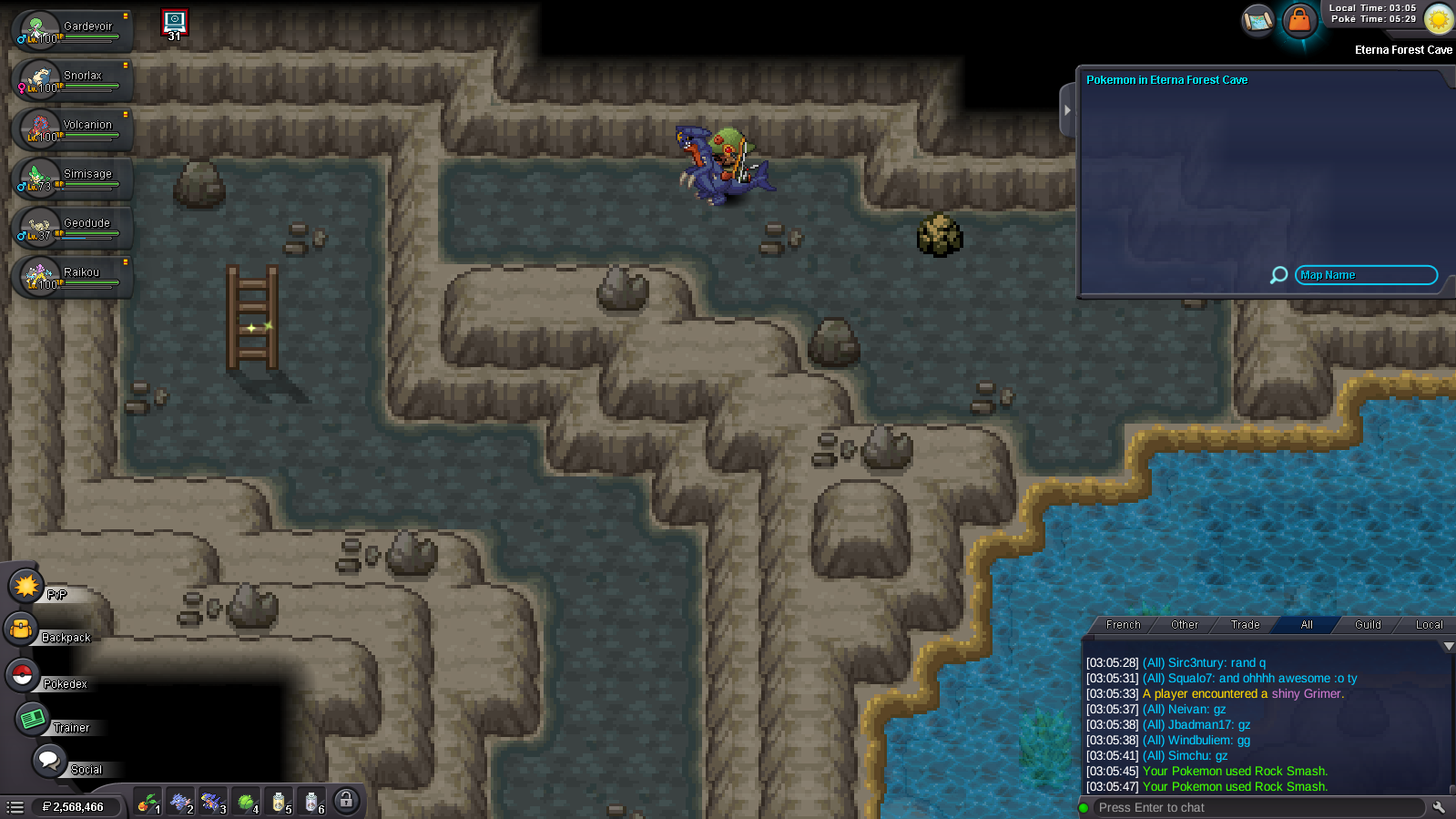
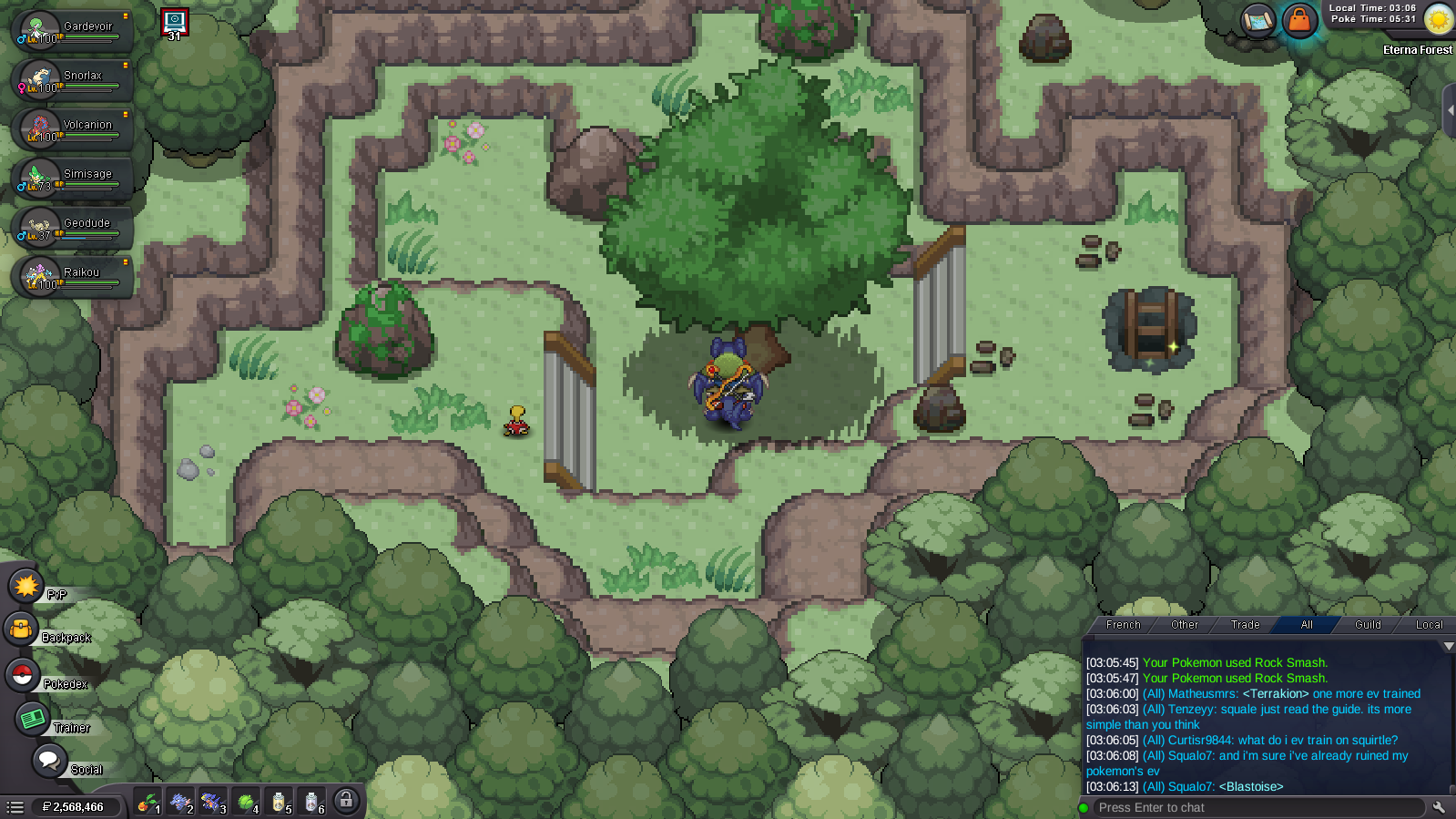
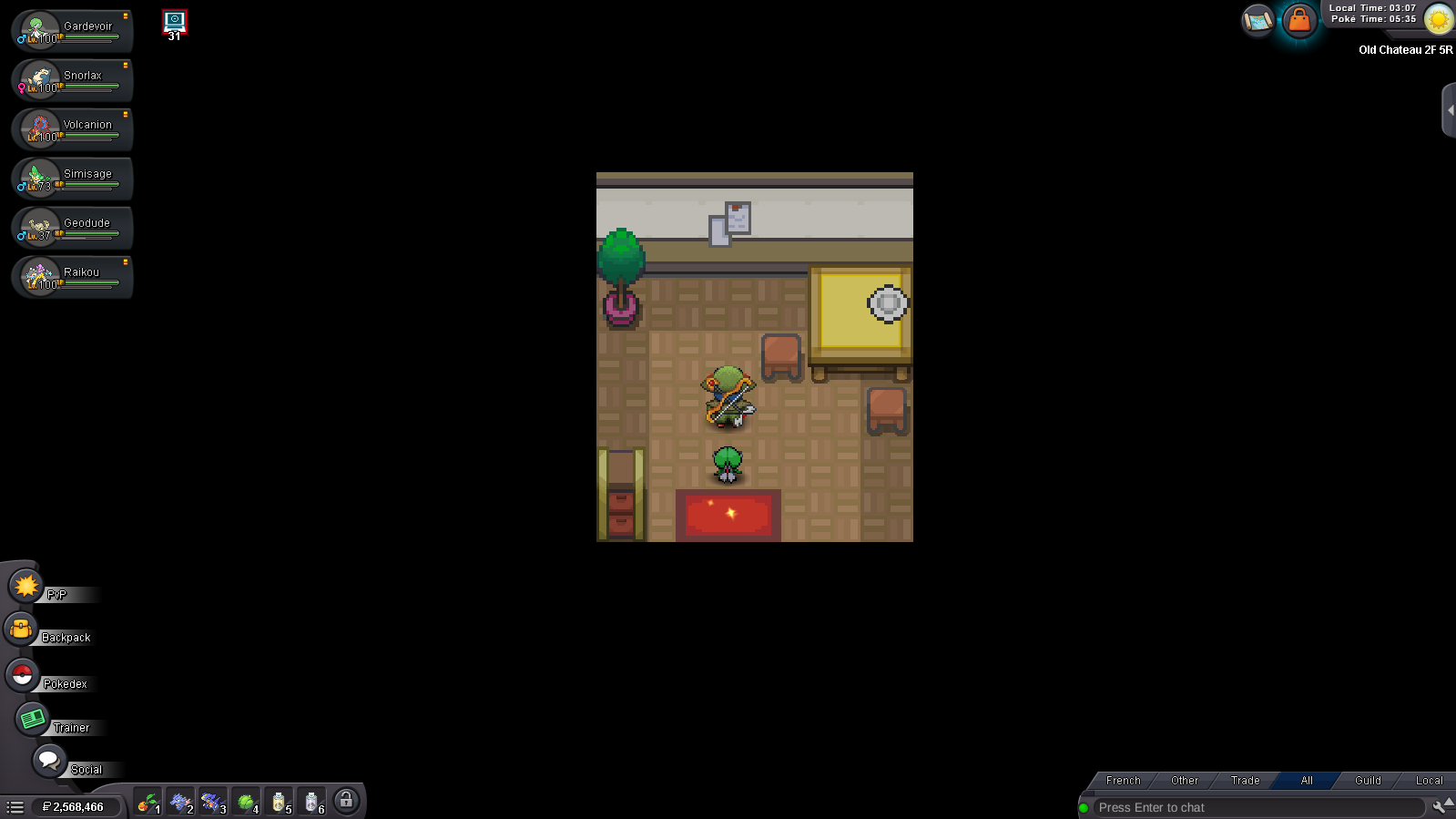
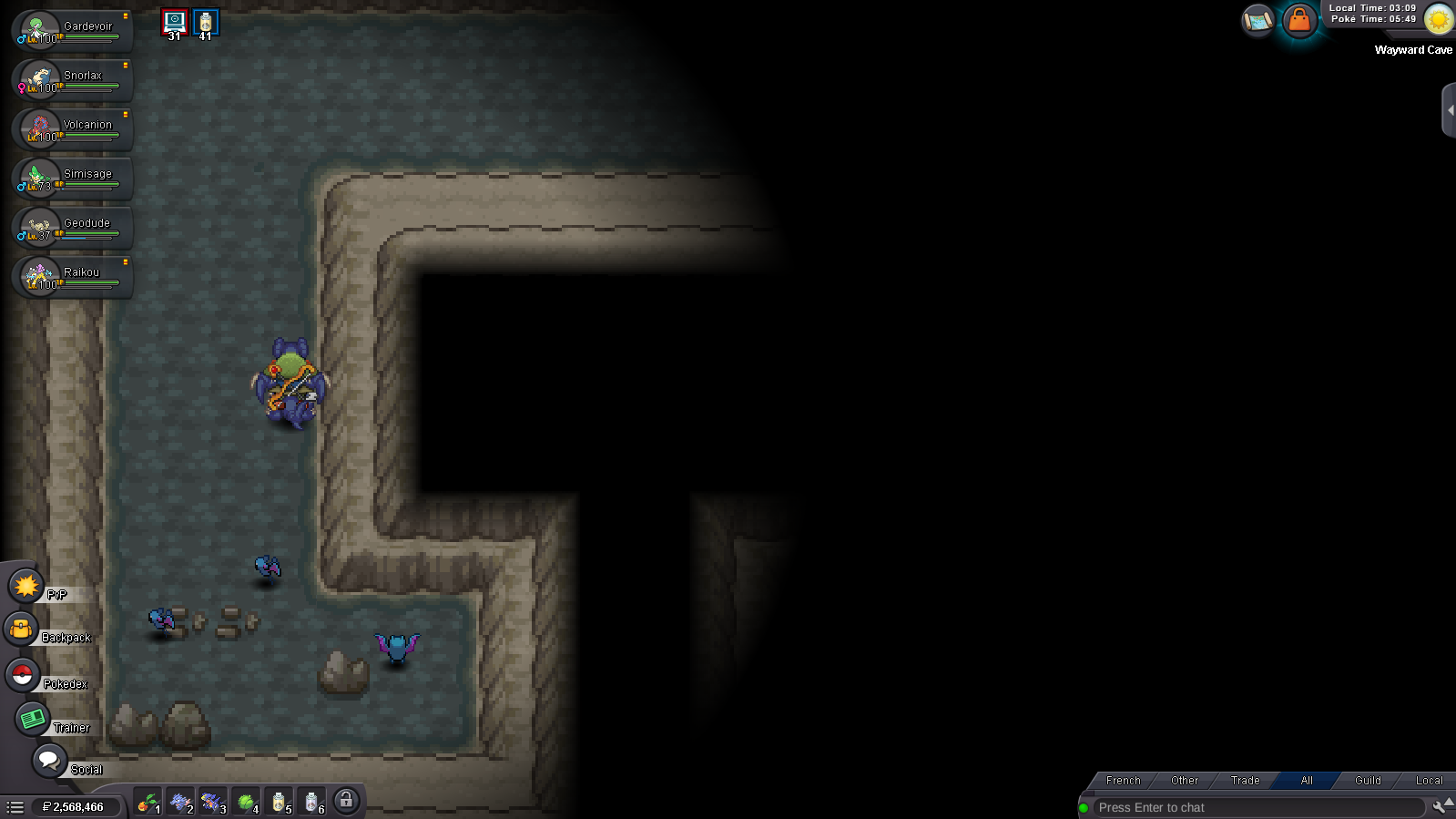
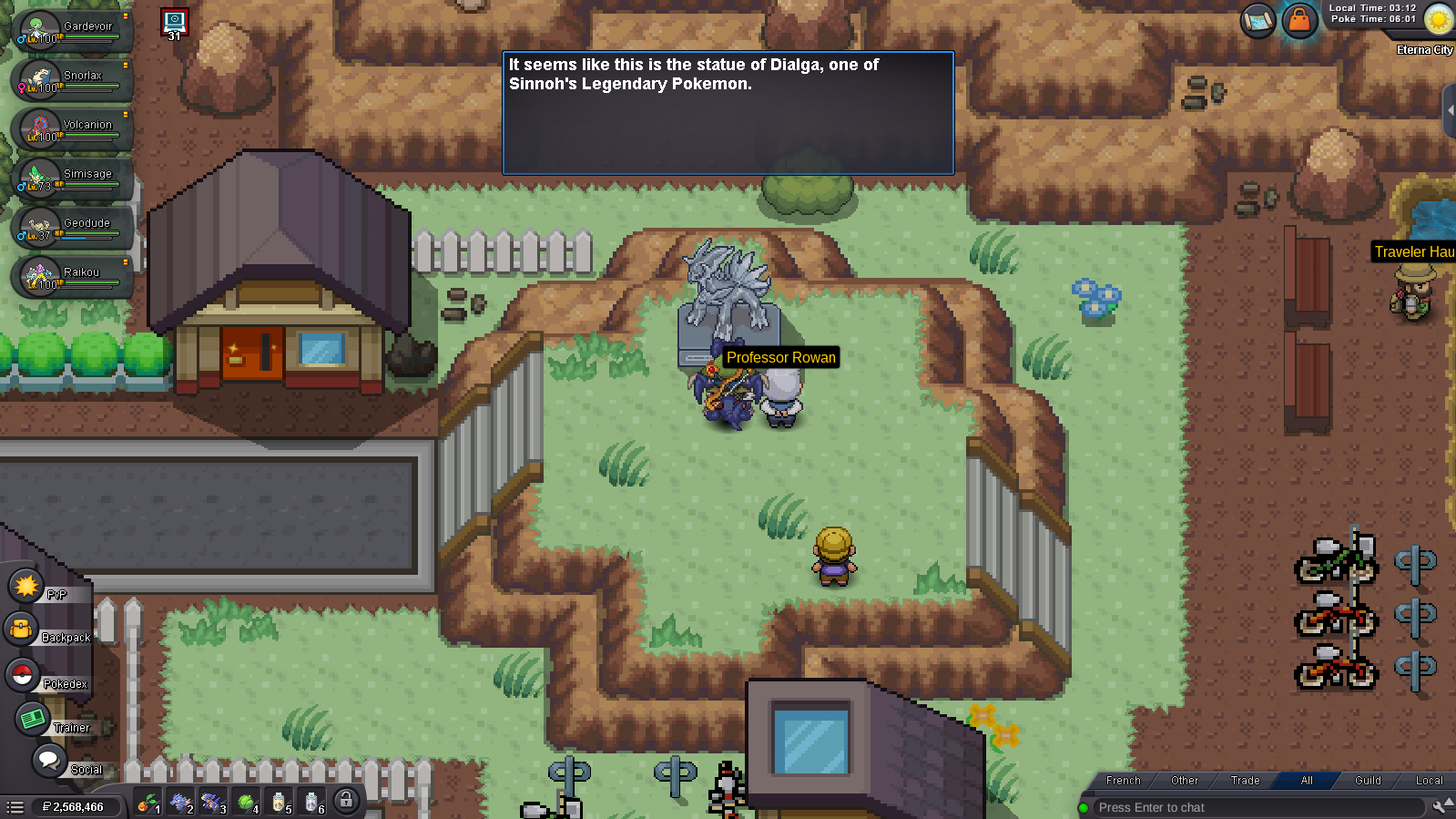
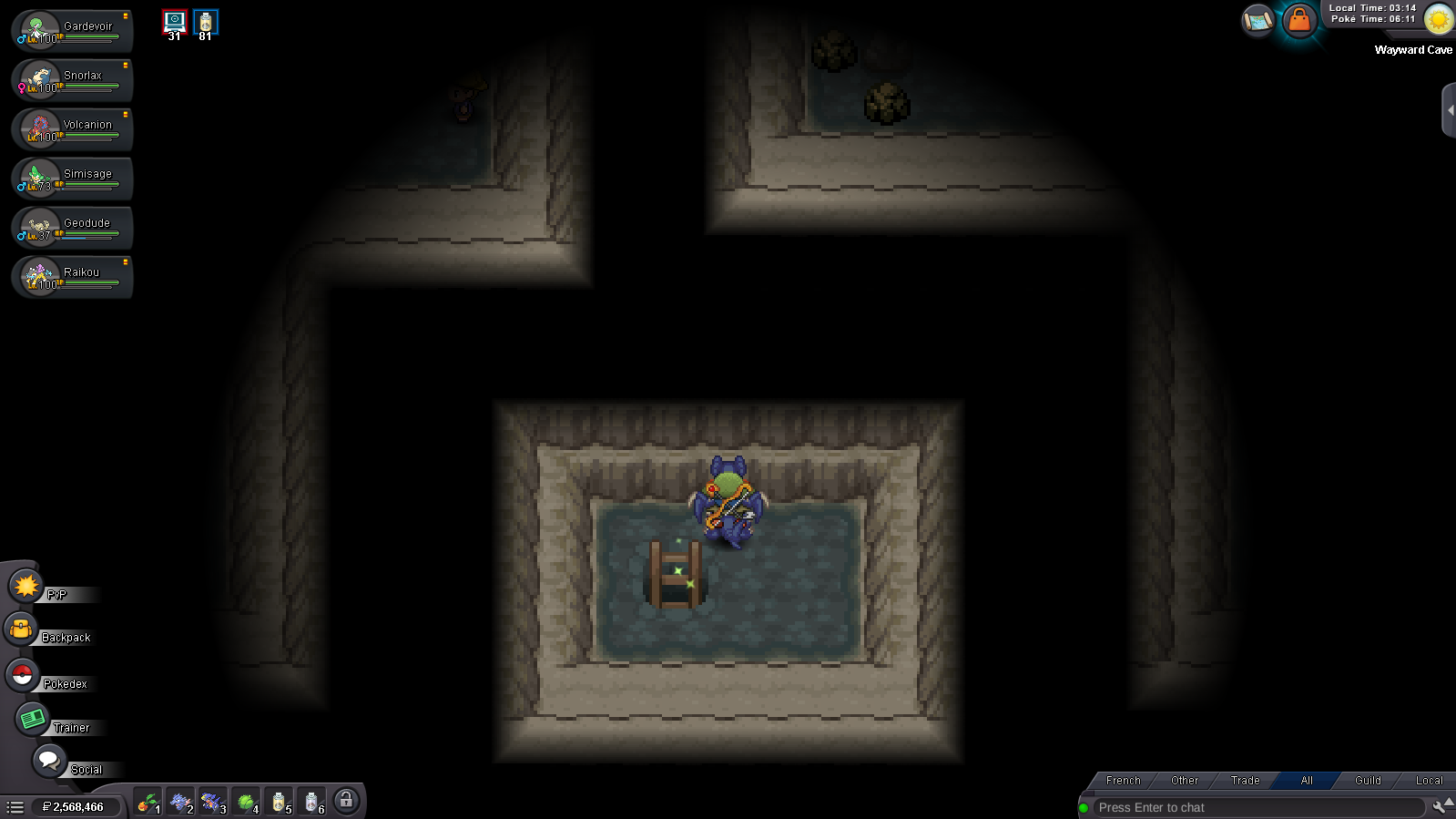
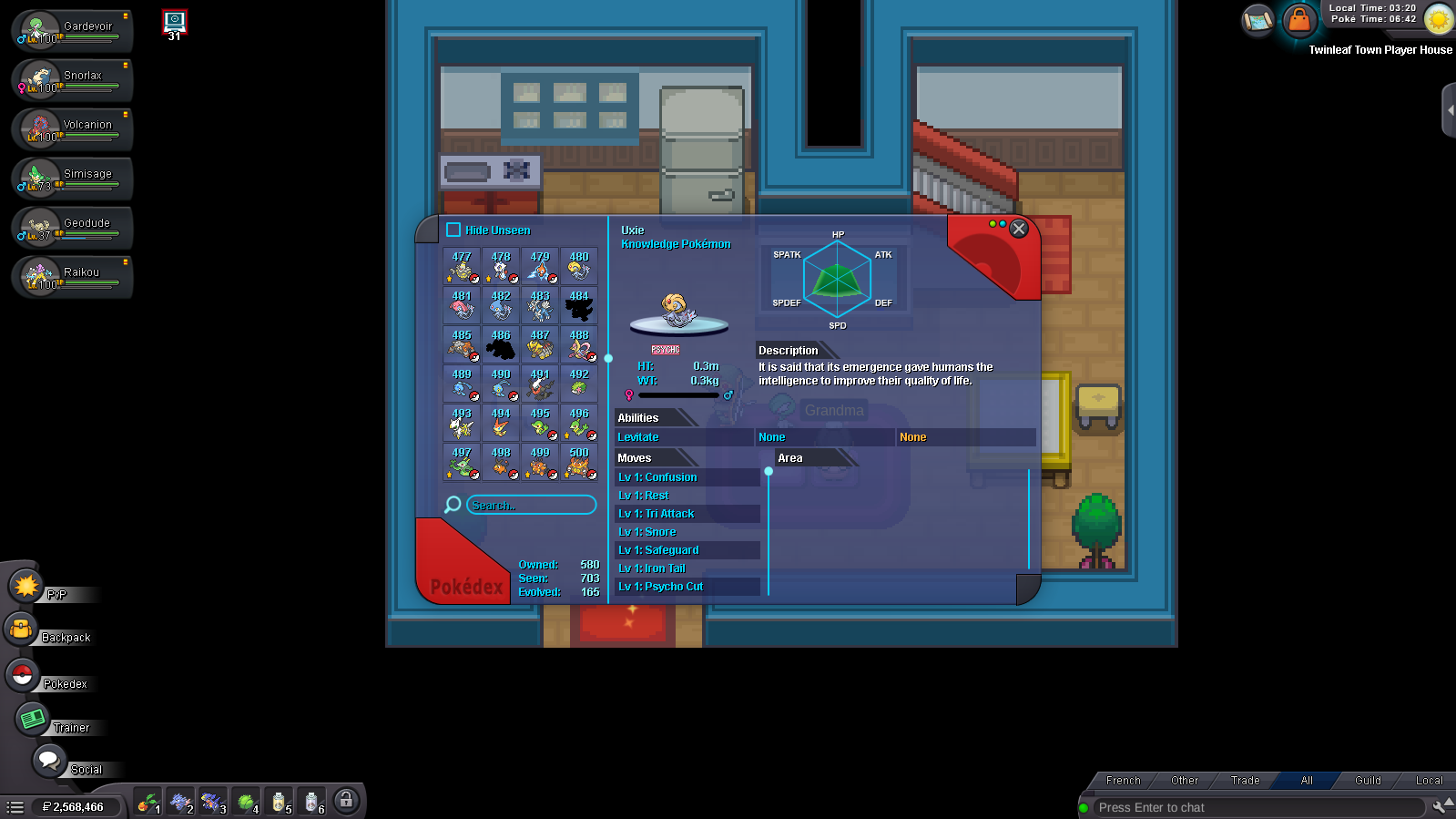
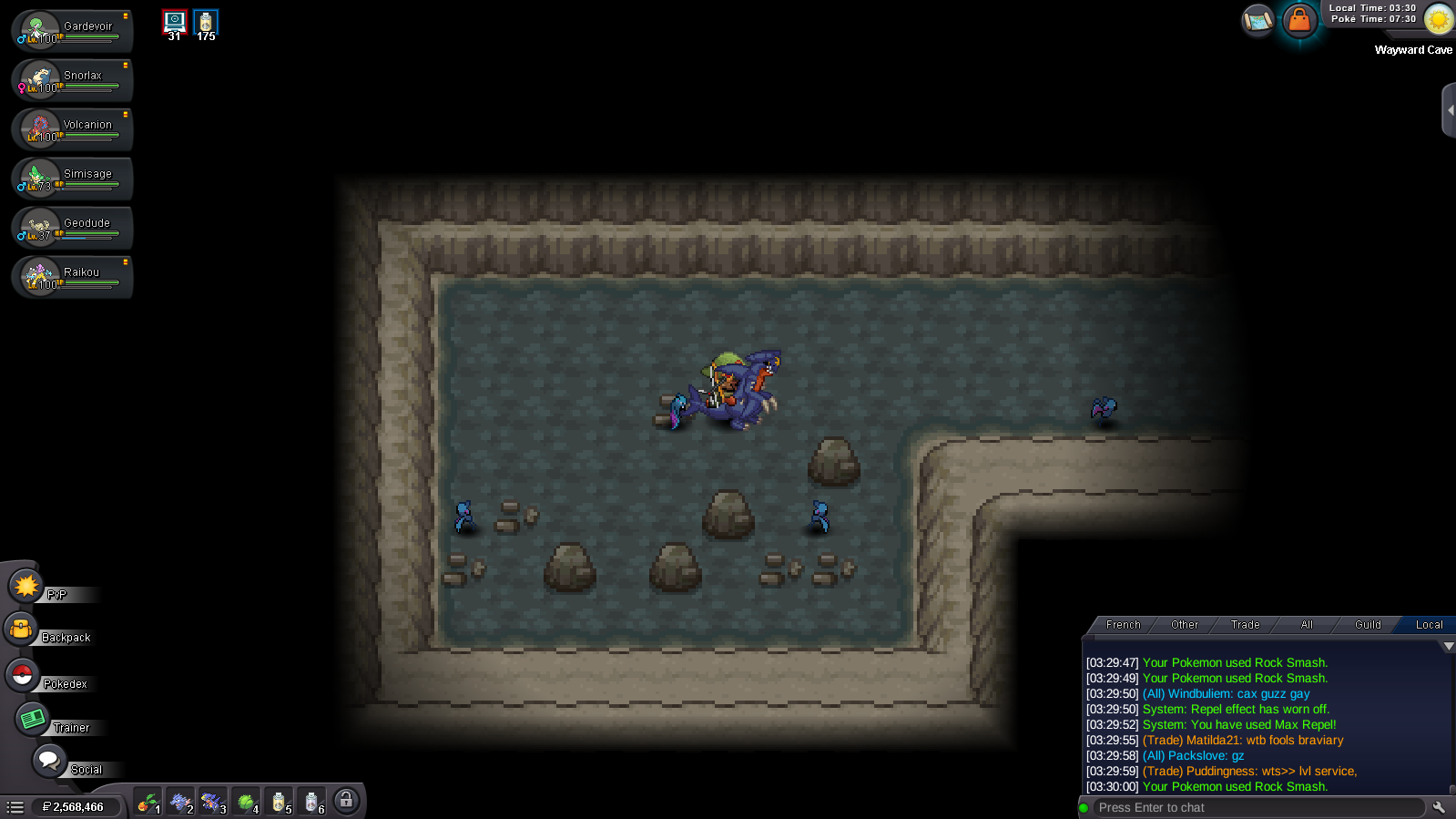
I'm already in the good spots as you can see in my screenshots. I posted 6 pictures ( 3 spots for the first orb and 3 others spots for the second orb ) in Eterna cave ( 2 spots ) old château ( 1 spot ) and wayward cave ( 3 spots ) but i don't see. I think the NPC from Sandgem town talk me about another quest but i'm not sure
-
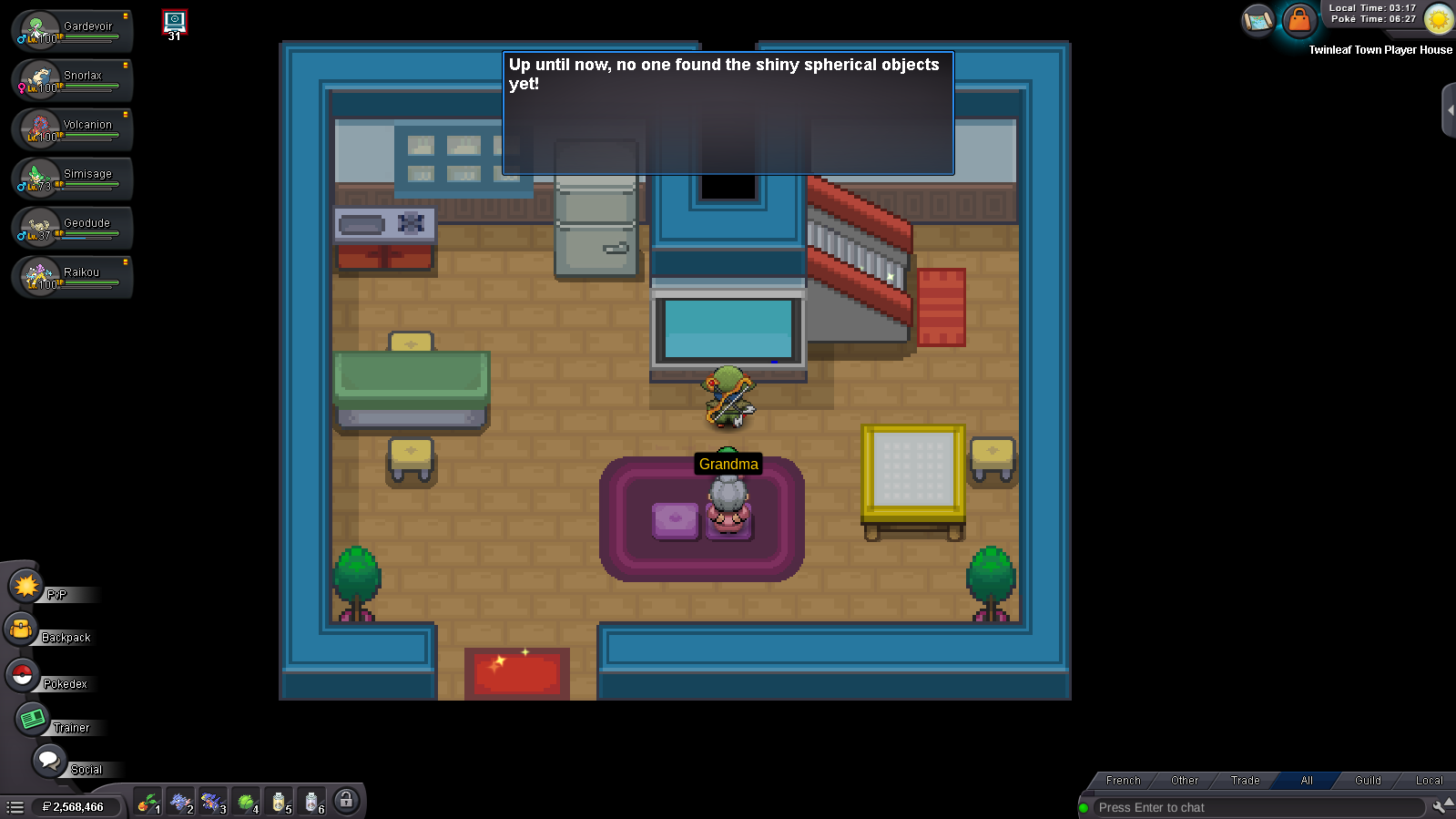
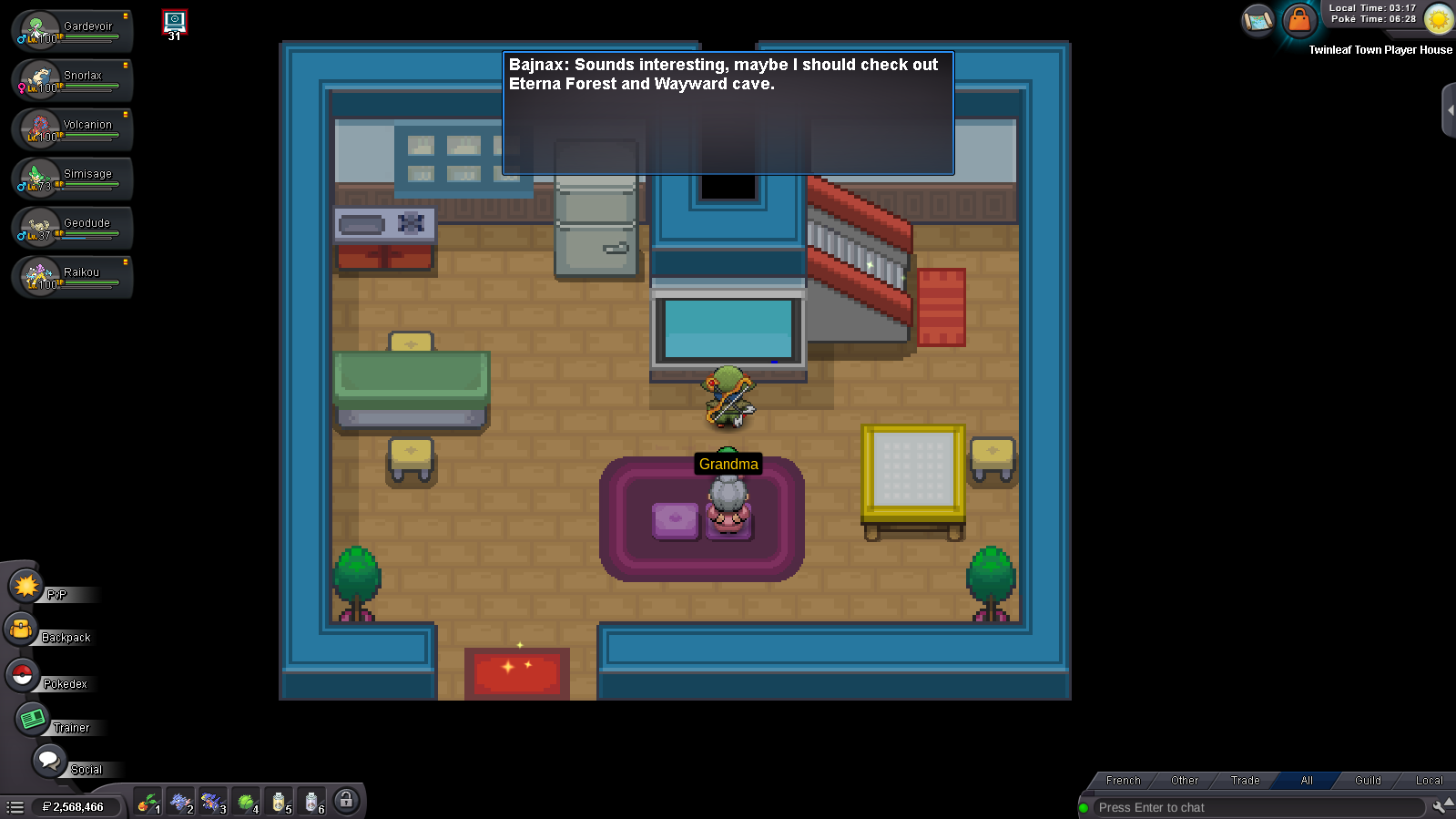
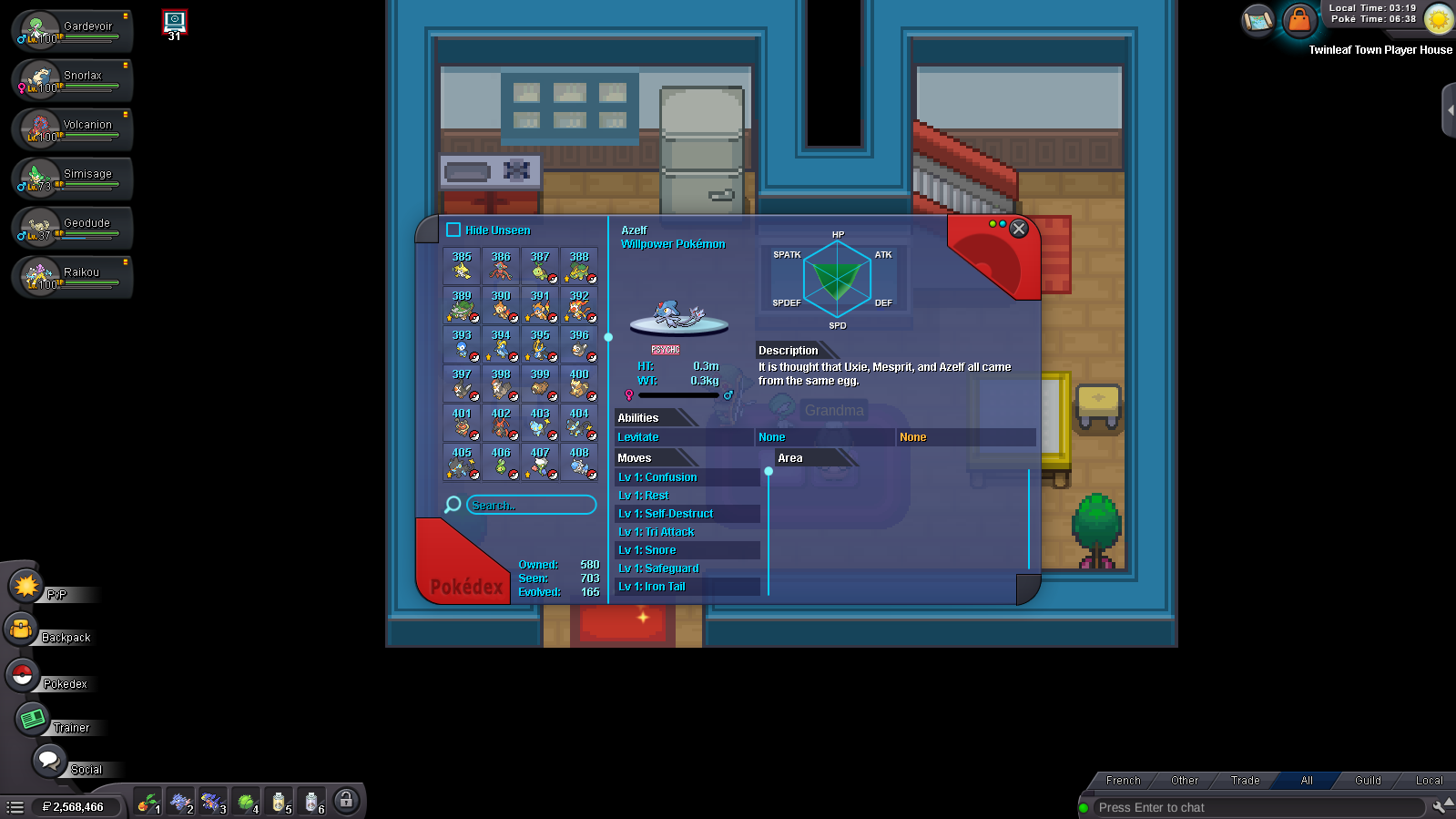
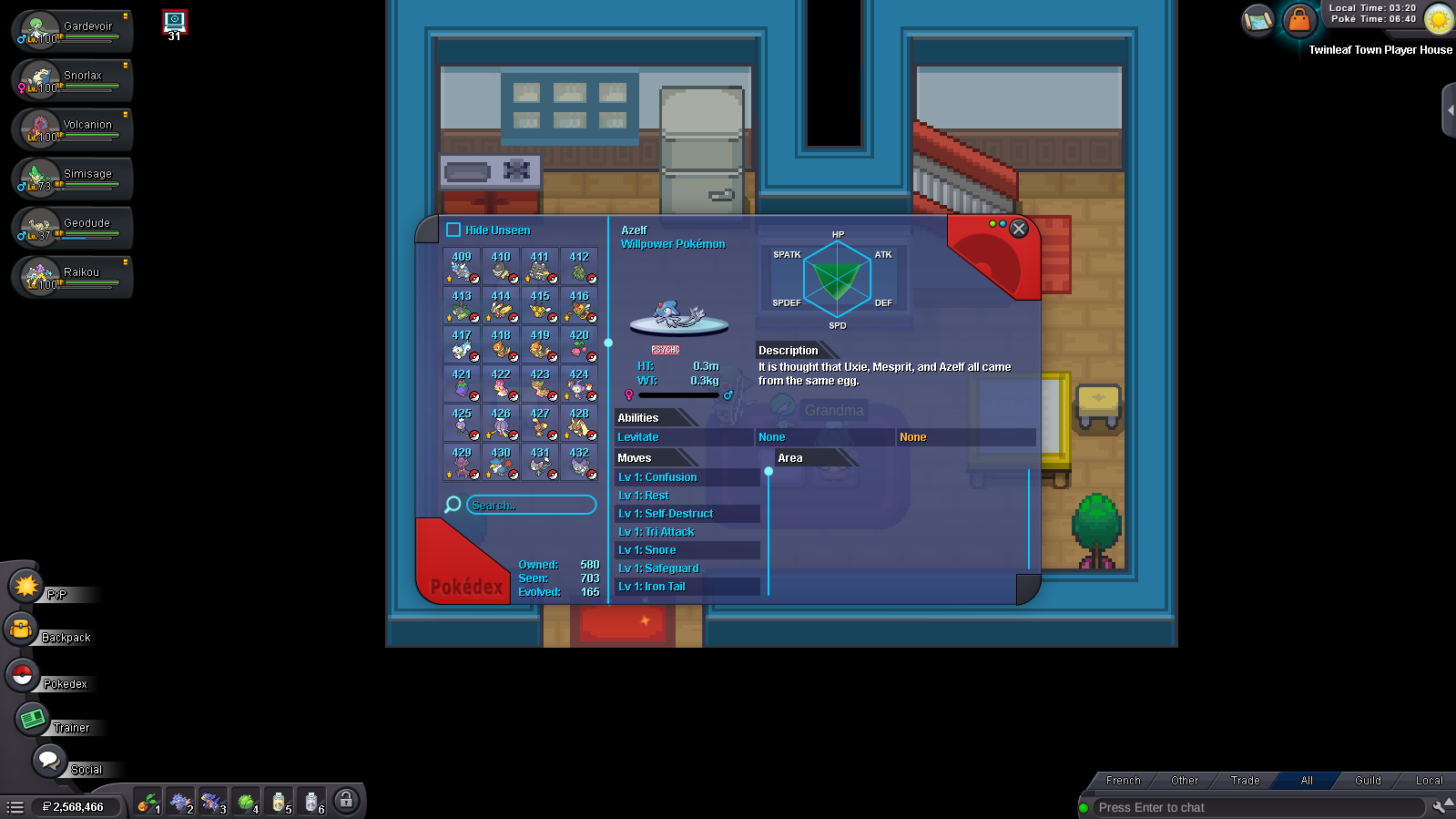
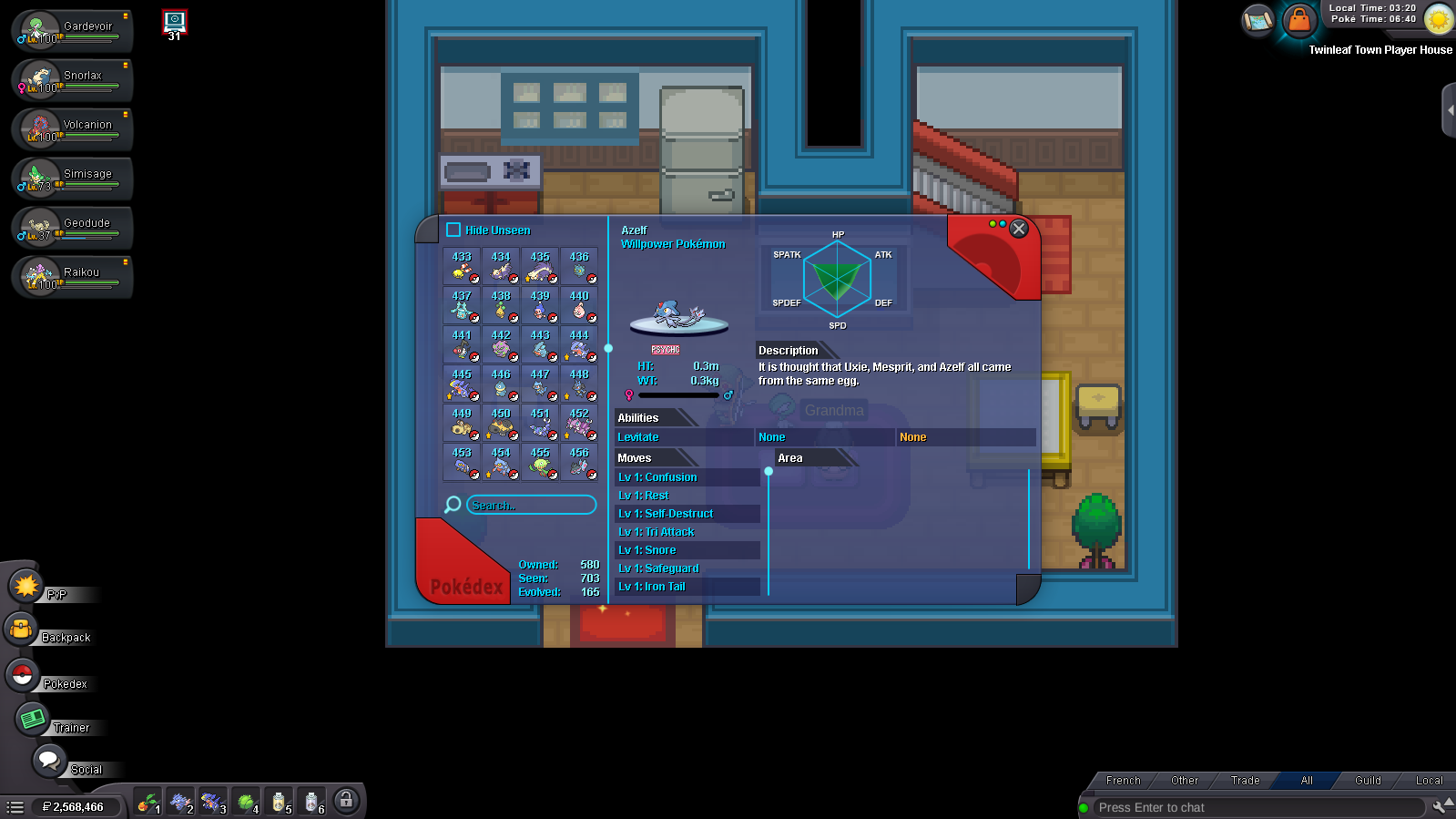
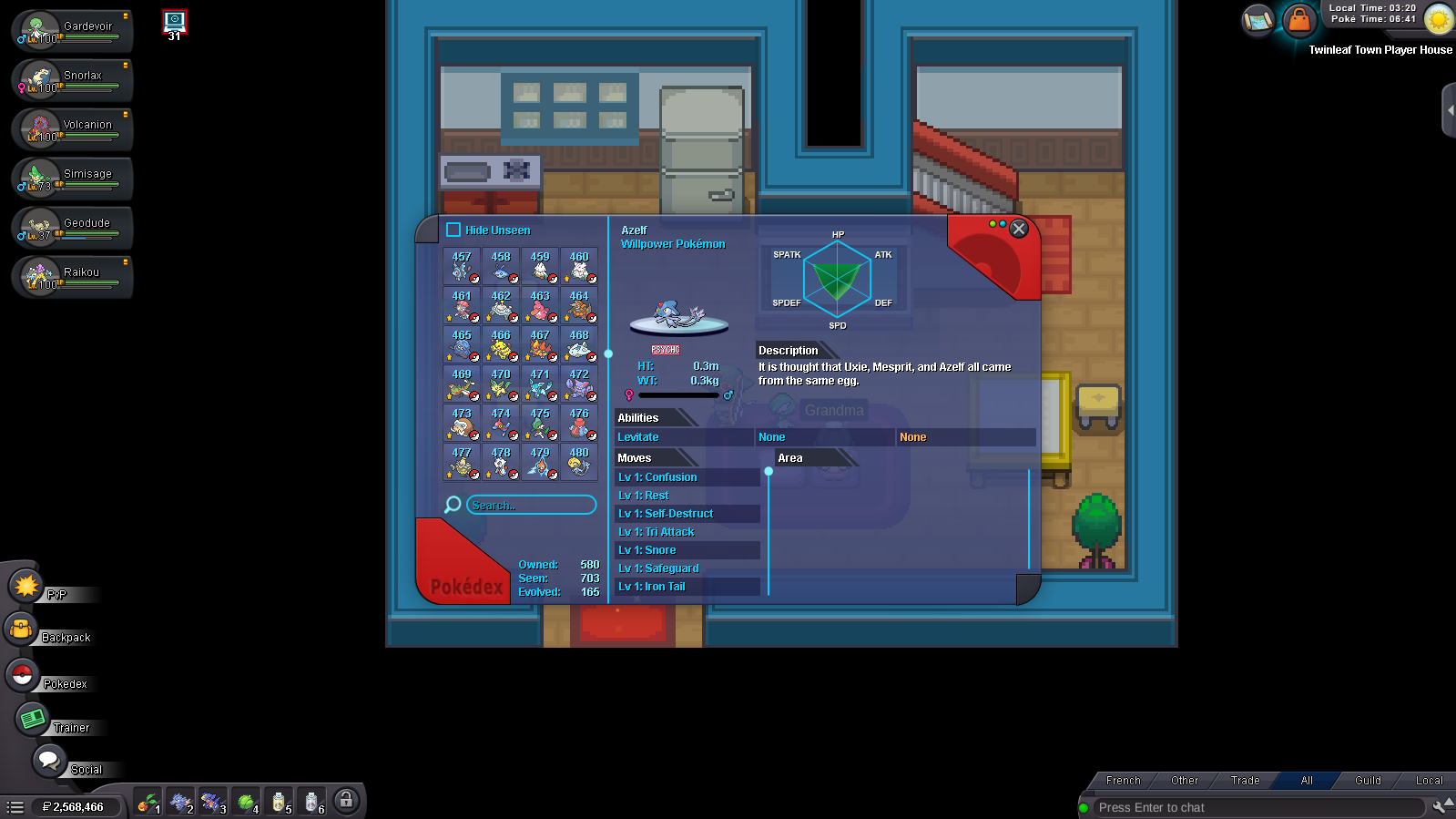
Hi, I'm having trouble with the Lake Trio Quest (to catch Azelf, Uxie, or Mesprit). I have all the Pokémon from Kanto, Johto, Hoenn, and Sinnoh. I have the seen data for Dialga, Arceus, Uxie, Mesprit, and Azelf, but not for Palkia. When I click on the Palkia statue in Floaroma Town ( or else statues ) , nothing happens because I haven't received the orbs. I've checked all the locations in both guides (the one on the forum and the one on Wikipedia), but I haven't found anything. Dawn isn't telling me anything; I'm stuck ( Username : Bajnax / Server : Gold ) I should also mention that the seen data I got from Dialga and Arceus came from NPCs or bosses, but not from clicking on their statues, because that doesn't work Enregistrement de l'écran 2026-04-12 031634.mp4