




New Trade Zone
Trade Zone is now live
Use the new Trade Zone for auctions and instant-price trades so Pokemon and item offers are easy to find.

Ramzi2525
Registered User
-
Joined
-
Last visited
-
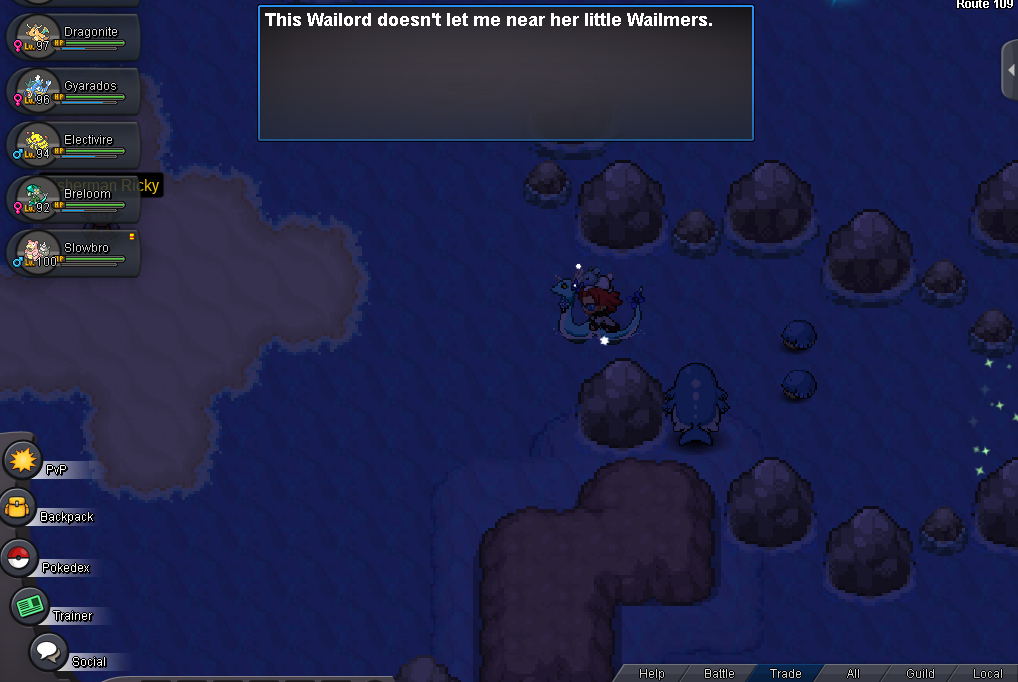
hello , i did all the requirements to start the victini dungeon but i cant get the wails out of the way , i talked with demon and the old lady in the town and i have gen 5 pokedex + i did demon quest
-
wtb ur services
-
make a boss team so you can do bosses and earn money , after that start pve , then build teams for pvp
-
can i buy r services , but i wanna do the vectini daungen my self , i just want someone to be with me and explain to me how this works
-
ty very much for explaining it , i didnt know hyper voice didnt account for sub
-
hello , i was farming bosses and i got to this boss , and i had my Pokémon in a substitute , even tho he was in a sub the enemy boss crit and one-shot him anyways bandicam 2026-08-15 10-15-22-648.mp4
-
hello im online rn
-
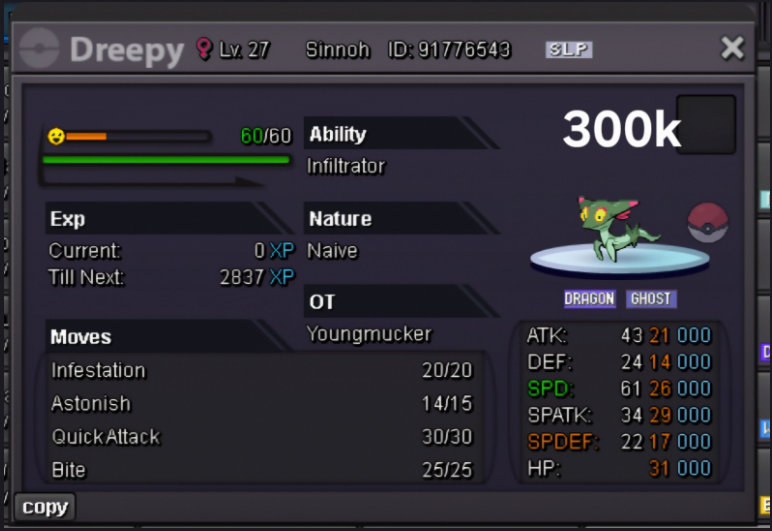
wtb this
-
wtb the mimikyu
-
-
hello i wanna buy the dragonite
-
hello , im doing the trio lake mission and i looked on youtube and gamewiki for the lustrous orb and ive been to the cave to pick it up , but its not spawned + i didnt pick it up before
-
210k
-
110
-
90k
