




New Trade Zone
Trade Zone is now live
Use the new Trade Zone for auctions and instant-price trades so Pokemon and item offers are easy to find.


Miirajane
Registered User
-
Joined
-
Last visited
Everything posted by Miirajane
-
Entonces: 1m. Co: - Insta: Sin insta. Aumento mínimo: 200k. Termina 3 días después de la primera oferta. Aceptar cc = 370k. La subasta termina el martes 28 a las 10:47 gmt-3 ¡Gracias y buena suerte!.
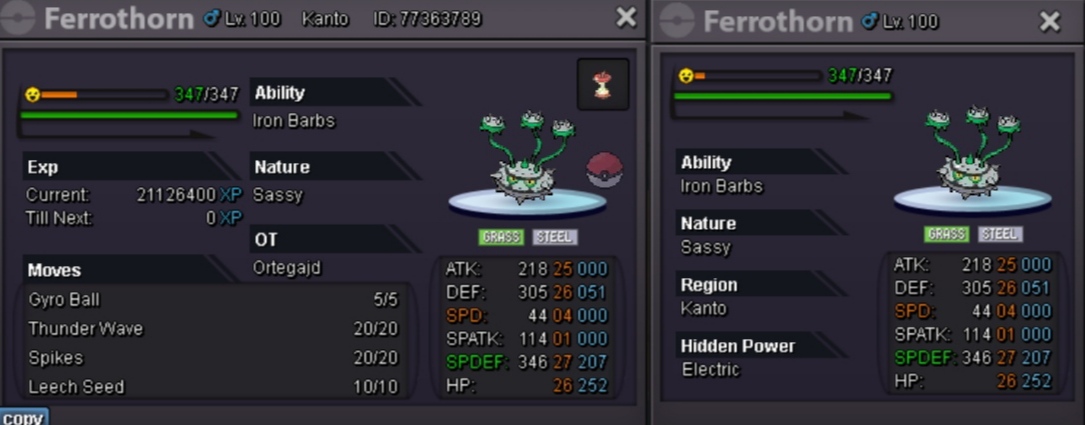
-
85k
-
Finished~ ty all🌻
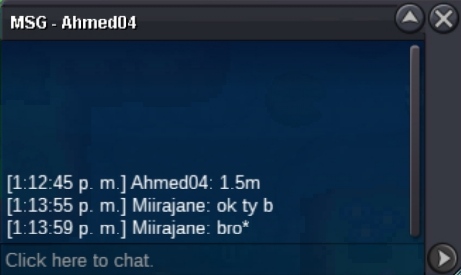
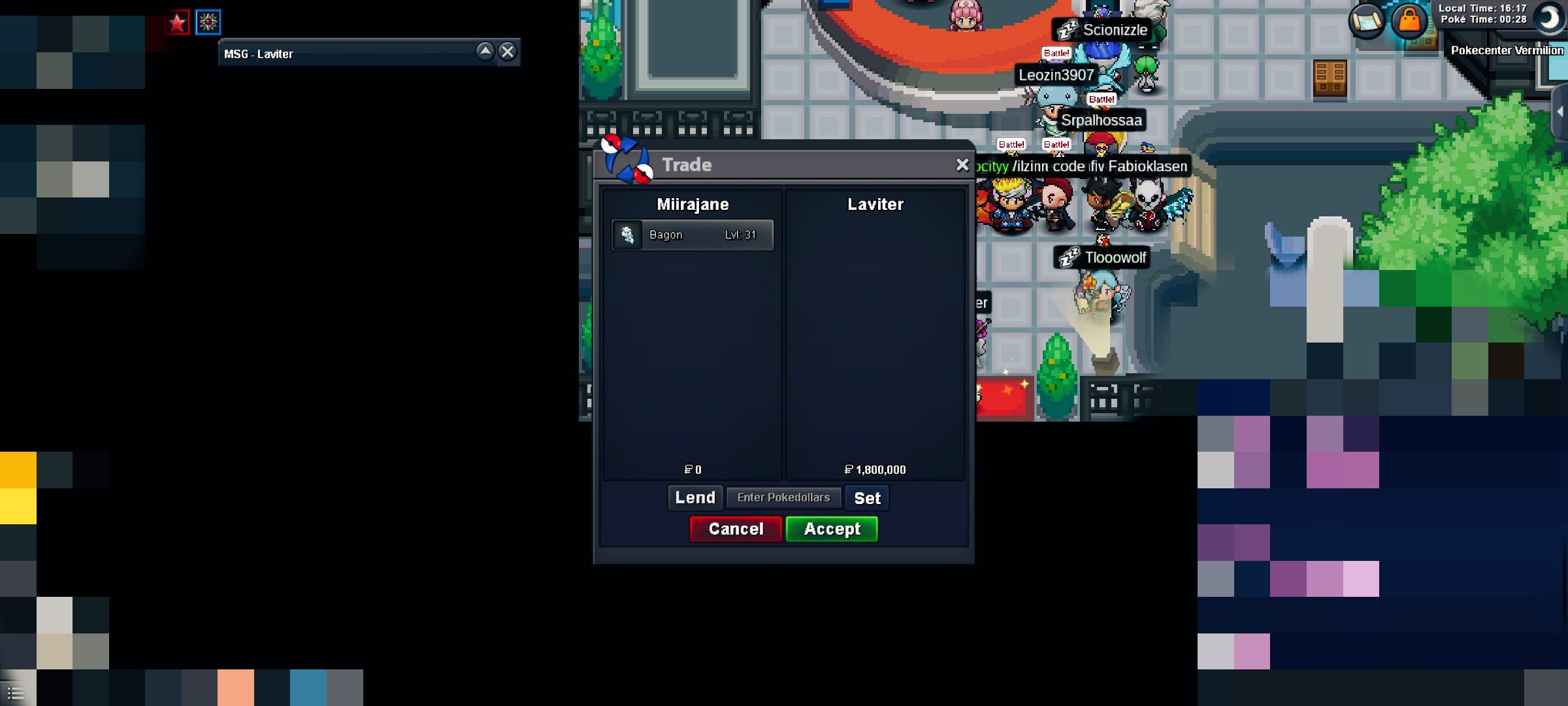 "Bump" last day to offerEntonces: 500k Co: 1.5 por Ahmed04 Aumento mínimo de 100k (la subasta finaliza 3 días después de la primera oferta) (La subasta finaliza el sábado 4 a las 15:29 gmt-3) Aceptar cc = 400k
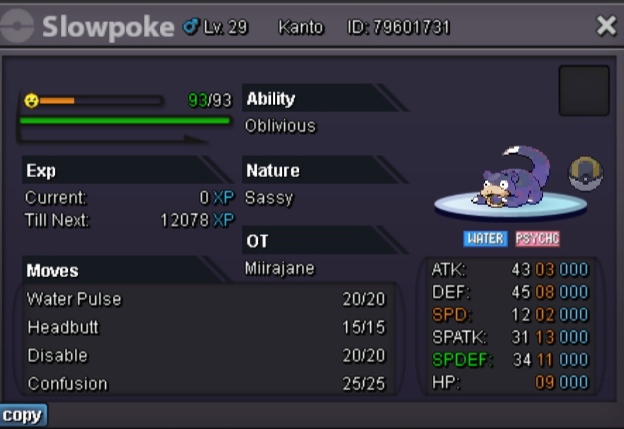
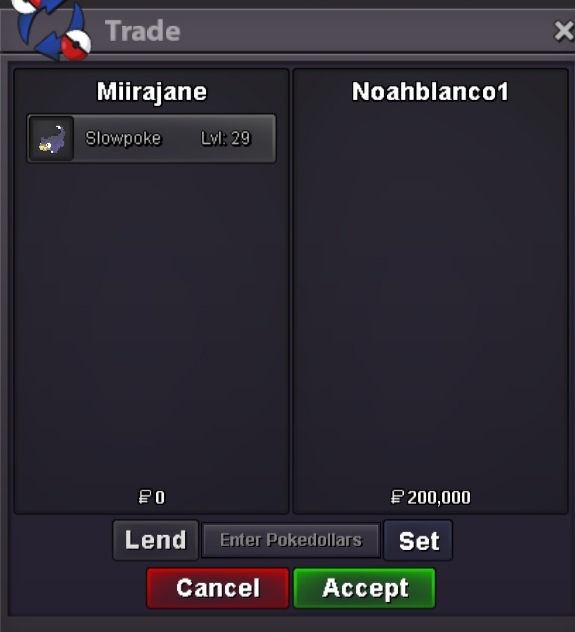
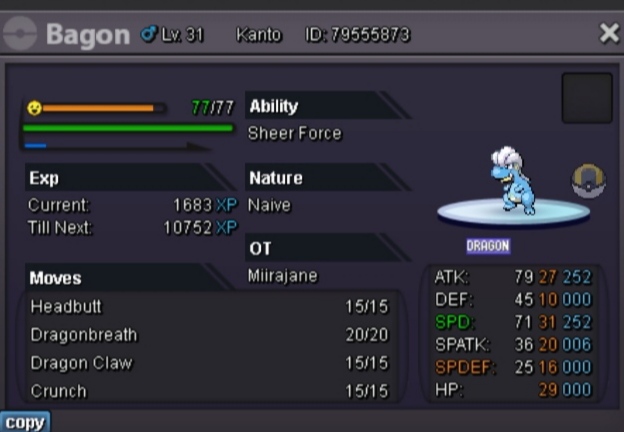 Entonces: 200k Co: 200k de noahblanco1 Aumento mínimo : 100k (La subasta finaliza 3 días después de la oferta) (La subasta termina el sábado 4 a las 15:35 GMT-3) aceptar CC: 400k
 I caught Thundurus and Tornadus, but mistake Landorus by mistake. A MOD told me that I should speak to JIRACHI again but it appears: "you already faced Landorus" and I can't catch him. I already went with NIKOLA BOSS and he won't let me challenge him.
 • •Server red •please help, erase inadvertently my larvitar was a precious gift just be cracheo my cell phone and inadvertently erase my larvitar instead of another pokemonServer red help me plis for mi larvitar u.u


Account
Navigation
Search
Configure browser push notifications
Chrome (Android)
- Tap the lock icon next to the address bar.
- Tap Permissions → Notifications.
- Adjust your preference.
Chrome (Desktop)
- Click the padlock icon in the address bar.
- Select Site settings.
- Find Notifications and adjust your preference.
Safari (iOS 16.4+)
- Ensure the site is installed via Add to Home Screen.
- Open Settings App → Notifications.
- Find your app name and adjust your preference.
Safari (macOS)
- Go to Safari → Preferences.
- Click the Websites tab.
- Select Notifications in the sidebar.
- Find this website and adjust your preference.
Edge (Android)
- Tap the lock icon next to the address bar.
- Tap Permissions.
- Find Notifications and adjust your preference.
Edge (Desktop)
- Click the padlock icon in the address bar.
- Click Permissions for this site.
- Find Notifications and adjust your preference.
Firefox (Android)
- Go to Settings → Site permissions.
- Tap Notifications.
- Find this site in the list and adjust your preference.
Firefox (Desktop)
- Open Firefox Settings.
- Search for Notifications.
- Find this site in the list and adjust your preference.