




New Trade Zone
Trade Zone is now live
Use the new Trade Zone for auctions and instant-price trades so Pokemon and item offers are easy to find.

Hundjager
Registered User
-
Joined
-
Last visited
Everything posted by Hundjager
-
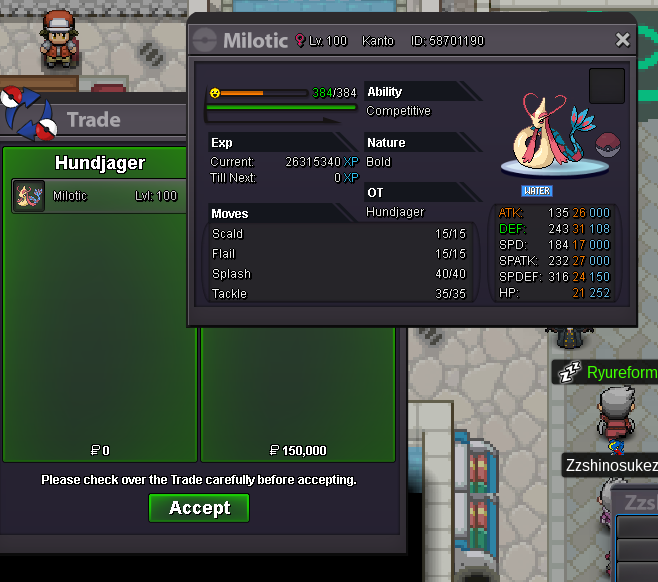
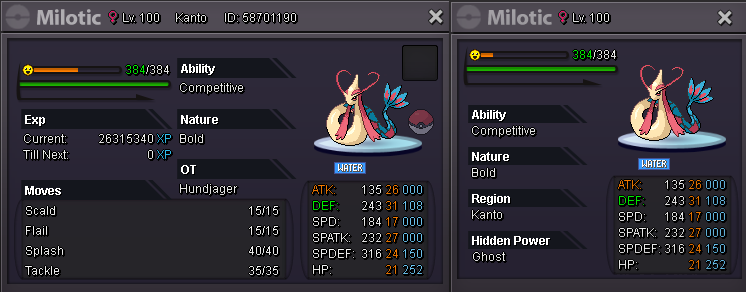
Milotic - sold 150k
-
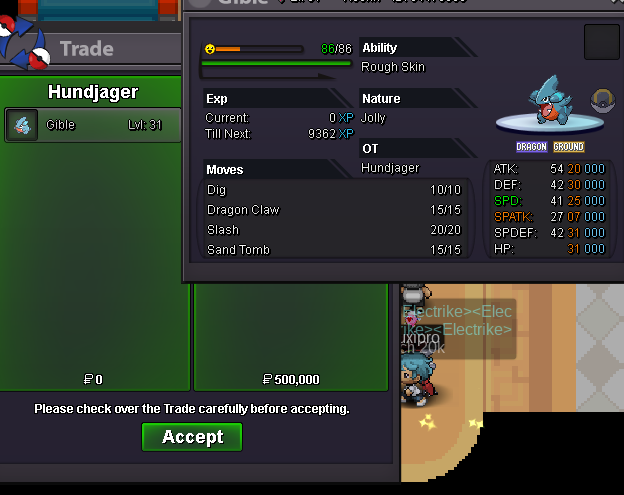
Gible sold - 500k
-
Sure if you can just give me a message in game/on the forum when you're available
-
Sure, just pop me a message in game or via the forum when you're around
-
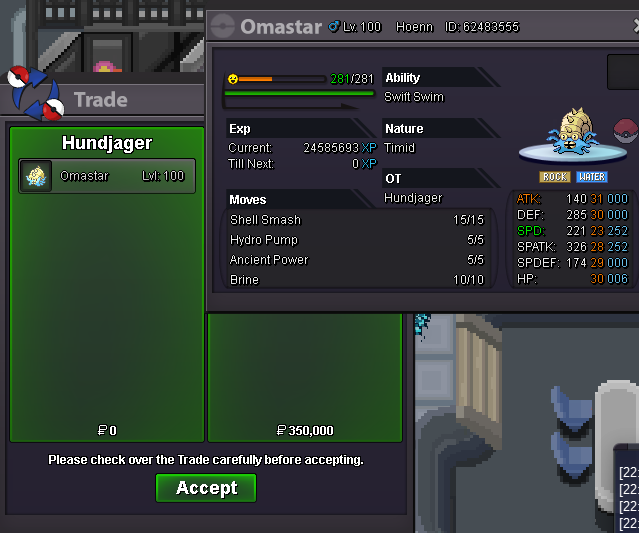
Omastar sold - 350k
-
1.5m
-
Prices changed.
-
3.9M
-
3.7m
-
Stock update.
-
If you've still got the core, at the top of the mountain there's 5 rooms behind some breakable rocks where you have to find the right place to put that core. If it's wrong a pokemon will fight you instead. Hope that helps
-
Hi there, so I was doing the "Challenger Rik" part of the Vulcan island. He asked me to catch a pokemon and stated it was either Chimchar or Piplup. I decided to see if a previous one caught would work and it told me it was before the assigned time that he had given me the task. I then got another prompt telling me he accepted it and I received 97 points for the Piplup. I've included a video of the process below if that helps also. Please feel free to remove the 97 points also. https://streamable.com/izyejv
-
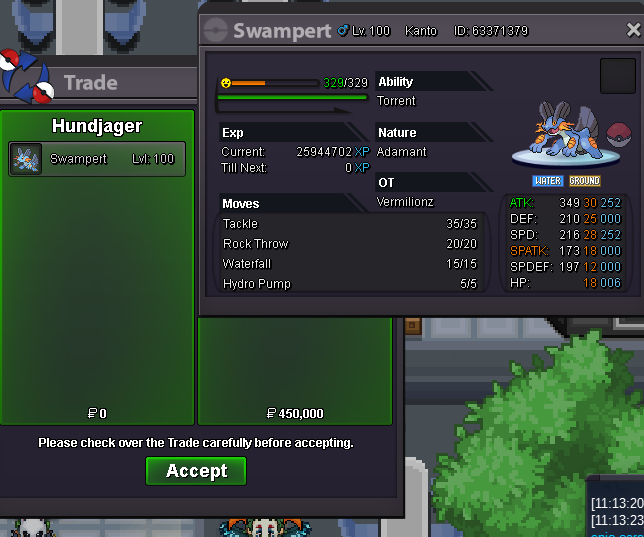
Swampert sold - 450k
-
Shop updated.
-
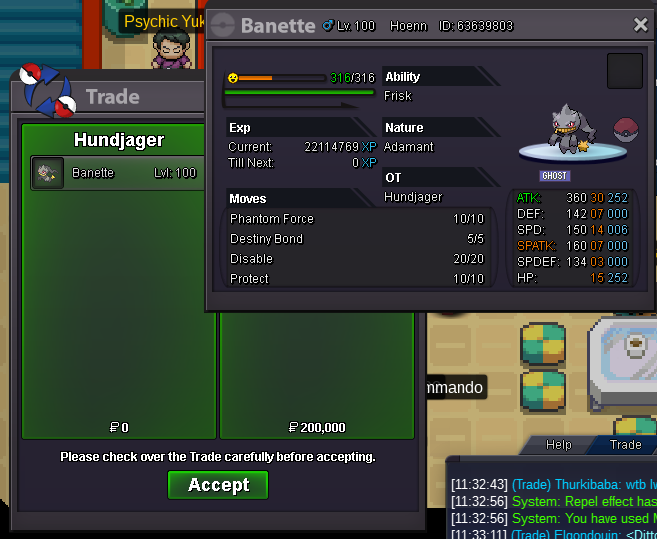
Banette sold - 200k
-
Store changed, prices updated.
-
-
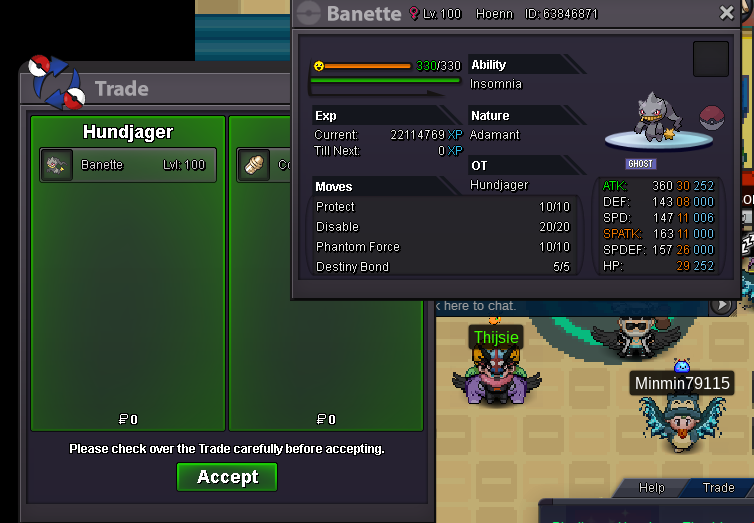
Banette sold - 1cc/380k
-
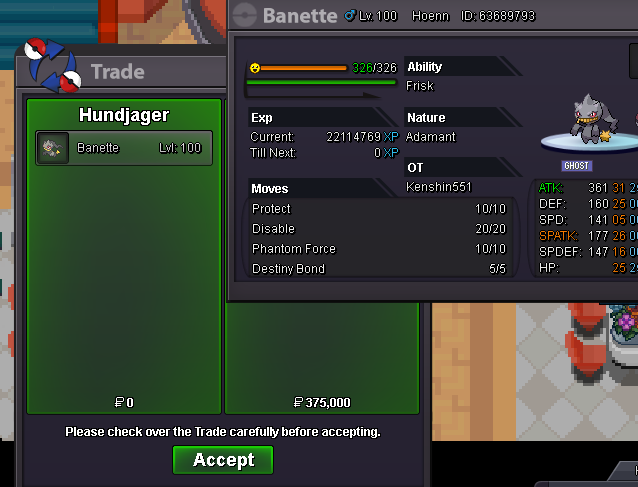
Banette sold 375k
-
Boss ready Banette sold - 200k

-
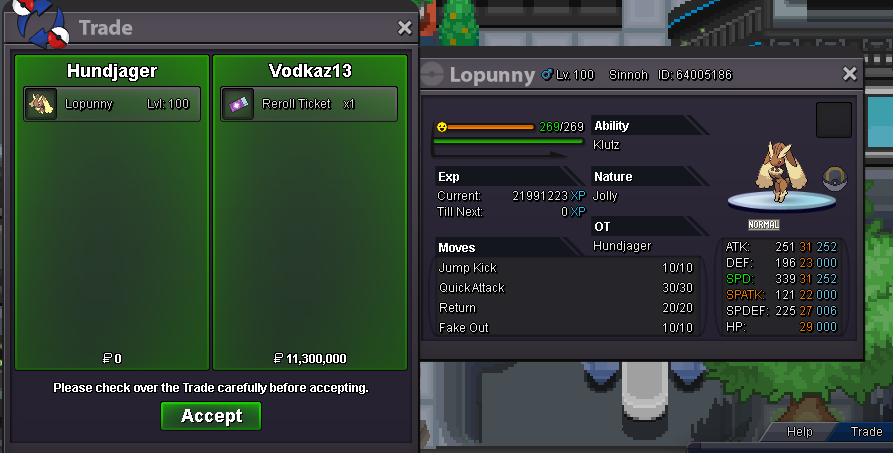
Sold to @vodkaz13
-
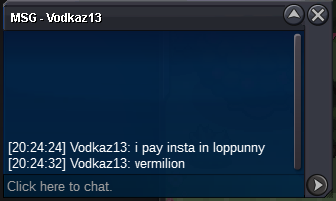
Insta called by @vodkaz13
-
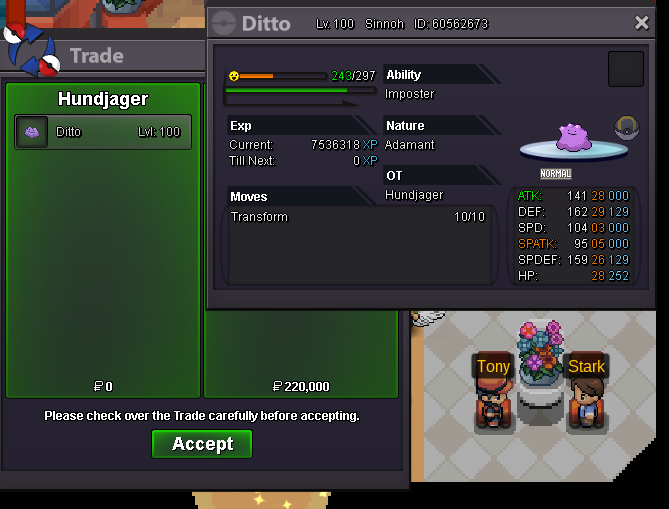
Ditto sold - 220k
-
Noted.
-
Noted, 24 hours after this time of 12:36 BST
