




New Trade Zone
Trade Zone is now live
Use the new Trade Zone for auctions and instant-price trades so Pokemon and item offers are easy to find.

Hundjager
Registered User
-
Joined
-
Last visited
Everything posted by Hundjager
-
I've added you now, it's worked this time 🙂
-
As I said above, I note that you didn't acknowledge it and I'm happy with not receiving it. If you want to take the 300k bid as a start and go from now I'm also happy with that or just not receiving it at all. I did try add that discord id to speak with you there, however it didn't work for some reason.
-
Hey not sure if I've won this or you didn't plan on auctioning it anymore. If you can let me know that'd be great 🙂
-
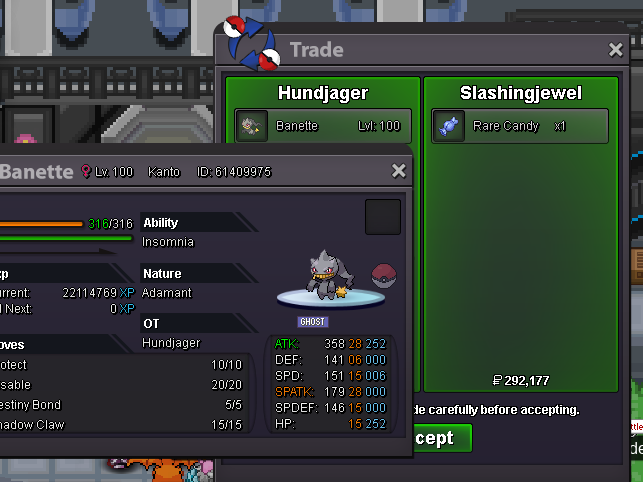
Banette sold - 300k
-
Huh?
-
I reported this on the discord earlier on, it's apparently known and is being worked on 😞
-
Start hitmontop
-
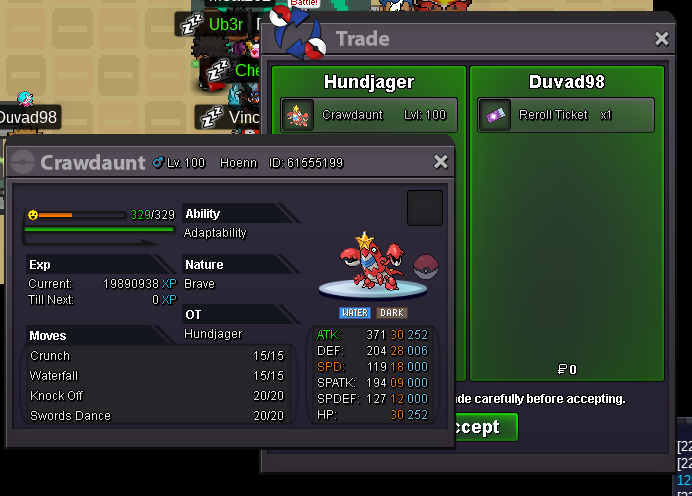
Crawdaunt sold to Duvad98 - 750k
-
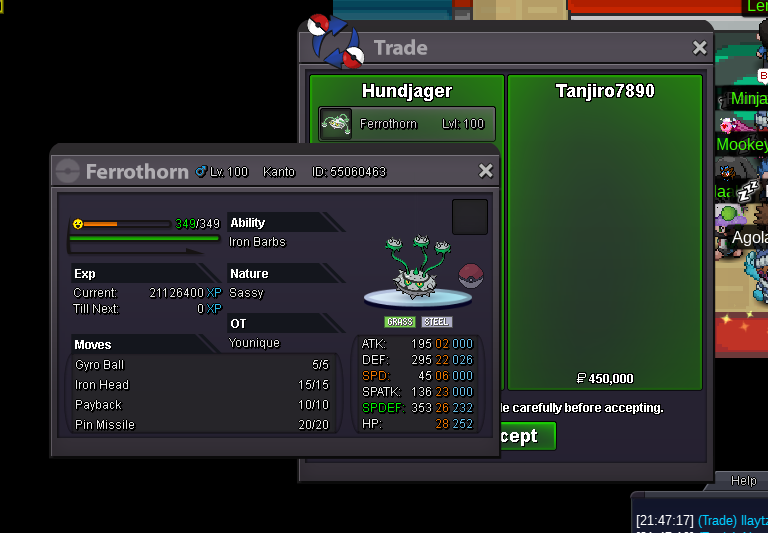
Ferrothorn - 450k
-
Hi there, I'd be happy to accept 1 rr ticket. If you'd like it just respond and or send me a private message via the forum.
-
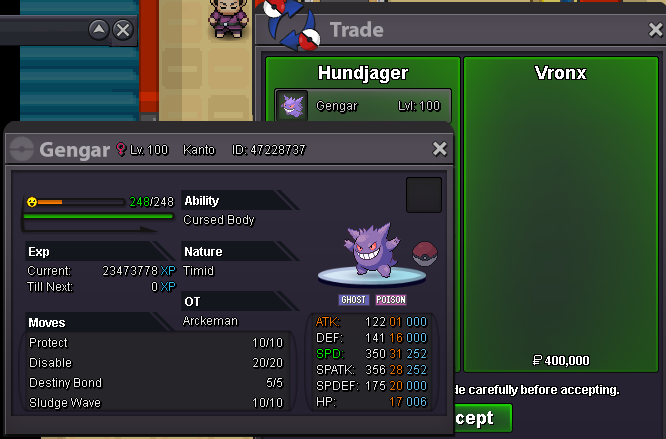
Gengar - sold 400k
-
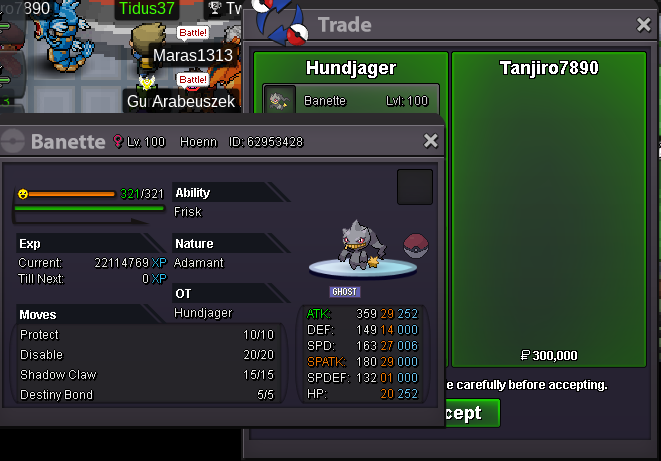
Banette sold - 300k.
-
I'd like to buy the Shellos please 🙂
-
New pokes added.
-
+1 there's two accounts that are literally in Vermillion DAILY that will message you the same stuff asking for money and don't even bother playing the game at all. The accounts are there for the primary reason of asking for money from players and or pokemon. Uses two accounts with similar names, not to mention the rest of the people that do it as well fully support this.
-
-
-
-
-
-
Welcome 🙂
-
Pretty sure that's because that pokemon (Azumarill) has huge power, which in turn hits twice. So you protect the first part and then the second part will hit you
-
-
1.1m
-
900k

