




New Trade Zone
Trade Zone is now live
Use the new Trade Zone for auctions and instant-price trades so Pokemon and item offers are easy to find.

Hundjager
Registered User
-
Joined
-
Last visited
Everything posted by Hundjager
-
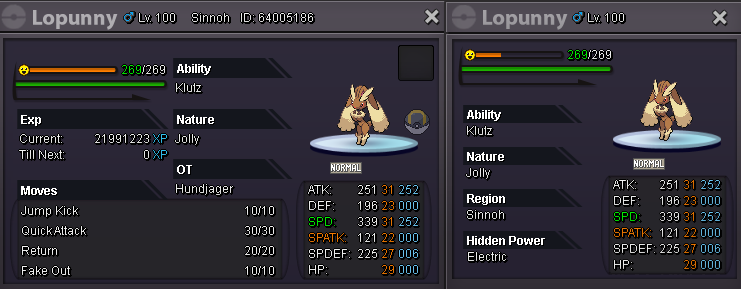
Insta met by @vodkaz13 Starting bid: 5M Bid Increase: 250K Insta: 12M Auction Duration: 24 hours after first bid. Payment: Pokedollars, CC(380k), RR(700k) Auction started 12:36pm BST 31/08/2021 Auction finish 12:36pm BST 01/09/2021
-
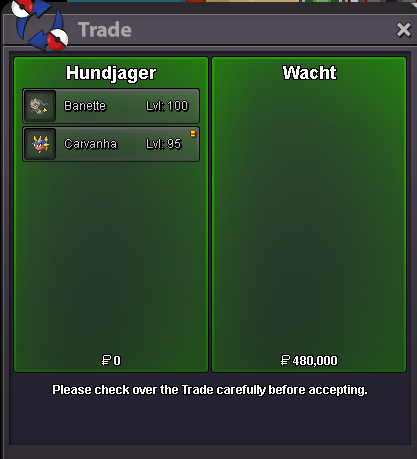
Banette 3 & Carvanha sold
-
-
Hey Arman, you can ask here > https://pokemonrevolution.net/forum/topic/65778-restore-pokemon-megathread/
-
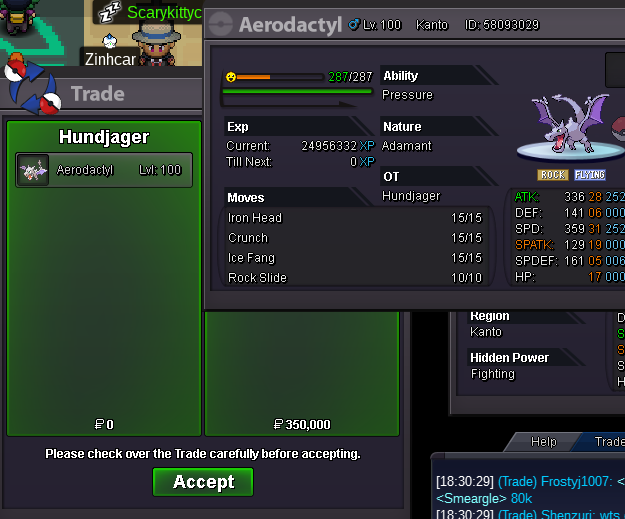
Aerodctyl sold 350k
-
Tried to message in game, says messages disabled.
-
Nope still have it, if it's in the list it's in stock. I remove them as soon as they sell. If you're interested just pop me a message on the forum
-
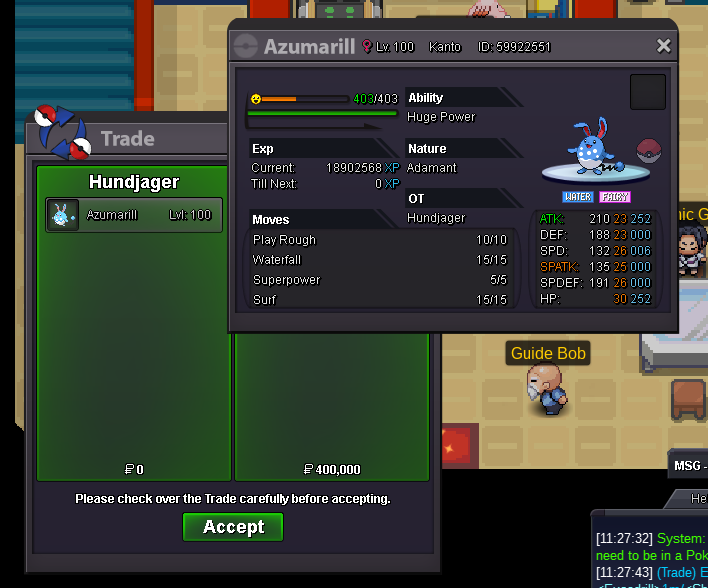
23+ Azumarill sold 400k
-
I'd like the Meinshao, message me on the forum or in game 🙂
-
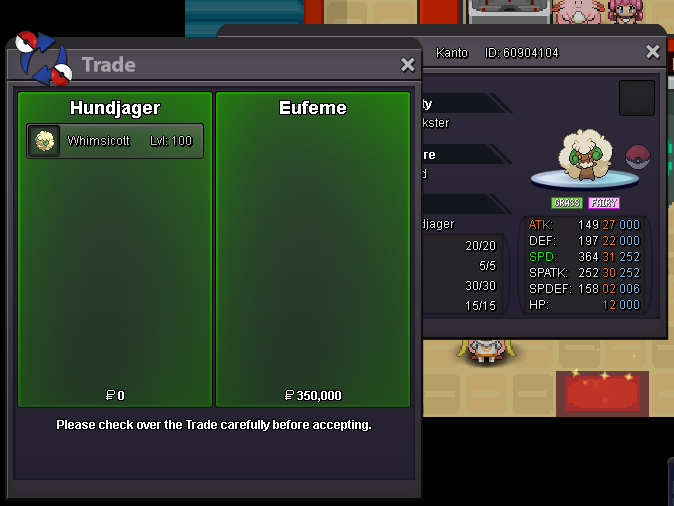
Whimsicott sold - 350k
-
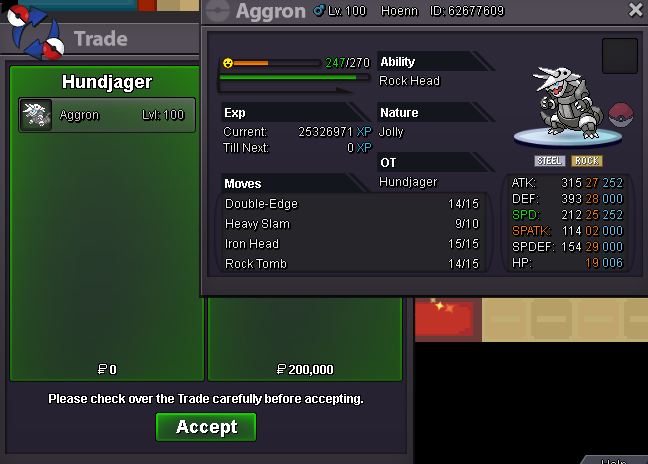
Aggron - 200k
-
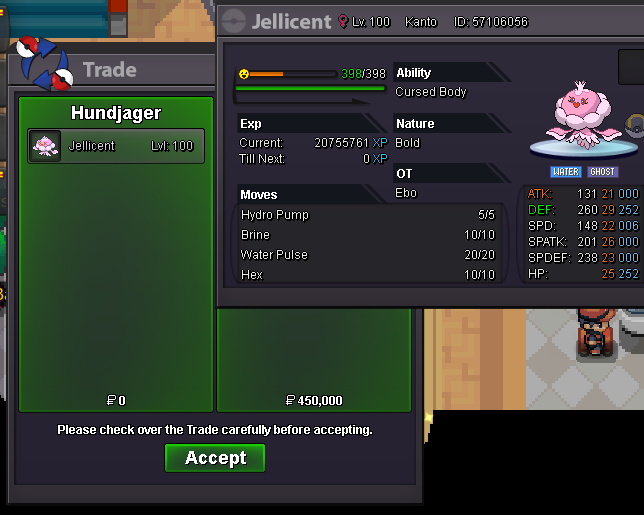
Jellicent sold - 450k
-
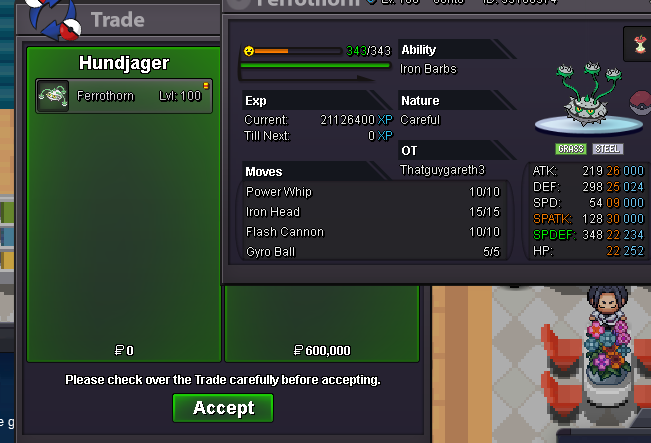
Ferrothorn sold - 600k
-
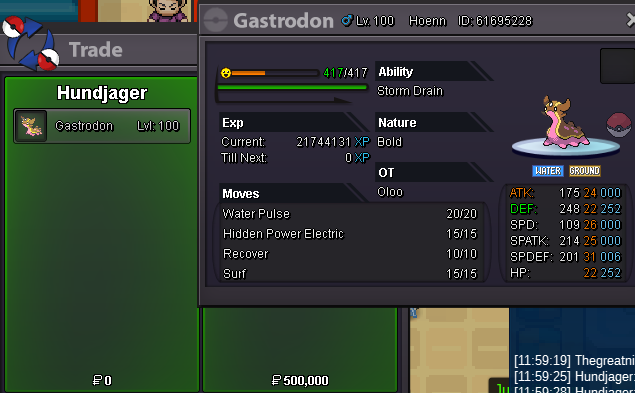
Gastrodon sold 500k
-
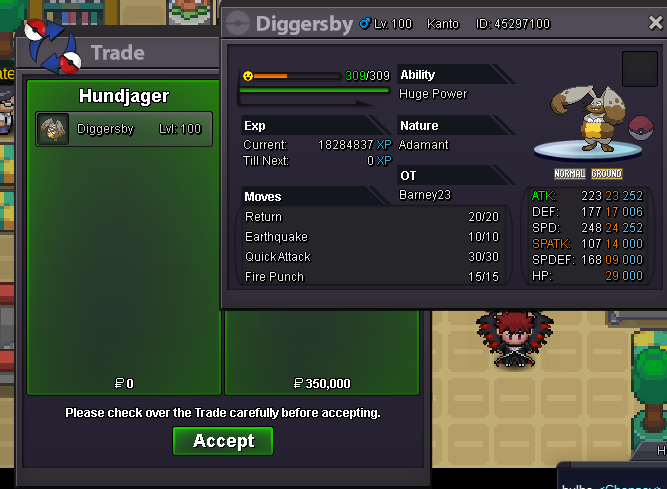
Diggersby sold - 350k
-
-
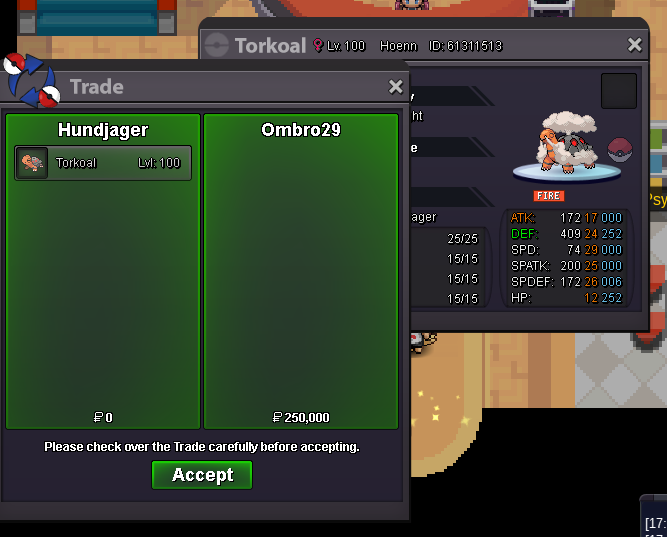
Torkoal sold - 250k
-
New stuff added 🙂
-
Bump
-
Prices/Pokes changed 🙂
-
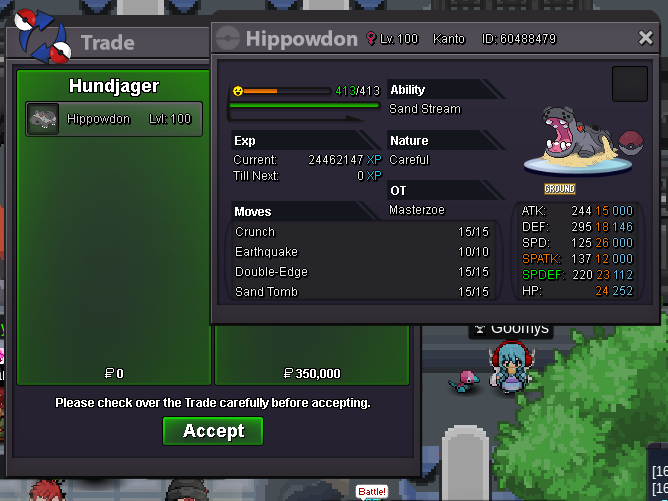
Hippowdon sold - 350k
-
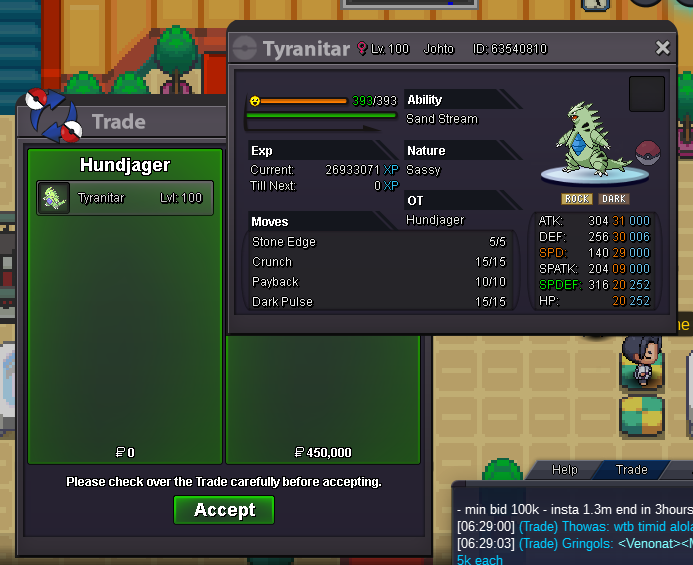
Tyranitar sold - 450k
-
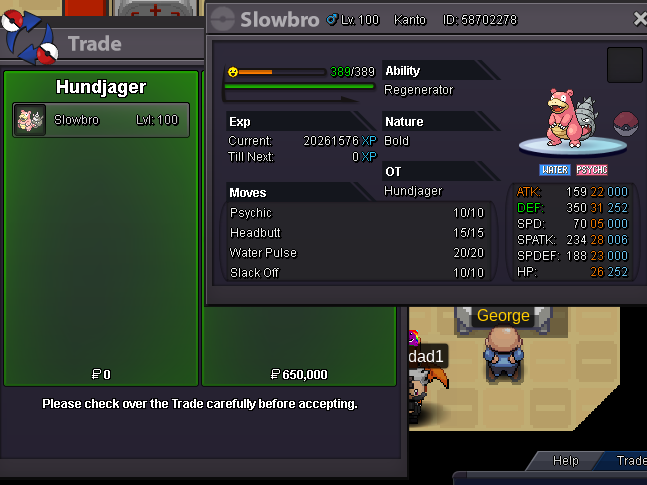
Slowbro sold - 650k
-
I'd drop it to 650 for you at the best, if you're interested just let me know 🙂 Have a good day.
-
Bump
