New Trade Zone
Trade Zone is now live
Use the new Trade Zone for auctions and instant-price trades so Pokemon and item offers are easy to find.

Mcslider
Registered User
-
Joined
-
Last visited
-
Bumperino
-
Bump
-
- What's your IGN? Mcslider - Please post a picture of your trainer card! - What is your discord ID? Mcslider#1408 - How far are you in story? Done with Sinnoh - How active are you in PRO? (How often do you play?) A few hours daily - Are you a PvP or PvE player? Or do you enjoy both? Currently building a team for PvP but I enjoy playing both - Have you ever been banned in game and why? Not yet - Why do you want to join Calamity guild? Because I am looking for an active guild and a friendly environment to play this game with
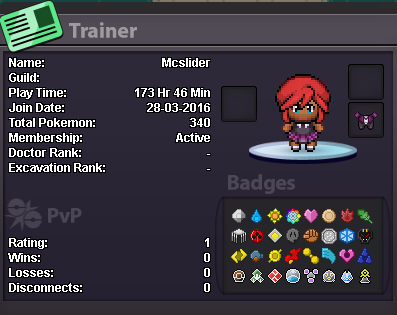
-
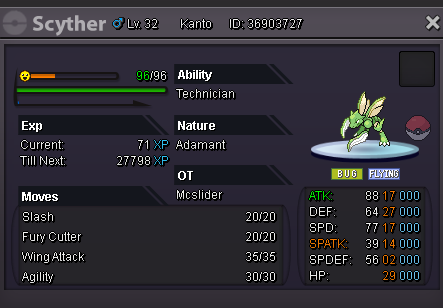
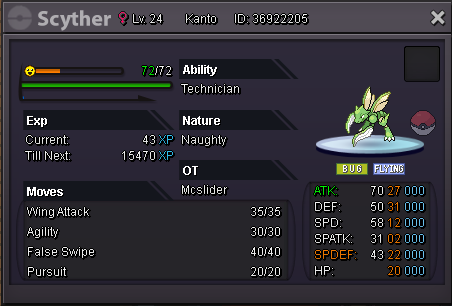
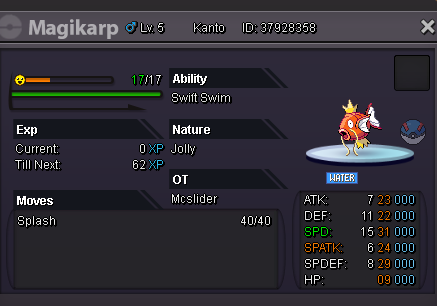
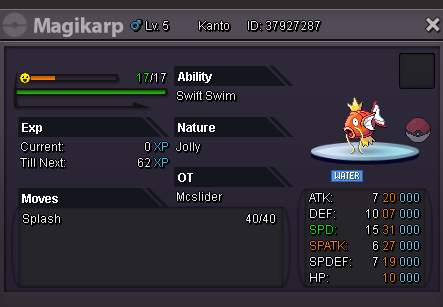
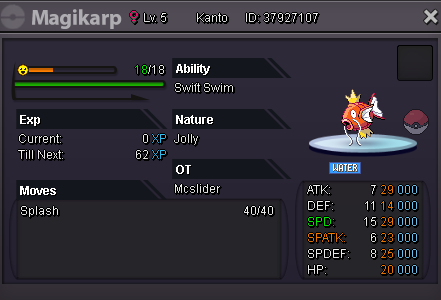
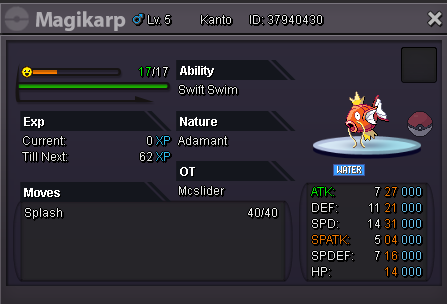
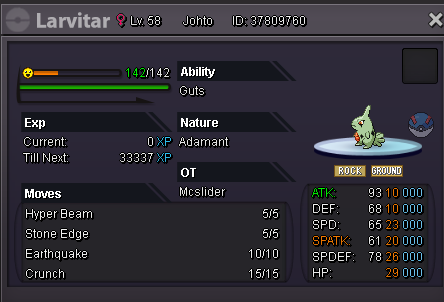
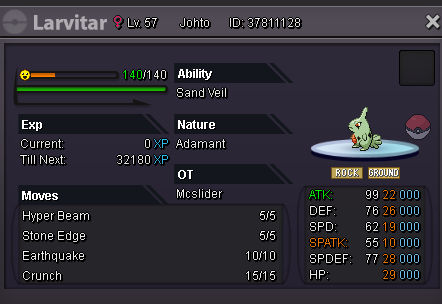
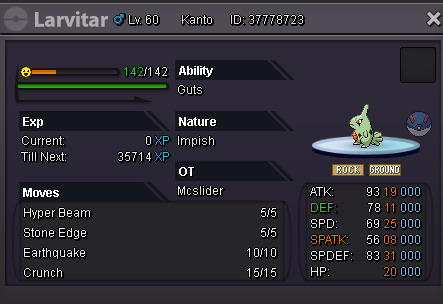
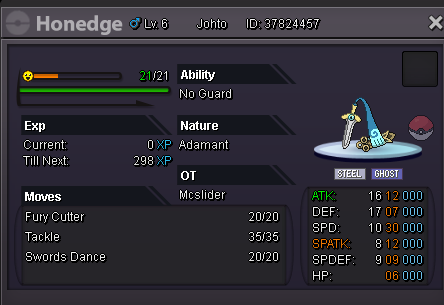
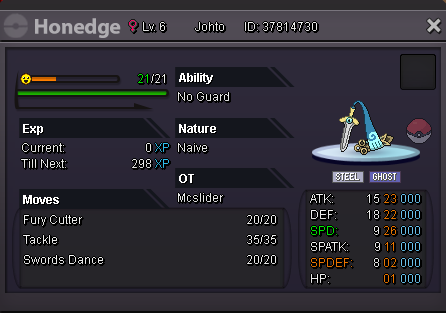
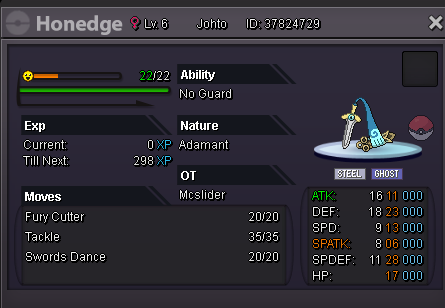
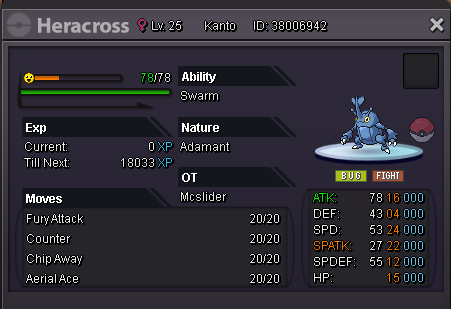
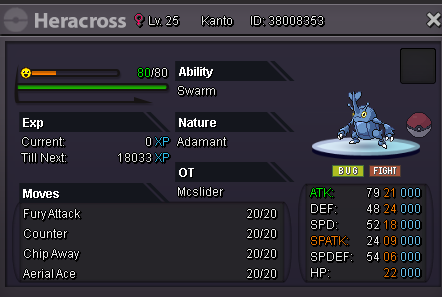
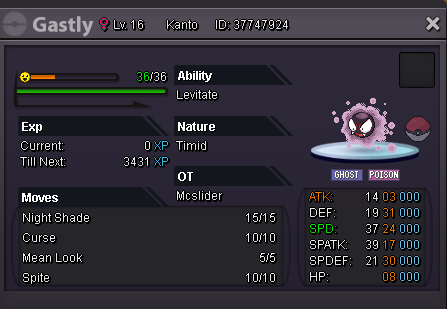
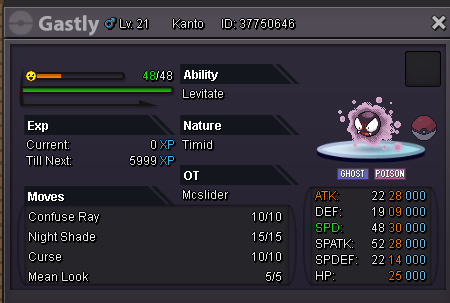
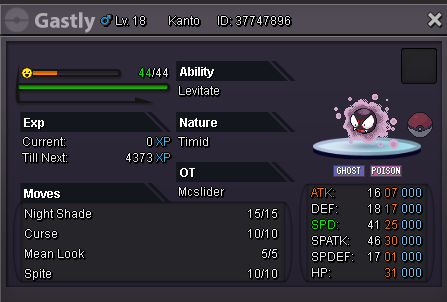
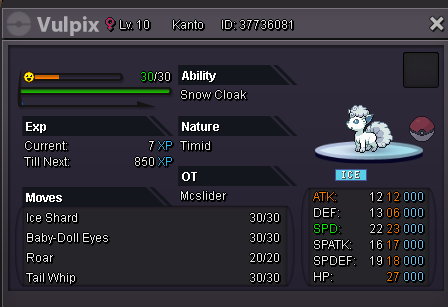
Intro Do you want promising Pokémon for PvP? Do you need them for PvE? Or do you just want to have some Pokémon that aren't as good as they have to be for an affordable price? Then you can save a fortune here and now! Every Pokémon is this shop is only 10k! How it works [spoiler=In-depth explanation]You pick a Pokémon that you want to save a fortune on and contact me. That's literally it. If you have any questions you can also always contact me! Where to contact me [spoiler=Contact methods]This Thread - Just reply in this thread! Private Message - Start a private conversation on this Forum with me! Ingame - Message Mcslider whenever you feel ready to save a lot of money! Discord - Mcslider#1408 and let's talk everything through before you buy something! The Pokémon [spoiler=Scyther] [spoiler=magikarp] [spoiler=Larvitar] SOLD: [spoiler=Honedge] [spoiler=Haracross] [spoiler=Gastly] [spoiler=Alolan-Vulpix]