New Trade Zone
Trade Zone is now live
Use the new Trade Zone for auctions and instant-price trades so Pokemon and item offers are easy to find.

Cailisgeil
Registered User
-
Joined
-
Last visited
-
its not unmerged yet
-
my account wasnt unmerged yet
-
next question. when will it happen :D
-
means give me pls my badges back.
-
yes id like to
-
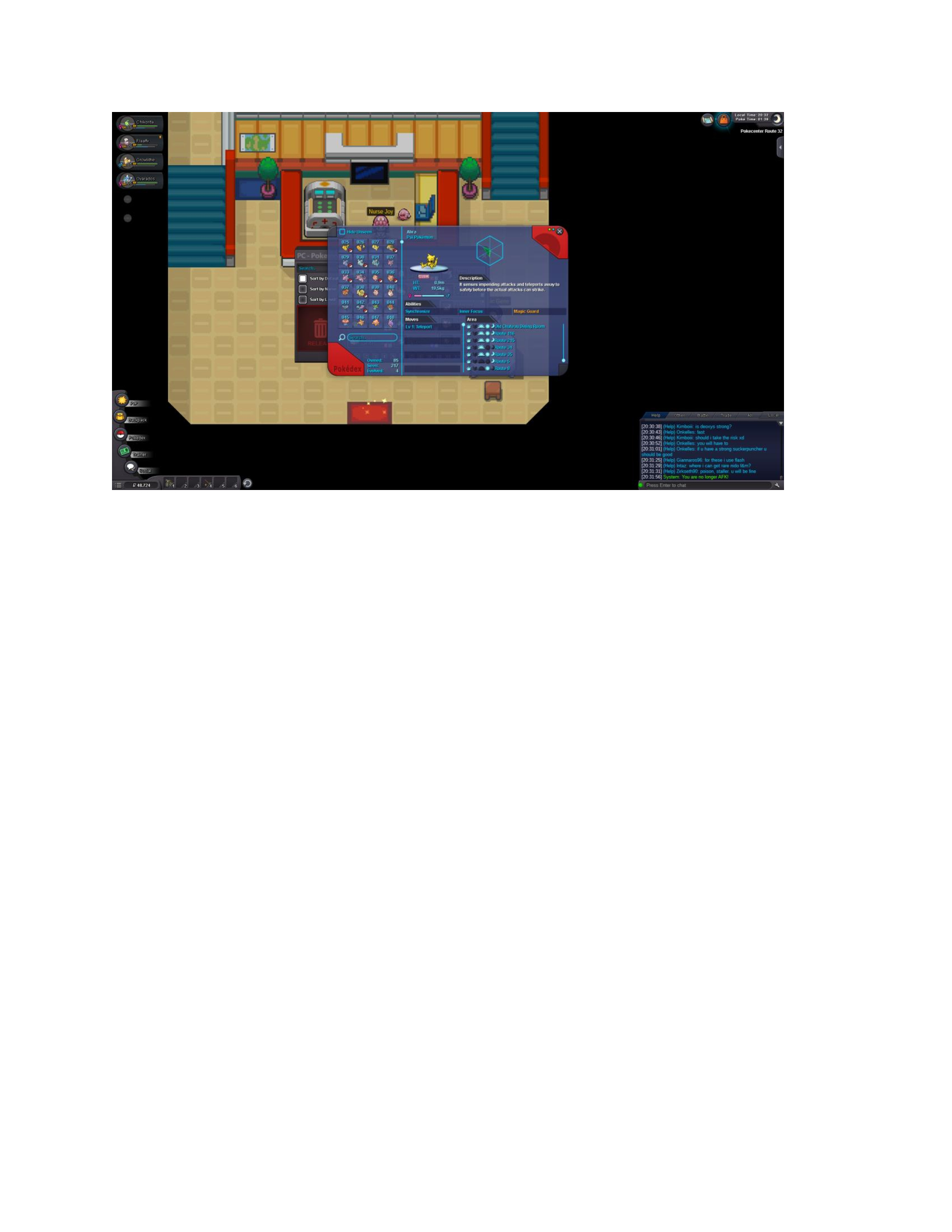
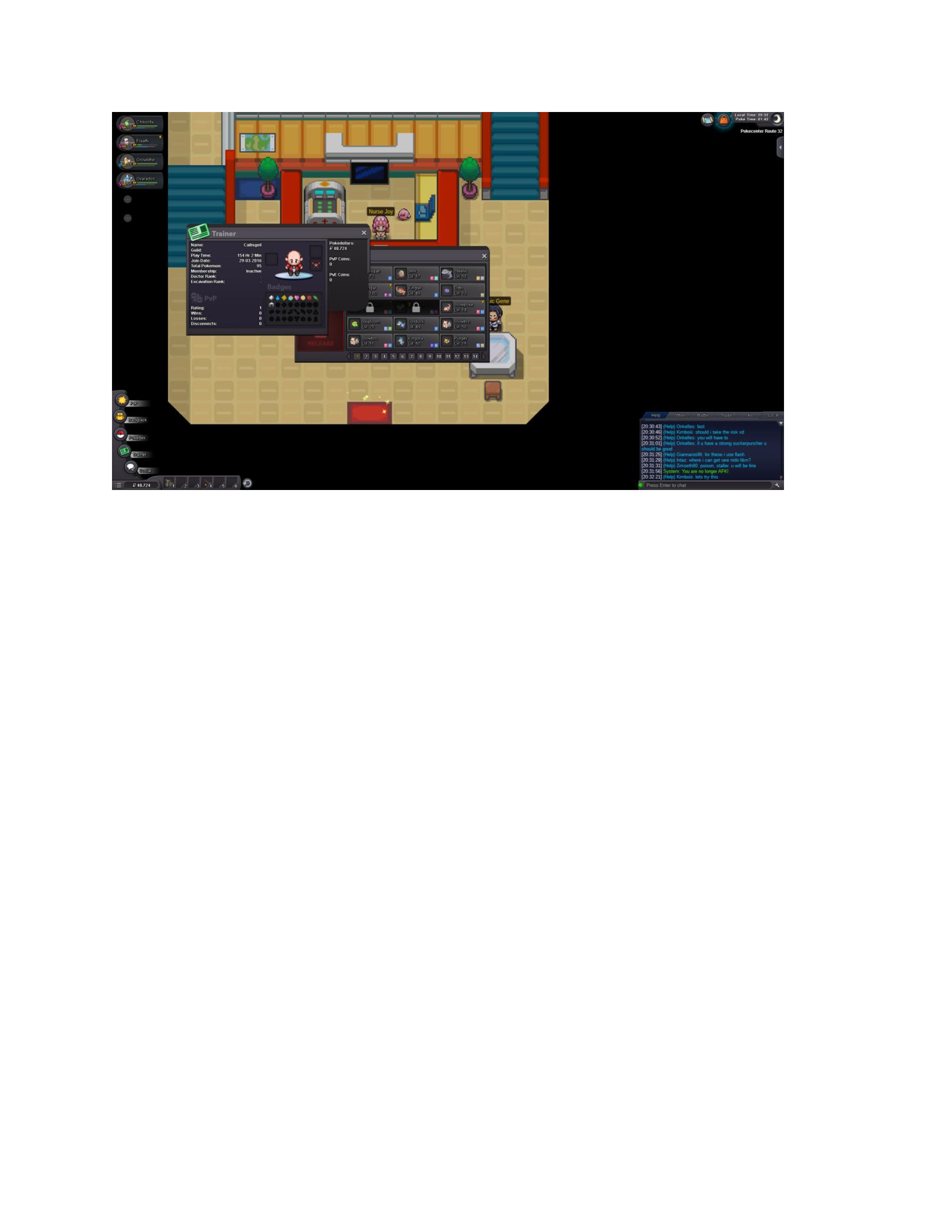
i didnt ask for a reset i just wasnt online for i would say about 1 year or longer. logged in and found this. with my high lvl pokemon began to make the badges but i dont want to play the whole game again. i came back for sinnoh. not this
.thumb.jpg.71e81e978de470c76b96de5242f7196d.jpg)
-
all my ingame progress is lost for example my bike isnt there anymore etc. i only jzst got my pokemon and that sucks
-
i read some1 with similiar issues but i dont rly remember when i caught whicht pokemon. pls contact me ingame
-
Hi. ive been logging in the game since long time and all badges are gone. but i still have my old pokemon. can someone help me? i dont want to play the whole 3 regions again when i alrdy ended em
-
thank u for ur support. and soo fast. yo da best <3
-
im confused- would i loose every pokemon or are they just inside my storage? id like to start new but keep my old things if it is possible ofc :Dif not so id like to think a bit
-
hey i stoped playin ages ago and wanted to play again today. i saw that there was kinda a reset but i got all my pokemon and items and money and cant place them in the storage. in the chat they told me that it seems to be a bug. if i shall start again with 0 badges i like to have my pokemon atleast in the storage and start with a new starter pokemon so theres atleast some fun thx for helping me :)

.jpg.56071d2e9f20ed00c7bbc70206db3b26.jpg)