




New Trade Zone
Trade Zone is now live
Use the new Trade Zone for auctions and instant-price trades so Pokemon and item offers are easy to find.
.jpg.2094e7687e3a7a360019c4bf70b1bbbd.jpg)

Thugg3r
Registered User
-
Joined
-
Last visited
Everything posted by Thugg3r
-
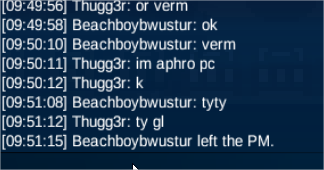
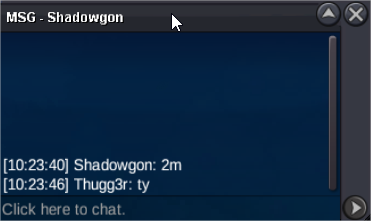
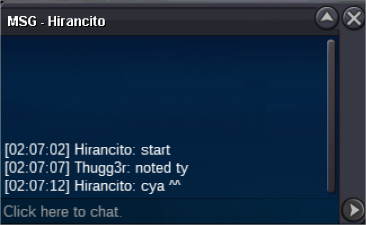
trade done, can be closed@Beachboybwustur you won meet aphrodia?s.o 1m500k min bid 100k last 48hours 15min rule
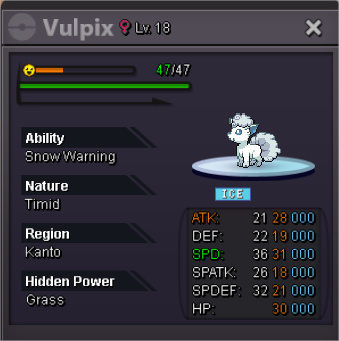 can be closed ty
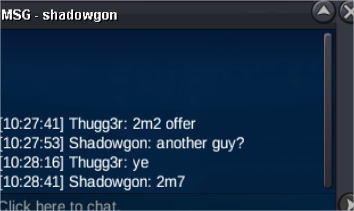
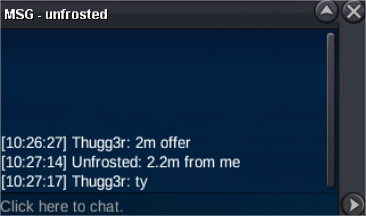
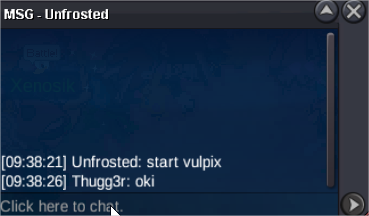
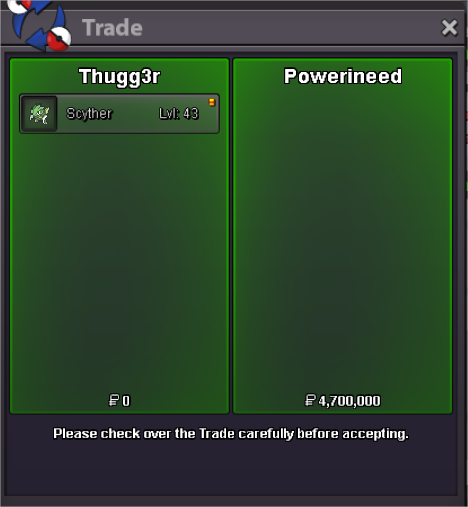 @PowerineedGz IGN?MB@Powerineedu won, meet me any time soon at verm 🙂 ggsupupupS.O 2m Min bid 50k No insta Ends 48 hours after first bid 15 min rules GL
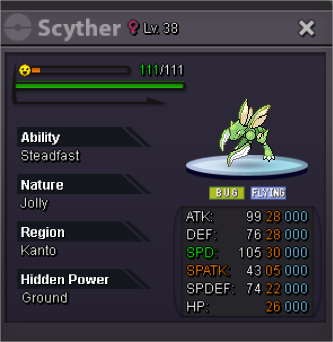 can be closed ty
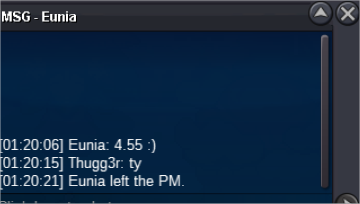
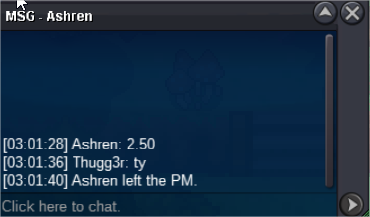
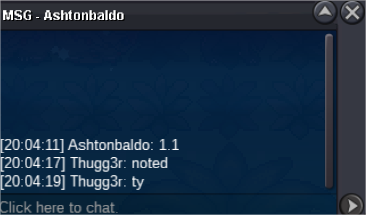
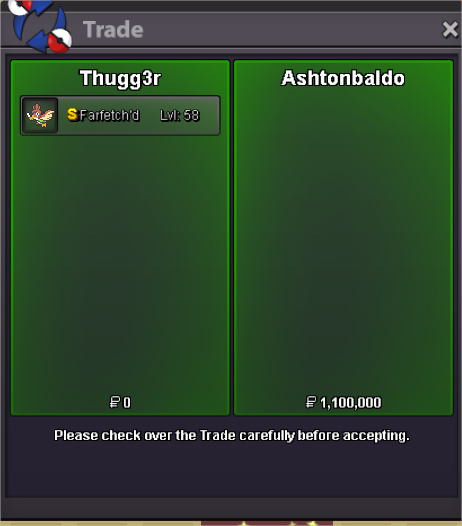 @Ashtonbaldo u won, pm me anytime soon meet verm ty and ggsupS.O 1m Min bid 100k Insta 3m 24 hrs after first bid 15 min rules
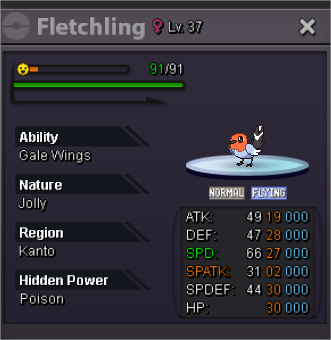 up
up

Account
Navigation
Search
Configure browser push notifications
Chrome (Android)
- Tap the lock icon next to the address bar.
- Tap Permissions → Notifications.
- Adjust your preference.
Chrome (Desktop)
- Click the padlock icon in the address bar.
- Select Site settings.
- Find Notifications and adjust your preference.
Safari (iOS 16.4+)
- Ensure the site is installed via Add to Home Screen.
- Open Settings App → Notifications.
- Find your app name and adjust your preference.
Safari (macOS)
- Go to Safari → Preferences.
- Click the Websites tab.
- Select Notifications in the sidebar.
- Find this website and adjust your preference.
Edge (Android)
- Tap the lock icon next to the address bar.
- Tap Permissions.
- Find Notifications and adjust your preference.
Edge (Desktop)
- Click the padlock icon in the address bar.
- Click Permissions for this site.
- Find Notifications and adjust your preference.
Firefox (Android)
- Go to Settings → Site permissions.
- Tap Notifications.
- Find this site in the list and adjust your preference.
Firefox (Desktop)
- Open Firefox Settings.
- Search for Notifications.
- Find this site in the list and adjust your preference.