




New Trade Zone
Trade Zone is now live
Use the new Trade Zone for auctions and instant-price trades so Pokemon and item offers are easy to find.
.jpg.2094e7687e3a7a360019c4bf70b1bbbd.jpg)

Thugg3r
Registered User
-
Joined
-
Last visited
Everything posted by Thugg3r
-
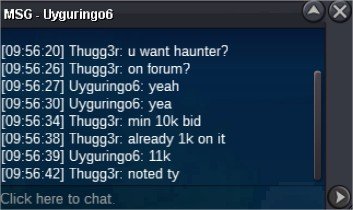
Uyguringo6 Won Haunter WP !!
-
@Prakash098U won Skarmory Well played ! Hook me up IG. I'll be waiting Vermillon when u are up just tell me !
-
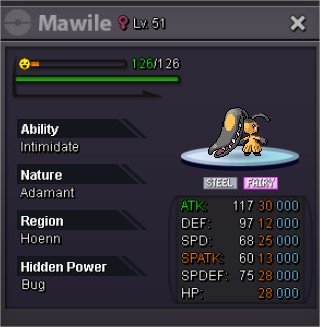
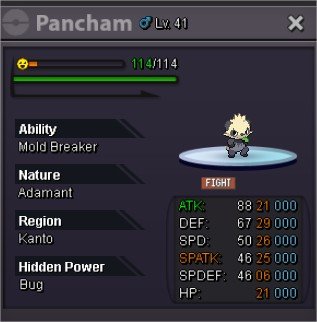
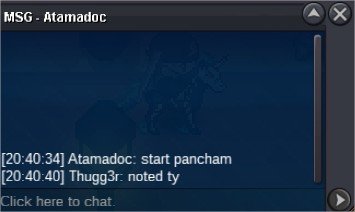
Thank you! U won Mawile and Pancham. Hook me up IG. I'll be waiting Vermillon when u are up just tell me !
-
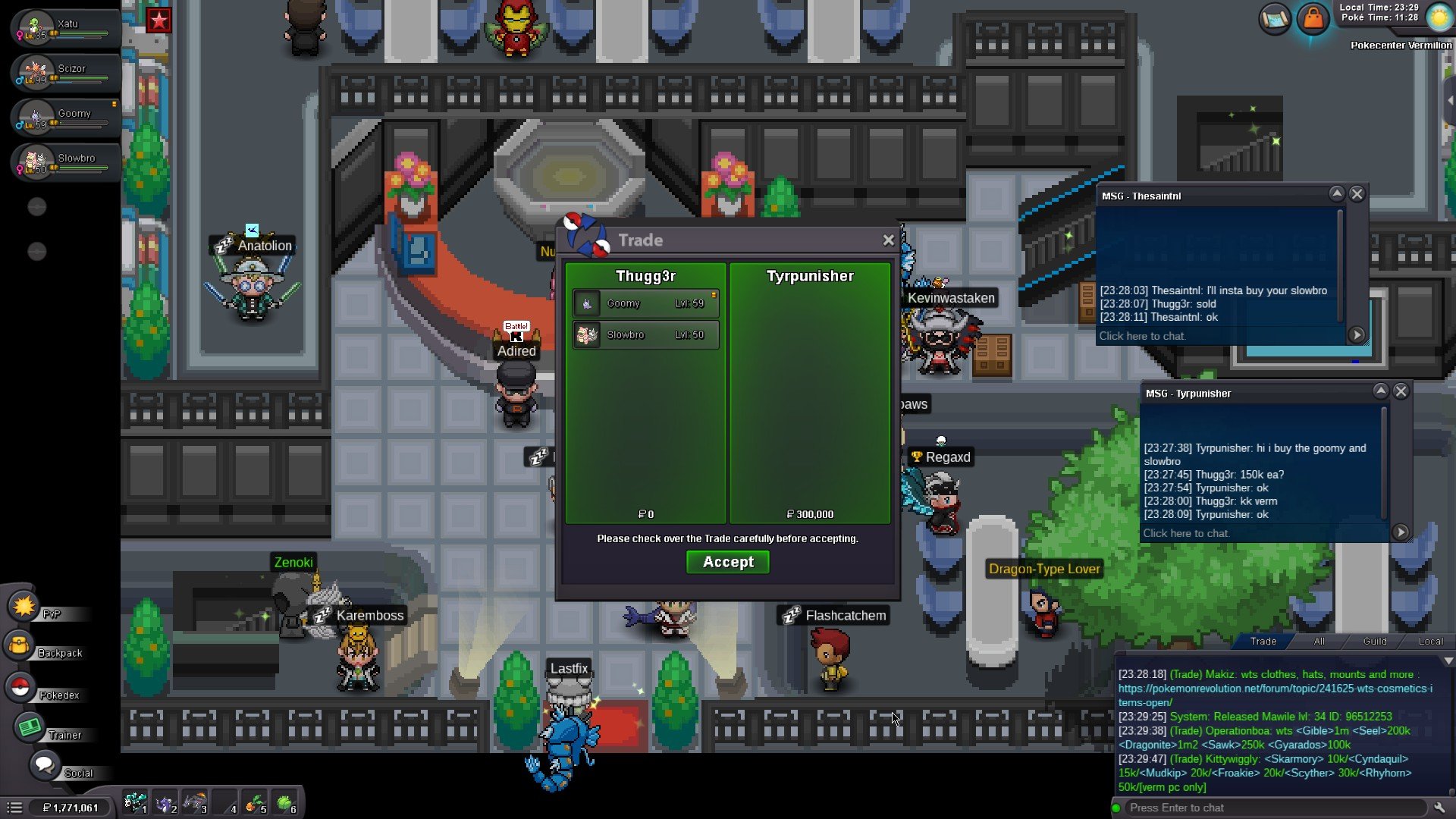
SLOWBRO GOOMY INSTA BOUGHT 150K EACH
-
up
-
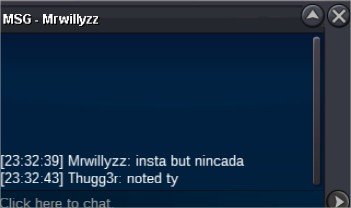
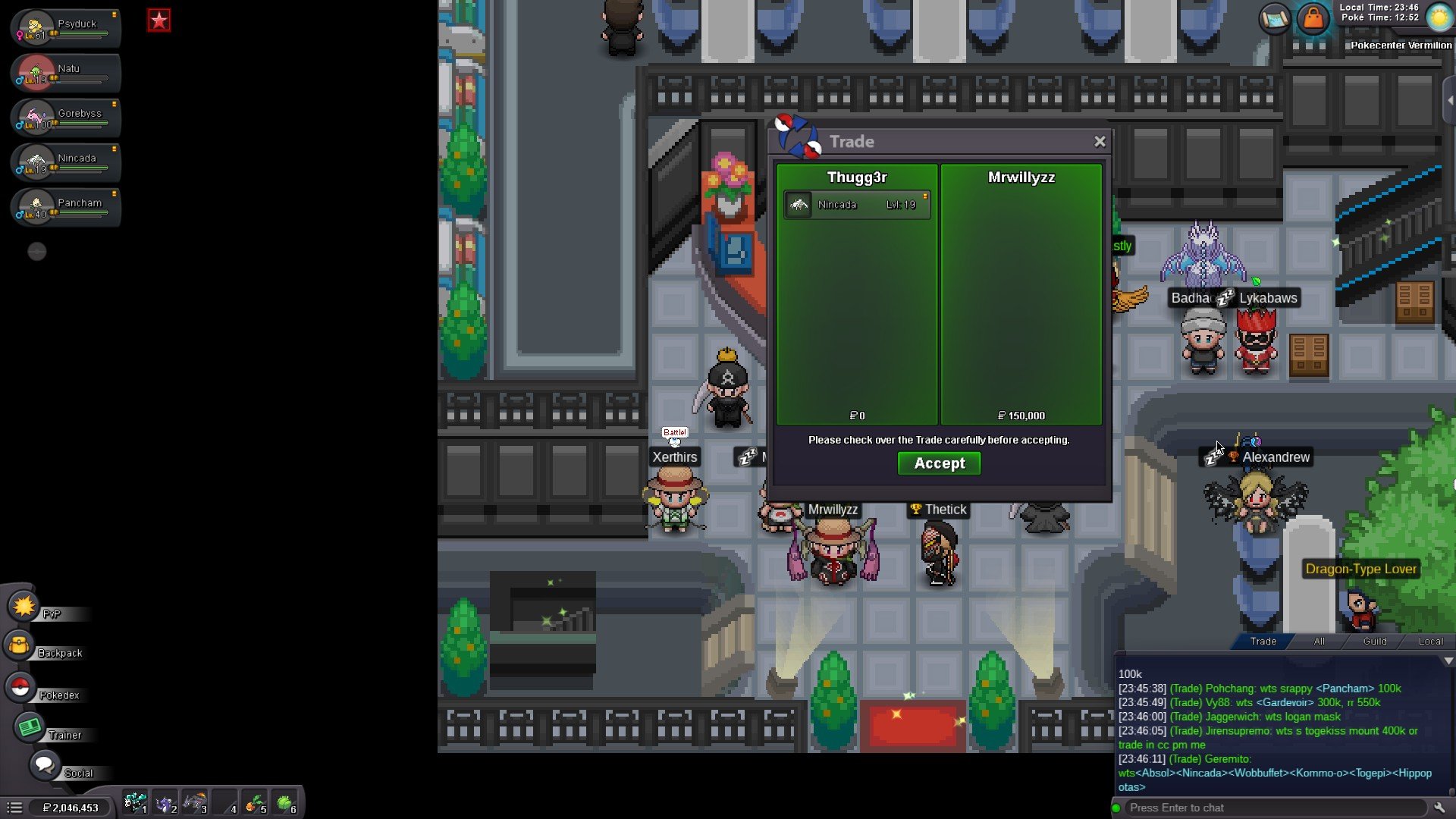
NINCADA UPDATE INSTA SOLD
-
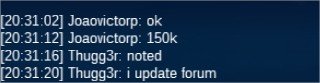
LARVESTA 150K UPDATE
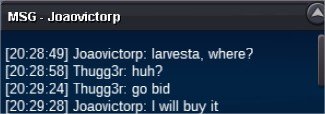
 300150Starting Auction : 100K EACH Minimum Bid : 50K Instant Buy : NO INSTA Auction will end : 48 HOURS AFTER FIRST BID IS PLACED FOR EACH MON RULES : If bid is placed within last 15minutes of the auction, auction end time will be extended by another 15minutes Winner have to meet me at Vermillion, maximum 24hrs after the auction is closed. GOOD LUCK !!!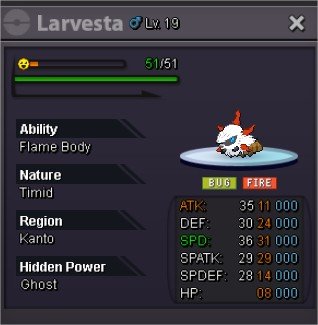

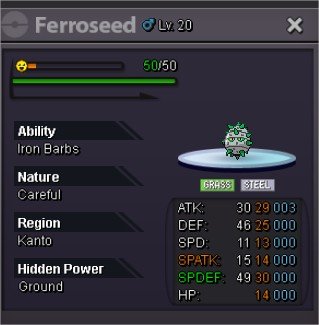 scyther 250HAUNTER UPDATE
 GRENINJA INSTA SOLD 150k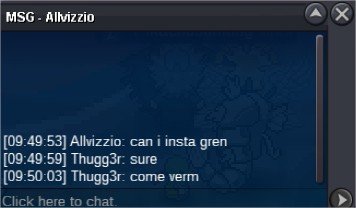
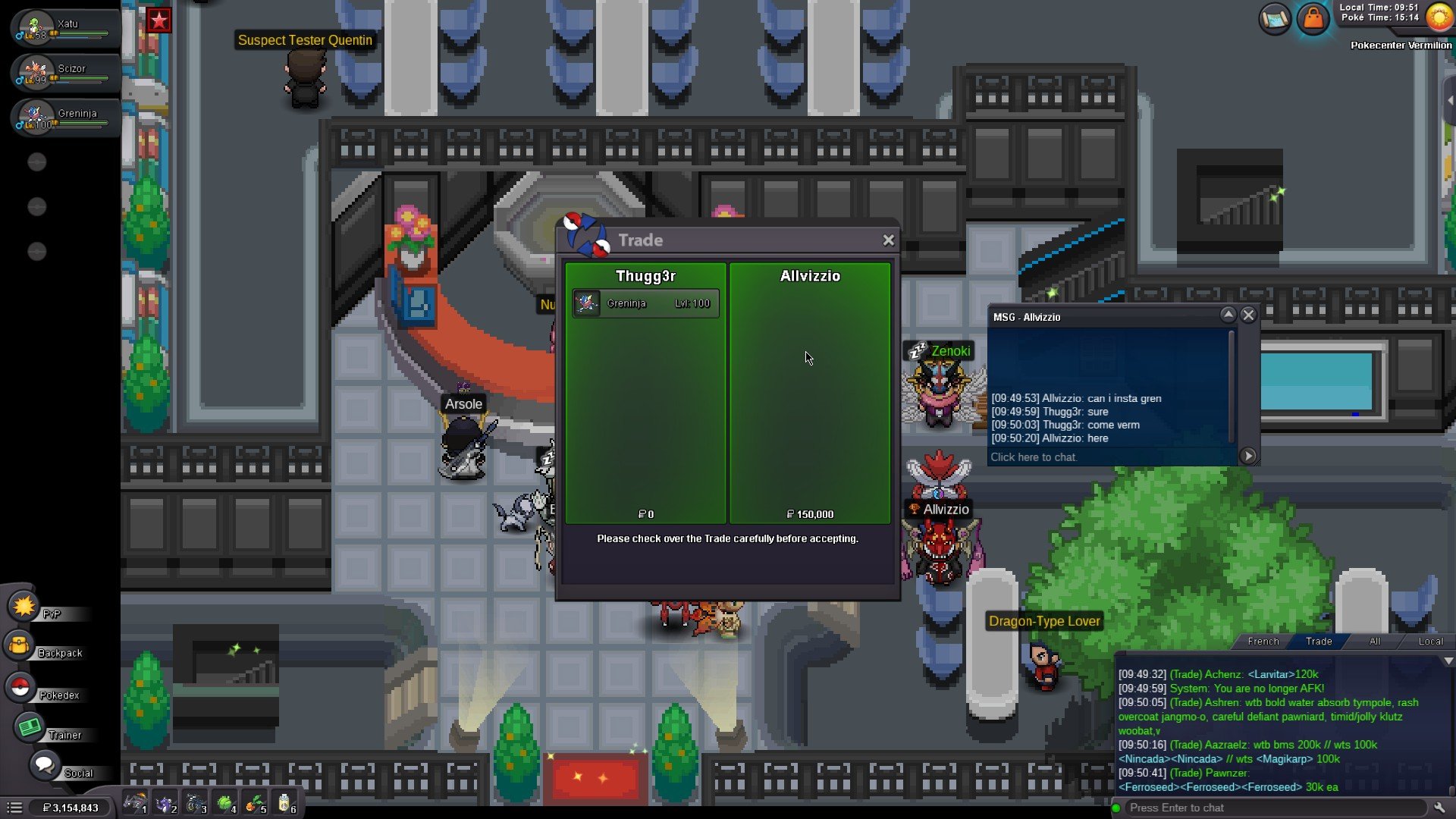 NINCADA UPDATE 50K
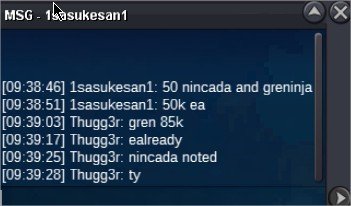 INSTA SOLD AUCTION CLOSED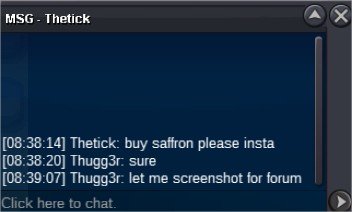
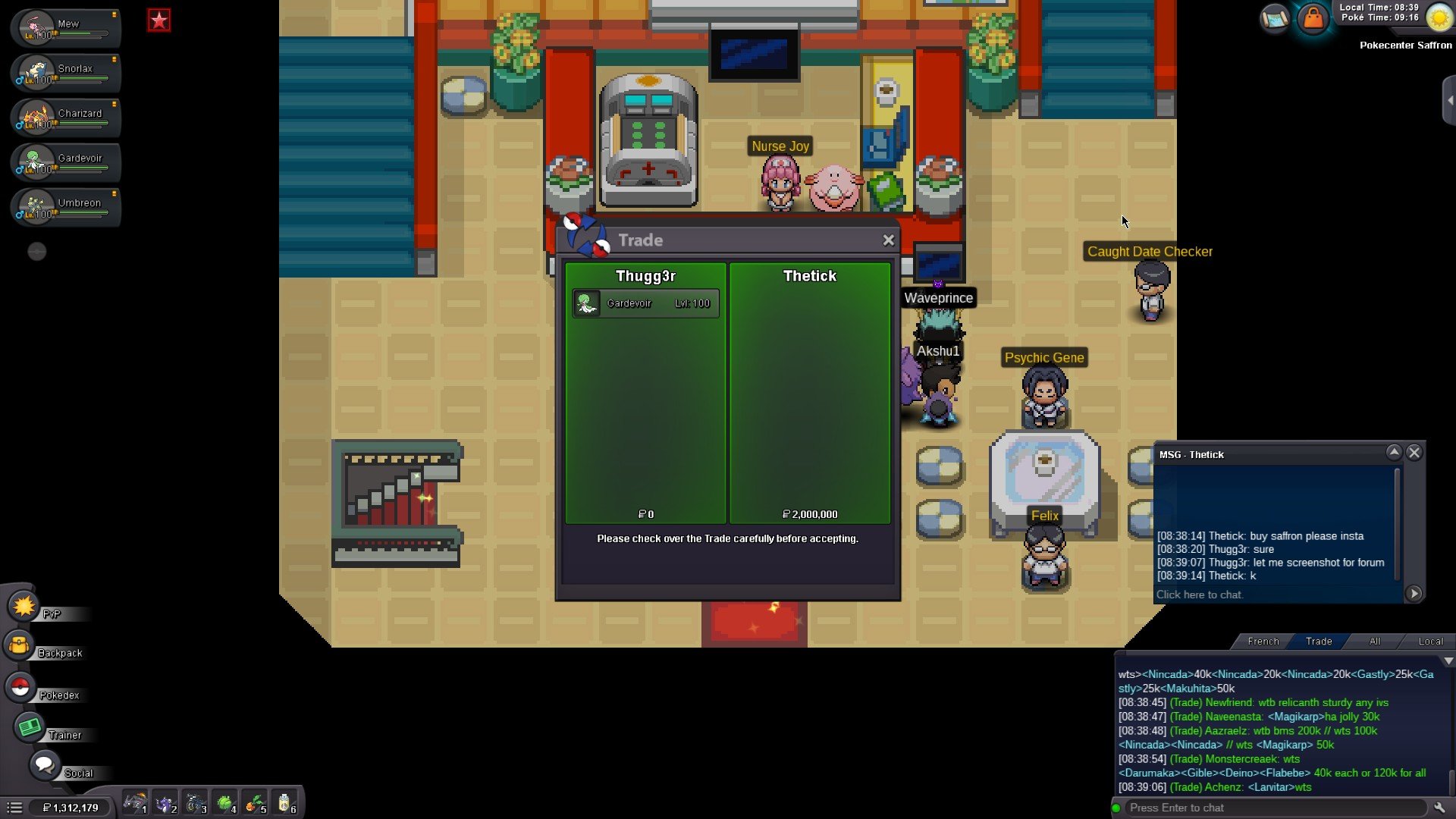 Starting Auction : 300K Minimum Bid : 50K Instant Buy : 2M Auction will end : 10/10/2024 , 20:00 GMT RULES : If bid is placed within last 15minutes of the auction, auction end time will be extended by another 15minutes Winner have to meet me at Vermillion, maximum 24hrs after the auction is closed. GOOD LUCK !!!
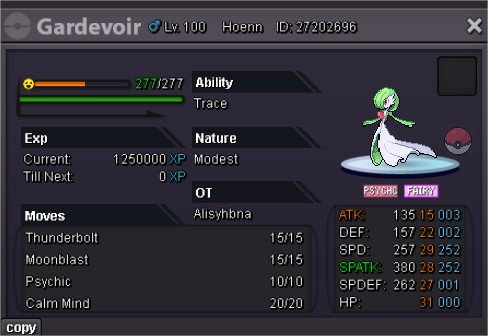 Updated Thanks !NIANCADA UPDATE
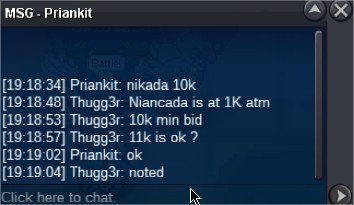 Hi Send me your screenshots below this comment. Budget 1.5M Thanks. o/GRENINJA UPDATE
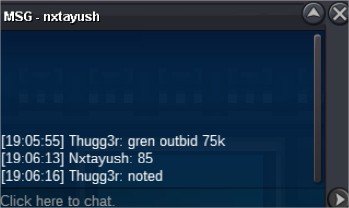 GRENINJA UPDATE
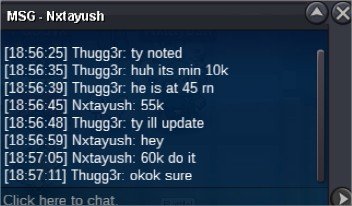 up
up



Account
Navigation
Search
Configure browser push notifications
Chrome (Android)
- Tap the lock icon next to the address bar.
- Tap Permissions → Notifications.
- Adjust your preference.
Chrome (Desktop)
- Click the padlock icon in the address bar.
- Select Site settings.
- Find Notifications and adjust your preference.
Safari (iOS 16.4+)
- Ensure the site is installed via Add to Home Screen.
- Open Settings App → Notifications.
- Find your app name and adjust your preference.
Safari (macOS)
- Go to Safari → Preferences.
- Click the Websites tab.
- Select Notifications in the sidebar.
- Find this website and adjust your preference.
Edge (Android)
- Tap the lock icon next to the address bar.
- Tap Permissions.
- Find Notifications and adjust your preference.
Edge (Desktop)
- Click the padlock icon in the address bar.
- Click Permissions for this site.
- Find Notifications and adjust your preference.
Firefox (Android)
- Go to Settings → Site permissions.
- Tap Notifications.
- Find this site in the list and adjust your preference.
Firefox (Desktop)
- Open Firefox Settings.
- Search for Notifications.
- Find this site in the list and adjust your preference.