New Trade Zone
Trade Zone is now live
Use the new Trade Zone for auctions and instant-price trades so Pokemon and item offers are easy to find.


S1lverh4wk
Registered User
-
Joined
-
Last visited
Everything posted by S1lverh4wk
-
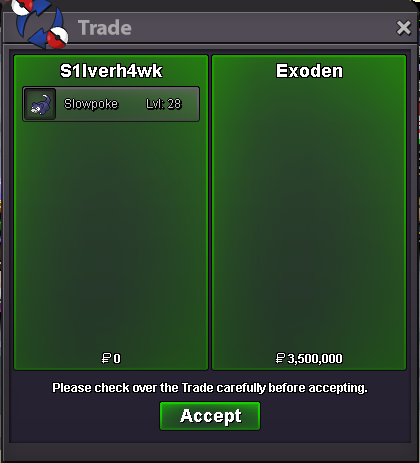
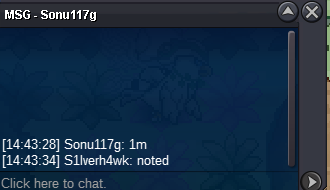
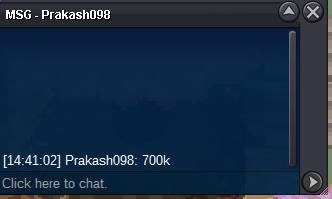
Over. Exoden is the Winner. Meet me at Vermilionplease state the correct amount (k)Starting Offer: 300k Winner Offer: 3,5m Min Bid: 25k Endtime: Over. No Insta
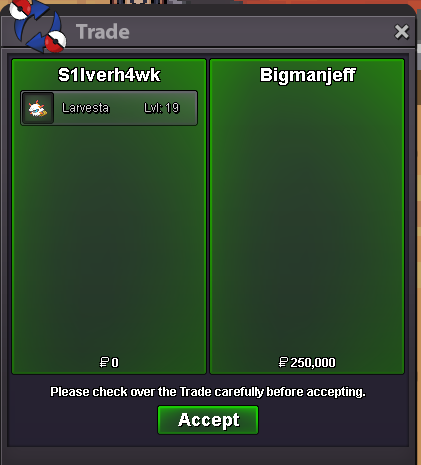
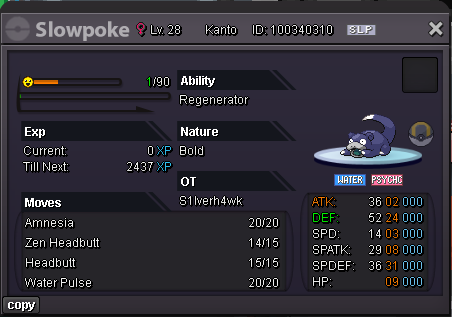 Starting Offer: 250k Current Offer: 250k Min Bid: 50k No Insta 12h After first Bid Accepted Payments: Pokedollars Timer:
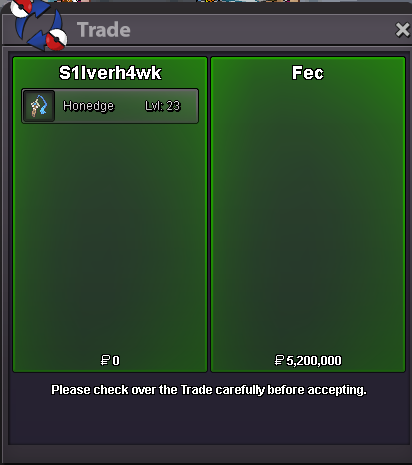
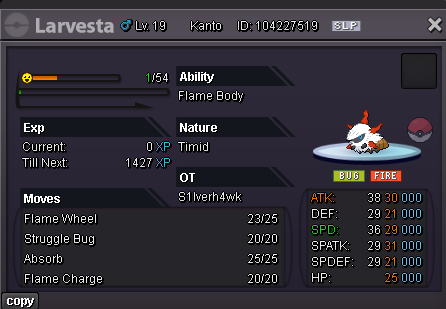 110k2,7mBump[Ended] Starting Offer: 1 Million Current Offer: 5,2 Million Winner: Fec Min Bid: 150k No Insta Ends 72h after first bid! Timer: Info about the timer: Keep in mind that its a little off the real time end time!
 Thats my Idea on Vday Typhlosion. Feel free to work on it, also on Cyndaquil and Quilava


 Up 4th Song is outThose were my Art-Contest participents 🙂
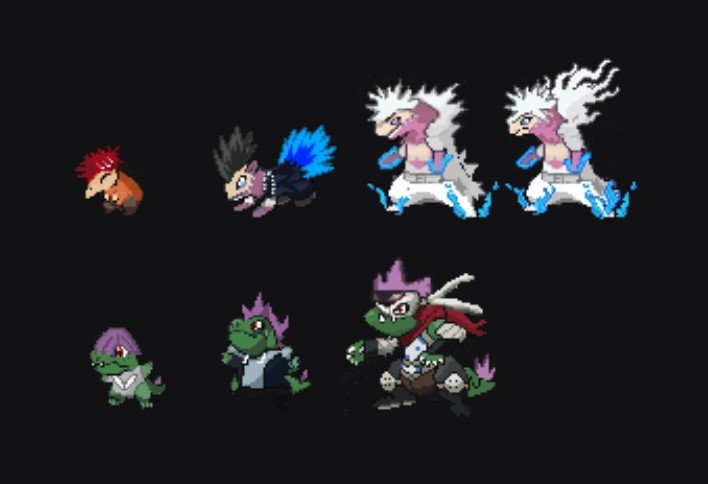 Make Joro great again. 5 PVE for everything. Shinys, Forms and Pinks
Account
Navigation
Search
Configure browser push notifications
Chrome (Android)
- Tap the lock icon next to the address bar.
- Tap Permissions → Notifications.
- Adjust your preference.
Chrome (Desktop)
- Click the padlock icon in the address bar.
- Select Site settings.
- Find Notifications and adjust your preference.
Safari (iOS 16.4+)
- Ensure the site is installed via Add to Home Screen.
- Open Settings App → Notifications.
- Find your app name and adjust your preference.
Safari (macOS)
- Go to Safari → Preferences.
- Click the Websites tab.
- Select Notifications in the sidebar.
- Find this website and adjust your preference.
Edge (Android)
- Tap the lock icon next to the address bar.
- Tap Permissions.
- Find Notifications and adjust your preference.
Edge (Desktop)
- Click the padlock icon in the address bar.
- Click Permissions for this site.
- Find Notifications and adjust your preference.
Firefox (Android)
- Go to Settings → Site permissions.
- Tap Notifications.
- Find this site in the list and adjust your preference.
Firefox (Desktop)
- Open Firefox Settings.
- Search for Notifications.
- Find this site in the list and adjust your preference.