




New Trade Zone
Trade Zone is now live
Use the new Trade Zone for auctions and instant-price trades so Pokemon and item offers are easy to find.


S1lverh4wk
Registered User
-
Joined
-
Last visited
Everything posted by S1lverh4wk
-
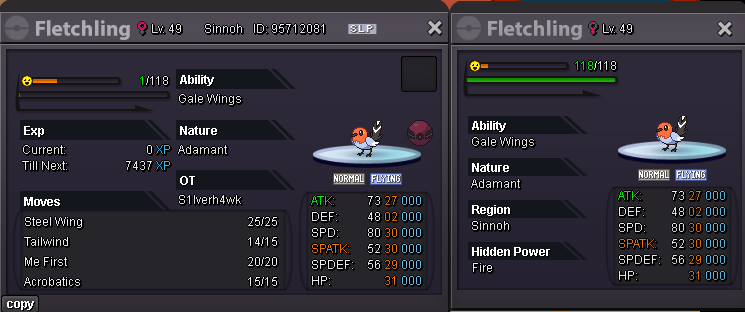
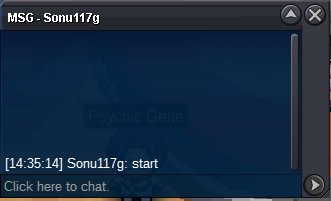
Bundle Auction, all 4 at once (Not seperate) Starting Offer: 500k Current Offer: 1,7 million Winner Sonu117g Min Bid: 200k Insta: 10M Ends 72 Hours after first bid! Time Left: (refresh page to show propper time)
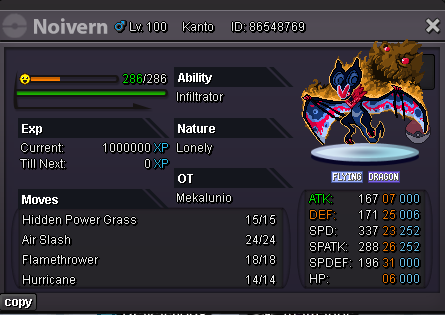
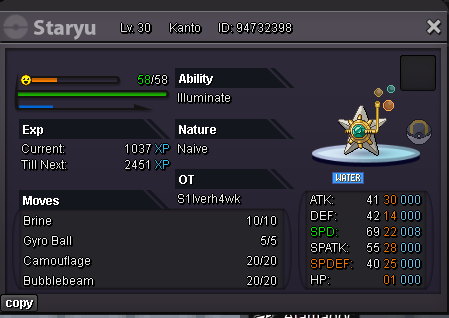
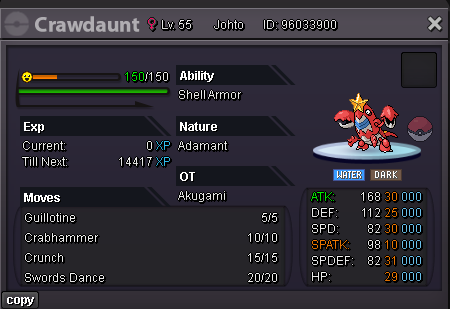
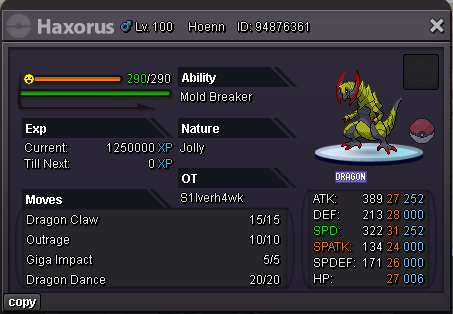
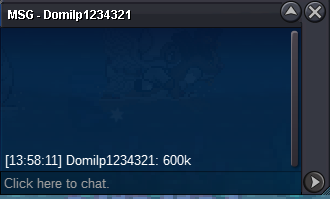
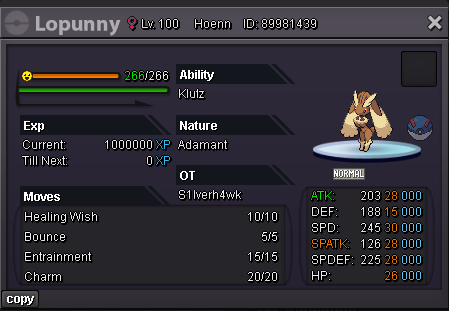 I will post PRO related memes here from time to time You are free to post your own PRO related memes here! 1. 2.WTB = Want to buy, i want them myself, im not selling them 🤣Starting Offer: 500k Current Offer: 800k Winner Domilp1234321 Min Bid: 100k No Insta 24h after first bid
 bumpbumpWtb Xmas Houndoom Wings Black - 500k Also PM me Ingame
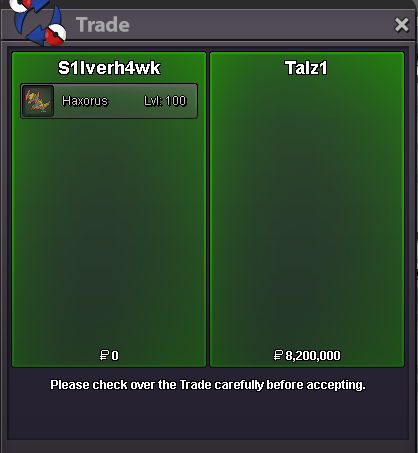
 startstartOk, now you won, apologize for the mistake earlierI forgot it, i apologize15min rule sorryStarting Offer: 1 Million Current Offer: 8,2M Min Bid: 100k No Insta Accepted Payments: Pokedollars
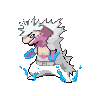
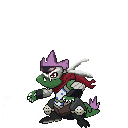
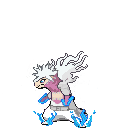
 StartHalloween Typhlosion Halloween Typhlosion Chroma Toya Todoroki / Dabi (My Hero Academia) <- v1 <- v2 Halloween Feraligatr Halloween Feraligatr Chroma Spinner (My Hero Academia) Edit: Since the forum background is messing with the Typhlosion outlines, here is a white background version








Account
Navigation
Search
Configure browser push notifications
Chrome (Android)
- Tap the lock icon next to the address bar.
- Tap Permissions → Notifications.
- Adjust your preference.
Chrome (Desktop)
- Click the padlock icon in the address bar.
- Select Site settings.
- Find Notifications and adjust your preference.
Safari (iOS 16.4+)
- Ensure the site is installed via Add to Home Screen.
- Open Settings App → Notifications.
- Find your app name and adjust your preference.
Safari (macOS)
- Go to Safari → Preferences.
- Click the Websites tab.
- Select Notifications in the sidebar.
- Find this website and adjust your preference.
Edge (Android)
- Tap the lock icon next to the address bar.
- Tap Permissions.
- Find Notifications and adjust your preference.
Edge (Desktop)
- Click the padlock icon in the address bar.
- Click Permissions for this site.
- Find Notifications and adjust your preference.
Firefox (Android)
- Go to Settings → Site permissions.
- Tap Notifications.
- Find this site in the list and adjust your preference.
Firefox (Desktop)
- Open Firefox Settings.
- Search for Notifications.
- Find this site in the list and adjust your preference.