New Trade Zone
Trade Zone is now live
Use the new Trade Zone for auctions and instant-price trades so Pokemon and item offers are easy to find.

Renji333
Registered User
-
Joined
-
Last visited
Everything posted by Renji333
-
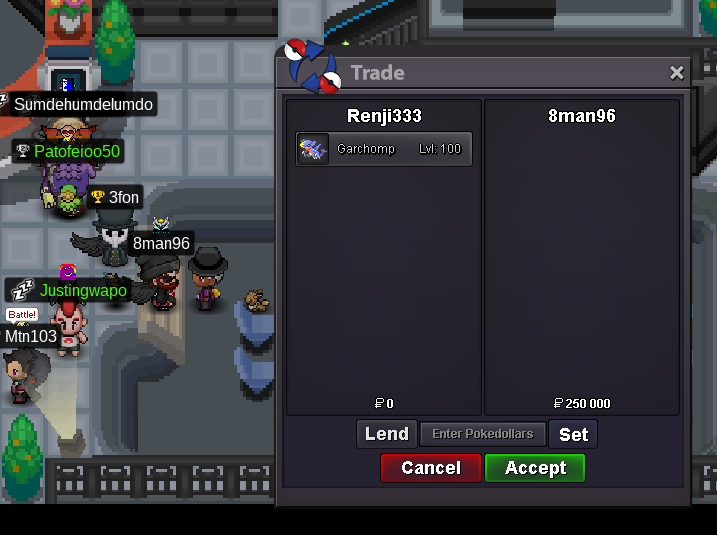
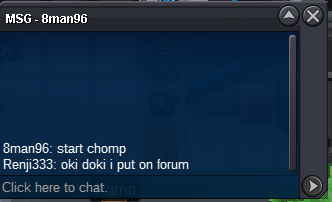
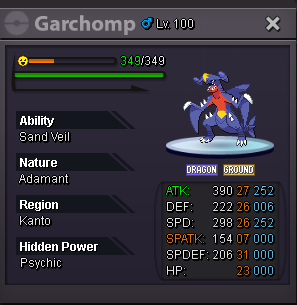
!too bad gabite already evoUn Bram !GARCHOMP S.O : 250K ------------------------------------------ ACCEPTED PAYMENT METHODS : - Coin Capsule = 370K PokeDollars - IV Reroll Ticket = 680K PokeDollars - Nature Reroll Ticket = 340K PokeDollars ------------------------------------------ MIN RAISE : 25K END OF AUCTION : 24H AFTER FIRST BID ------------------------------------------ Me trying to fit in this squad ! @Jigglypuffsalot
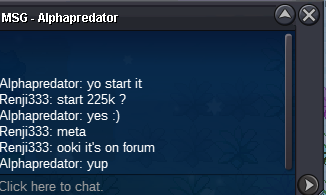
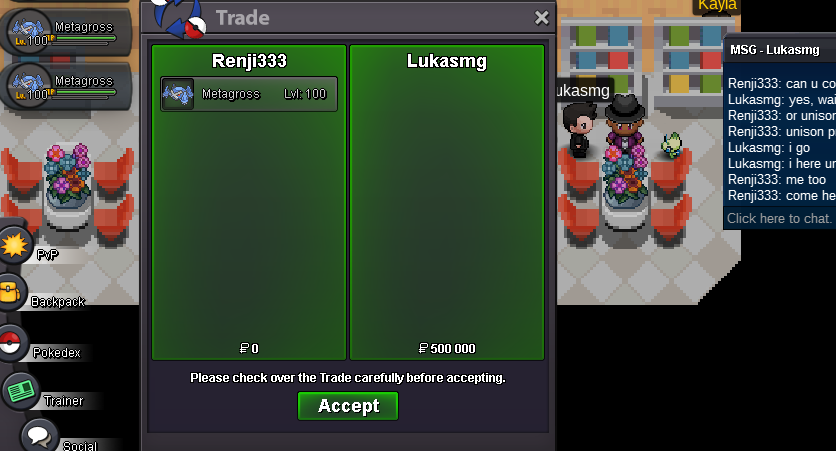
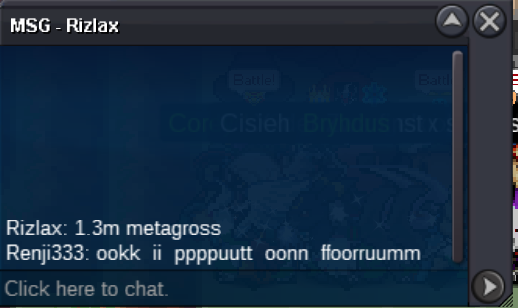
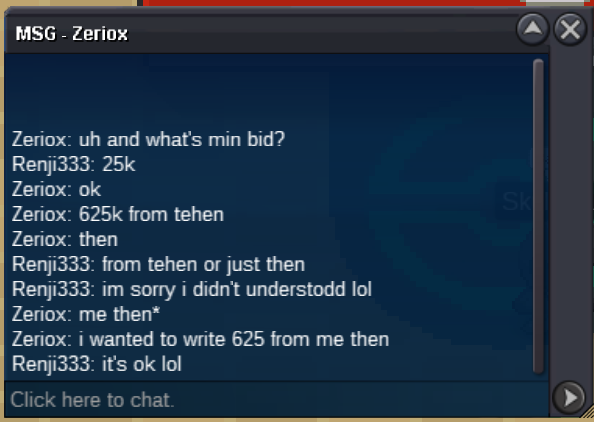
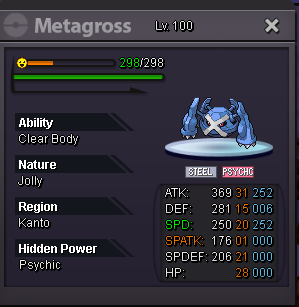
 METAGROSS S.O : 225K ------------------------------------------ ACCEPTED PAYMENT METHODS : - Coin Capsule = 370K PokeDollars - IV Reroll Ticket = 680K PokeDollars - Nature Reroll Ticket = 340K PokeDollars ------------------------------------------ MIN RAISE : 25K END OF AUCTION : 24H AFTER FIRST BID
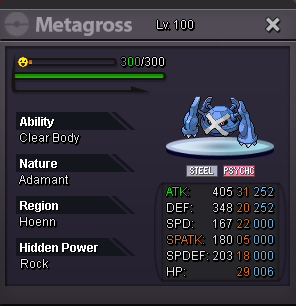
 METAGROSS S.O : 225K ------------------------------------------ MIN RAISE : 25K END OF AUCTION : 24H AFTER FIRST BID
 As you can all see, me and him are bro of Xatu.
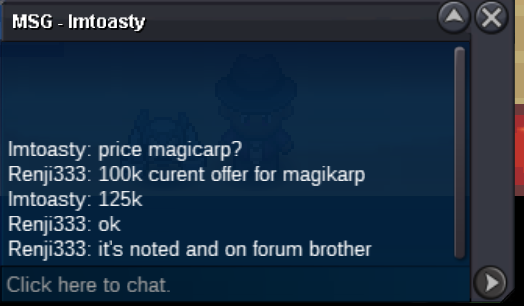
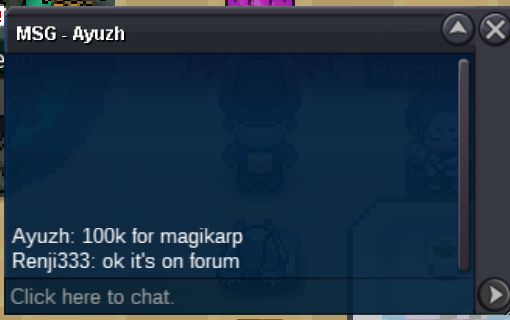
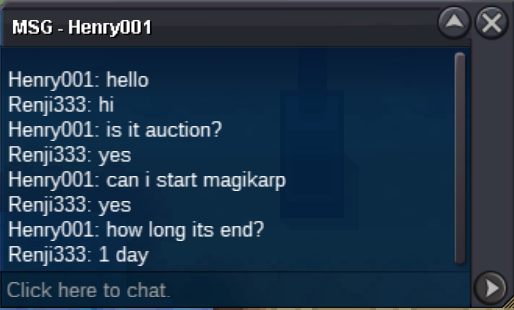
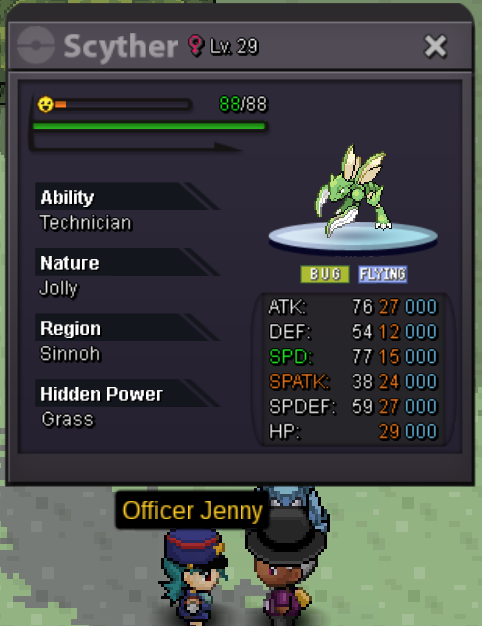
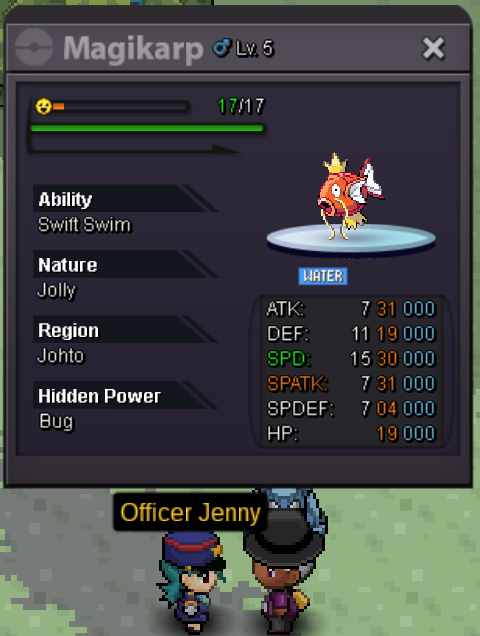
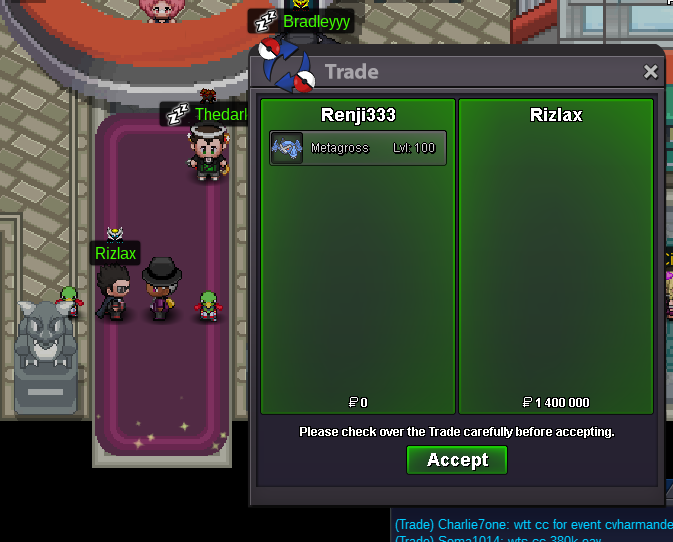 FIRST BUMP OF MY LIFENo Meta is 4 days, and the rest 1 day.METAGROSS S.O : 600K SCYTHER S.O : 25K MAGIKARP S.O : 25K ------------------------------------------ MIN RAISE : 25K END OF AUCTION FOR META : 4 Days AFTER FIRST BID END OF AUCTION : 24H AFTER FIRST BID
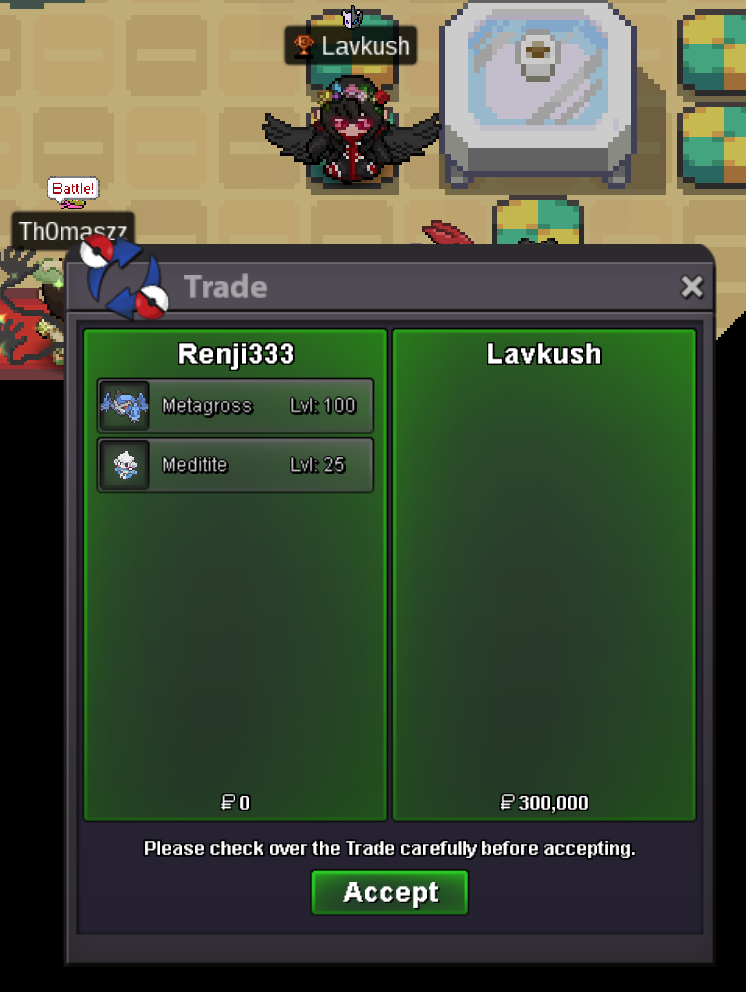
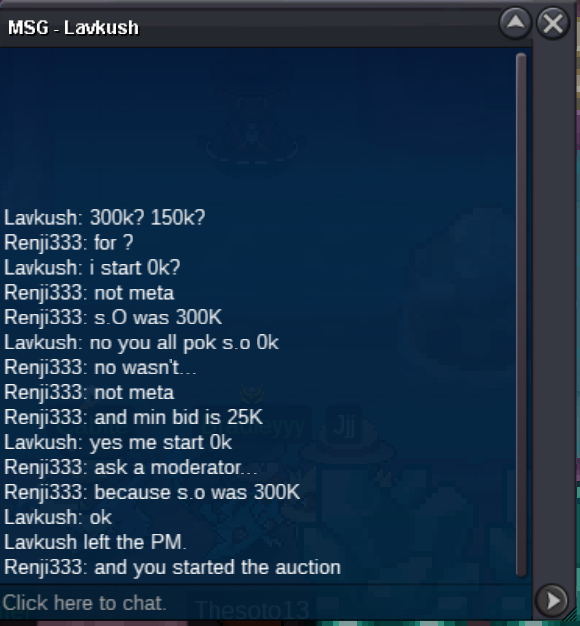
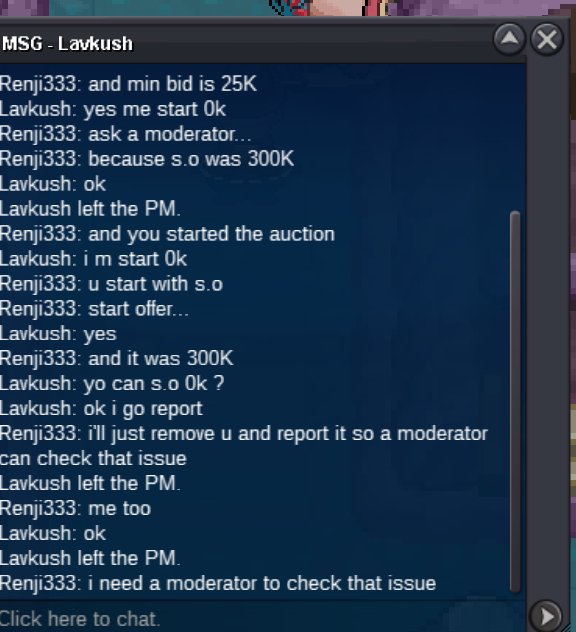
 Also maybe he got the habit to just start all my Poké because my previous was all 0k... But playing like that all the time can become problematic at some point... Anyway, It's not a pleasant situation and I wanna know if an action will be taken or I put it back auction...Hello @Irushia How are you doing ? I'm tagging you to have your opinion on this auction, this is the a difficult/wierd situation and I want a moderator to be noticed and more important informed. So, this auction is arriving to an end and basically, the starter of the auction (Lavkush) is saying that he started the auction with 0k... Unfortunately now that the auction is arriving to an end, he is realizing that the start offer for metagross is 300K and is trying to negate (I didn't find a better word, im French) the auction. Anyway, I believe that (Lavkush) is jokingly starting auction with the hope that he will be outbid (At least it's been 3 times that he does start all Pokémon with me like this)... Exemple here : https://pokemonrevolution.net/forum/topic/203042-can-be-closed/. If you need, I can look for the other exemple.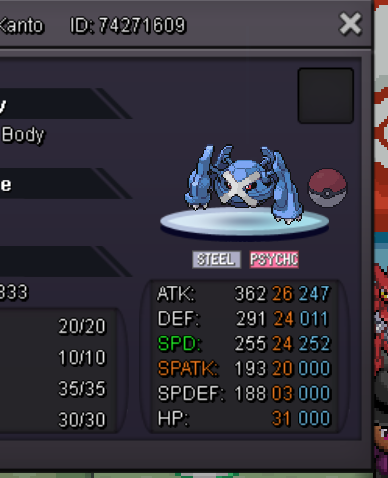
Account
Navigation
Search
Configure browser push notifications
Chrome (Android)
- Tap the lock icon next to the address bar.
- Tap Permissions → Notifications.
- Adjust your preference.
Chrome (Desktop)
- Click the padlock icon in the address bar.
- Select Site settings.
- Find Notifications and adjust your preference.
Safari (iOS 16.4+)
- Ensure the site is installed via Add to Home Screen.
- Open Settings App → Notifications.
- Find your app name and adjust your preference.
Safari (macOS)
- Go to Safari → Preferences.
- Click the Websites tab.
- Select Notifications in the sidebar.
- Find this website and adjust your preference.
Edge (Android)
- Tap the lock icon next to the address bar.
- Tap Permissions.
- Find Notifications and adjust your preference.
Edge (Desktop)
- Click the padlock icon in the address bar.
- Click Permissions for this site.
- Find Notifications and adjust your preference.
Firefox (Android)
- Go to Settings → Site permissions.
- Tap Notifications.
- Find this site in the list and adjust your preference.
Firefox (Desktop)
- Open Firefox Settings.
- Search for Notifications.
- Find this site in the list and adjust your preference.