




New Trade Zone
Trade Zone is now live
Use the new Trade Zone for auctions and instant-price trades so Pokemon and item offers are easy to find.

Renji333
Registered User
-
Joined
-
Last visited
Everything posted by Renji333
-
-
Start : 500k Min bid : 50k Time : 3 days after start NO INSTA Contact PRO : Renji333
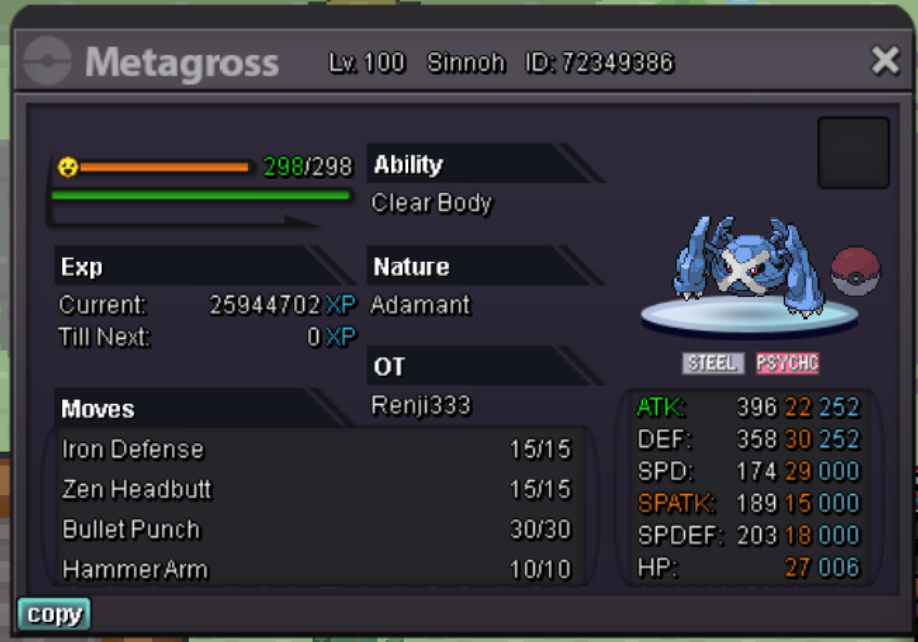
-
Start : 200k Min bid : 25k Time : 3 days after start NO INSTA Contact PRO : Renji333
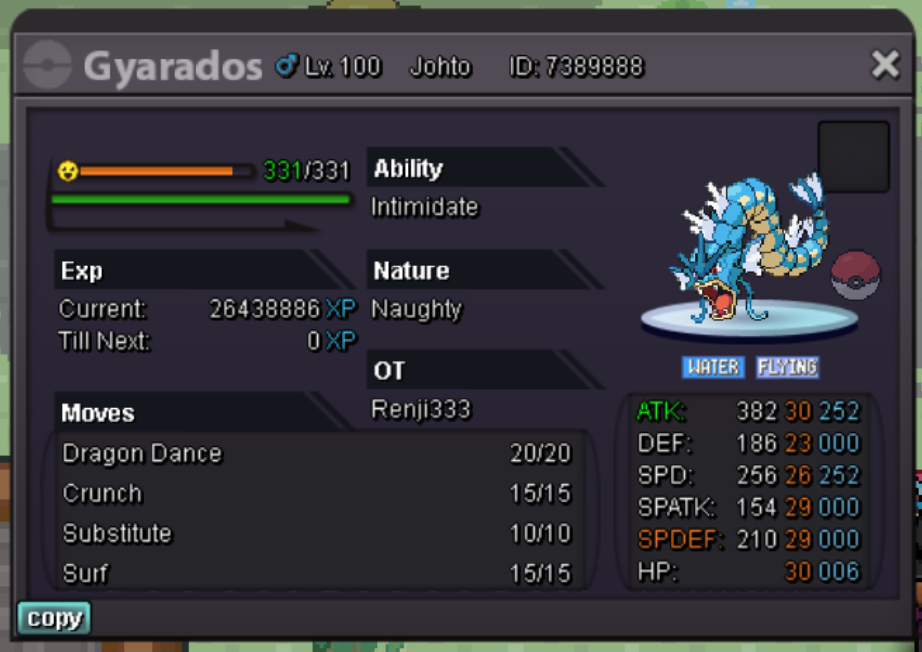
-
-
Someone please insta im tired of posting in trade channel....
-
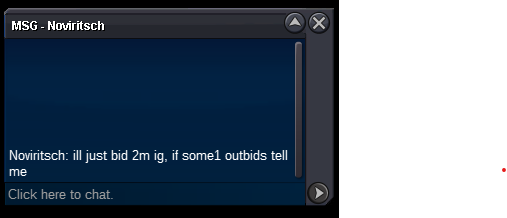
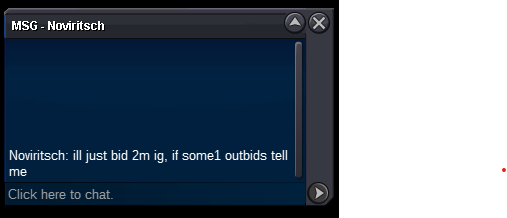
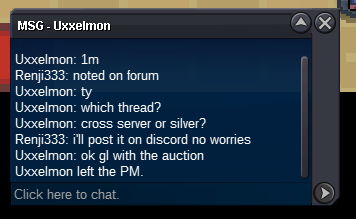
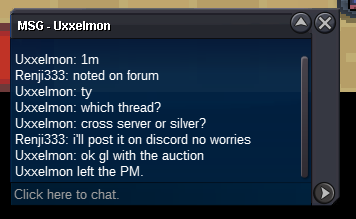
Latest news : Someone is interested to insta after selling his rerolls.Latest news : Someone is interested to insta after selling his rerolls.I will but this isn't the original title, it was 48 hours... I can understand that you got mislead by the fact I temporarly changed the title.1.1m now by someone I forgot his nameIt always was 48 hours before you started... And why can't I add an insta price ? IF someone wants to pay that it will also have an higher bid then you right ? Just asking it's the first time i'm doing it[AUCTION] Surfing GIBLE Event jolly - 1m starts - end in 48 hours
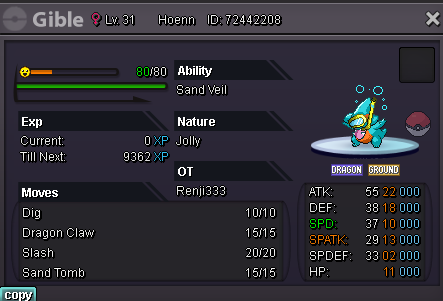 Hello people we start 500K for him insta 1,5m he's not ev yet but you can do it fast with macho braceThe thing is that you shouldn't say epic when it's not and i'm not rude this is the truth. I apologize if it hurts but...We aren't sure that mega will come and - and jolly on metagross is bad srryno i'm noti offer 10K then because bad nature jolly on metagross will not help..... Adamant is betterthis is a trash one...we start 200K for this bad boyWe start 150K and this poké is ready to pvp with volt switch and he's ev train

Account
Navigation
Search
Configure browser push notifications
Chrome (Android)
- Tap the lock icon next to the address bar.
- Tap Permissions → Notifications.
- Adjust your preference.
Chrome (Desktop)
- Click the padlock icon in the address bar.
- Select Site settings.
- Find Notifications and adjust your preference.
Safari (iOS 16.4+)
- Ensure the site is installed via Add to Home Screen.
- Open Settings App → Notifications.
- Find your app name and adjust your preference.
Safari (macOS)
- Go to Safari → Preferences.
- Click the Websites tab.
- Select Notifications in the sidebar.
- Find this website and adjust your preference.
Edge (Android)
- Tap the lock icon next to the address bar.
- Tap Permissions.
- Find Notifications and adjust your preference.
Edge (Desktop)
- Click the padlock icon in the address bar.
- Click Permissions for this site.
- Find Notifications and adjust your preference.
Firefox (Android)
- Go to Settings → Site permissions.
- Tap Notifications.
- Find this site in the list and adjust your preference.
Firefox (Desktop)
- Open Firefox Settings.
- Search for Notifications.
- Find this site in the list and adjust your preference.