New Trade Zone
Trade Zone is now live
Use the new Trade Zone for auctions and instant-price trades so Pokemon and item offers are easy to find.

Renji333
Registered User
-
Joined
-
Last visited
Everything posted by Renji333
-
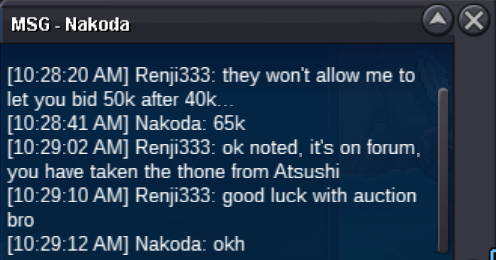
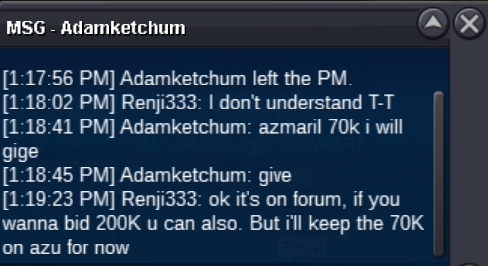
70K on Azu -> Offer canceled, I forgot minimum bid is 25k. So current offer for Azu is still 65K from nakoda
-
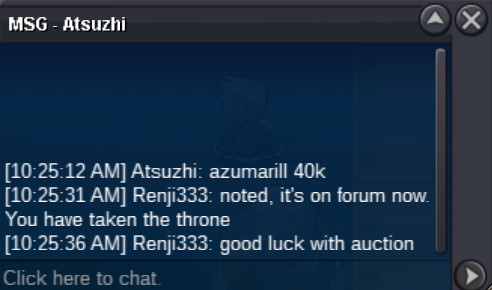
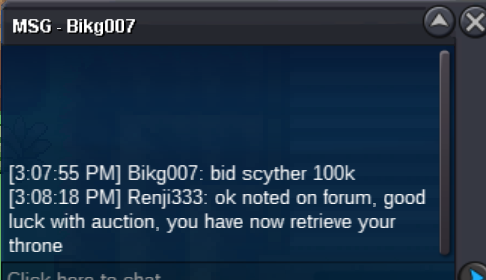
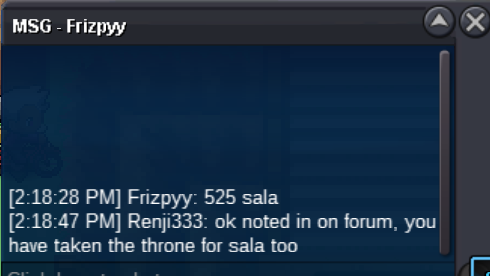
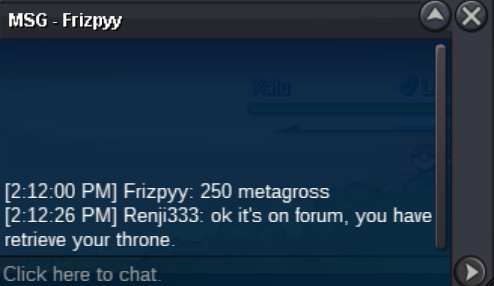
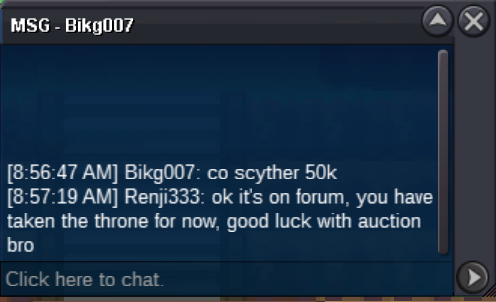
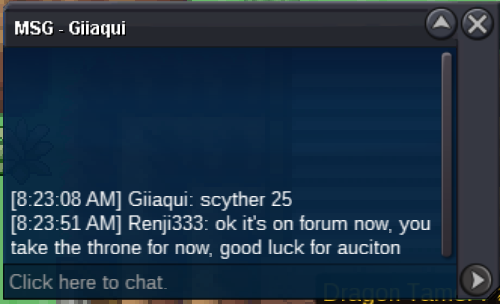
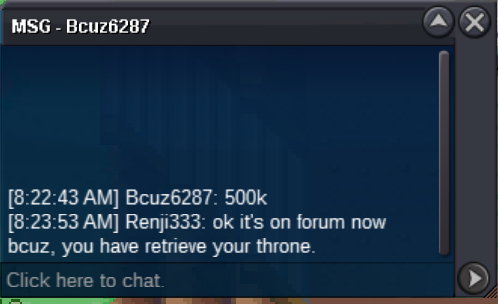
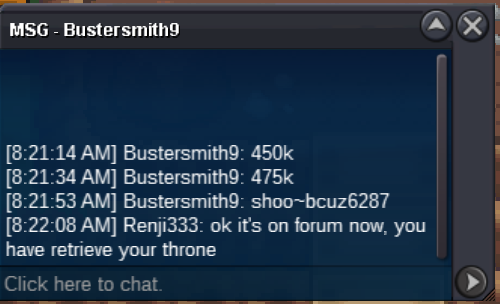
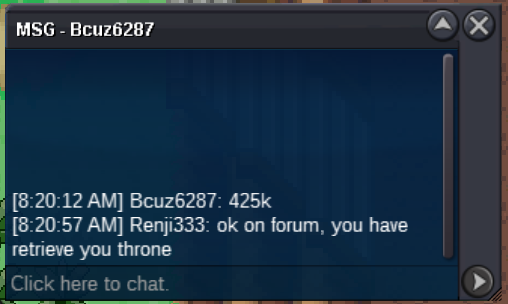
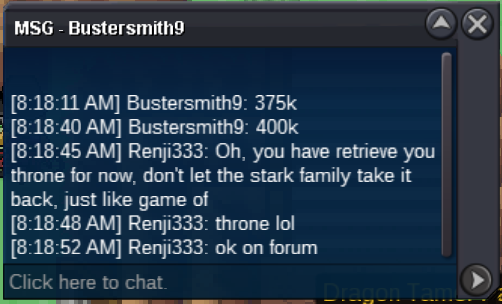
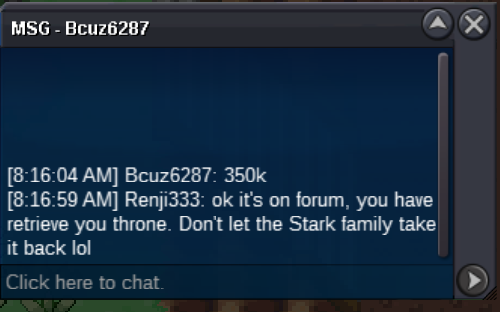
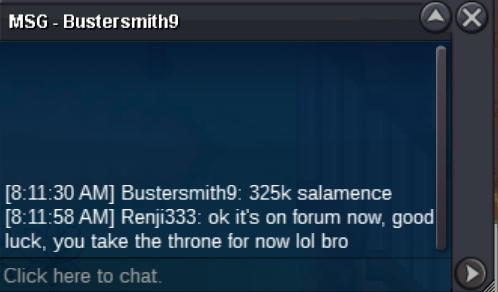
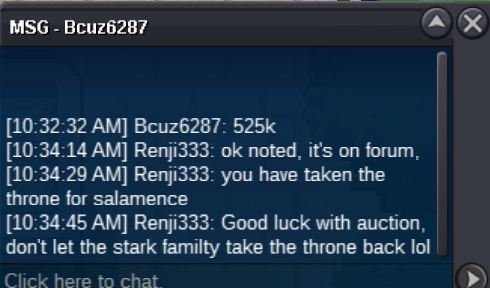
This bid is canceled since Bhimoso bid before and higher. @Bhimoso takes the lead and the throne for now, will he win the game of throne ? That is the question... Continue to next episode !
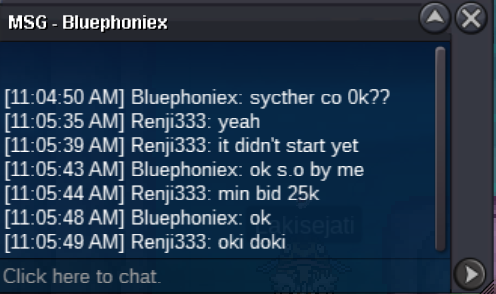
 I would need the explanation too because I thought that you need to start with the minimum bid. At least, that's what everybody did before... But it doesn't really matter to me what it starts with, it's just to follow the rules you know.Hello Waka, because the minimum bid is 25K, I won't be able to accept your offer. I think everyone should follow the same rules or a moderator might not be happy 😅🤣.SALAMENCE S.O : 0K AZUMARILL S.O : 0K SCYTHER S.O : 0K ------------------------------------------ MIN RAISE : 25K END OF AUCTION : 48H AFTER FIRST BID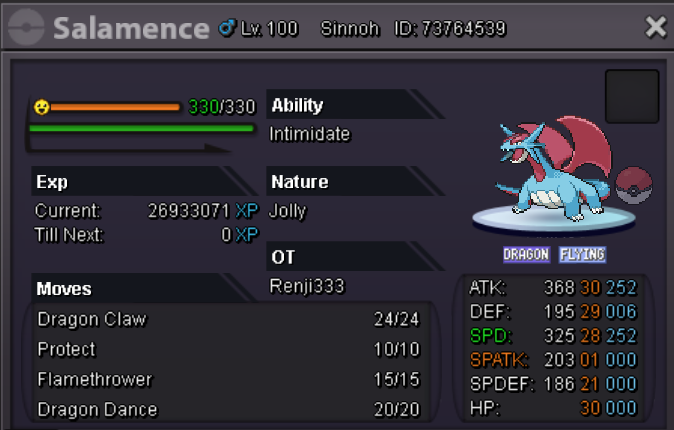
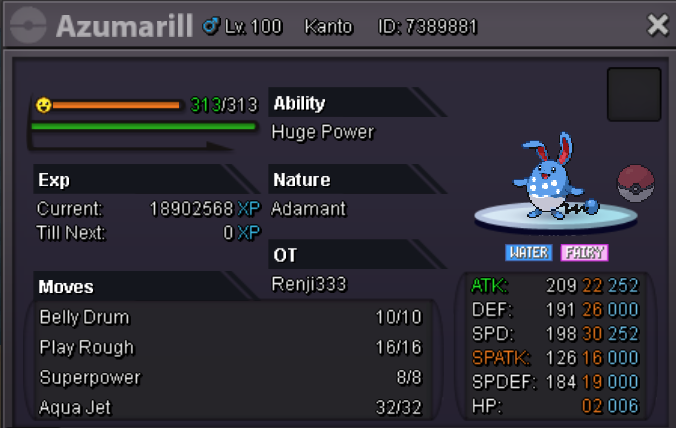
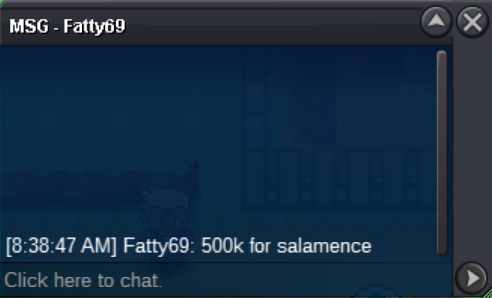
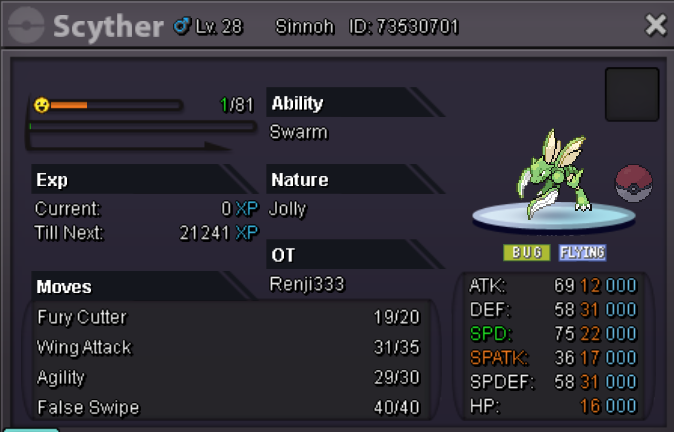 I already 575K...
Account
Navigation
Search
Configure browser push notifications
Chrome (Android)
- Tap the lock icon next to the address bar.
- Tap Permissions → Notifications.
- Adjust your preference.
Chrome (Desktop)
- Click the padlock icon in the address bar.
- Select Site settings.
- Find Notifications and adjust your preference.
Safari (iOS 16.4+)
- Ensure the site is installed via Add to Home Screen.
- Open Settings App → Notifications.
- Find your app name and adjust your preference.
Safari (macOS)
- Go to Safari → Preferences.
- Click the Websites tab.
- Select Notifications in the sidebar.
- Find this website and adjust your preference.
Edge (Android)
- Tap the lock icon next to the address bar.
- Tap Permissions.
- Find Notifications and adjust your preference.
Edge (Desktop)
- Click the padlock icon in the address bar.
- Click Permissions for this site.
- Find Notifications and adjust your preference.
Firefox (Android)
- Go to Settings → Site permissions.
- Tap Notifications.
- Find this site in the list and adjust your preference.
Firefox (Desktop)
- Open Firefox Settings.
- Search for Notifications.
- Find this site in the list and adjust your preference.