New Trade Zone
Trade Zone is now live
Use the new Trade Zone for auctions and instant-price trades so Pokemon and item offers are easy to find.

Renji333
Registered User
-
Joined
-
Last visited
Everything posted by Renji333
-
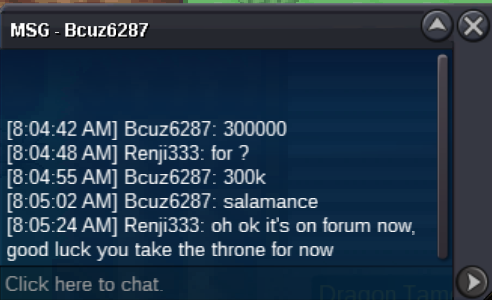
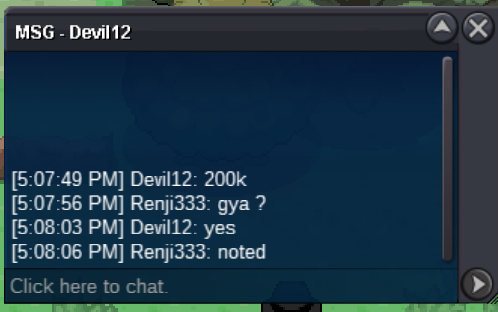
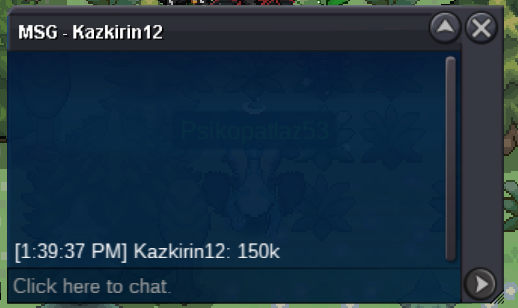
For reminder : [Poke73543976] c.o 300k by Bcuz6287 - [Poke72349386] c.o 200k by Gaskarth - [Poke73760337] c.o 0k - min bid 25k
-
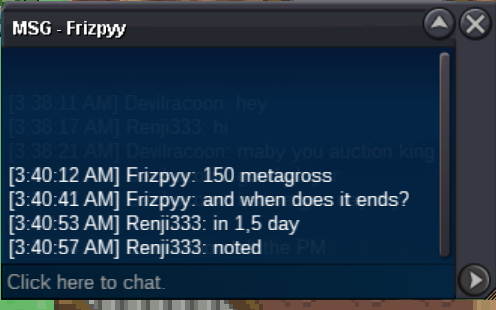
START METAGROSS
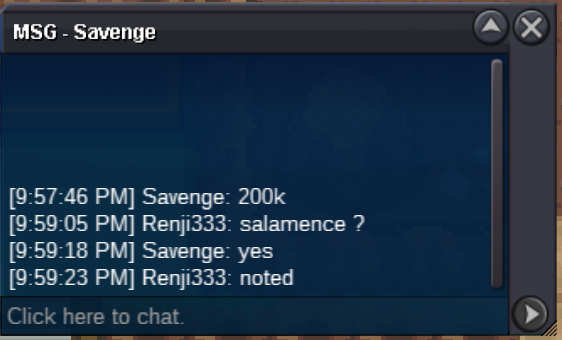
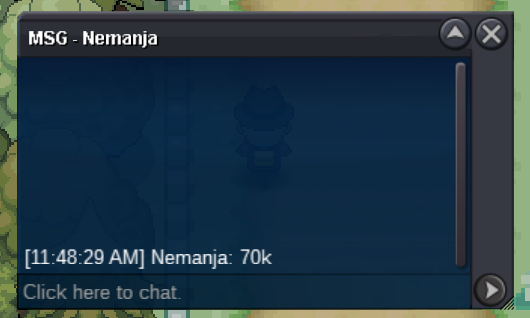
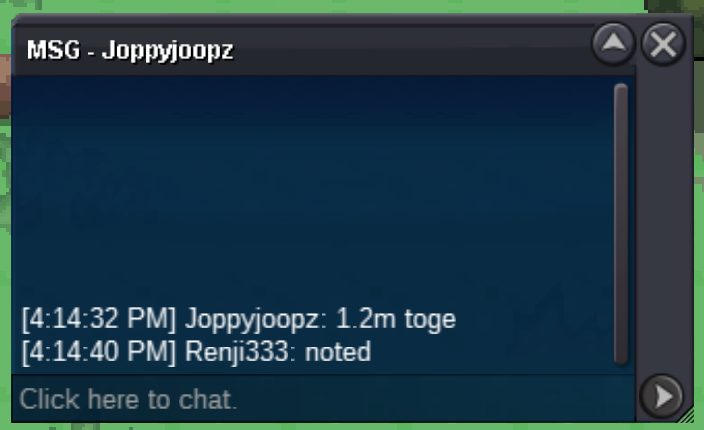
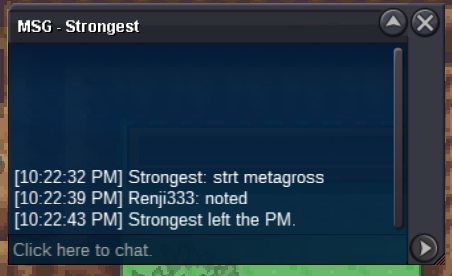 SALAMENCE S.O : 100K METAGROSS S.O : 50K SCYTHER S.O : 50K ------------------------------------------ MIN RAISE : 25K END OF AUCTION : 48H AFTER FIRST BID

 Start
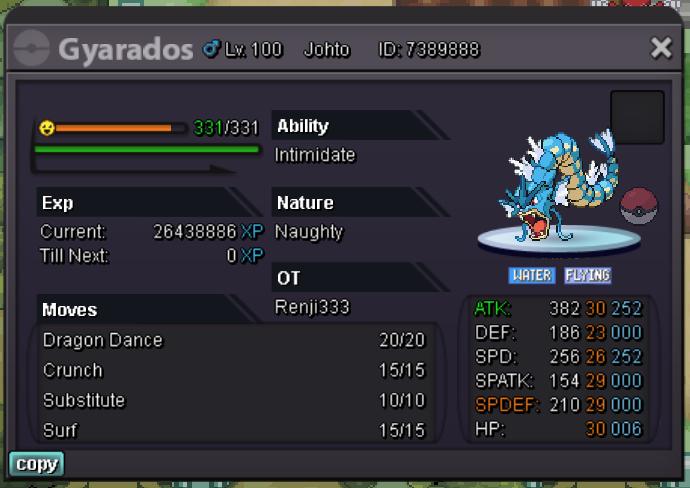
Start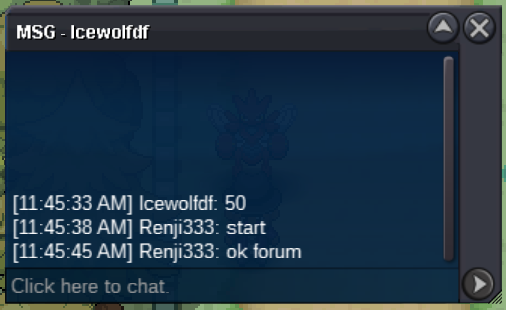 Start : 50k Min bid : 20k Time : 2 days after start NO INSTA Contact PRO : Renji333
 No sorry, I wanted to react to your title... Because it's really creative. If I could, I would delete my previous message.@Monteria : Got it, won't do it again, thanks for the information and also for closing my others topics.500K update200K updateStart : 600k Min bid : 50k Time : 2 days after start NO INSTA Contact PRO : Renji333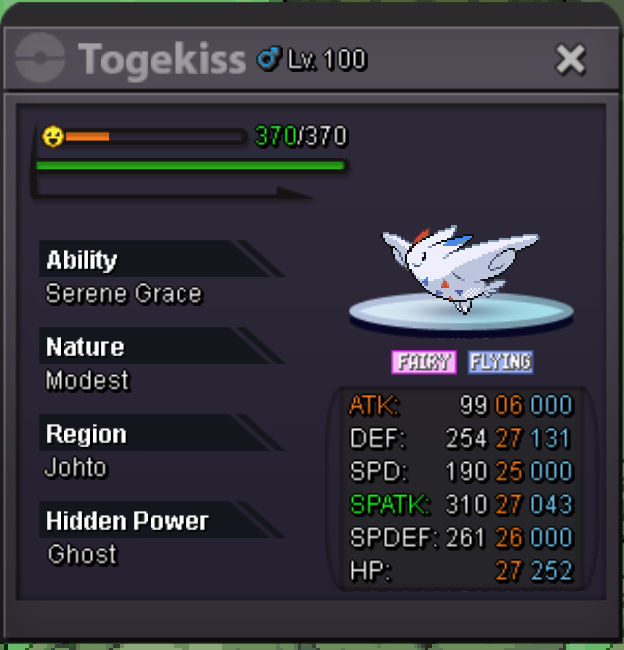
Account
Navigation
Search
Configure browser push notifications
Chrome (Android)
- Tap the lock icon next to the address bar.
- Tap Permissions → Notifications.
- Adjust your preference.
Chrome (Desktop)
- Click the padlock icon in the address bar.
- Select Site settings.
- Find Notifications and adjust your preference.
Safari (iOS 16.4+)
- Ensure the site is installed via Add to Home Screen.
- Open Settings App → Notifications.
- Find your app name and adjust your preference.
Safari (macOS)
- Go to Safari → Preferences.
- Click the Websites tab.
- Select Notifications in the sidebar.
- Find this website and adjust your preference.
Edge (Android)
- Tap the lock icon next to the address bar.
- Tap Permissions.
- Find Notifications and adjust your preference.
Edge (Desktop)
- Click the padlock icon in the address bar.
- Click Permissions for this site.
- Find Notifications and adjust your preference.
Firefox (Android)
- Go to Settings → Site permissions.
- Tap Notifications.
- Find this site in the list and adjust your preference.
Firefox (Desktop)
- Open Firefox Settings.
- Search for Notifications.
- Find this site in the list and adjust your preference.