New Trade Zone
Trade Zone is now live
Use the new Trade Zone for auctions and instant-price trades so Pokemon and item offers are easy to find.

Nandish
Registered User
-
Joined
-
Last visited
Everything posted by Nandish
-
Subway and Transmat quest bundle with 10% new shop discount
-
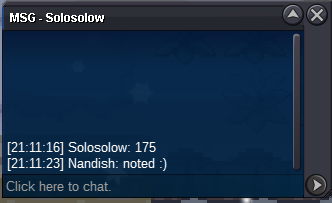
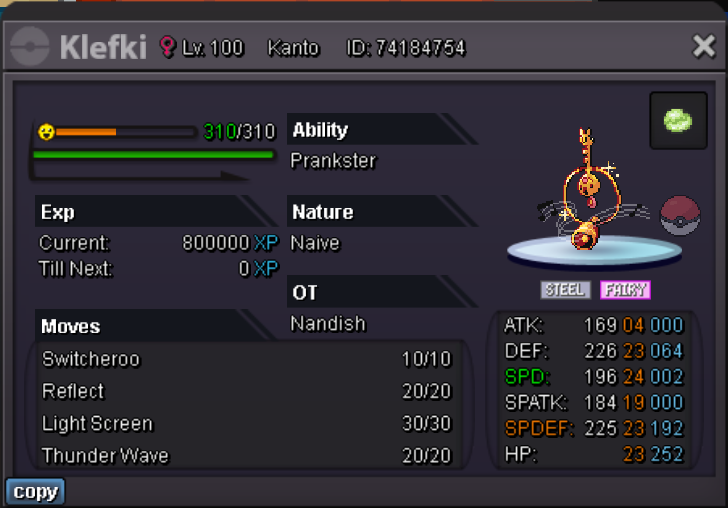
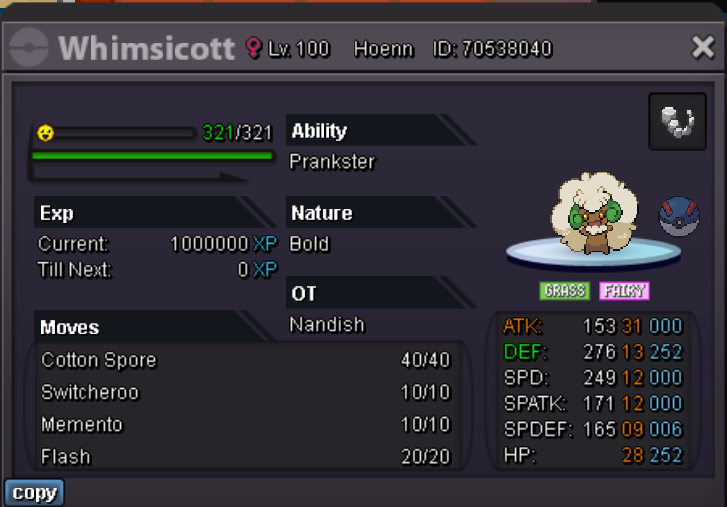
Nandish's Service Shop Shop Status: Open Not selling level services atm Hello everyone! Welcome to my service shop, I offer a variety of services like Level up, story, quests and boss team lending. I hope you enjoy your stay and find something you like. Contact IGN: Nandish Discord: nandish_m Timezone: GMT+2 Accepted payment Pokedollars Coin Capsule: 400k IV Reroll Ticket: 500k Nature Reroll Ticket: 250k 10% discount on any purchase for Damage Inc members! Level Up Service Level 20+ 1+ Pokemon: 90k each 3+ Pokemon: 85k each 5+ Pokemon: 80k each Level 60+ 45k each Conditions: Story Service Kanto Story: 325k Johto Story: 350k Hoenn Story: 400k Sinnoh Story: 350k All Regions Bundle: 1.25M note: for each badge you already have in the region you buy the service for there will be a 20k discount Conditions: Quest Services Transportation & Excavation: Subway quest (Kanto & Johto fast travel): 175k Transmat quest (Hoenn and Sinnoh fast travel): 225k note: the bike quest must be done for me to do the subway quest if the player does not own a bike or a bike voucher the quest will be 60k more expensive Excavation permit quest: 175k note: these prices include the things that must be bought during the quest so there wont be any additional costs Mega Bracelet & Mega Stones: Mega Bracelet quest: 175k note: I will hunt, level up, ev train and increase the happiness of a poke to submit it for the mega bracelet Legendary Pokemon: Kyurem quest: 300k Heatran and Volcanion quest: 350k each Force of Nature quest: 375k Diancie and Keldeo quest: 400k each Conditions: Boss Team Lending The Team: Price: 50k each 24h Conditions:
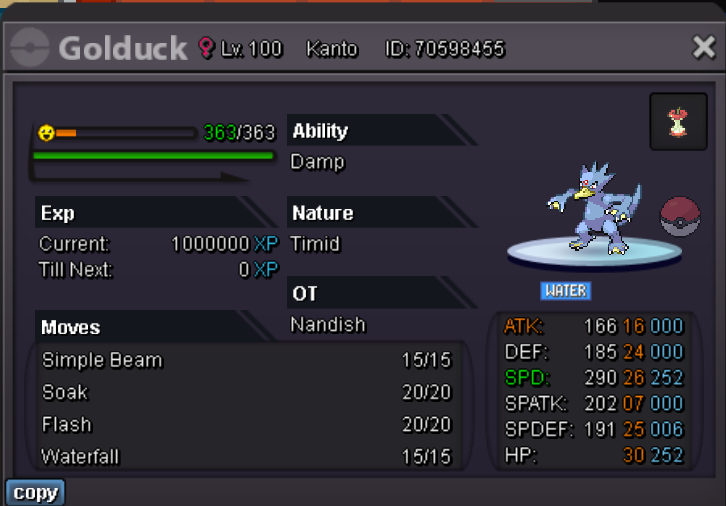
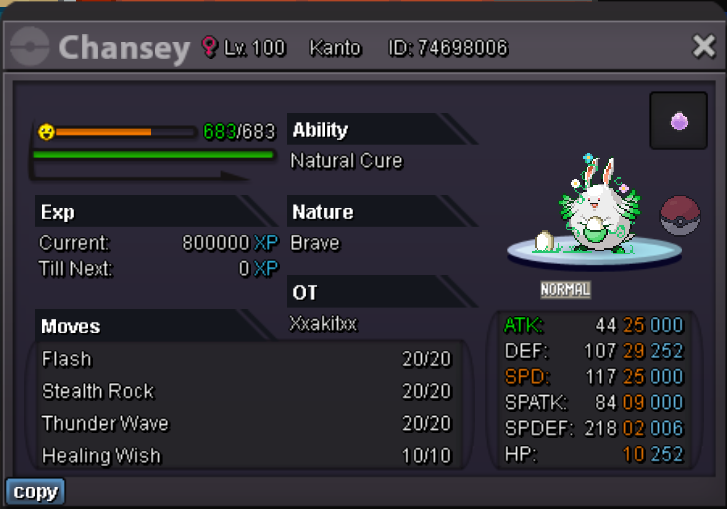
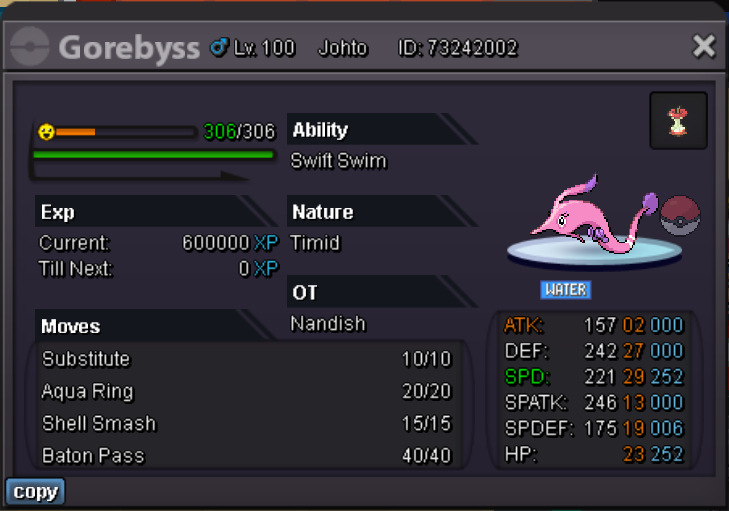
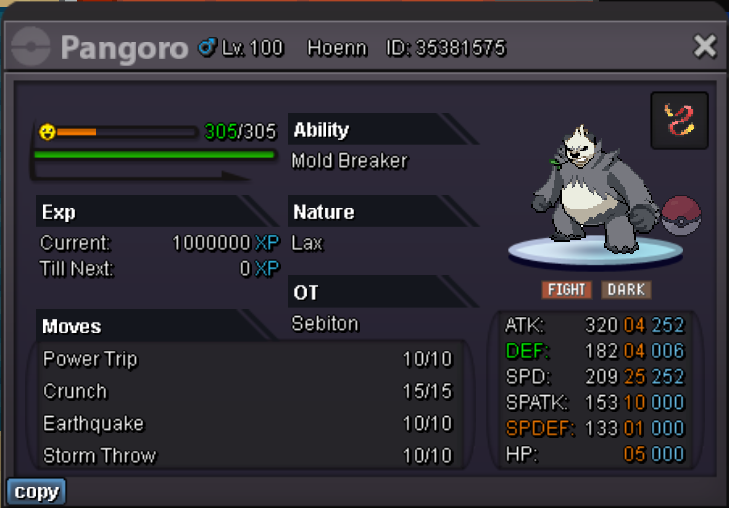
-
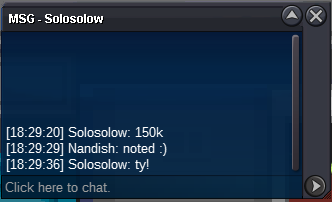
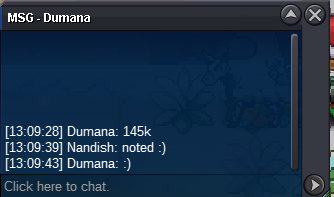
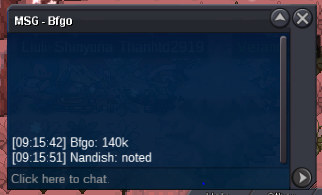
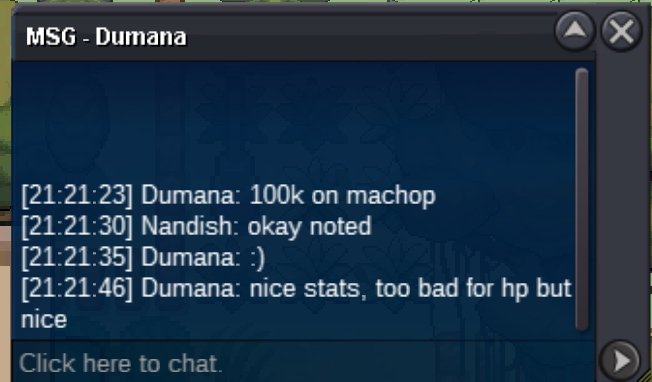
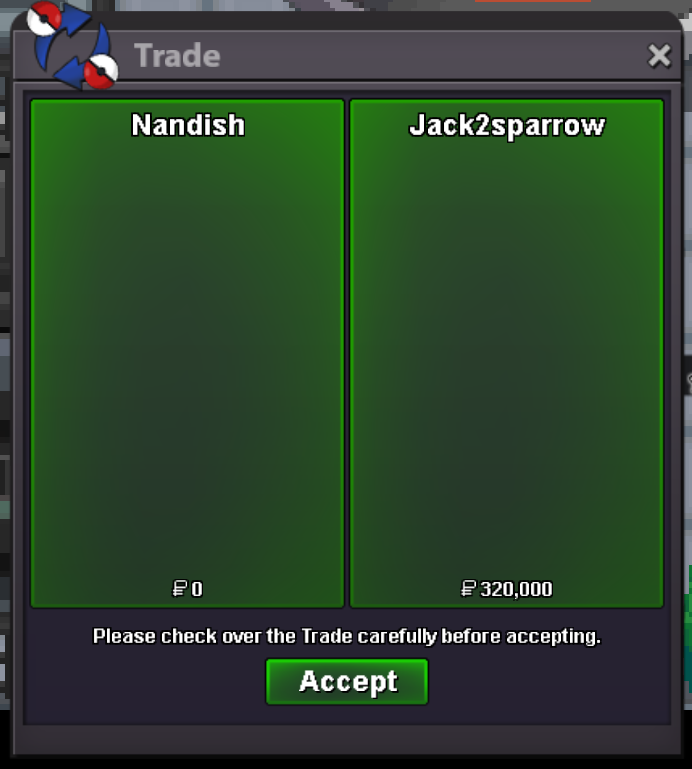
trade completed!


-
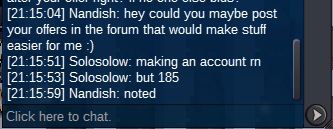
Congratz @Solosolow your offer of 210k stood for 15 min so you won the auction! Contact me in game or on discord so we can do the trade 🙂
-
1. In-Game Name (IGN): Nandish 2. Country of Origin: Netherlands 3. Your favorite Pokemon: Gengar 4. Preferred Activity in PRO? Hunting froms/rare pokes 5. What Motivates You to Join Nemesis? I have played PRO a long time ago somewhere in 2016 and decided to make fresh restart on the gold server last summer, and this time I want to do other stuff than just the story like pvp or pve bosses. Only my knowledge isnt great in these parts so I hope I could learn that in a friendly and helpful guild. 6. Highest PvP Rating Achieved: Haven't played pvp yet 7. Discord Tag: nandish_m 8. Age: 21 9. Share a screenshott of your Trainer Card (I haven't started sinnoh story yet but I can complete it fast if necessary I did hoenn in 3 days just before the Xmas event)
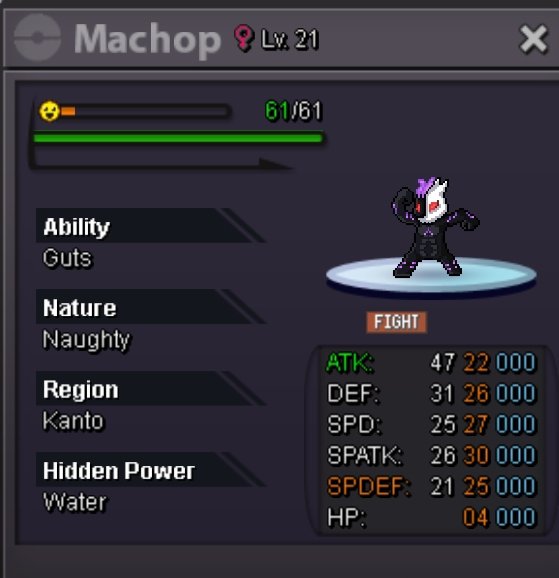
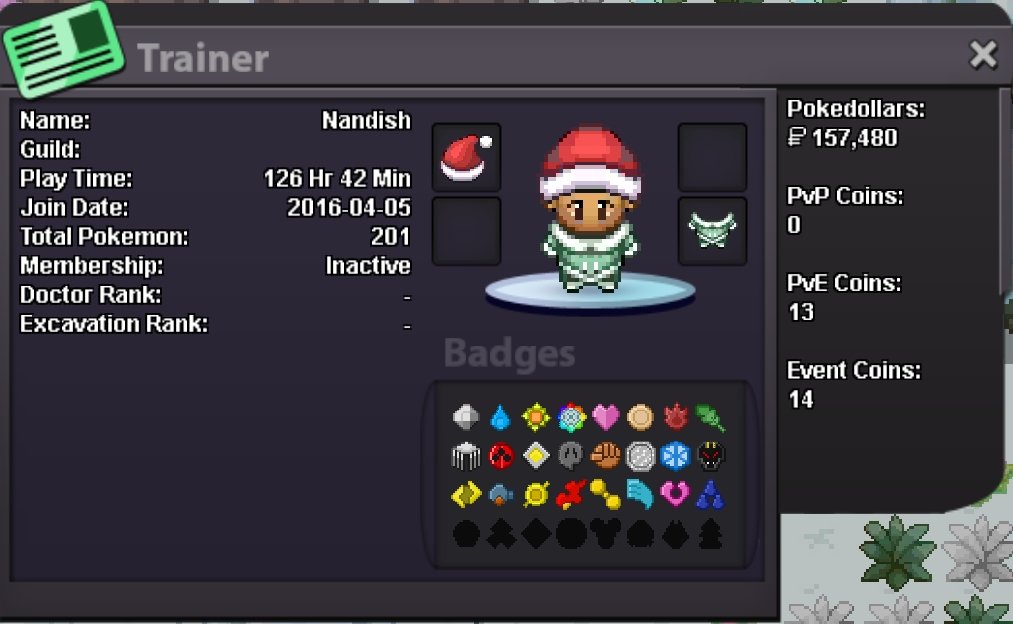 Info: c.o.: 210k by Solosolow Min bid: 5k No insta Duration: 24h from first bid (ends 4 December 21:21 CET) Contact: Ign: Nandish Discord: nandish_m
 I was playing pro today and neededto update so i deleted ALL pro files on my phone and downloaded the new version. When i installed it it says apk not installed. I have tried many things like rebooting my device, deleted package installer data, download from Samsung internet instead of chrome. But nothing works pls help me.
Account
Navigation
Search
Configure browser push notifications
Chrome (Android)
- Tap the lock icon next to the address bar.
- Tap Permissions → Notifications.
- Adjust your preference.
Chrome (Desktop)
- Click the padlock icon in the address bar.
- Select Site settings.
- Find Notifications and adjust your preference.
Safari (iOS 16.4+)
- Ensure the site is installed via Add to Home Screen.
- Open Settings App → Notifications.
- Find your app name and adjust your preference.
Safari (macOS)
- Go to Safari → Preferences.
- Click the Websites tab.
- Select Notifications in the sidebar.
- Find this website and adjust your preference.
Edge (Android)
- Tap the lock icon next to the address bar.
- Tap Permissions.
- Find Notifications and adjust your preference.
Edge (Desktop)
- Click the padlock icon in the address bar.
- Click Permissions for this site.
- Find Notifications and adjust your preference.
Firefox (Android)
- Go to Settings → Site permissions.
- Tap Notifications.
- Find this site in the list and adjust your preference.
Firefox (Desktop)
- Open Firefox Settings.
- Search for Notifications.
- Find this site in the list and adjust your preference.