




New Trade Zone
Trade Zone is now live
Use the new Trade Zone for auctions and instant-price trades so Pokemon and item offers are easy to find.

Babasti
Registered User
-
Joined
-
Last visited
Everything posted by Babasti
-
alll done ty @Tejkkapadia123 used his alt account shinyzorua1
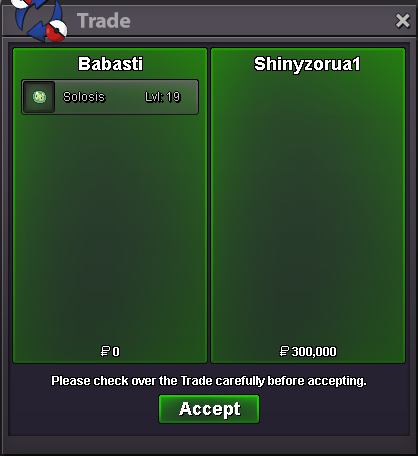
-
1/2 done
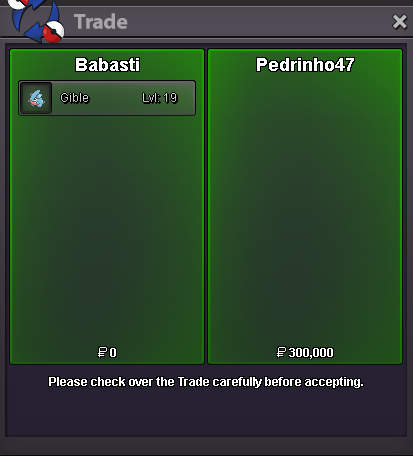
-
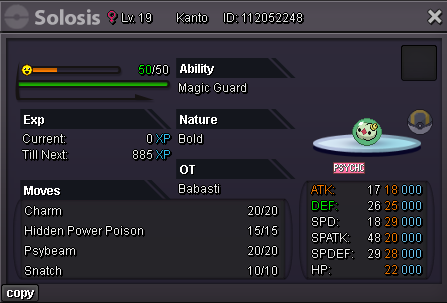
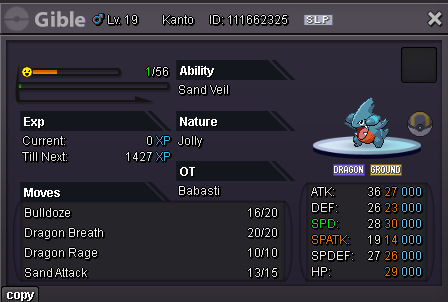
Hi Auction, seperate not a bundle s.o 100k each min bet 100k no insta 24 Hours after start payment via pokedollars or cc = 450k gl
-
2.2
-
700k Ani 500k swampert
-
Start all
-
Min bet 200k 😬 @Leon18126 bet still validHey 🙂 s.o 500k min bet 200k no insta 24 Hours after start is met Payment via Pokedollars and CC = 500k 15 Min rule will be applied, people from gold need to transfer if they win. GL 🙂
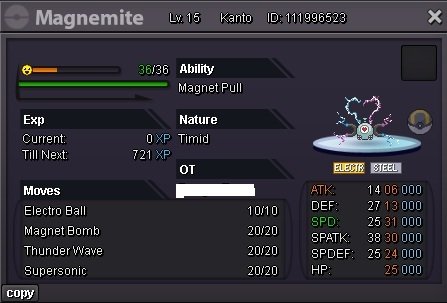
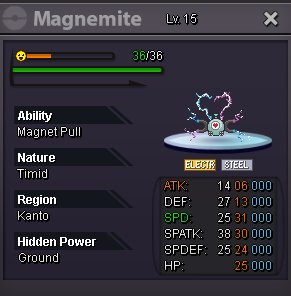 303k301k251k200kStartBump@M4dson min raise is 150k as stated in the first post. C.o slowbro still 500k by @Tkl070701Hey 🙂 Auction Not a Bundle S.o 300k each min bet 150k each 48 Hours after start is met No Insta Payments via Pokedollars and cc = 500k 15Min rule will be applied, players from gold need to transfer gl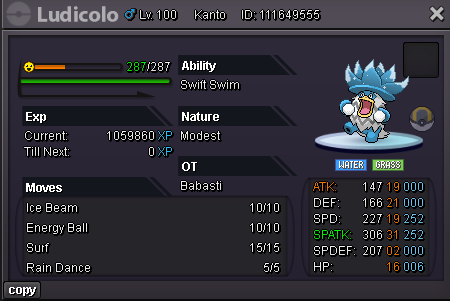
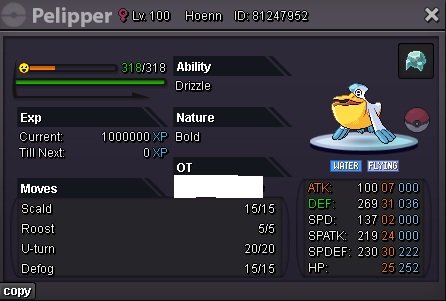
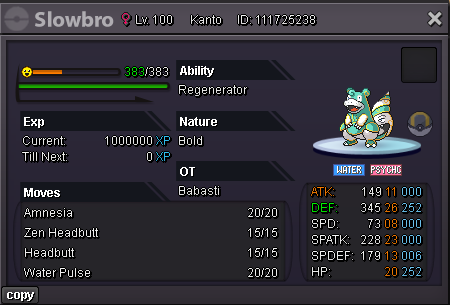 @Lor3hcc won swampert @Richieamg won PelipperHi 🙂 Not a Bundle Each duration is 24 Hours after starting point S.O Swampert 1m / Min raise 500k - No insta S.O Pelipper 200k / Min raise 100k - No insta Payment via Pokedollars or CC = 500k 15 Min rule will be applied, players from gold need to transfer thaaaanks gl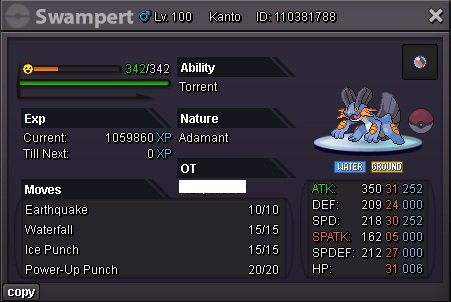
 600k gastrodon

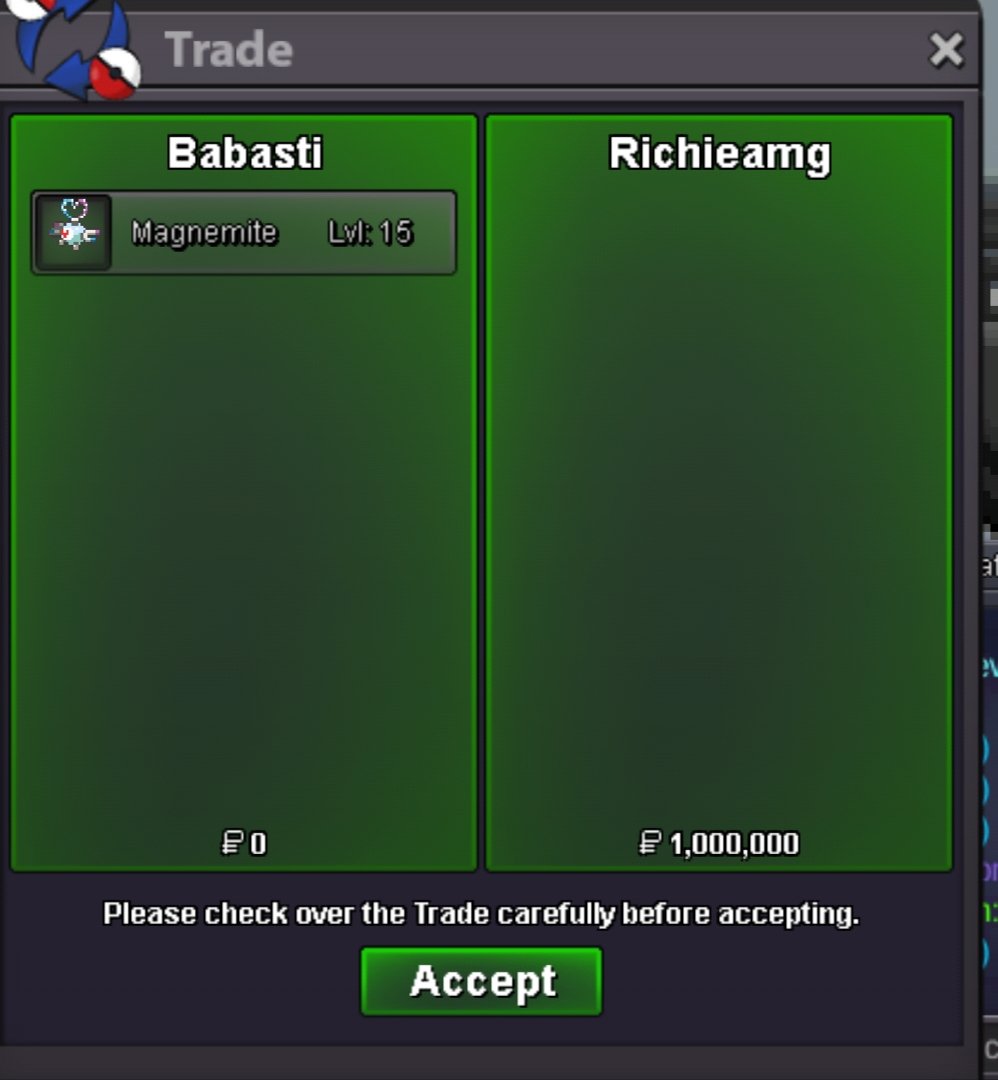
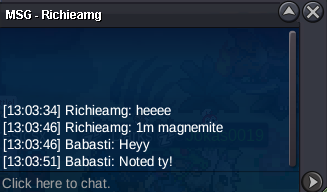




Account
Navigation
Search
Configure browser push notifications
Chrome (Android)
- Tap the lock icon next to the address bar.
- Tap Permissions → Notifications.
- Adjust your preference.
Chrome (Desktop)
- Click the padlock icon in the address bar.
- Select Site settings.
- Find Notifications and adjust your preference.
Safari (iOS 16.4+)
- Ensure the site is installed via Add to Home Screen.
- Open Settings App → Notifications.
- Find your app name and adjust your preference.
Safari (macOS)
- Go to Safari → Preferences.
- Click the Websites tab.
- Select Notifications in the sidebar.
- Find this website and adjust your preference.
Edge (Android)
- Tap the lock icon next to the address bar.
- Tap Permissions.
- Find Notifications and adjust your preference.
Edge (Desktop)
- Click the padlock icon in the address bar.
- Click Permissions for this site.
- Find Notifications and adjust your preference.
Firefox (Android)
- Go to Settings → Site permissions.
- Tap Notifications.
- Find this site in the list and adjust your preference.
Firefox (Desktop)
- Open Firefox Settings.
- Search for Notifications.
- Find this site in the list and adjust your preference.