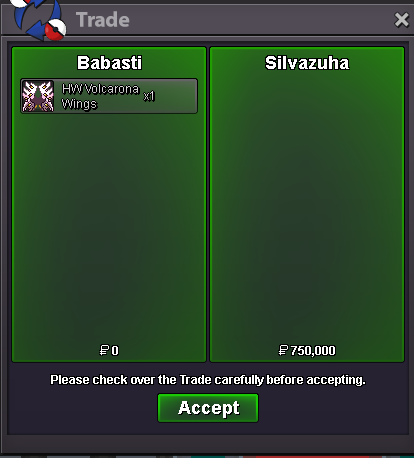
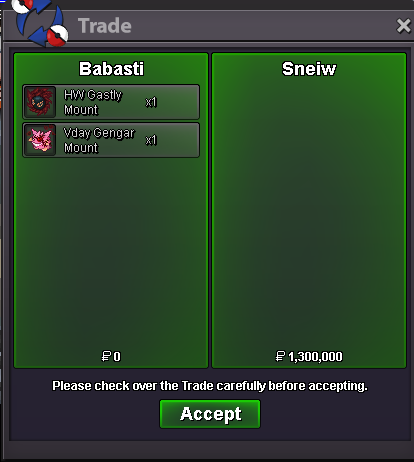
New Trade Zone
Trade Zone is now live
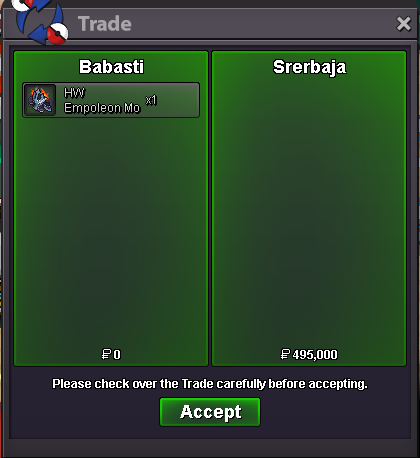
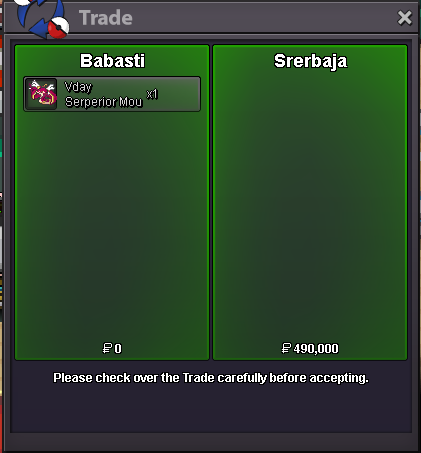
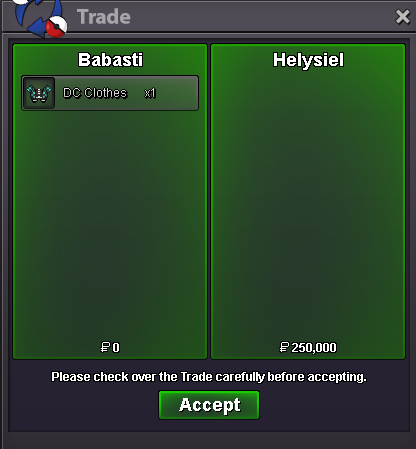
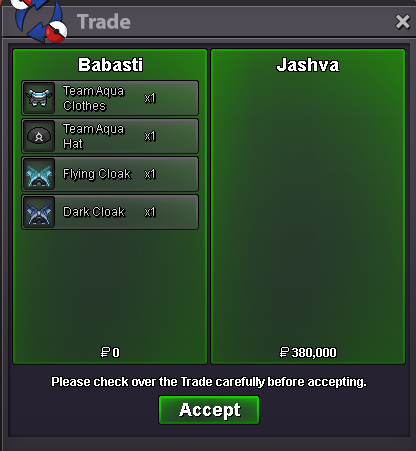
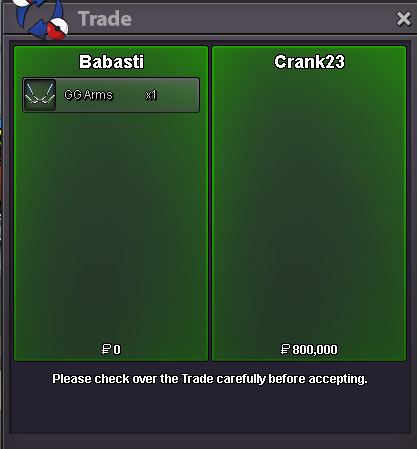
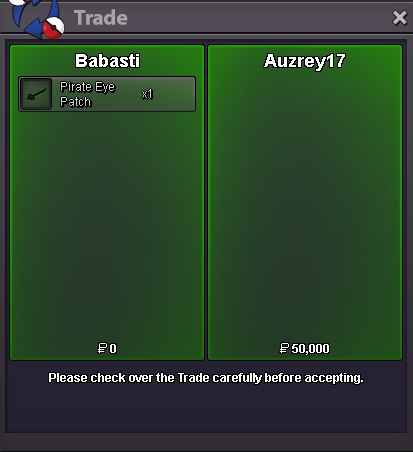
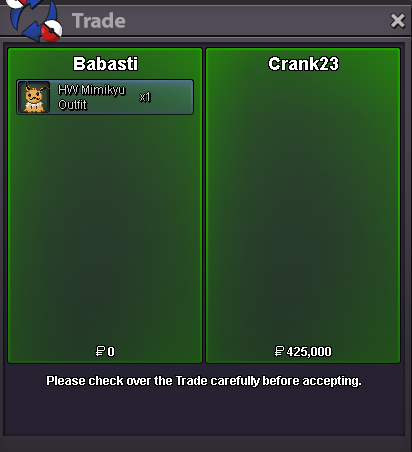
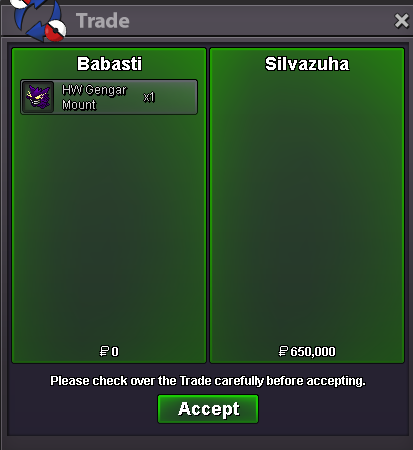
Use the new Trade Zone for auctions and instant-price trades so Pokemon and item offers are easy to find.

Babasti
Registered User
-
Joined
-
Last visited
Everything posted by Babasti
-
poor smeargle, nice thing to do tho, gl everyone
-
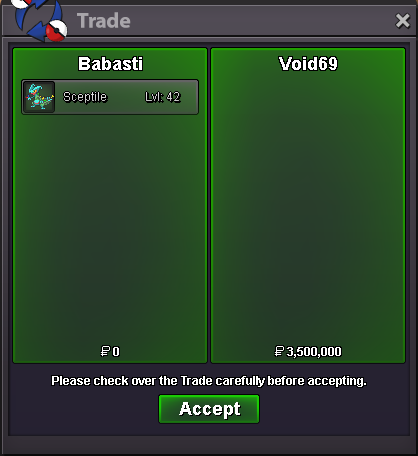
You won, letme know when your available or msg me ingame 🙂Hey 🙂 Auction for xmas Sceptile s.o 1M min bet 500k no insta 24 Hours after start Payment Pokedollar CC = 500k Enjoy ! 15Min rule will be applied, if your from Gold you need to transfer to silver.
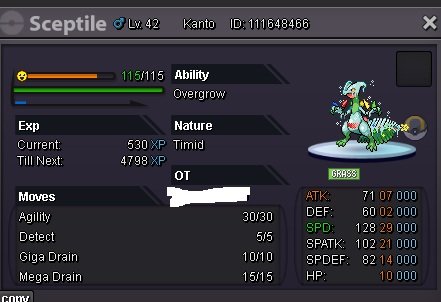 Hi 🙂 S.O 100k min bet 100k No insta 24 Hours after Start is met Payment Pokdollar CC = 500k Enjoy you Day❤️
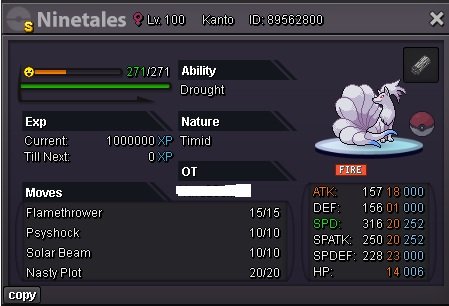 shop closed, thread can be closedHi, wtb hollow mask
Account
Navigation
Search
Configure browser push notifications
Chrome (Android)
- Tap the lock icon next to the address bar.
- Tap Permissions → Notifications.
- Adjust your preference.
Chrome (Desktop)
- Click the padlock icon in the address bar.
- Select Site settings.
- Find Notifications and adjust your preference.
Safari (iOS 16.4+)
- Ensure the site is installed via Add to Home Screen.
- Open Settings App → Notifications.
- Find your app name and adjust your preference.
Safari (macOS)
- Go to Safari → Preferences.
- Click the Websites tab.
- Select Notifications in the sidebar.
- Find this website and adjust your preference.
Edge (Android)
- Tap the lock icon next to the address bar.
- Tap Permissions.
- Find Notifications and adjust your preference.
Edge (Desktop)
- Click the padlock icon in the address bar.
- Click Permissions for this site.
- Find Notifications and adjust your preference.
Firefox (Android)
- Go to Settings → Site permissions.
- Tap Notifications.
- Find this site in the list and adjust your preference.
Firefox (Desktop)
- Open Firefox Settings.
- Search for Notifications.
- Find this site in the list and adjust your preference.