




New Trade Zone
Trade Zone is now live
Use the new Trade Zone for auctions and instant-price trades so Pokemon and item offers are easy to find.

Babasti
Registered User
-
Joined
-
Last visited
Everything posted by Babasti
-
push 24hr left
-
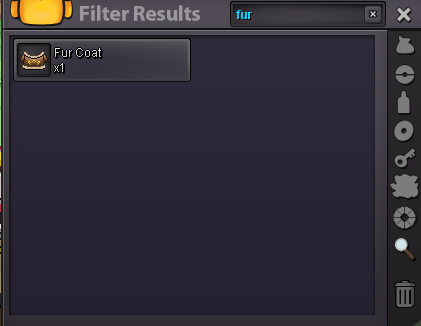
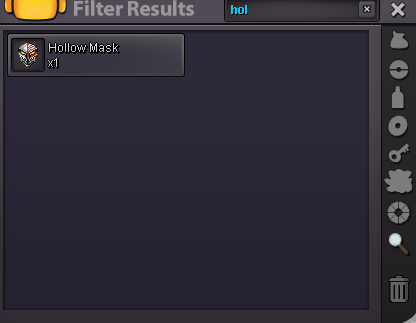
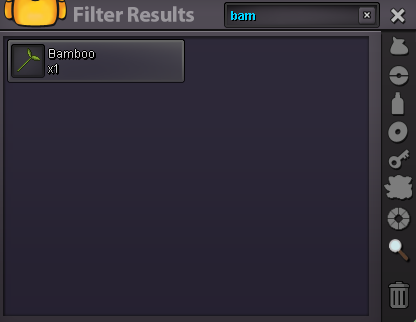
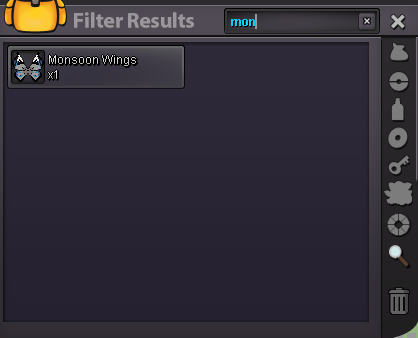
Hallo! This is a auction, as a Bundle. s.o 100k min bet 100k 48 Hours after start. Payment Pokedollars CC = 500k enjoy
-
You won - Please contact me Ingame iva Babasti or let me know when your available 🙂tyy
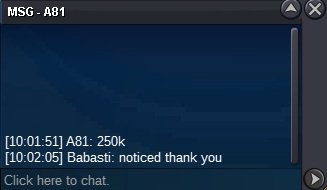
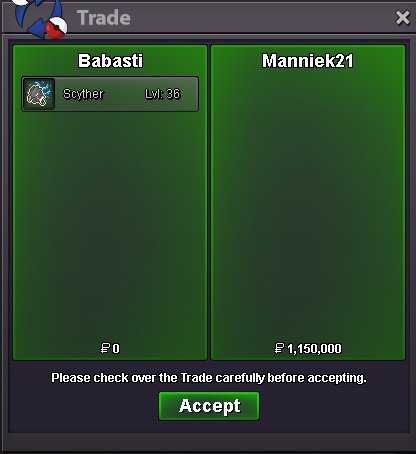 250k Cottonee
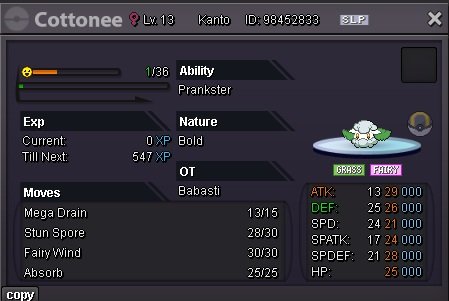
 Hellooo s.o each 100k min bet 50k 24 hour after Start Payment via Pokedollars. Have fun & Enjoy your day. removed Pika
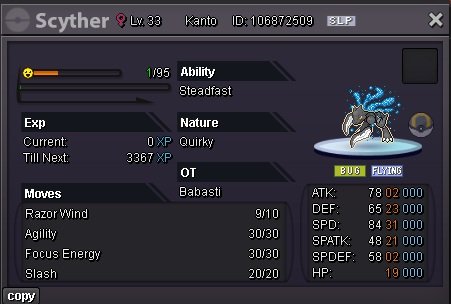
 U won - Please contact me ingame via babasti or letme know when ur online 🙂pushHello (= s.o 500k min bet 150k 48 Hours after start Payment : Pokedollars thanks and have a nice day.
 ty 🙂
ty 🙂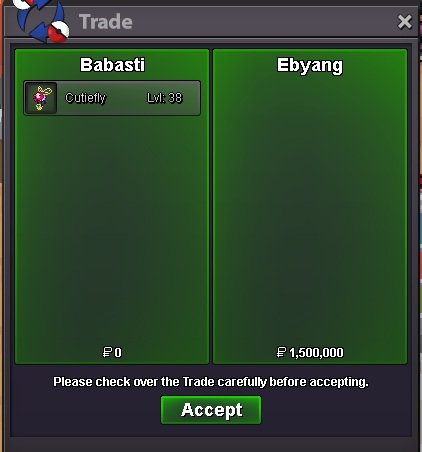 @Ebyang won. contact me ingame via babasti to fullfill the trade or let me know when ur availableHelloo s.o 500k min bet 100k duration 48 Hours after start payment via pokedollars gl hf 😃
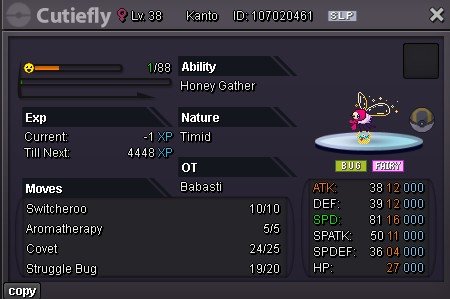 800kthank u @Kellsbelles 🙂
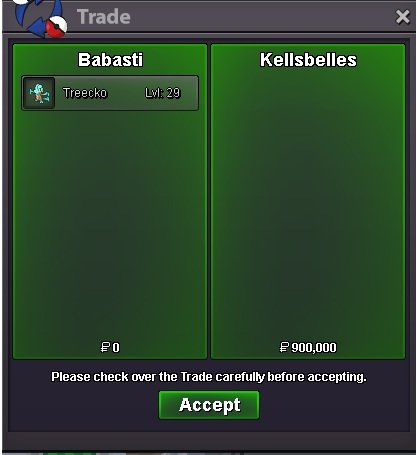 @Kellsbelles won the auction, please contact me ingame via Babasti 🙂start starmieHi s.o 500k min bet 100k 24 Hours after start payment pokedollar gl
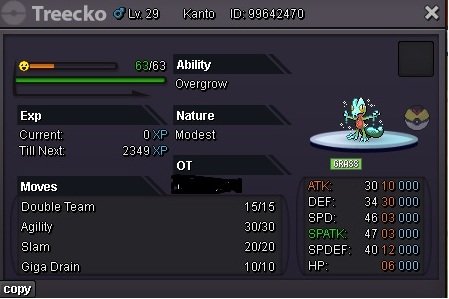 sold to @Yazzop2 thanks 🙂
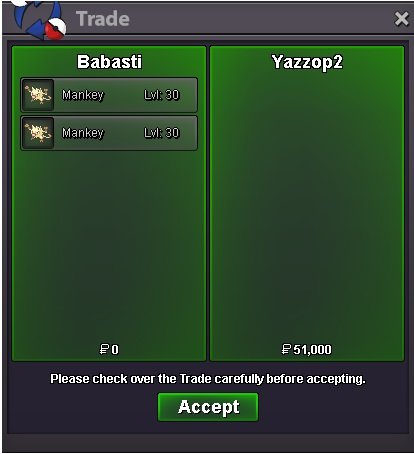 51k
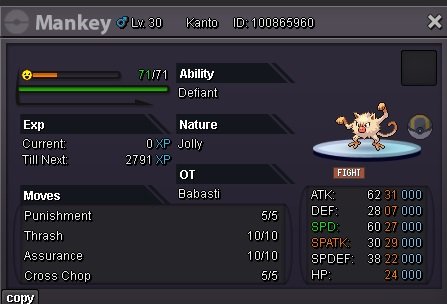
51k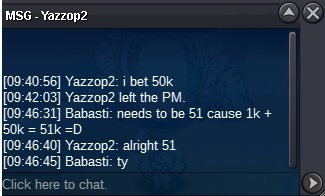 Hi auction as a Bundle s.o 1k min bet 50k duration: 24 Hr after start. accept pokedollars cc = 450k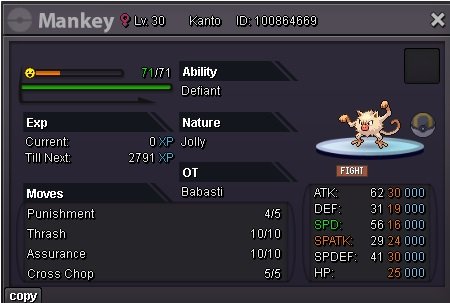
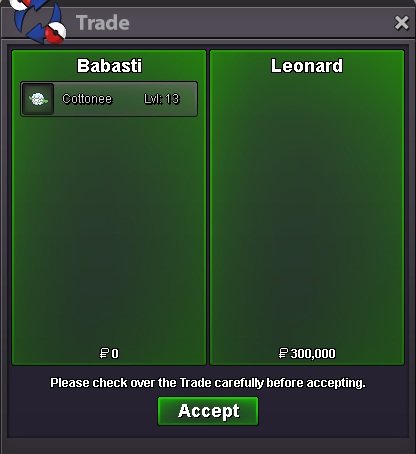
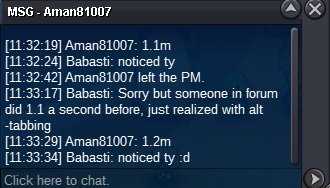
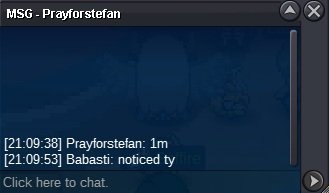
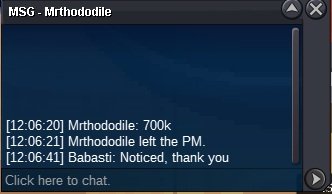

Account
Navigation
Search
Configure browser push notifications
Chrome (Android)
- Tap the lock icon next to the address bar.
- Tap Permissions → Notifications.
- Adjust your preference.
Chrome (Desktop)
- Click the padlock icon in the address bar.
- Select Site settings.
- Find Notifications and adjust your preference.
Safari (iOS 16.4+)
- Ensure the site is installed via Add to Home Screen.
- Open Settings App → Notifications.
- Find your app name and adjust your preference.
Safari (macOS)
- Go to Safari → Preferences.
- Click the Websites tab.
- Select Notifications in the sidebar.
- Find this website and adjust your preference.
Edge (Android)
- Tap the lock icon next to the address bar.
- Tap Permissions.
- Find Notifications and adjust your preference.
Edge (Desktop)
- Click the padlock icon in the address bar.
- Click Permissions for this site.
- Find Notifications and adjust your preference.
Firefox (Android)
- Go to Settings → Site permissions.
- Tap Notifications.
- Find this site in the list and adjust your preference.
Firefox (Desktop)
- Open Firefox Settings.
- Search for Notifications.
- Find this site in the list and adjust your preference.