New Trade Zone
Trade Zone is now live
Use the new Trade Zone for auctions and instant-price trades so Pokemon and item offers are easy to find.

Bobbylove
Registered User
-
Joined
-
Last visited
-
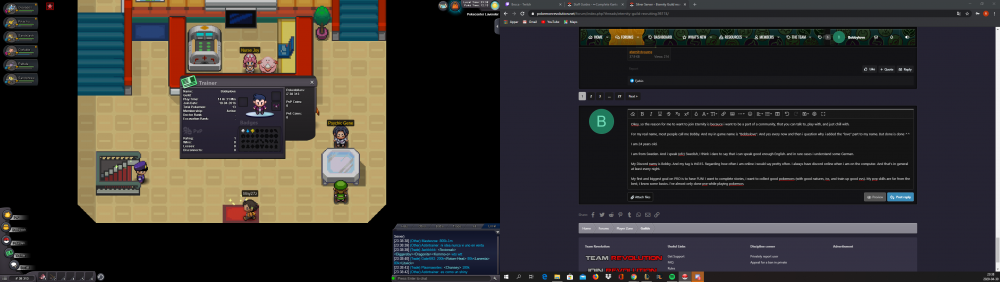
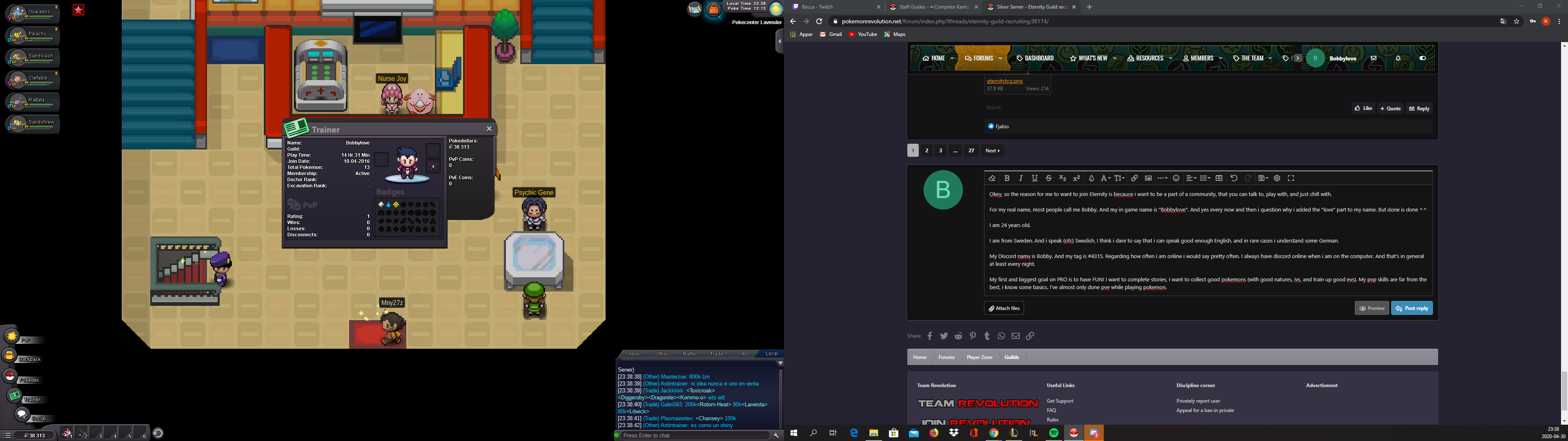
Okey, so the reason for me to want to join Eternity is becauce i want to be a part of a community, that you can talk to, play with, and just chill with. For my real name, most people call me Bobby. And my in game name is "Bobbylove". And yes every now and then i question why i added the "love" part to my name. But done is done ^^ I am 24 years old. I am from Sweden. And i speak (ofc) Swedish, I think i dare to say that i can speak good enough English. and in rare cases i understand some German. My Discord namy is Bobby. And my tag is #4315. Regarding how often i am online i would say pretty often. I always have discord online when i am on the computer. And that's in general at least every night. My first and biggest goal on PRO is to have FUN! I want to complete stories, i want to collect good pokemons (with good natures, ivs, and train up good evs). My pvp skills are far from the best, i know some basics. I've almost only done pve while playing pokemon. About my starting date. I originally started for a long time ago. As you can see. But i stopped directly Because the friend i was gonna play with back then started on gold, so i jumped over to gold too. But now i am playing on silver :) Well i guess this ends my application, i hope it's what you need to get a good view of me, and if you do have any other questions don't hesitate to ask. I am more than glad to answer anything! With that said i wanna wish you a good day and to take care!