




New Trade Zone
Trade Zone is now live
Use the new Trade Zone for auctions and instant-price trades so Pokemon and item offers are easy to find.

Vietle96
Registered User
-
Joined
-
Last visited
Everything posted by Vietle96
-
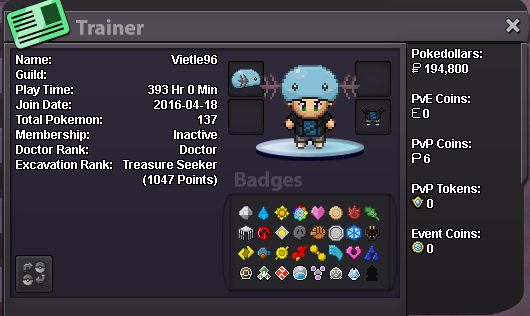
Age: 24 Just started to play again after 8 years, looking forward to actually finish up the storyline and move onto actual pvp. I spend around 3-4 hours a day playing now. I love to do lvl and ev services, so hopefully this helps the guild to improve in both pve and pvp perspective. Would love to give guild mates a 20% discount on the services as well (just give me a heads up if you want the service before I head to new region as I am trying to complete the storyline to focus on the pvp perspective)
-
I just notice that communication is very important in this game and there is one thing that I found lacking a lot is the communication between players when offline. There should be a content in friends list where you can leave a note for the offline player. Then when that player comes on then the note would appear on their screen with the note that their friend left. I find this more convince for like trading or to communicate something important. I hope this would make PRO better.