New Trade Zone
Trade Zone is now live
Use the new Trade Zone for auctions and instant-price trades so Pokemon and item offers are easy to find.

Donksy
Registered User
-
Joined
-
Last visited
-
-
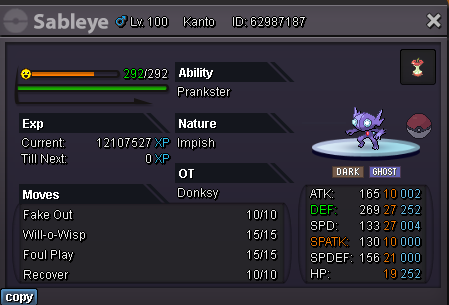
I think it's 70k I have one if you need to buy. IGN : Donksy
-
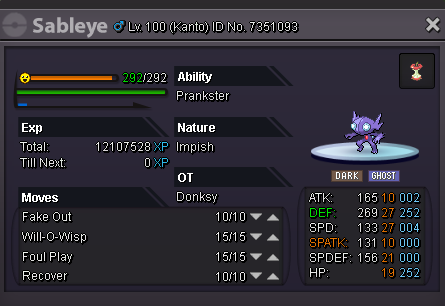
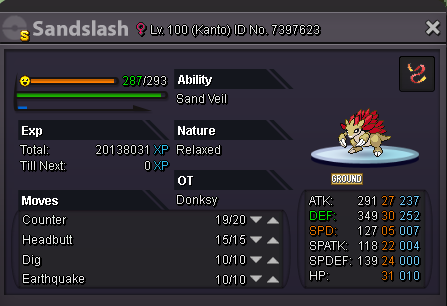
I have this guy not impish but I'm not going to use him.
-
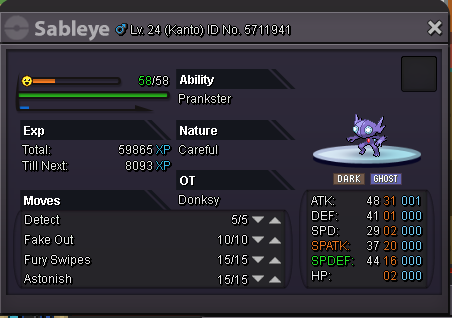
Assuming the Sandslash has correct ev training
-
100k for porygon
-
reaper cloth 100k
-
Re: Memoire [international guild] Red and Blue server! <t>1. How many hours of gameplay do you have? 218<br/> 2. Tell us a little about yourself. Im 16 from the US<br/> 3. Are you able to visit Discord? Yes<br/> 4. Are you going to be online daily? Yes<br/> 5. What do you look for in a guild? an active group of people to play with<br/> 6. Are you a PvE or a PvP type of person? PvE<br/> <br/> IGN : donksy (blue server)</t>
-
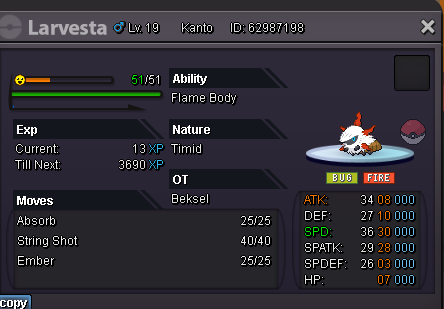
Ill buy epic litwick or its evolution Ability - flash fire Nature - timid/modest spatk - 24+ spd - 20+ IGN - donksy
-
120k for heracross
-
How do i contact you in-game?
-
What's you in game name? donksy ~How old are you? 16 ~How many hours played do you have? 104 ~How many hours a day do you play? 2-4 ~Do you know what Ivs & Evs are? yes ~Do you think you have general knowledge of PRO? mostly ~Have you played any other pokemon MMO games before? (Please DON'T mention names) nope ~If you have any ability that can help us inside of the clan please let us know. no idea what clans do