New Trade Zone
Trade Zone is now live
Use the new Trade Zone for auctions and instant-price trades so Pokemon and item offers are easy to find.

Springhow
Registered User
-
Joined
-
Last visited
Everything posted by Springhow
-
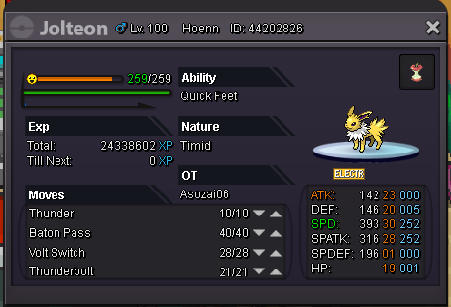
May I know is there a chance to make my jolteon to espeon. it such a waste to become jolteon for my epic Eevee :(. SEND HELP
-
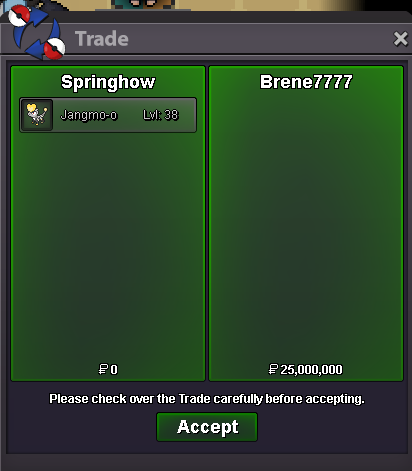
Auction end with the bid 25m from Amarok7 and Brene7777

-
Please reply to my message and where do we make the trade
-
Dear trade moderator, he has won the bid I can't find him in game
-
Hey Amarok7 you win the bid for this poke
-
Jorogumo win the bid with 19.2m end auction
-
time left 5 minute left
-
time left from now is 38 minutes
-
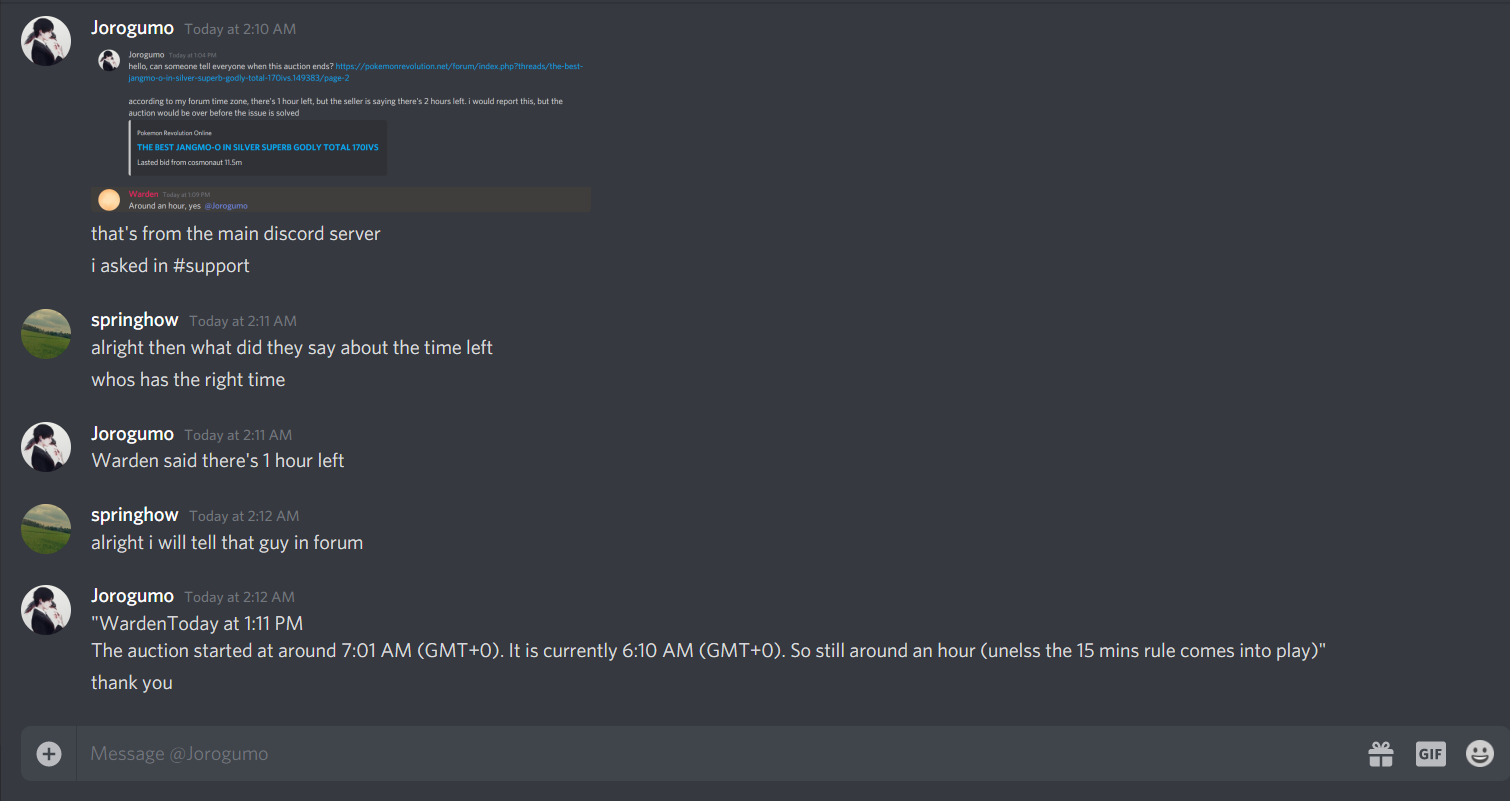
Dear every lovely Pros players, kindly tell me what is the time left from now because due to the reason of we all from different country have different time zone please tell me how many time left to let everyone know because I had received some pm that my time left got some issue. Appreciate it :)Lasted bid from cosmonaut 11.5m
 Latest bid from Smooge 11m
 It will be end around 8 hours lateryes it will be ended around that time after Bojack's offer, the time left for now around 13 hoursCURRENT OFFER: B.o 6m + 2cc Insta price: 30m Auction Rules: The auction will be started when the first comment given ended in 24 hours Min bid 200k Payment Method Priority Pokedollar (Accept Coins Capsule=380k) (Reroll Ticket=600k)