New Trade Zone
Trade Zone is now live
Use the new Trade Zone for auctions and instant-price trades so Pokemon and item offers are easy to find.

Splinterman
Registered User
-
Joined
-
Last visited
-
ok bro no problem i have no issue good luck
-
my offer 3.2 m
-
You won baby meet me in game
-
bump
-
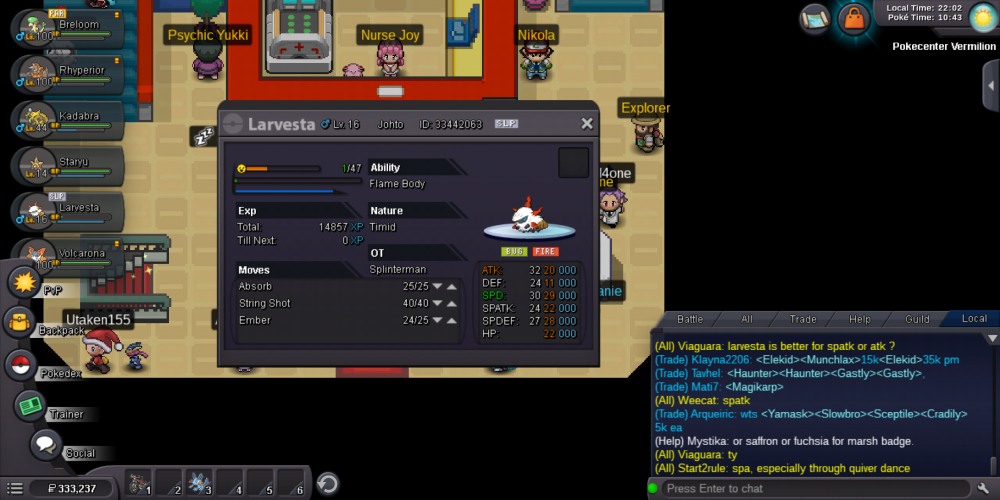
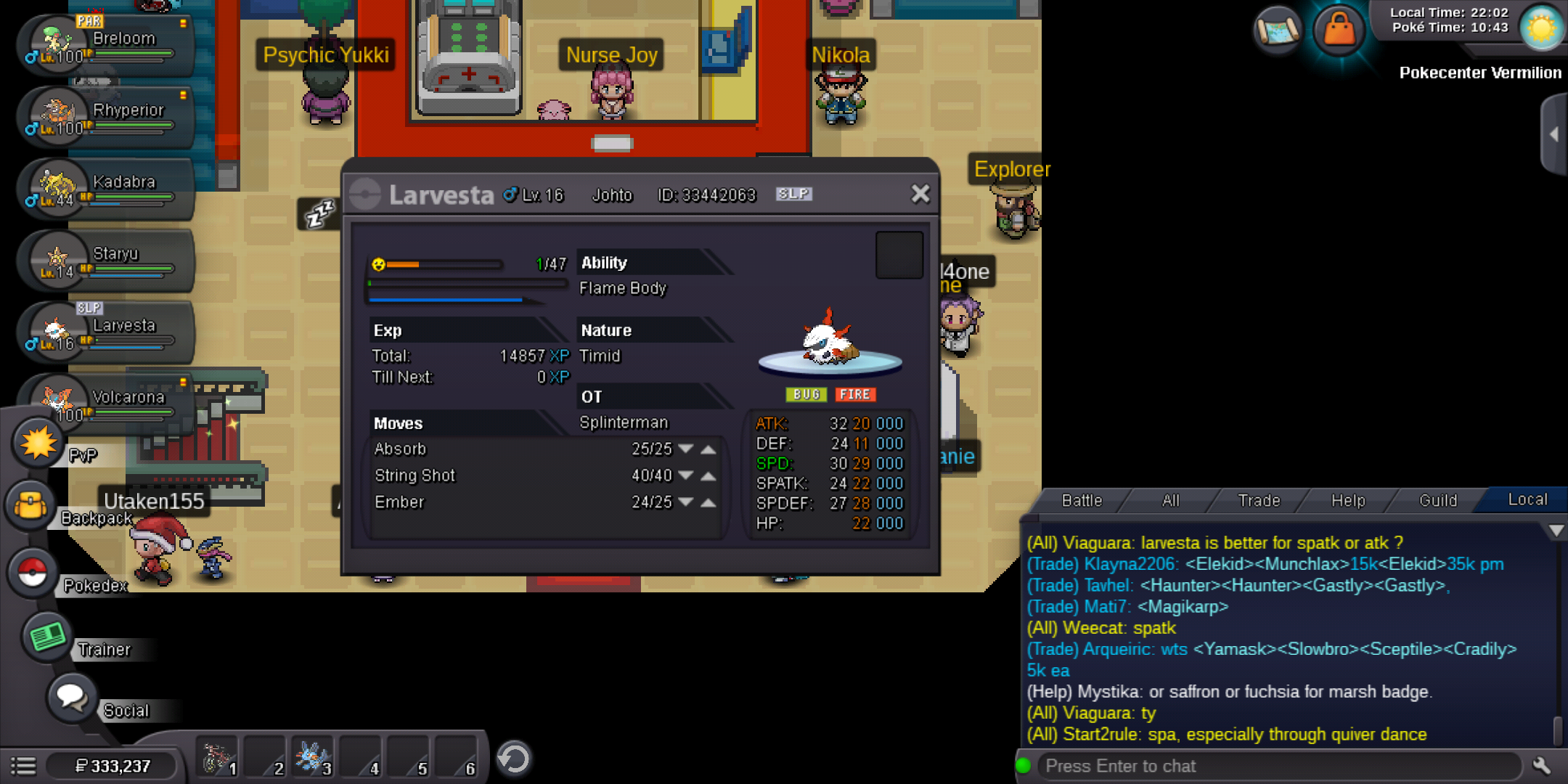
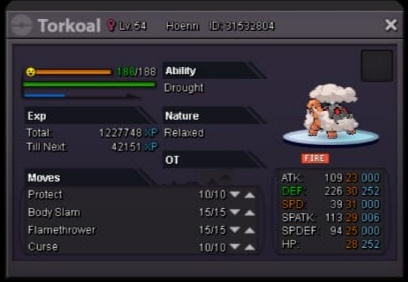
Start offer 1m Min raise 100k I accept only cc =260k and no other items Insta will add few hours before the auction end. 1. No fake bids and offers or you will get reported 2. You cannot take back your offer because if you do you will get reported immediately for breaking the auction rule. 3. Auction will end after 4 days from first bid Note: I have the rights to cancel the auction if i don't like the final price Let's get started...
-
Great! Auction starts from now
-
Bump
-
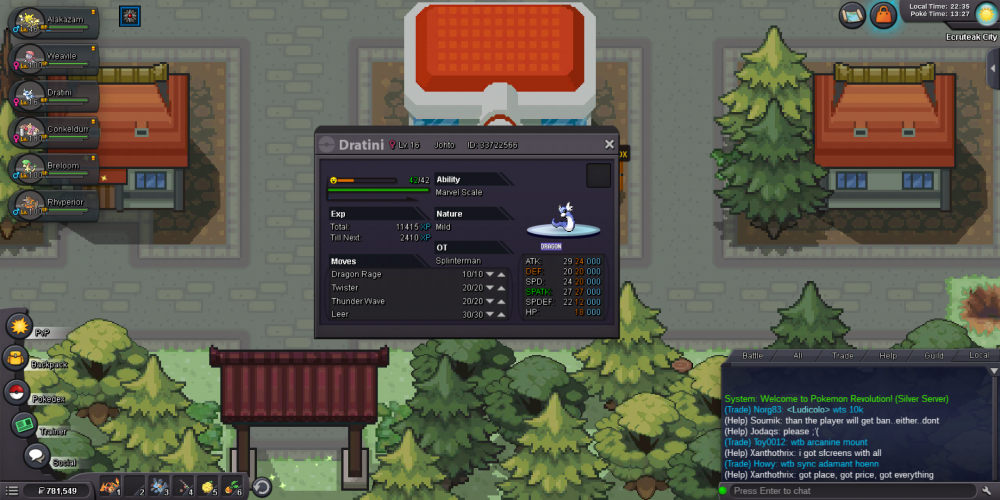
Best offer 300k by Pavlosk Instant: 1.5M Min raise: 100k Auctions end after 3 days from the first bid. I have rights to cancel the bid if I m not satisfied with the offer. Accept cc = 290k and choice items = 80k
-
This
-
4m is too much for this
-
Bump
-
E="Dame201, post: 684773, member: 1228239"] Where is the ace offer dissappear?
-
Bump
-
-
Start offer 120k Instant: 1.5M Min raise: 50k Auctions end after 3 days from the first bid. I have rights to cancel the bid if I m not satisfied with the offer. Accept cc = 290k and choice items = 80k Good luck!!